
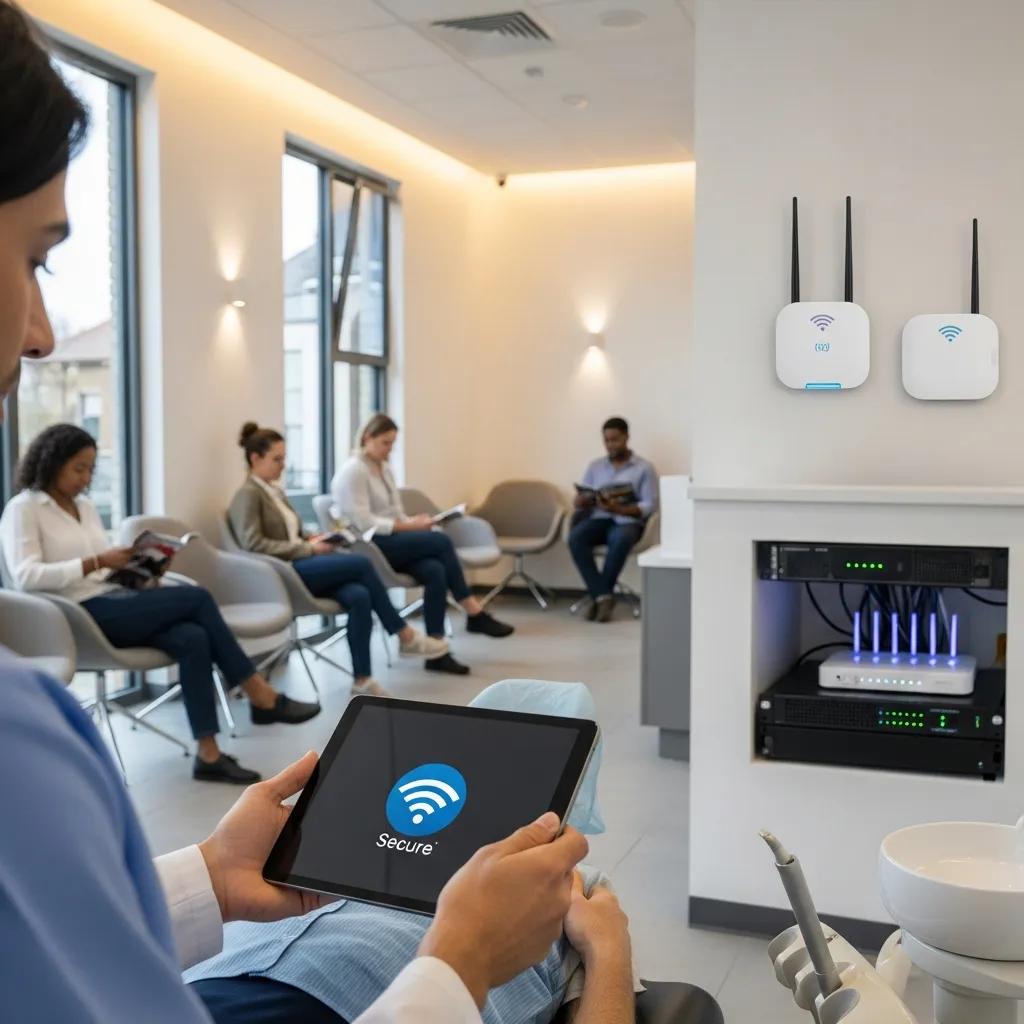
Secure Wireless Networks for Dental Practices — HIPAA‑Ready Wi‑Fi and Practical Network Security
A secure wireless network is a purpose-built Wi‑Fi and networking design that keeps electronic protected health information (ePHI) safe, enforces who can access systems, and keeps your practice running. Wi‑Fi makes life easier for clinicians and patients, but it also opens doors attackers can use to reach records, images, and scheduling systems. In this guide we walk through how to design, configure, and operate clinic wireless access that supports PIPEDA (and HIPAA where applicable), protects your dental office Wi‑Fi, and lowers the chances of ransomware or data theft. You’ll get a clear compliance checklist, patient Wi‑Fi and segmentation best practices, hardware and technology recommendations, the role of managed IT, and a training plus audit cadence so security stays effective over time. We reference terms like WPA3, 802.1X, VLANs, RADIUS, and cloud backup to link practical controls with regulatory safeguards and everyday clinic workflows so you can secure patient Wi‑Fi without interrupting care.
Why a Secure Wireless Network Matters for Dental Office Security
Secure wireless is essential because it prevents unauthorized access to ePHI, reduces the attack surface for ransomware, and keeps clinical systems available. Wireless traffic travels over radio waves, so you need encryption, authentication, and isolation to protect data in transit and to stop attackers from moving laterally between guest devices and clinical systems. Securing your office Wi‑Fi preserves patient trust, lowers regulatory risk under PIPEDA (and HIPAA when relevant), and keeps scheduling and imaging systems working. The section below breaks down how common wireless controls protect health records and day‑to‑day clinic tools.
How Wireless Security Protects Patient Data and EHRs
Wireless security protects patient data by encrypting traffic, enforcing who can connect, and monitoring activity for unusual behaviour. Modern encryption standards such as WPA3 and TLS make radio transmissions and web sessions unreadable to eavesdroppers. Authentication methods like 802.1X and device certificates verify identity before granting network access. Role‑based access and multi‑factor authentication limit which users and devices reach practice management systems, imaging servers, and backups, shrinking the exposure of ePHI. Continuous logging and monitoring create audit trails you need for investigations and compliance. Together these layers reduce the chance that a single failure turns into a full breach.
Risks of Leaving Dental Practice Wi‑Fi Unsecured
Unsecured clinic Wi‑Fi can allow eavesdropping, man‑in‑the‑middle attacks, unauthorized access to EHRs, and initial footholds for ransomware. Attackers commonly probe open or poorly segmented guest networks, and weak firewall rules, legacy protocols, or default credentials make lateral movement easy. A data breach brings fines, remediation costs, mandatory patient notifications, and reputational harm that can reduce bookings and referrals. Practical mitigations include enforcing modern encryption, isolating guest traffic, applying strong authentication, and using managed detection to shorten attacker dwell time — topics we cover in the compliance and best‑practice sections.
Meeting HIPAA and PIPEDA Requirements for Dental Wireless
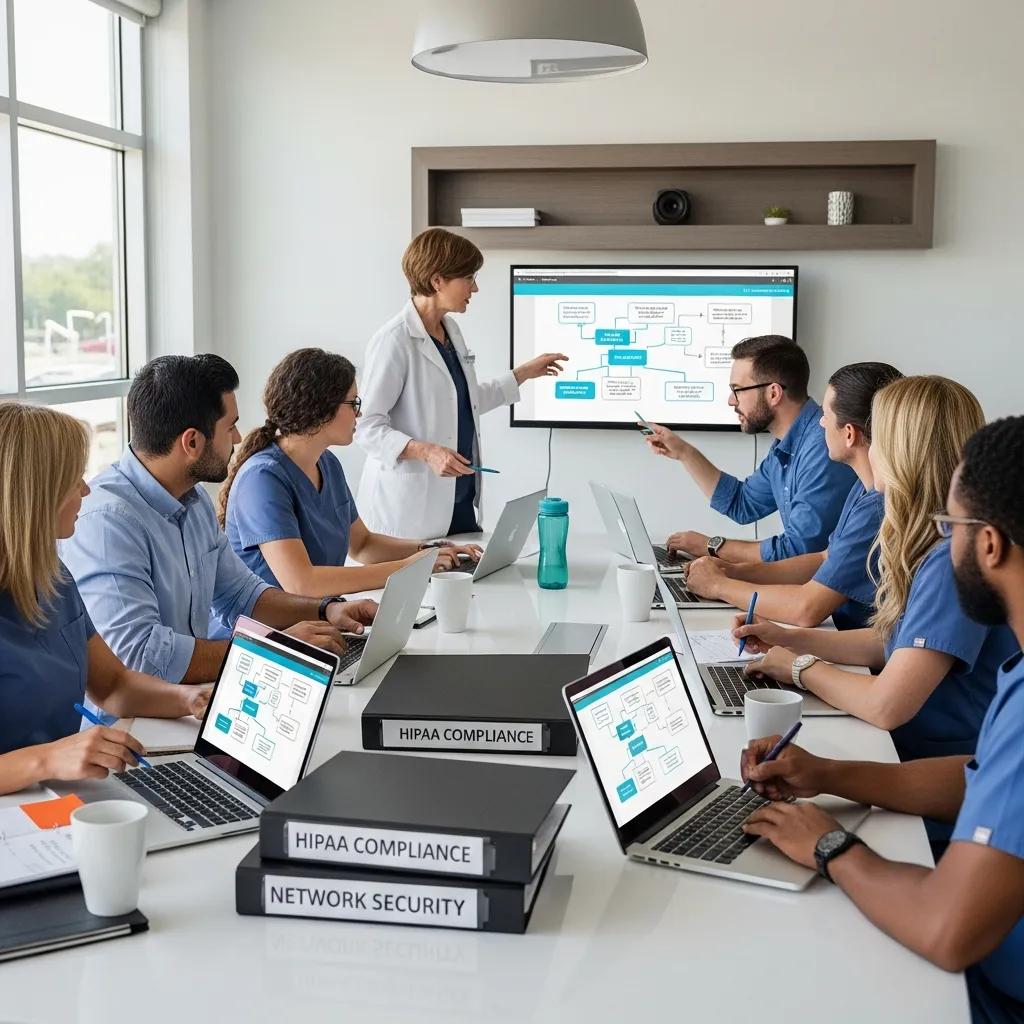
Achieving compliance for clinic wireless means implementing administrative, physical, and technical safeguards and documenting them clearly for audits. Start with policies and vendor agreements, control physical access to network gear, and then apply technical measures such as encryption, segmentation, logging, and backups. This layered approach meets PIPEDA’s accountability and safeguard expectations and aligns with HIPAA’s Security Rule when U.S. patient data or vendors are involved. The following subsection maps these safeguard categories to practical actions you can implement in a dental clinic.
HIPAA’s Technical Safeguards are foundational — yet awareness of these rules can be limited in broader technology development communities.
HIPAA Technical Safeguards & Security Regulations
HIPAA specifies Technical Safeguards, but many mobile app developers — including creators of mHealth apps — remain unaware of these security and privacy requirements.
A comparative study on hipaa technical safeguards assessment of android mhealth applications, MR Mia, 2022
Administrative, Physical, and Technical Safeguards — What to Do
Below is a practical mapping of safeguards to responsibilities so clinics can turn regulatory language into daily controls and audit evidence.
| Administrative | Example Action | Responsible Role |
|---|---|---|
| Policies & Procedures | Create written wireless access and BYOD policies with a scheduled review | Practice Manager / IT Lead |
| Training & Awareness | Run annual security training and role‑based refreshers, including phishing simulations | HR / IT Provider |
| Vendor & Contract Controls | Require third‑party contracts to include data protection and breach‑notification clauses | Practice Owner / Legal Advisor |
The HIPAA Security Rule highlights technical safeguards as a key control for limiting access to ePHI and keeping audit records.
HIPAA Security Rule: ePHI Access Control & Auditing
The Security Rule’s technical safeguards define standards that require procedures to control access to ePHI, audit system activity, and protect ePHI from unauthorized access, alteration, or destruction.
Securing the HIPAA security rule, S Hoffman, 2007
This mapping makes it clear who does what and how to evidence compliance. Administrative controls are the governance backbone that enable technical safeguards; the next section outlines how Canadian priorities overlap with HIPAA.
How HIPAA and PIPEDA Shape Dental IT Decisions
PIPEDA requires accountability, reasonable safeguards, and informed consent when handling personal health information in Canada — meaning you must document risk assessments, retention policies, and breach response plans that cover wireless systems. HIPAA’s technical requirements (encryption, access controls, audit logs) are similar in purpose, so clinics serving cross‑border patients or using U.S. vendors should align practices with both frameworks. Practical steps include documenting encryption standards (WPA3 for Wi‑Fi, TLS for web services), keeping vendor compliance evidence, and applying consistent retention and backup policies. Understanding the overlap helps you invest in controls that meet multiple regulatory expectations while keeping patient trust intact.
Best Practices for Secure Patient Wi‑Fi in Dental Clinics
Secure patient Wi‑Fi balances ease of use with protection by isolating guest traffic, enforcing modern encryption, and presenting a simple captive portal. Segmentation keeps guests away from staff and medical‑device VLANs, captive portals collect minimal consent and show acceptable‑use terms, and bandwidth controls prevent abuse while prioritizing clinical systems. The subsections below cover WPA3 migration, segmentation configurations, and a comparison of common guest‑network approaches so you can choose what fits your clinic.
Using WPA3 and Strong Authentication
WPA3 offers stronger protection than WPA2 by using SAE (Simultaneous Authentication of Equals) to resist offline dictionary attacks and improve forward secrecy. Migration steps include auditing client compatibility, updating access point firmware, configuring enterprise authentication with 802.1X and a RADIUS server where possible, and keeping WPA2 fallback for legacy devices during transition. Certificate‑based authentication or RADIUS with machine/user certificates reduces credential exposure versus shared keys and enables role‑based VLAN assignment. Test changes in a staging environment before rollout and monitor authentication logs for issues that indicate configuration drift.
Effective Segmentation and Guest Network Strategies
Segment networks into guest, staff, and medical‑device VLANs and enforce firewall rules that prevent inter‑VLAN access — this is the simplest, most effective way to protect ePHI while providing patient Wi‑Fi. A recommended VLAN plan looks like: Guest VLAN for patient devices with internet‑only rules; Staff VLAN for workstations and printers with controlled access to practice systems; Medical Device VLAN for imaging and chairside devices with tightly scoped server access. Use captive portals on the guest VLAN with session logging and firewall rules that only allow outbound internet to reduce lateral movement. The table below compares common guest approaches to help you pick the right model.
| Approach | Characteristic | Pros / Cons |
|---|---|---|
| Guest VLAN + Captive Portal | Isolates traffic and captures consent | + Strong isolation; – Requires portal configuration |
| Open SSID with Rate Limits | Easy for patients and low configuration | + Convenience; – High risk if misconfigured |
| WPA3‑PSK Guest | Encrypted guest sessions using a shared key | + Encryption; – Challenges with key distribution and rotation |
How Managed IT Services Strengthen Wireless Security for Dental Clinics
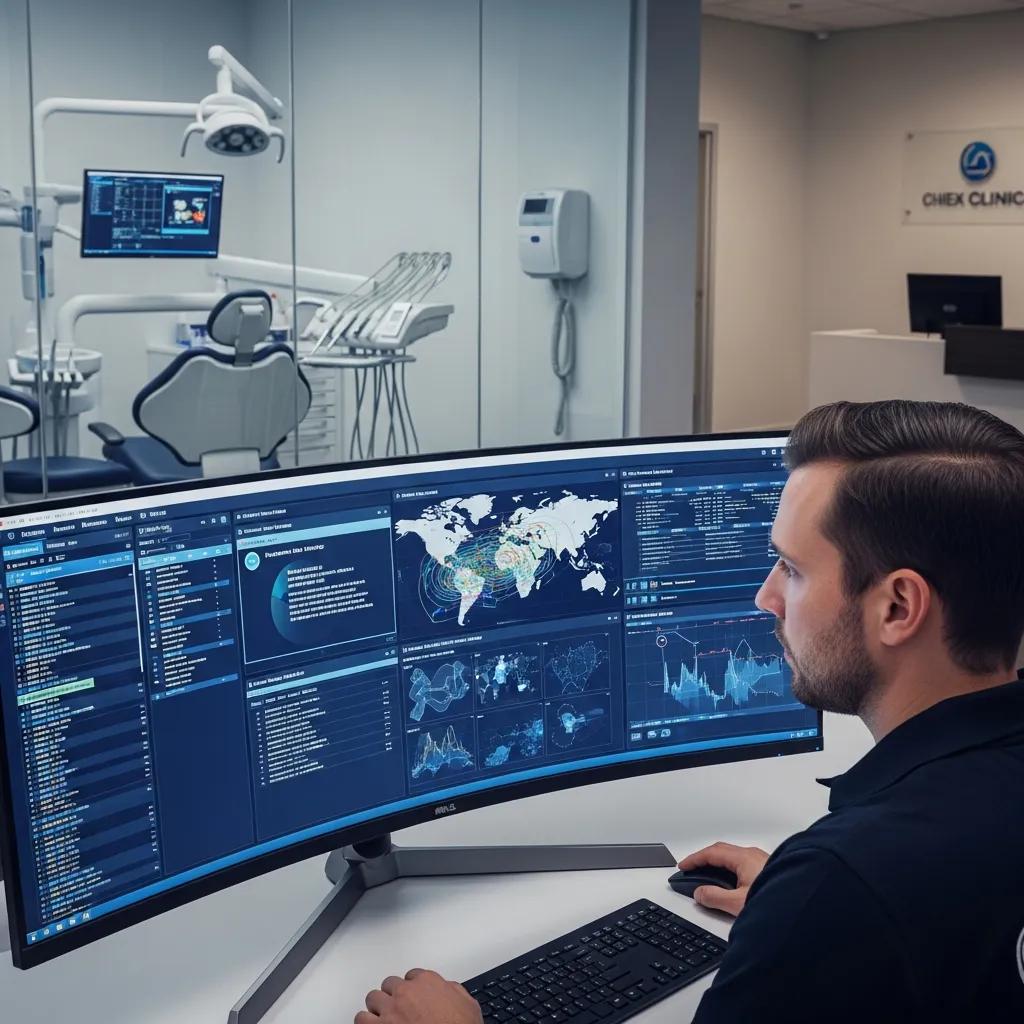
Managed IT services combine architecture design, continuous monitoring, and incident response so you can keep a secure posture without adding work for clinic staff. External providers apply secure configurations, manage firmware and patches, monitor for intrusions, and coordinate backups and disaster recovery so clinics maintain uptime and compliance readiness. The sections below outline common cybersecurity services for dental clinics and explain how monitoring plus recovery planning supports business continuity.
DentalTek’s Cybersecurity & Managed Services for Clinics
DentalTek offers managed services built for dental clinics: secure network design and implementation, 24/7 monitoring and alerting, managed firewall and endpoint protection, and cloud backups following best‑practice backup rules. These services help clinics maintain secure wireless access, align with regulatory safeguards, and shorten incident response times by leveraging experienced specialists. If you prefer external support, request a security audit or demo to see how managed services would fit your workflows and compliance needs.
Proactive Monitoring and Disaster Recovery for Continuity
Proactive monitoring spots anomalies, missing patches, and suspicious traffic before they become breaches; disaster recovery ensures clinical data and imaging can be restored within your RTO/RPO targets. Implement 24/7 alerting, routine backup verification, and periodic tabletop incident drills to reduce recovery time and improve communication during incidents. The 3‑2‑1 backup rule — three copies, two media types, one offsite — works well for clinic data; scheduled restore tests prove recoverability. Combined, monitoring and recovery protect appointment schedules, imaging access, and patient communications after an event.
Recommended Wireless Hardware and Technologies for Clinics
Choose business‑grade routers and access points for the performance, security features, and central management you need. Prioritise devices that support WPA3, 802.1X, centralized firmware management, and optional IDS/IPS to detect anomalies. Add VPN endpoints for secure remote access and cloud backup integration for offsite protection. Proper hardware sizing depends on clinic square footage, patient throughput, and device density — the checklist below outlines core attributes to guide purchasing.
Why Business‑Grade Routers and Access Points Matter
Business‑grade equipment gives you centralized visibility, stronger security features, and vendor support that simplifies maintenance and incident response. Key features include centralized management consoles, automatic firmware updates, WPA3 and 802.1X support for enterprise authentication, and built‑in threat detection such as IDS/IPS. Vendor SLAs shorten recovery time for hardware failures or vulnerabilities — vital when imaging and EHR access must stay online. The table below helps translate clinic needs into device attributes.
| Device | Attribute | Typical Recommendation |
|---|---|---|
| Access Point | Max concurrent clients | 100–200 clients per AP for small‑to‑medium clinics |
| Router | Firewall throughput | ≥1 Gbps with hardware offload for busy practices |
| Firewall | Features | Stateful inspection, IDS/IPS, VLAN support, VPN endpoints |
This guidance helps you match equipment to expected load and security needs so your wireless deployment scales securely. The next section covers VPNs and backups for secure remote access and data protection.
VPNs and Cloud Backups to Protect Practice Data
VPNs secure remote access to on‑premise systems by encrypting traffic between remote endpoints and the clinic network, while cloud backups protect data from local disasters and ransomware by keeping immutable or versioned copies. Use site‑to‑site VPNs for branch links or cloud services and endpoint VPNs for secure remote admin, enforcing strong encryption (AES‑256) and certificate‑based authentication where possible. Backups should be encrypted at rest and in transit, include practice management and imaging repositories, and be verified regularly to confirm restorability. Tie VPN access to centralized authentication and logging so remote sessions remain auditable and limited to authorised users.
Training Staff and Keeping Wireless Security Current
Long‑term wireless security depends on regular training, tabletop exercises, and scheduled audits that track KPIs like patch time, detection time, and backup success. Staff are the most common breach vector, so a program with annual baseline training, role‑based modules, and simulated phishing materially reduces human risk. Set an audit cadence for vulnerability scans, configuration reviews, and penetration tests, and use monitoring outputs to drive remediation SLAs. The subsections below outline practical training modules and an audit schedule to operationalize continuous improvement.
Practical Employee Cybersecurity Training
Effective training mixes a yearly baseline, targeted role‑based sessions, and regular phishing simulations to measure progress and reinforce safer behaviours. Clinicians should learn safe device handling and data sharing; administrative staff need secure practice‑management access and consent procedures; IT vendors belong in vendor management briefings. Use short microlearning modules, quick quizzes, and a tracking dashboard to record completion for audits, and update content based on phishing results. Making security a part of routine staff meetings helps connect secure practices to patient care outcomes.
People matter: lasting wireless security depends on educating users and enforcing clear security policies.
Wireless Network Security Best Practices & User Training
Practical security measures include educating staff about wireless risks, applying established best practices, and enforcing clear security policies within the workplace.
An overview of wireless network security, A Kavianpour, 2017
Audits and Continuous Monitoring
A sustainable audit and monitoring program should include quarterly vulnerability scans, configuration reviews after firmware or policy changes, and annual penetration testing to validate controls. Continuous monitoring using log aggregation and alerting (SIEM‑lite or SOC‑managed) delivers near‑real‑time detection. Track KPIs such as average patch time, mean time to detect (MTTD), and backup verification success to measure performance. Maintain an incident response checklist with defined roles, notification triggers, and communication templates aligned to regulatory reporting timelines. Regular audits and data‑driven monitoring give the evidence you need to prove controls are effective and to prioritise improvements.
If you’d rather delegate these tasks, DentalTek can provide training, ongoing monitoring, and disaster recovery support to implement the audit cadence and staff programs above. Engaging a specialist reduces internal overhead while keeping compliance, uptime, and patient trust intact — request a demo or security audit to evaluate fit and expected outcomes.
- Training Program: Annual baseline training plus role‑based refreshers and phishing simulations.
- Audit Cadence: Quarterly scans, change‑driven configuration reviews, and annual penetration tests.
- Monitoring KPIs: Patch time, detection time, backup verification success rate.
These operational practices close the gap between technical controls and human behaviour, keeping your wireless architecture secure, resilient, and audit‑ready.
Frequently Asked Questions
What are the key components of a secure wireless network in a dental practice?
A secure dental Wi‑Fi setup includes modern encryption (WPA3), strong authentication (802.1X), and network segmentation that separates guest devices from clinical systems. Ongoing monitoring and logging are also essential to detect anomalies and meet regulatory expectations under HIPAA and PIPEDA. Together these components protect ePHI and keep clinical operations stable.
How often should dental practices conduct security audits?
Perform a full security audit at least annually, with quarterly vulnerability scans and configuration reviews after any significant changes. Annual penetration testing validates your defensive posture. Regular, proactive checks help you spot weaknesses before they become incidents and demonstrate due diligence to regulators.
What role does employee training play in maintaining network security?
Employee training is a cornerstone of network security because human error is a leading cause of breaches. Combine annual baseline training, role‑specific modules, and simulated phishing to build awareness and measure progress. A well‑trained team significantly reduces risk and supports faster, more effective incident response.
What are the consequences of failing to secure a dental practice’s wireless network?
Failure to secure Wi‑Fi can lead to unauthorized access to EHRs, data breaches, and ransomware that disrupts care. Consequences include regulatory fines, remediation costs, mandatory notifications, legal liability, and damage to patient trust — all of which can hurt revenue and referrals.
How can dental practices ensure compliance with HIPAA and PIPEDA?
Ensure compliance by implementing administrative, physical, and technical safeguards: document policies and procedures, control physical access to network equipment, and enforce strong encryption and access controls. Regular risk assessments, staff training, and thorough documentation are critical to satisfying both frameworks.
What technologies can enhance the security of a dental practice’s wireless network?
Key technologies include business‑grade routers and access points that support WPA3 and 802.1X, IDS/IPS for threat detection, VPNs for secure remote access, and cloud backups for offsite recovery. Centralized management and timely firmware updates complete the picture for a resilient, secure network.
Conclusion
Securing wireless networks in dental practices protects patient data and keeps your operations running smoothly. By applying clear safeguards — network segmentation, modern encryption, centralized monitoring, and a regular training and audit rhythm — clinics can reduce breach risk and maintain patient trust. Working with a managed IT partner can simplify implementation and ongoing care. If you’re ready to strengthen your clinic’s Wi‑Fi and compliance posture, explore DentalTek’s tailored IT solutions and request a security review today.

