
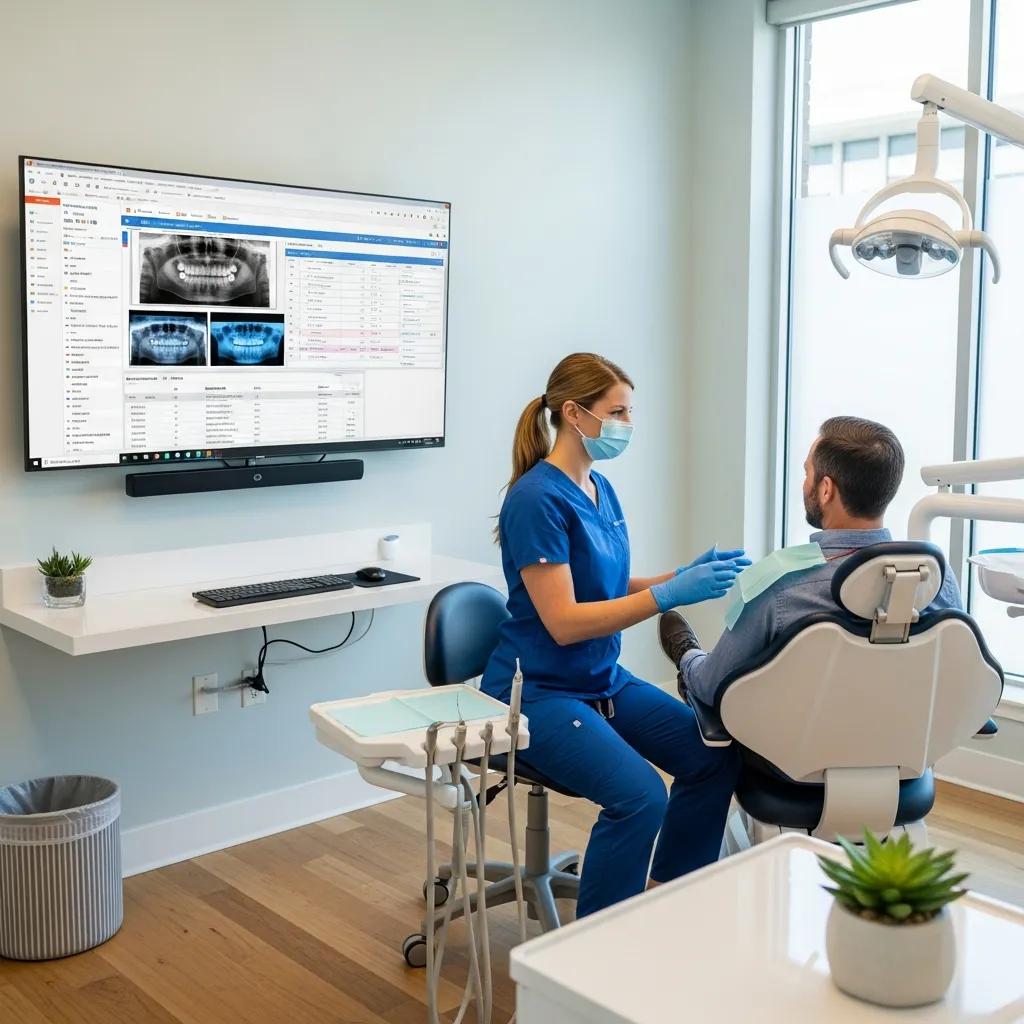
Choosing Dental Practice Management Software: an IT-first Guide to Secure, Efficient Clinics
Choosing a dental practice management system (PMS) from an IT perspective means looking beyond features to how architecture, infrastructure, security, and vendor support come together to keep your clinic running safely and smoothly. This guide breaks down the technical criteria IT teams and clinic owners need, compares common products from an operational viewpoint, and links cloud and security considerations to regulatory expectations so you can buy and deploy with confidence. Many clinics encounter slow performance, failed integrations with imaging or billing, and compliance gaps when a PMS is selected without an IT checklist — this article gives practical steps to avoid those pitfalls. After a brief note on support options, we cover core infrastructure requirements, a technical comparison of Dentrix and Open Dental, security practices tied to PIPEDA/HIPAA, managed IT services, and cloud vs on‑premise trade‑offs. If you’d like an objective IT assessment and deployment plan, DentalTek offers specialized dental IT expertise and can perform PMS IT assessments — contact us to arrange a technical review and implementation plan. The sections below use search-friendly terms like “dental PMS data migration” and “dental software network requirements” to help technical decision‑making.
What Are the Essential IT Requirements for Dental Practice Management Software?
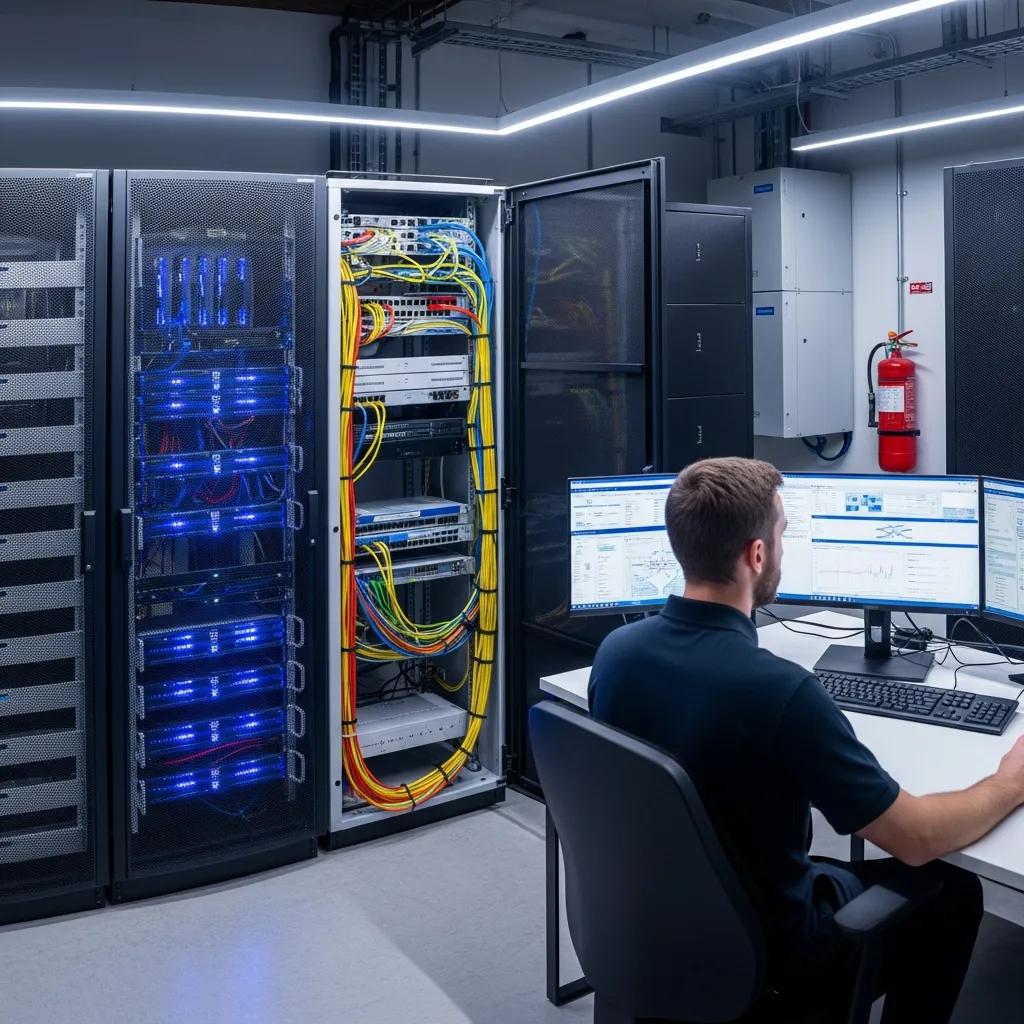
Essential IT requirements set the foundation for a PMS that stays responsive and secure under real clinical workloads. In short, clinics need correctly sized servers or cloud instances, resilient and segmented networking, reliable backup and restore processes, and endpoint controls that protect patient data and reduce downtime. Together, these elements let your PMS handle concurrent users, large image transfers, and third‑party integrations while meeting your RTO/RPO objectives for business continuity.
Below is a compact procurement checklist you can use during vendor evaluation and initial IT validation — written for quick review and practical testing.
Dental PMS essential checklist:
- Server Capacity and IOPS: Verify CPU cores, RAM, and SSD IOPS match vendor guidance for concurrent users and imaging workloads.
- Network Reliability and Segmentation: Use managed switches, firewall rules, and VLANs to separate clinical devices from guest and administrative networks.
- Backup and Disaster Recovery: Require encrypted, versioned backups with documented restore tests and defined RTO/RPO.
- Authentication and Access Control: Enforce MFA, role‑based access, and audit logging for administrative and clinical accounts.
- Endpoint and Patch Management: Deploy centralized EDR, timely patching, and controlled software deployment processes.
- Integration and API Support: Confirm API maturity, HL7/DICOM compatibility, and vendor‑supported middleware options.
This checklist prioritizes what to test during procurement and helps define clearer SLAs. The table below maps core infrastructure components to recommended minimums and practical notes to guide implementation planning.
| Component | Recommended Minimum / Notes | Purpose |
|---|---|---|
| Server (CPU/RAM/Storage) | Quad-core CPU, 16–32 GB RAM, SSD storage with 3,000+ IOPS recommended per concurrent imaging workload | Host PMS services and support concurrent users and imaging |
| Network (Switch/Firewall) | Managed Gigabit switches, enterprise firewall with VLAN and QoS support | Isolate traffic, prioritize PMS packets, secure perimeter |
| Backup Repositories | Offsite encrypted backups + local snapshots, weekly restore tests | Meet RTO/RPO and support disaster recovery |
| Client Devices | Modern workstations, SSD, 8–16 GB RAM, updated OS | Ensure responsive UI and reliable imaging transfers |
Use these minimums as a baseline for vendor conversations and procurement specs. The H3 sections that follow unpack server sizing and integration expectations that inform these recommendations.
Which IT infrastructure components support optimal PMS performance?
Server and storage choices directly shape PMS responsiveness, especially when charts and imaging happen at the same time. For on‑premises deployments, pick SSD‑backed storage with predictable IOPS, multi‑core CPUs, and RAM headroom to avoid swapping during peaks. For cloud‑hosted PMS, select instances that guarantee IOPS and consistent network throughput. Network gear should include managed switches, VLAN segmentation, and a firewall that supports application‑aware rules and QoS so PMS traffic stays prioritized. Peripherals — imaging devices, printers, and workstations — should live on a segmented clinical VLAN with planned IP addressing to reduce discovery delays. Understanding these pieces lets clinics plan for steady performance, fewer support calls, and less day‑to‑day latency pain.
How do integration capabilities affect dental software selection?
Integration capability often determines whether a PMS will fit your workflows. Imaging, digital radiography, billing, labs, and patient portals must interoperate without manual workarounds. Check for mature APIs, HL7 and DICOM support where appropriate, and vendor‑certified middleware or connector ecosystems that reduce integration effort. During procurement, test typical workflows — image import/export, claim submissions, appointment sync — to expose performance or data‑mapping issues early. Also review vendor roadmaps and community plugins: well‑documented APIs and webhooks cut custom engineering time and lower long‑term maintenance. Careful integration validation reduces migration risk, shortens go‑live timelines, and lowers total cost of ownership by avoiding brittle glue code.
How to Compare Dentrix and Open Dental from an IT Perspective?
From an IT standpoint, Dentrix and Open Dental differ in openness, customization, and support models — differences that affect maintenance and integrations. Dentrix tends to be a more controlled, vendor‑managed stack with specific deployment patterns. Open Dental is known for greater customization and direct database access, which can enable bespoke integrations. The table below summarizes technical differences across architecture, deployment, integration, support, and security to help IT teams evaluate trade‑offs.
| Characteristic | Dentrix (Technical Summary) | Open Dental (Technical Summary) |
|---|---|---|
| Architecture | Proprietary, vendor‑managed client/server or cloud options | Open‑source influenced, customizable server/client with SQL database access |
| Deployment | Vendor‑recommended on‑prem or hosted packages with defined support paths | Flexible on‑premise or cloud hosting with community and third‑party support |
| Integration | Supported integrations via vendor connectors; API maturity varies | Stronger direct integration options and third‑party plugins; more SQL‑level access |
| Support Model | Vendor support and controlled updates | Community + third‑party vendors; requires a clear in‑house or outsourced IT plan |
| Customization | Limited extensibility without vendor involvement | High extensibility; customization increases IT maintenance |
This comparison shows how architecture choices affect data portability, integration complexity, and who handles routine maintenance. The next H3 digs into the technical differences that drive those trade‑offs.
What are the key technical differences between Dentrix and Open Dental?
Technically, Dentrix typically offers a managed stack with vendor‑curated updates and defined integration paths — which can reduce immediate customization work but increase vendor dependency. Open Dental exposes more of its underlying data and services, with direct SQL access and a broader plugin ecosystem; this supports advanced integrations and custom reporting but requires stronger IT governance to secure and maintain those connections. Data portability also differs: systems with open formats and export tools simplify migration planning, while proprietary formats may need vendor conversion tools. The choice comes down to whether your clinic prefers vendor‑managed simplicity or the flexibility to extend and control the environment long term with in‑house or outsourced IT resources.
How do IT support needs and customization options vary between Dentrix and Open Dental?
Support and customization responsibilities diverge because of different update models and openness. A vendor‑managed PMS centralizes updates and support with predictable SLAs, lowering in‑house IT workload but sometimes slowing custom feature delivery. An open/customizable PMS shifts more responsibility to internal IT or managed providers for patch testing, compatibility checks, and plugin lifecycle management. Estimate support effort by listing routine tasks — patch testing, database backups, plugin compatibility checks — and set SLA targets for mean time to repair and update windows. If you plan to customize, budget a portion of IT time for maintaining integrations and establish vendor relationships for critical escalations.
What Are the Best Dental Software Security Practices to Protect Patient Data?
Protecting patient data requires layered controls, clear policies, and regular verification aligned with PIPEDA and applicable HIPAA guidance. Core safeguards include encryption in transit and at rest, multi‑factor authentication, role‑based access with logging, endpoint detection and response, and tested backup/restore processes. These controls lower breach risk, support timely notifications, and provide audit evidence. The prioritized list below outlines the first actions clinics should take during PMS onboarding and for ongoing operations.
- Encryption (in transit & at‑rest): Safeguard data on networks and storage to prevent exposure.
- Multi‑factor Authentication (MFA): Add a second factor for administrative and remote access.
- Role‑based Access & Logging: Limit privileges and keep immutable logs for audit trails.
- Endpoint Detection & Response (EDR): Monitor and remediate threats on workstations and servers.
- Regular Backups with Testing: Maintain encrypted backups and run scheduled restore drills.
The table below links each security control to its purpose and practical implementation notes to help technical teams write policies and procurement requirements.
| Security Measure | Purpose | Implementation Notes |
|---|---|---|
| Encryption at‑rest & in‑transit | Prevent data exposure during storage and transmission | Use TLS 1.2+/AES‑256; confirm vendor certificates and key‑management practices |
| MFA | Reduce unauthorized account access | Apply to admin, remote, and vendor access; prefer hardware tokens or authenticator apps |
| EDR | Detect and contain endpoint threats | Deploy centrally managed EDR with alerting and quarantine capabilities |
| Backup & Restore | Ensure recoverability after incidents | Use encrypted offsite backups and quarterly restore tests with documented RTO/RPO |
Mapping controls to compliance requirements clarifies technical responsibilities and helps build procurement checklists. The next H3 explains how PIPEDA and HIPAA shape security controls and documentation.
How does compliance with PIPEDA and HIPAA influence dental software security?
PIPEDA focuses on consent, accountability, and breach notification in Canada and requires “reasonable” safeguards, documented policies, and timely breach reporting. Where HIPAA applies (for cross‑border or U.S. activities), technical safeguards such as access controls, audit logging, and integrity mechanisms are required. For Canadian clinics, prioritize data residency discussions, clear consent procedures, and a breach response playbook that meets PIPEDA timelines. Keep written agreements with vendors that spell out security responsibilities, breach notification procedures, and data handling — these documents are essential for audits and incident response.
Which cybersecurity measures are essential for dental PMS protection?
Essential cybersecurity combines prevention, detection, and recovery. MFA and least‑privilege access reduce attack surface; EDR and network monitoring provide detection; encrypted, versioned backups and tested restores provide recovery. Start with quick wins — enforce MFA for all remote and privileged access, centralize patch management with scheduled windows, and enable logging with retention policies suitable for audits. Smaller clinics should prioritize MFA, backups, and patching first, then add EDR and SIEM capabilities as budgets allow. A phased approach delivers immediate risk reduction while building toward full incident response readiness.
Why Are Managed IT Services Crucial for Dental Clinics Using Practice Management Software?
Managed IT services matter because they provide proactive monitoring, structured patching, backup oversight, and compliance‑oriented support that reduces downtime and offloads technical work from clinicians. Clinics gain SLA‑backed response times, regular backup and failover testing, and vendor coordination during upgrades and migrations. Providers focused on dental practice IT understand device workflows, PMS ecosystems, and common pain points, which speeds resolution and cuts workflow interruptions. Below are core managed‑service benefits to consider when budgeting for ongoing IT support.
- Proactive Monitoring: 24/7 visibility into servers, backups, and network health to catch issues early.
- Predictable Costs & SLAs: Fixed monthly fees with defined response and resolution targets.
- Compliance & Audit Readiness: Documentation, testing, and controls aligned with PIPEDA/HIPAA expectations.
- Vendor Coordination: A single point of contact for PMS vendors, imaging suppliers, and cloud providers.
These services reduce operational friction and let clinical teams focus on patient care instead of technical triage. For clinics that want validated support, DentalTek provides managed services tailored to dental networks and PMS deployments — contact us to schedule a demo or consultation designed around your environment.
How do managed services ensure PMS uptime and proactive issue resolution?
Managed providers run monitoring stacks that track CPU, memory, IOPS, network latency, and backup success rates, triggering alerts and runbooks when thresholds are exceeded and automating remediation where possible. Scheduled patching and maintenance windows lower unplanned downtime while keeping change records for audits. Incident response includes root‑cause analysis, post‑incident reviews, and documented corrective actions to prevent repeats. Regular disaster recovery drills and backup integrity tests verify that your RTO and RPO are attainable and that staff know escalation paths during incidents.
What benefits do dental clinics gain from specialized IT support providers?
Specialized providers bring domain knowledge — imaging workflows, PMS quirks, and vendor relationships — that shortens time to resolution and lowers mean time to repair. They can coordinate complex upgrades, run secure migrations, and apply tailored security controls generic IT shops may miss. Measurable benefits include less downtime, fewer repeat incidents, and clearer upgrade roadmaps that respect clinic schedules. Working with a dental‑focused managed service provider keeps technical decisions aligned with clinical continuity.
What Are the Advantages and Considerations of Cloud-Based Dental Practice Software in Canada?
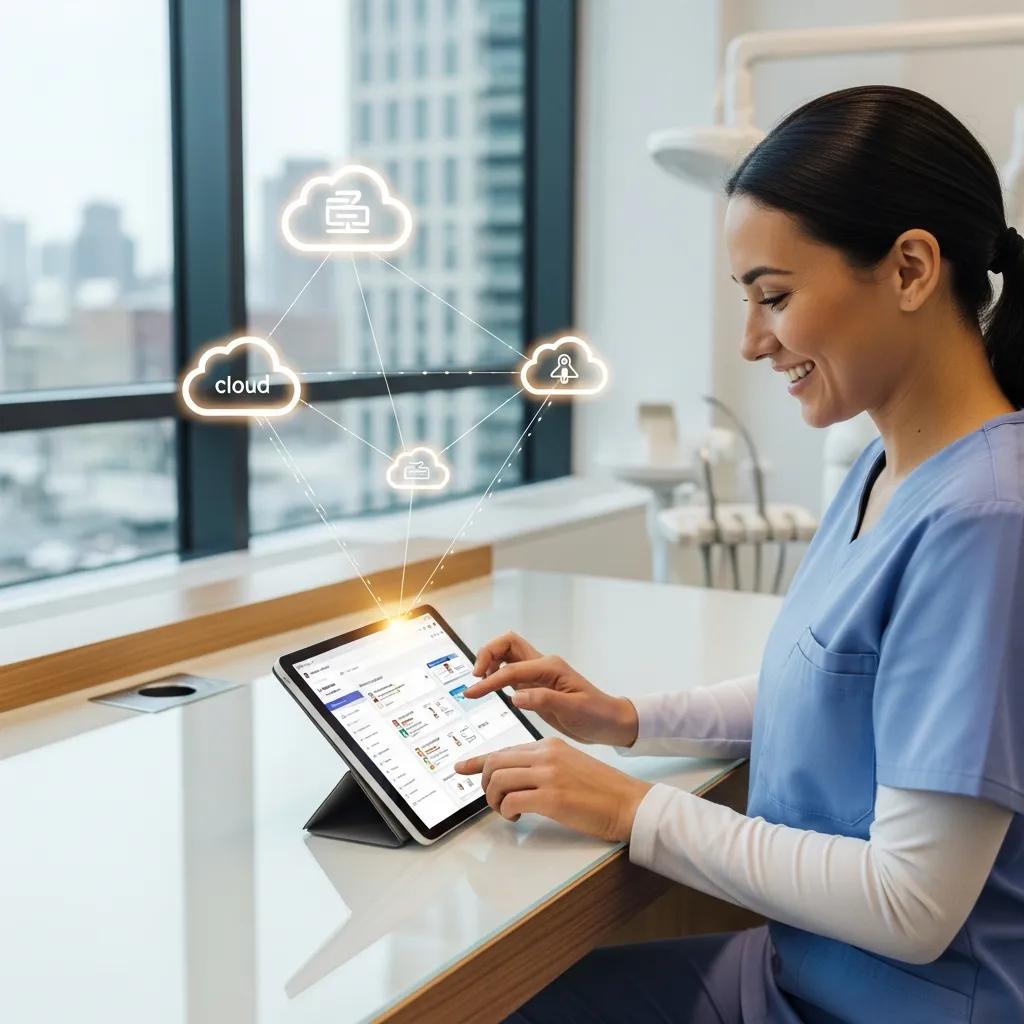
Cloud‑based PMS delivers easier access, automated updates, and reduced on‑site infrastructure, but raises questions about data residency, internet dependency, and contractual security obligations. Cloud vendors often handle patching and infrastructure, which simplifies operations for many clinics, but you still need to validate security attestations, encryption and key‑management, and contract terms about data ownership and breach notification to meet PIPEDA. The pros and cons below help weigh cloud, on‑premise, and hybrid options against clinic priorities.
- Pros of Cloud: Lower capital expenditure, simplified updates, scalable resources.
- Cons of Cloud: Reliance on internet connectivity, data residency concerns, potential vendor lock‑in.
- Pros of On‑Premise: More control over data residency and latency, direct hardware ownership.
- Cons of On‑Premise: Higher upfront costs, responsibility for maintenance and backups.
When evaluating vendors, request third‑party audit reports and clarify encryption and key‑management responsibilities. The table below is a vendor‑security checklist to include in procurement to validate a cloud provider’s security posture.
| Vendor Security Item | Why It Matters | What to Request |
|---|---|---|
| Third‑party audits (SOC 2/ISO) | Independent validation of the control environment | Recent audit report and scope |
| Data residency guarantees | Compliance with local laws and PIPEDA expectations | Contract clause specifying residency and handling |
| Encryption & key management | Prevents data exposure from infrastructure compromise | Details on algorithms, key ownership, and rotation |
| Backup & Restore SLA | Ensures recoverability | RTO/RPO commitments and restore test records |
This checklist helps procurement teams hold cloud providers to measurable security and operational standards while weighing cloud benefits. If your clinic needs help evaluating vendors or planning a migration, DentalTek can assist with secure, compliant cloud adoption.
Frequently Asked Questions
What factors should clinics consider when choosing between cloud-based and on-premise dental practice management software?
Compare data residency, internet reliability, and total cost of ownership. Cloud solutions scale easily and reduce on‑site infrastructure, but can raise questions about data control and compliance with PIPEDA. On‑premise gives you tighter control over data and latency but shifts maintenance and backup responsibility to your team. Match the choice to your clinic’s risk tolerance, budget, and operational priorities.
How can dental clinics ensure compliance with data protection regulations when using PMS?
Implement strong technical and administrative controls: encryption, MFA, regular audits, and documented data‑handling policies. Train staff on privacy practices and keep records for audits. Work closely with your PMS vendor to confirm the software meets regulatory requirements and that contracts clearly define data ownership and breach notification responsibilities.
What role does user training play in the successful implementation of dental practice management software?
Training is critical. Well‑structured, hands‑on training reduces errors, improves efficiency, and helps staff adopt new workflows. Pair initial training with ongoing support and quick reference guides so users stay confident and the clinic gets the most from the system.
What are the potential risks of not integrating imaging and billing systems with dental PMS?
Without integration you may face manual data entry, delayed billing, fragmented patient records, and workflow interruptions — all of which hurt patient care and revenue. Prioritize seamless integration to reduce administrative burden and avoid compliance gaps.
How can clinics assess the long-term viability of a dental PMS vendor?
Look at the vendor’s financial stability, customer support reputation, product roadmap, and references. Read case studies and reviews, and confirm the vendor’s commitment to security updates and standards. Contracts that include support SLAs and clear exit/migration terms are also key indicators of long‑term viability.
What are the common challenges clinics face during the migration to a new dental PMS?
Common migration challenges include data loss, mapping errors, integration breakage, and user resistance. Mitigate these risks with a detailed migration plan, thorough testing, staged cutovers, and strong user training and support during the transition.
Conclusion
Picking the right dental practice management software matters for security, uptime, and daily clinic efficiency. By focusing on the essential IT requirements, integration capabilities, and security practices outlined here, you can make procurement choices that protect patient data and streamline workflows. Working with specialized IT support further reduces risk and speeds deployments. If you’d like help assessing options or planning an implementation, contact DentalTek — we focus on practical, clinic‑ready IT for dental practices.

