
Top IT Strategies to Secure, Scale and Optimize Dental Practices
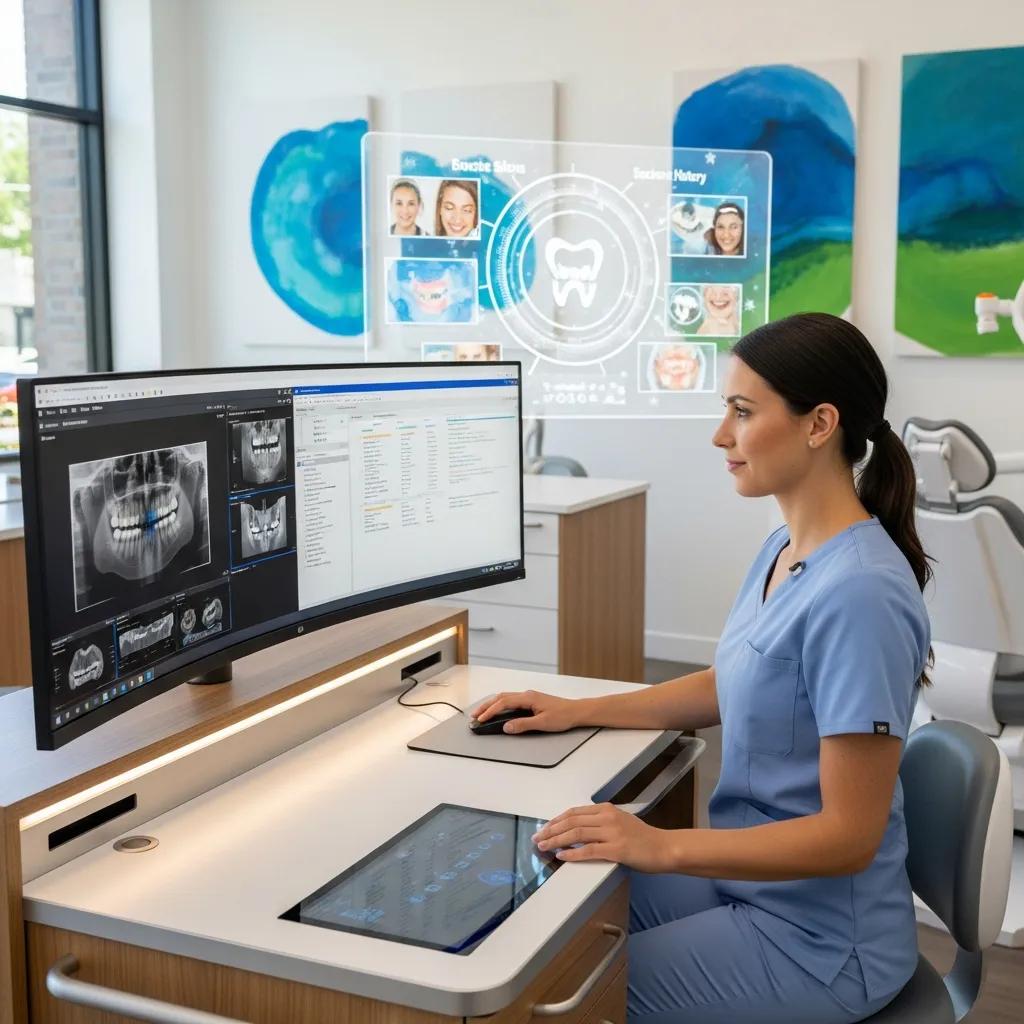
Growing a dental practice means more operatories, more staff—and more IT to keep clinical work flowing, PHI secure, and systems online. This guide walks through the practical IT services that let clinics scale smoothly: managed services, network design, cybersecurity, cloud backup, and software integration. You’ll get clear priorities for expansion, how to map PIPEDA/HIPAA/PHIPA requirements to technical controls, step-by-step integration notes for Dentrix and Open Dental, and realistic budgeting for new operatories. We also compare backup and disaster‑recovery approaches, provide hardware and network checklists, and highlight near‑term trends (AI diagnostics, telehealth, 3D printing) so clinics can plan for what’s next. Throughout, the emphasis is practical—reduce downtime, centralize management, and keep PHI protected without over‑burdening clinical teams or administrators.
What Are the Essential IT Services for Growing Dental Clinics?
When a practice grows, predictable, centralized IT makes expansion manageable. Core services include managed IT for proactive monitoring and vCIO planning, network support to standardize operatories and link sites, cybersecurity to protect PHI and meet compliance, and cloud backup to guarantee recoverability. Together these services help create consistent workstation images, speed new‑operatory onboarding, and shorten repair times when incidents happen. The result: less downtime, simpler central reporting for clinical and financial workflows, and an IT footprint that scales with the practice.
Below is a compact comparison of core services and how they support expansion:
| Service | Key Attributes | Business Benefit |
|---|---|---|
| Managed Services | Proactive monitoring, patching, vCIO planning | Lower downtime, consistent OS/images, a clear IT roadmap |
| Network Support | Segmentation, bandwidth planning, Wi‑Fi design | Reliable imaging transfer and secure site‑to‑site connectivity |
| Cybersecurity | MFA, encryption, vulnerability scanning | Stronger PHI protection, compliance readiness, reduced breach risk |
| Cloud Backup | Offsite replication, tested recovery | Faster restores, defined RTO/RPO, minimal data loss |
How Do Managed IT Services Support Dental Practice Expansion?
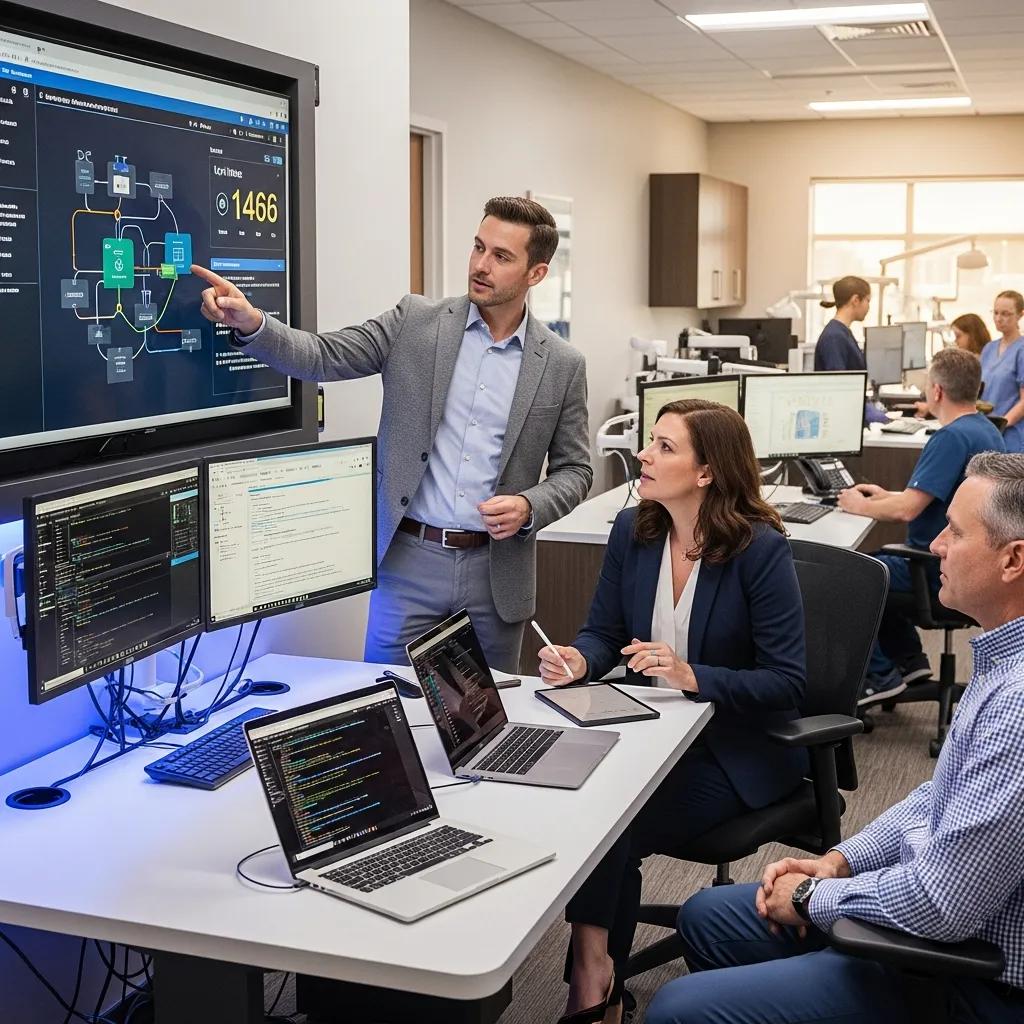
Managed IT keeps clinical systems healthy as you add operatories and locations. A provider handles patching, endpoint protection, remote troubleshooting and provides a vCIO to align IT spend with expansion milestones. For example, standardized device imaging and automated configuration shorten setup time for a new operatory and ensure compliance controls are applied consistently. Measurable benefits include higher uptime, faster incident resolution, and less admin time spent on IT—so your team can stay focused on patients, not servers.
What Role Does Network Infrastructure Play in Multi-Location Dental Practices?
Your network is the backbone for imaging, cloud practice management, and secure remote access across sites. Plan for sufficient bandwidth for CBCT and radiography, segment networks to keep guest Wi‑Fi separate from PHI systems, and evaluate VPN or SD‑WAN for secure site connectivity. Centralized monitoring and failover planning reduce interruptions during busy hours and let IT troubleshoot from a single dashboard. A well‑designed network also makes it simpler to roll out standardized operatory configurations as new clinics come online.
How Can Cybersecurity Protect Dental Practices During Expansion?

Cybersecurity reduces exposure as you add more endpoints and locations. Core controls include multifactor authentication, encryption in transit and at rest, network segmentation, and regular vulnerability scans. Layered defenses—endpoint protection, network controls, and immutable backups—cover prevention, detection and recovery. Put these protections in place before scaling so every new site inherits a hardened security posture and you keep regulatory risk in check.
The following checklist summarizes core cybersecurity controls to implement during expansion:
- Enable multifactor authentication for all admin and remote access.
- Encrypt PHI both in transit and at rest on servers and cloud storage.
- Segment networks to isolate clinical systems from guest traffic.
- Maintain immutable or air‑gapped backups and test recovery procedures.
- Run regular vulnerability scans and maintain a strict patch cadence.
These controls work together: MFA and encryption limit exposure, segmentation reduces lateral movement, and immutable backups give you a trusted recovery path.
What Are the Key HIPAA and PIPEDA Compliance Requirements for Dental IT?
HIPAA and Canadian rules like PIPEDA/PHIPA require a mix of administrative, technical and physical safeguards. For dental IT that means written policies, access logging, encryption, breach notification processes, role‑based access, and audited activity in EHRs. Pay attention to data residency and consent requirements—know where backups and cloud services store PHI and confirm vendor agreements meet local privacy expectations. Regular risk assessments and documentation show due diligence and help you respond quickly if an incident occurs.
How Does Ransomware Protection Safeguard Patient Data?
Ransomware protection combines prevention, fast detection, containment and tested recovery so clinical disruption and data loss are minimized. Prevention includes patch management, EDR and staff phishing training. Detection and containment rely on behavioral analytics and segmentation to limit spread. Recovery depends on immutable backups and a practiced incident response runbook. Define RTOs and RPOs by clinical impact—scheduling systems often need near‑zero RTO while some admin data can tolerate a longer window—and regularly test restores to validate both technical and operational readiness.
Why Are Cloud Solutions and Data Backup Vital for Scalable Dental Practices?
Cloud services and solid backup strategies let multiple operatories share practice management, centralize reporting, and recover quickly from outages. Cloud‑hosted PMS and imaging reduce local server dependency, simplify synchronization across sites, and let clinicians access records from approved locations for consults or teledentistry. Choose hybrid or full‑cloud based on imaging latency, data residency concerns, and how much local infrastructure you want to maintain. Clear RTO/RPO targets protect you from hardware failures, ransomware and site‑wide incidents.
| Backup Solution Type | Recovery Time Objective (RTO) | Recovery Point Objective (RPO) / Benefit |
|---|---|---|
| Local Snapshots + Offsite Replication | Hours | Minutes‑to‑hours RPO; fast local restores plus offsite durability |
| Cloud‑native Replication (Veeam‑style) | Under 1 hour | Near‑continuous RPO; automated failover and verified restores |
| Immutable/Air‑gapped Backups | Variable (hours) | Tamper‑proof copies; critical for ransomware recovery |
| Hybrid (Local + Cloud) | Minutes‑to‑hours | Best balance of performance and long‑term durability |
What Are the Benefits of Cloud-Based Practice Management Systems?
Cloud PMS platforms scale with your practice: they centralize reporting, simplify updates, and reduce local IT overhead. Authorized clinicians and admins can access scheduling, imaging and patient portals from any approved location, helping referrals and centralized billing run smoothly. Cloud deployments also make it easier to standardize versions and security settings across sites—shortening the time to bring new operatories online and centralizing analytics for smarter decisions.
How Do Cloud Backup and Disaster Recovery Plans Ensure Business Continuity?
Cloud backup and disaster recovery plans give you tested processes and offsite copies to restore critical systems quickly. Best practice includes scheduled failover tests, clear runbooks that define roles, and tiered recoveries that prioritize clinical systems first. Regular backup verification and simulated restores confirm imaging files and EHR databases recover within target RTOs and RPOs. Building these checks into new‑site onboarding ensures each expansion arrives with continuity guarantees, not ad‑hoc workarounds.
How to Effectively Integrate Dental Practice Management Software During Expansion?
Integrating practice management software across locations takes planning around data migration, sync and compatibility so records, appointments and billing flow without interruption. Start with a full data audit and a field‑mapping plan for custom fields and imaging links. Use a staged migration—pilot a single operatory, validate imaging and appointment sync, then roll out incrementally—to reduce risk and provide rollback points. Always include test restores so you can revert to a known‑good baseline if something goes wrong.
When mapping integration tasks, consider these vendor‑specific and operational checkpoints:
- Pre‑migration audit: Confirm data cleanliness and export readiness.
- Integration testing: Validate Dentrix/Open Dental connectors and imaging links.
- Rollback plan: Create and test a restore point before cutover.
- Post‑migration validation: Verify appointments, clinical notes, and imaging access.
These steps cut downtime and protect patient record integrity during expansion. DentalTek offers hands‑on integration support and onboarding demos to help clinics plan migrations, configure connectors, and validate workflows before a full rollout—reducing configuration errors and speeding adoption.
What Are the Best Practices for Dentrix and Open Dental Integration?
Best practice starts with backups and a field‑level data audit to spot custom entries, duplicate patients or orphaned attachments. Configure sync windows for off‑peak hours for large transfers and test with a representative sample before a full migration. After cutover, run validation checks on recent appointments, billing entries and radiograph access to confirm everything moved correctly.
How to Ensure Compatibility with Digital Imaging Systems?
Compatibility with imaging systems relies on DICOM standards, adequate bandwidth and storage that handles large radiographs and CBCT files. Confirm that imaging devices, PACS and viewers communicate over supported protocols and that the network handles peak transfer loads without slowing clinical systems. Use local caches or direct‑attached storage for high‑throughput workstations and include imaging repositories in backup and restore testing to preserve diagnostic quality across sites.
What Are the IT Setup Requirements for New Dental Operatories and Clinics?
New‑site IT should follow a sequence that minimizes disruption: site survey and cabling, network and Wi‑Fi setup, workstation imaging, PMS and imaging integration, then security controls and backup verification. Early planning should specify network drops per operatory, UPS needs for critical systems, and imaging equipment placement to optimize cabling and bandwidth. Standardized device images speed onboarding and reduce variation. Favoring standardized hardware in procurement lowers support complexity and total cost of ownership over time.
| Operatory Component | Recommended Specs | Estimated Cost/Budgeting Note |
|---|---|---|
| Workstation | Modern CPU, 16GB RAM, SSD | Mid‑range units balance performance and cost |
| Imaging Interface | DICOM‑compatible gateway, 1GbE minimum | Account for storage and network upgrades for CBCT |
| Monitor | 24–27″ calibrated clinical display | Use clinical‑grade panels for diagnostic work |
| Network Drop & Switch Port | Cat6a, PoE where needed | Standardize ports to simplify deployment |
| UPS | Rack or desktop UPS for critical systems | Protects against short outages and enables safe shutdown |
Which Essential IT Hardware Is Needed for New Operatories?
At minimum, each operatory needs a clinical workstation, secure network drop, calibrated medical‑grade monitor, interfaces for digital sensors or CBCT and power resilience (UPS). Image workstations should use a standard software image that includes the PMS client, imaging viewer and endpoint protection. Place network drops to support wired imaging transfers and ensure good Wi‑Fi for tablets or guest access. Planning these details before construction avoids costly rework and speeds activation.
How to Budget and Plan IT Infrastructure for Dental Expansion?
Separate capex and opex, plan phased rollouts and prioritize standardization to reduce per‑site costs. Consider bulk hardware purchases, cloud subscription models and managed services to convert one‑time capital into predictable operating expense. Budget for potential network upgrades driven by imaging needs and allocate funds for continuous security monitoring and backup validation. When estimating ROI, include reduced downtime, improved admin efficiency and avoided costs from data incidents.
What Future Trends in Dental IT Should Practices Prepare for?
Look ahead to AI‑assisted diagnostics, expanded telehealth, and 3D printing workflows—each demands scalable compute, clear data governance and flexible storage architectures. AI will assist image interpretation and treatment planning, requiring well‑scoped pilots and strong governance to avoid bias and protect PHI. Telehealth needs secure video, scheduling and billing integration. 3D printing brings digital‑lab workflows in‑house and requires standardized file handling between scanners, CAD and printers.
Preparing infrastructure means planning for GPU‑accelerated workloads, secure APIs for telehealth and PMS, and storage pipelines that handle large STL and imaging files. Run pilot projects with clear success metrics and rollback plans so you can evaluate benefits without disrupting core operations. These steps align IT investment with clinical innovation and better patient experience.
The following list summarizes readiness actions for emerging dental IT trends:
- Pilot AI tools with a narrow, well‑defined use case and governed datasets.
- Validate telehealth workflows for secure video, scheduling and billing integration.
- Standardize digital impressions and file‑handling protocols for 3D printing.
- Plan compute and storage capacity to support imaging and AI workloads.
These readiness steps give you a phased approach to adoption that balances innovation with operational stability. If you want hands‑on help, DentalTek provides demos and support for pilot planning and operational onboarding so clinics can evaluate and deploy new capabilities while keeping continuity and security intact.
How Is AI Transforming Dental Diagnostics and Practice Management?
AI is helping automate image analysis, prioritize findings and streamline admin tasks like scheduling and revenue‑cycle monitoring. Diagnostic models can flag potential issues for clinician review, speeding triage. Administrative AI can predict no‑shows, improve appointment sequencing and highlight billing anomalies. Safe AI adoption requires curated datasets, ongoing validation and workflow integration so AI augments clinician judgment rather than replacing it.
What Role Do Telehealth and 3D Printing Play in Modern Dental Practices?
Telehealth expands access through pre‑assessments, post‑op checks and education while reducing unnecessary visits. 3D printing speeds restorative workflows—producing guides, models and provisional restorations faster and reducing lab dependency. Both rely on secure communication, interoperable file formats and reliable network/storage systems to maintain quality and security across the digital pipeline.
Frequently Asked Questions
What are the key considerations for selecting IT vendors for dental practice expansion?
Choose vendors with healthcare and dental experience, clear service offerings (managed services, cybersecurity, cloud), and proven support for multi‑site operations. Verify regulatory compliance (HIPAA, PIPEDA) and confirm integrations with Dentrix/Open Dental. Ask about response times, escalation procedures and customer references to ensure reliable support during critical events.
How can dental practices ensure data privacy during IT expansion?
Protect privacy by implementing strong cybersecurity (encryption, MFA, vulnerability assessments), clear access policies and staff training. Vet vendors for regulatory compliance, keep privacy policies current, and consider a compliance lead to oversee initiatives. Regular audits and documented vendor agreements help maintain control over PHI as you scale.
What are the potential challenges of integrating new technologies in dental practices?
Common challenges include staff resistance, compatibility with legacy systems, training needs, security concerns and budget constraints. Mitigate these with a clear integration plan, phased rollouts, hands‑on training and staff involvement in decisions—so adoption feels practical rather than disruptive.
How can dental practices measure the success of their IT investments?
Track KPIs like reduced downtime, patient satisfaction, appointment accuracy, billing turnaround and recovery times. Use baseline measurements before changes and run staff surveys to capture user satisfaction. Together these metrics show whether IT investments deliver operational and financial returns.
What role does staff training play in the successful implementation of IT solutions?
Training is essential. Well‑designed onboarding and ongoing support reduce errors, speed adoption and improve patient care. Provide role‑based training, quick reference guides and regular refreshers so teams stay confident with new tools and updates.
What are the best practices for maintaining IT systems in a growing dental practice?
Maintain systems with regular updates, routine backups and proactive monitoring. Establish a maintenance calendar, centralize management across sites, and conduct periodic infrastructure and security audits. Partnering with a managed IT provider can deliver consistent, scalable support as your practice expands.
Conclusion
Scaling a dental practice safely and efficiently depends on deliberate IT choices: managed services, solid cybersecurity, and reliable cloud and backup strategies. These priorities protect patient data, reduce downtime and streamline workflows so staff can focus on care. If you’re planning growth, talk to DentalTek about tailored IT solutions that support expansion while keeping operations secure and practical.

