
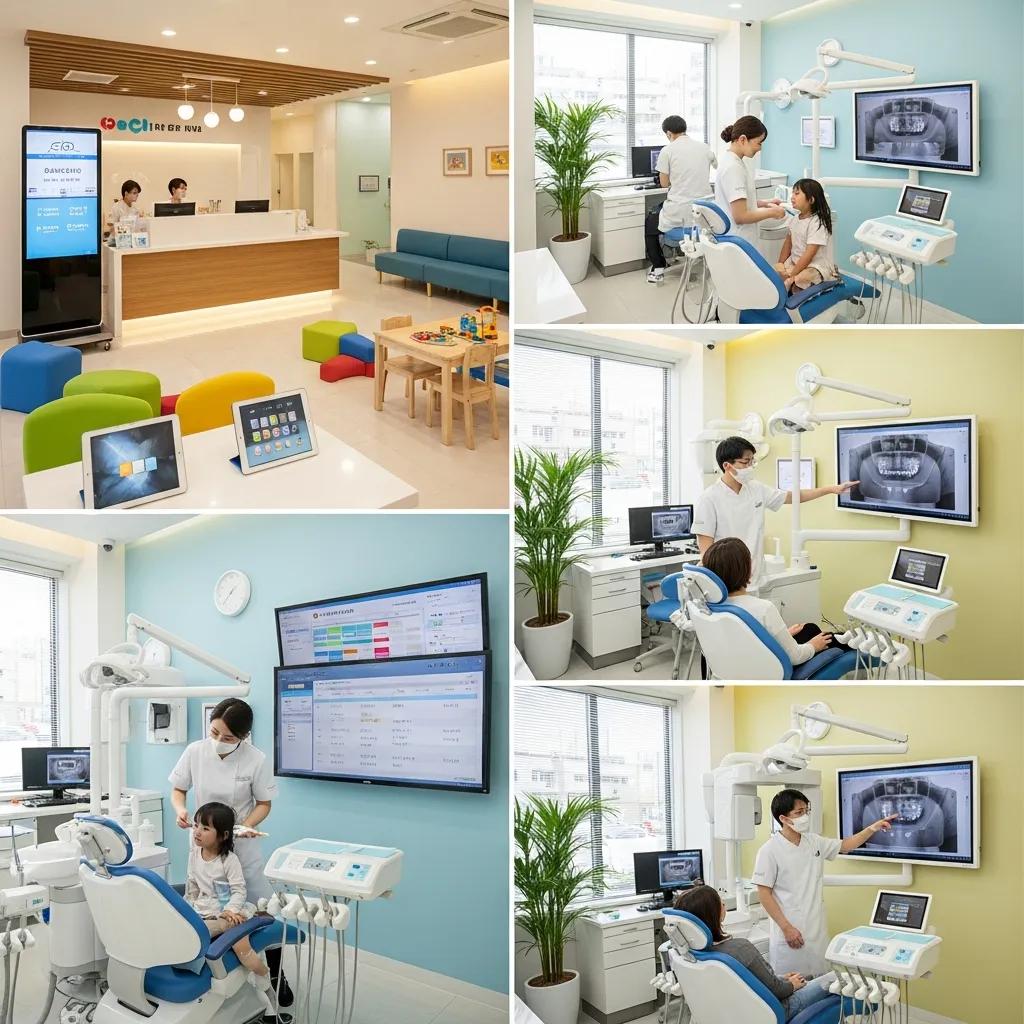
Reliable Dental IT Support for Family Dentistry — Secure, efficient practice management
Effective dental IT brings together managed services, cybersecurity and software integration into a single continuity plan built for family dental practices. This guide describes what dependable IT looks like for pediatric and adult clinics, how managed services cut downtime and administrative friction, and how security and backup practices protect patient data under Canadian rules like PIPEDA. You’ll find clear steps to improve uptime, smooth imaging and practice management workflows, and prepare for incidents with tested recovery plans. The article covers managed IT, proactive monitoring and help desk support, cybersecurity and compliance, cloud backup and disaster recovery, specialized imaging and PMS support, and the value of partnering with a local Canadian IT team. Practical recommendations follow current best practices and show how a focused managed services workflow works inside a clinic. By the end, clinic leaders will have a concise checklist to prioritize IT investments that reduce appointment disruption, secure records, and keep imaging and practice software reliable.
What are managed IT services for dental clinics, and how do they improve practice efficiency?

Managed IT for dental clinics means outsourcing day-to-day technology management to a specialist who keeps networks, endpoints, backups, patching and user support running smoothly. The model combines continuous monitoring, scheduled maintenance and fast incident response so practice management systems and imaging stay available and front-desk staff aren’t slowed down by tech problems.
The main benefits include:
- More consistent uptime for your practice management system
- Smoother updates and integrations for Dentrix, Eaglesoft and Open Dental
- Centralized administration that cuts overhead and simplifies support
- Repeatable processes—inventory, configuration standards and routine testing—that shorten repair times and help meet data-protection requirements
Moving from ad-hoc, break‑fix spending to a proactive managed model turns unpredictable IT costs into a predictable operating expense and lets clinicians focus on patients instead of troubleshooting.
Managed engagements usually follow an audit-driven roadmap: assess the current state, secure critical data and stage upgrades. The audit uncovers single points of failure and compatibility gaps with imaging or billing modules. A takeover phase standardizes configurations and applies key security controls; upgrades remove lifecycle risks; and ongoing maintenance keeps systems patched, monitored and backed by documented SLAs. This audit → takeover → upgrade → maintain cycle aligns IT with clinic goals and KPIs like uptime and mean time to resolution, improving patient experience and team efficiency.
Operational gains from managed dental IT include fewer cancelled appointments from outages, faster access to diagnostic images, and reliable backups that support quick recovery. These benefits are especially noticeable in multi-generation or multi-site family practices, where centralized management prevents version drift and inconsistent setups across locations. Next, we’ll explain how continuous monitoring and 24/7 help desk support deliver these day-to-day improvements.
How does proactive IT monitoring benefit family dentistry clinics?
Proactive monitoring gathers health metrics from servers, workstations, imaging devices and network gear so problems are spotted before they disrupt patient care. Automated observability detects failing drives, slow database queries and service errors that would otherwise interrupt the day, letting your IT partner fix issues proactively instead of reacting under pressure. The outcome is measurable: better availability, fewer last‑minute cancellations and smoother patient flow during busy pediatric and family clinic hours. Monitoring also produces audit trails that help with compliance and lets you prioritize hardware refreshes based on real error trends rather than fixed dates.
Common KPIs are uptime percentage, mean time to detection and mean time to resolution—improving MTTR by a few hours often preserves appointments and revenue. Since imaging systems and PMS software are sensitive to latency and storage limits, monitoring keeps performance within thresholds so x‑ray transfers and chart lookups stay fast. Early detection feeds into clear escalation and support processes that limit disruption and keep staff focused on care.
What support does a 24/7 help desk provide for dental office IT?
A 24/7 help desk provides remote troubleshooting, ticketing, escalation and coordinated on-site dispatch when needed for incidents outside normal hours. That support is critical for morning workstation failures, after‑hours imaging uploads or urgent connectivity problems affecting remote billing or teledentistry. Most issues are resolved via secure remote sessions, which saves travel time and cost; tickets keep a record of incidents, fixes and recurring problems for continuous improvement. Typical SLAs define initial response times (for example, within an hour for high-priority incidents) and targeted resolution windows based on impact.
Clear escalation paths move complex imaging or server problems quickly from Tier 1 to engineering, shortening downtime for mission‑critical systems. For multi-site practices, 24/7 support standardizes incident handling across locations, creating consistent service levels and making cross-site troubleshooting more efficient. Well-documented SLAs let clinic managers plan maintenance windows and decide when on-site intervention is required.
How can cybersecurity solutions protect dental practices and support HIPAA/PIPEDA compliance?
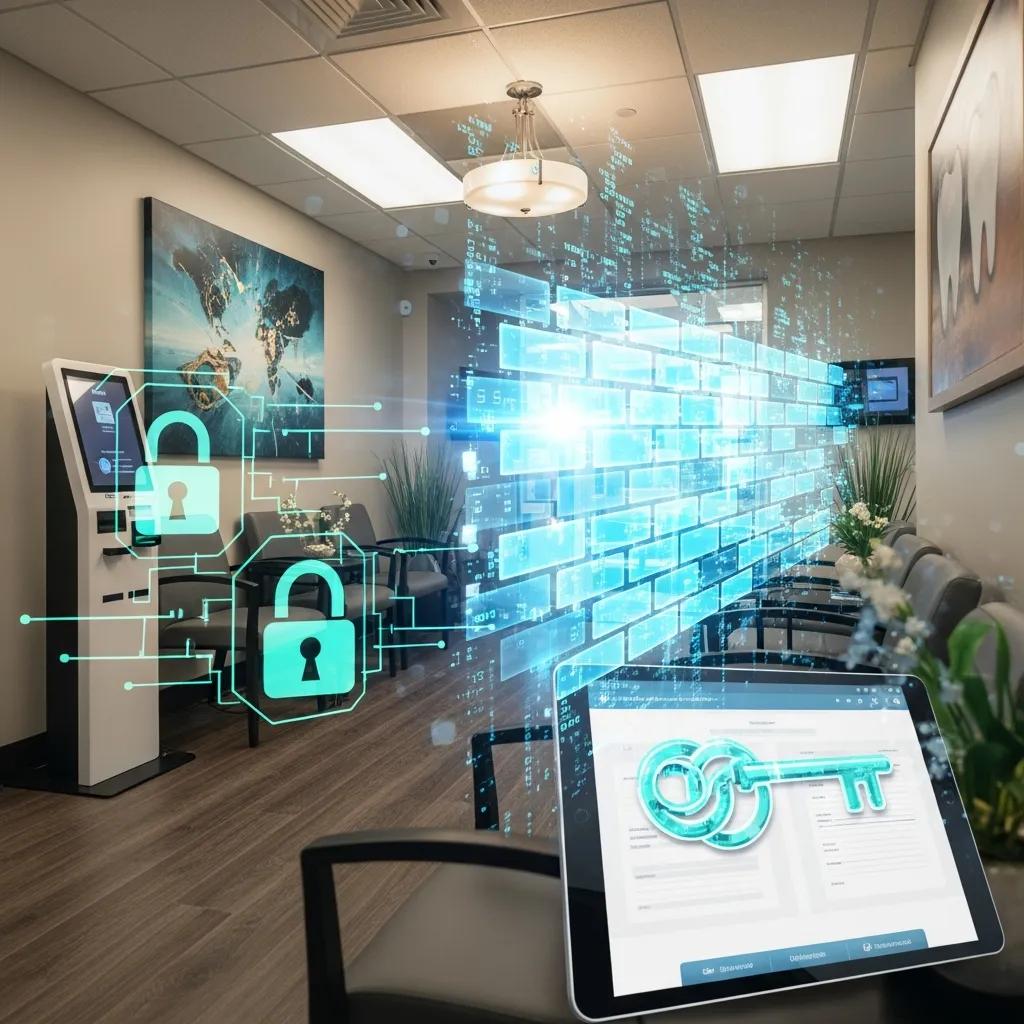
Cybersecurity for dental practices uses layered technical and administrative controls to protect patient records, imaging and practice systems from ransomware, data leaks and unauthorized access. The approach blends endpoint protection, email filtering, multi‑factor authentication, encryption and staff training to reduce the attack surface and speed detection. The main benefit is protecting patient privacy while meeting regulatory obligations—PIPEDA in Canada and HIPAA when cross‑border data is involved—so clinics avoid costly breaches and keep patient trust. A robust security posture also supports business continuity by preventing or shortening disruptive cyber incidents that affect appointments and billing.
Technical controls work together: endpoint detection and response blocks advanced malware, encryption protects data at rest and in transit, and email security cuts phishing risk. Administrative controls—policies, role‑based access and incident response plans—ensure people and processes match the technical safeguards. Mapping controls to compliance obligations produces audit evidence and gives leadership measurable protections. Once those controls are in place, teams should focus on regular employee training and tabletop incident drills so controls work effectively in real workflows.
Recent studies highlight the ongoing need for dental practices to improve cybersecurity awareness and adopt practical safeguards.
Cybersecurity for Small Dental Practices: Knowledge & Best Practices
This systematic review aims to identify cybersecurity literature that addresses dental offices as small practices and to highlight the need for expanding practitioners’ cybersecurity knowledge.
CYBERSECURITY IN THE DENTAL HEALTHCARE SECTOR: THE NEED OF KNOWLEDGE FOR SMALL PRACTITIONERS., E Melon, 2020
Before inviting clinics to act, it helps to show how specific controls map to compliance and everyday risk reduction. For clinics evaluating security, DentalTek provides assessments and remediation—including ransomware protection, encryption deployments and staff training aligned with PIPEDA. To request a security assessment and practical next steps, contact DentalTek at Support@dentaltek.ca or +1 (888) 368-5835.
What are the key cybersecurity measures to safeguard patient data in dental clinics?
Effective cybersecurity pairs technical defenses with administrative controls. Technical essentials include multi‑factor authentication to prevent credential misuse, encryption of records at rest and in transit to protect EHRs and images, and endpoint detection & response to identify and contain threats early. Administrative measures include clear access policies, least‑privilege role definitions, regular patching and documented incident response procedures that spell out responsibilities during a breach.
Together these controls create a layered defense: MFA limits lateral movement after a compromise, encryption keeps data confidential if storage is accessed, and EDR gives behavioral visibility that can catch novel attacks. Implementing these controls requires coordination with practice management and imaging vendors so workflows remain smooth. Understanding these integration details leads naturally to how PIPEDA shapes security obligations for Canadian clinics.
How does PIPEDA compliance affect Canadian dental IT security?
PIPEDA requires organizations to protect personal information with appropriate safeguards, obtain meaningful consent for collection and use, and notify affected individuals and regulators after breaches. For dental clinics that means technical safeguards such as encryption and logging, routine risk assessments, and clear policies on retention and consent. The practical upside is legal compliance plus preserved patient trust through transparent, documented protections.
An experienced IT partner translates PIPEDA into operational tasks—setting up audit logging, enforcing access controls and advising on data residency for cloud services. Regular risk assessments, breach response playbooks and staff training are common deliverables that support compliance. Working with a local provider adds value because they can advise on provincial expectations and help coordinate breach notifications in line with Canadian practice. These compliance activities tie into backup and disaster recovery planning to ensure both security and recoverability of patient data.
| Security Control | Function | Benefit / PIPEDA Mapping |
|---|---|---|
| Multi-Factor Authentication (MFA) | Verifies user identity before access is granted | Reduces unauthorized access; supports administrative safeguard requirements |
| Encryption (at rest & in transit) | Protects data confidentiality on storage and networks | Reduces disclosure risk in a breach; aligns with “appropriate safeguards” |
| Endpoint Detection & Response (EDR) | Detects and isolates malicious endpoint behaviour | Enables rapid containment and forensic investigation |
| Email Filtering & Anti-Phishing | Blocks malicious attachments and phishing attempts | Reduces phishing-driven breaches, a common cause of incidents |
This table links controls to their function and compliance benefits, giving clinic administrators a clear way to prioritize investments. Controls must be paired with policy, consent and reporting practices to fully meet PIPEDA obligations.
Why is cloud backup essential for dental offices and how does it support disaster recovery?
Cloud backup and disaster recovery (DR) keep patient records, imaging and practice databases safe offsite so clinics can resume operations quickly after hardware failure, ransomware or local disasters. The approach uses scheduled snapshots, encrypted transfers and tested restorations to meet recovery point objectives (RPOs) and recovery time objectives (RTOs). The primary benefits are fast recovery of critical systems, minimized appointment disruption and documented retention that supports regulatory needs. Choosing on‑prem, hybrid or cloud backup depends on RPO/RTO targets, available bandwidth and data residency requirements.
In practice, cloud and hybrid strategies can cut downtime from days to hours, protect imaging repositories that are costly to recreate and provide clear restoration steps staff can follow under pressure. Example targets: an RPO of four hours for active practice data and 24 hours for archival imaging; an RTO under four hours for scheduling systems to avoid appointment cancellations. Those benchmarks help clinics match technical choices to business priorities.
| Backup Option | RPO Example | RTO Example | Storage Location / Encryption |
|---|---|---|---|
| On-Premise Snapshots | Minutes to hours (LAN speed) | Hours (local restore) | Local storage; encryption depends on configuration |
| Hybrid (Local + Cloud) | Minutes to a few hours | 1–4 hours | Local cache for fast restores; cloud for geo‑redundancy and encryption |
| Cloud-Native Backup | 1–24 hours | 1–8 hours depending on plan | Geo‑redundant cloud; encryption in transit and at rest |
This comparison shows common tradeoffs: on‑prem is fastest but vulnerable to local incidents, hybrid balances speed and redundancy, and cloud offers geo‑redundancy and regulatory support. Clinics should test restores regularly and document RTO/RPO expectations to confirm the chosen architecture meets operational needs.
DentalTek implements cloud backup strategies with trusted partners to deliver encrypted, geo‑redundant backups and tested restore procedures. To see a demonstration or discuss a tailored DR plan, contact DentalTek at Support@dentaltek.ca or +1 (888) 368-5835. DentalTek works with established backup vendors to provide secure, resilient recovery for dental practices.
How does secure cloud storage protect dental patient records?
Secure cloud storage pairs encryption, access controls and geo‑redundancy to prevent unauthorized access and keep data available after local hardware loss. Encryption at rest and in transit prevents exposure if storage is compromised, while role‑based access ensures only authorized clinicians can view records. Geo‑redundant storage replicates data across regions to protect against facility outages, and vendor SLAs set restoration performance and retention rules. When evaluating a provider, check encryption standards, audit logging and the provider’s restore testing practices.
Many secure designs add immutable snapshots or write‑once retention to limit ransomware impact. Access logs and periodic permission reviews provide administrative oversight for audits. Clinics should require documented restore tests and retention settings that meet clinical and legal record‑keeping policies so patient records remain both secure and recoverable.
What are best practices for business continuity planning in dental clinics?
Business continuity planning focuses on identifying critical services, creating manual fallback procedures and producing a stepwise recovery playbook for the first 24 hours, 72 hours and one week after an incident. Critical systems typically include the practice management system, scheduling, imaging access and billing. Best practices include tabletop drills, communication templates for staff and patients, and a prioritized restoration sequence that restarts scheduling and chart access first, then imaging and billing.
A practical playbook lists immediate actions: confirm safety, switch to manual scheduling if needed, access offsite backups for urgent records and notify patients with estimated timelines. Regular restore testing and clearly assigned roles reduce confusion during incidents. Clinics that rehearse these steps shorten downtime and maintain patient trust, which protects revenue and reputation.
Which specialized dental software and hardware does dental IT support cover?
Dental IT support covers practice management systems, digital radiography and 3D imaging hardware, plus the networking and storage that integrate those systems securely and reliably. Typical software support includes Dentrix, Eaglesoft and Open Dental—services such as installation, database integrity checks, scheduled backups and version compatibility testing. Imaging support covers network setup for digital x‑ray sensors, PACS/DICOM compatibility, workstation specifications and bandwidth planning for large image transfers. Proper support ensures charting, imaging and billing modules work together without performance bottlenecks.
Below is a comparison of common support needs and issues for major systems and imaging components.
| System / Hardware | Supported Functions / Integration Points | Notes / Typical Issues |
|---|---|---|
| Dentrix | Database maintenance, backups, module updates | Watch for version mismatches with imaging plugins |
| Eaglesoft | Networked deployments, backups, module interoperability | Requires careful network and SQL tuning for multi‑site setups |
| Open Dental | Cloud or on‑prem deployments, data export/import | Flexible but database integrity should be monitored |
| Digital X‑ray & 3D Imaging | DICOM transfer, storage sizing, workstation specs | Large files need bandwidth and storage planning; DICOM/HL7 mapping required |
This comparison helps clinic managers weigh each system’s demands and prioritize tasks like database care, imaging storage and compatibility testing. Knowing these needs guides procurement and ongoing support choices.
How are Dentrix, Eaglesoft and Open Dental supported by IT teams?
Supporting Dentrix, Eaglesoft and Open Dental involves scheduled database backups, patch management, vendor coordination for module updates and network configuration for multi‑site or cloud setups. IT teams verify database integrity, schedule backups with appropriate retention, test restorations and manage version compatibility between PMS and imaging modules. Common issues include mismatched software versions across workstations, corrupted indexes that slow queries and network settings that cause chart retrieval latency. Typical fixes include standardized workstation images, staged patch rollouts and SQL tuning for performance.
Delivering these services requires technical familiarity with each PMS and processes designed to minimize disruption during upgrades. Documented change management lets clinics apply updates outside business hours and verify imaging integrations before returning systems to production. That operational discipline reduces interruptions and keeps patient flow steady.
What are the IT requirements for digital x‑ray and 3D imaging systems?
Digital x‑ray and 3D imaging systems need sufficient bandwidth, low‑latency networks and storage sized for large image files and retention policies. Workstations should meet manufacturer CPU, GPU and display recommendations; storage strategies often combine local caching with cloud archival for long‑term retention. DICOM and HL7 interfaces require proper interface engines and mapping to the PMS so images link cleanly to charts. Common troubleshooting covers file‑transfer timeouts, corrupted DICOM headers and unchecked storage growth that affects performance.
Proactive capacity planning and periodic performance testing prevent bottlenecks during peak hours. Using certified drivers, validated workstations and tested network paths reduces imaging failures and preserves diagnostic quality. These technical requirements tie into how local support and vendor partnerships simplify procurement and ensure validated architectures that work reliably in clinic settings.
| Software / Hardware | Attribute | Value |
|---|---|---|
| Dentrix | Supported Functions | Scheduling, billing, charting; requires database integrity checks |
| Eaglesoft | Integration Points | Imaging plugins, multi‑site replication; benefits from SQL tuning |
| Open Dental | Requirements | Flexible deployment; monitor backups and exports |
| Digital Imaging | Typical Issues | Bandwidth limits, storage growth, DICOM mapping errors |
How does DentalTek’s local Canadian IT support improve family dentistry operations?
DentalTek provides Canadian‑based managed IT services tailored to dental clinics, using an audit‑driven model and vendor partnerships that deliver secure, resilient solutions. Our core advantages are a clear audit → takeover → upgrade → maintain workflow, local knowledge of PIPEDA, and vendor relationships that back reliable backup and hardware choices. Local support shortens on‑site response times, simplifies procurement with validated hardware and offers culturally aligned service that helps clinic teams communicate more easily. Those benefits translate to faster incident recovery, predictable IT costs and a lighter administrative load for clinic managers.
DentalTek’s partner ecosystem covers backup and infrastructure vendors that enable encrypted cloud backups and verified restore procedures to support business continuity. Our managed services focus on proactive monitoring, 24/7 help desk coverage and tailored imaging support for digital x‑ray and 3D systems. Clinics that want to see these capabilities can request a demo or an initial audit by contacting DentalTek at Support@dentaltek.ca or +1 (888) 368-5835. The audit produces a prioritized remediation plan with estimated RTO/RPO targets and an implementation roadmap.
Having a local presence also helps with regulatory alignment and hands‑on service delivery—important for multi‑site family dentistry groups that need consistent IT standards across locations. DentalTek’s mix of managed services, vendor partnerships and Canadian compliance expertise gives clinics a practical path to modernize IT while keeping patient care uninterrupted.
What are the benefits of partnering with a Canadian dental IT provider?
A Canadian provider helps with PIPEDA alignment, faster on‑site response and an understanding of provincial expectations around data handling. Local teams can advise on data residency, coordinate breach notifications within Canadian frameworks and provide in‑person support for hardware replacements or imaging calibrations. That proximity reduces downtime for urgent repairs and improves communication when clinic staff need direct technical help.
Local partners usually keep strong relationships with regional vendors and repair channels, which shortens procurement cycles and warranty coordination. For multi‑site practices, that means standardized architectures and consistent SLAs that scale across locations. These operational benefits support clinical continuity and simplify administration so dental teams can concentrate on patient care rather than IT logistics.
How do industry partnerships improve IT solutions for dental practices?
Industry partnerships bring certified hardware stacks, proven backup solutions and vendor-backed warranties that lower deployment risk and speed problem resolution. Working with established partners lets a provider recommend validated architectures—combining tested servers, storage and backup software—that meet the throughput and storage needs of imaging systems. Partner channels also speed escalation for complex issues, reducing mean time to repair for mission‑critical systems.
For clinics, the result is practical: fewer compatibility surprises, documented support paths when incidents happen and procurement advice that matches performance and warranty expectations. Those partnership benefits make deployments more predictable and maintenance less disruptive, strengthening day‑to‑day operations for family dentistry clinics.
Frequently Asked Questions
What should dental clinics consider when choosing an IT support provider?
Choose a provider with proven dental experience, especially with your PMS (Dentrix, Eaglesoft or Open Dental). Look for 24/7 support and proactive monitoring to reduce downtime, and check their familiarity with regulations like PIPEDA and HIPAA. Ask about their cybersecurity approach, disaster recovery plans and backup strategies so patient data is secure and recoverable when needed.
How can dental clinics ensure their IT systems are compliant with Canadian regulations?
To meet PIPEDA, implement a comprehensive data protection plan: run regular risk assessments, set clear retention and consent policies, and use encryption for sensitive records. Work with an experienced IT partner to translate legal requirements into technical tasks like audit logging and access controls. Ongoing staff training on data handling and compliance is also essential to maintain a secure clinic culture.
What role does employee training play in dental IT security?
Employee training is one of the most effective defenses. Regular sessions should cover phishing awareness, password hygiene and data privacy. Educated staff reduce the risk of breaches caused by human error. Tabletop exercises help teams rehearse incident response so they act quickly and correctly during a real event.
What are the advantages of using cloud-based solutions for dental practices?
Cloud solutions provide secure, offsite backups, scalability and predictable costs. Patient records stored in the cloud are typically encrypted and can be accessed from multiple locations—useful for multi‑site practices. Many cloud providers also offer built‑in compliance and auditing features that simplify regulatory requirements compared with managing everything on‑premise.
How can dental clinics prepare for potential IT disruptions?
Prepare by creating a business continuity plan that identifies critical systems and defines fallback procedures. Test backup and recovery processes regularly and create clear communication templates for staff and patients during outages. Tabletop exercises help staff practice roles during an incident so the clinic can respond quickly and preserve patient trust.
What are the key performance indicators (KPIs) for measuring IT efficiency in dental clinics?
Key KPIs include uptime percentage, mean time to resolution (MTTR) and incident response times. Uptime shows system reliability, MTTR measures how quickly problems are fixed, and incident counts and severity show overall stability. Tracking patient throughput and appointment cancellations also helps link IT performance to clinical operations and financial impact.
Conclusion
Reliable dental IT is essential for family dentistry—protecting patient data and keeping practice workflows running smoothly. By adopting managed services, proactive monitoring and strong cybersecurity, clinics can reduce disruptions and improve operational efficiency. Partnering with a local Canadian IT provider adds regulatory insight and faster on‑site support, helping practices modernize with confidence. Contact DentalTek to explore tailored IT solutions that strengthen your clinic’s performance and protect patient care.

