
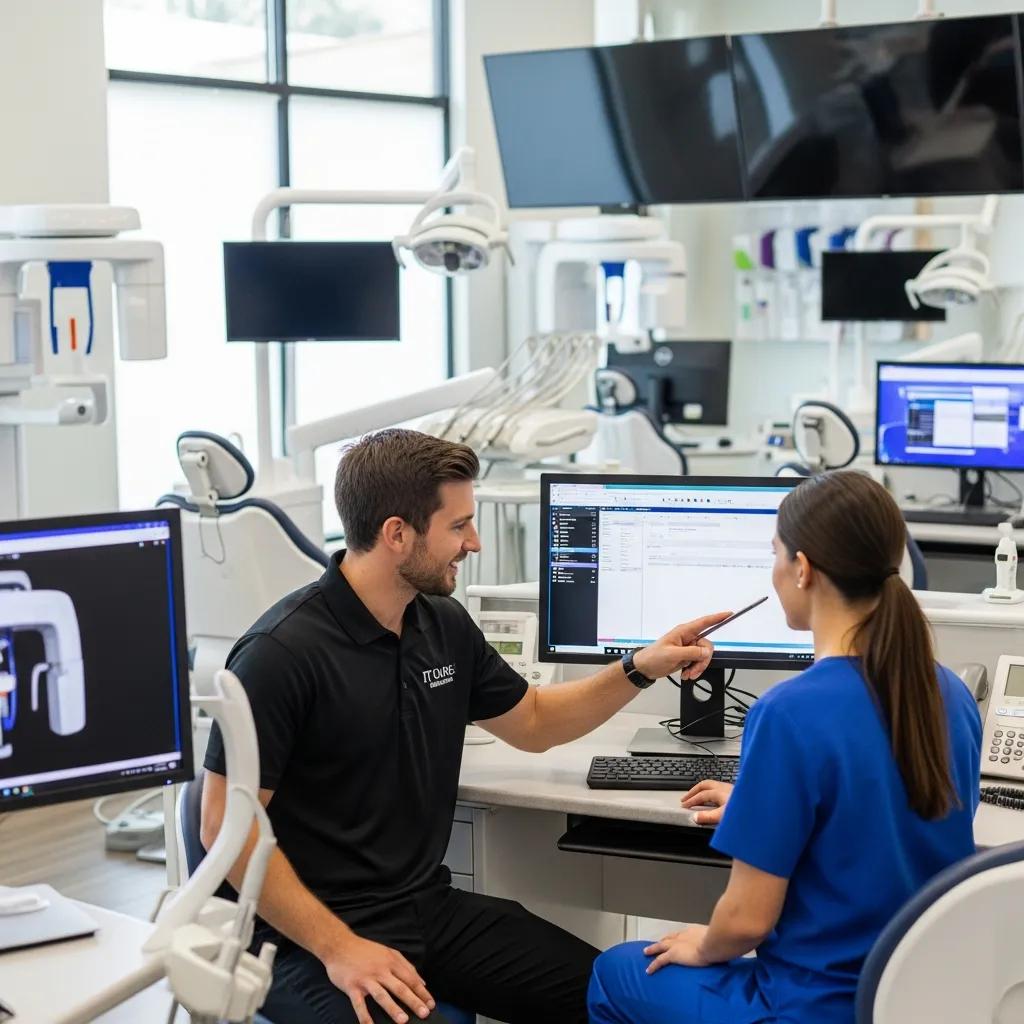
Dedicated dental IT help desk support for clinics across Canada — managed services and compliance you can trust
Modern dental clinics run on dependable, secure IT — from scheduling and imaging to electronic health records. A dedicated dental IT help desk gives your practice the specialized technical support needed to keep patient care running smoothly.
This guide outlines what a dental-focused help desk does, how proactive managed services reduce downtime, and why meeting Canadian privacy and healthcare standards matters for patient trust and continuity of care.
You’ll find practical explanations of common dental IT challenges, the services a dental-specific help desk should offer, the compliance controls clinics should insist on, and straightforward advice for supporting software and hardware in a dental setting. After a high-level overview, we walk through the help desk lifecycle, key technical and security controls, and the operational questions clinics typically ask when evaluating managed IT partners. We also include guidance relevant to remote IT support for dental teams, dental office network security, and IT support for multi-location groups to help you compare providers and set clear expectations.
DentalTek provides managed IT services built for dental clinics in Canada: a dedicated help desk, proactive monitoring, and a repeatable process designed to streamline operations and protect patient data. If you’d like a demo of our support workflows or a systems review, we can arrange a technical walkthrough or consult — contact details are included later. Note: references to our approach in this guide reflect a vendor that understands dental workflows, secure cloud backup, and rapid-response managed services rather than generic IT support. With that context, the rest of this guide focuses on practical, clinic-first advice you can use to evaluate any dental IT help desk.
Why specialized dental IT support matters for your clinic
Specialized dental IT support sits at the intersection of clinical imaging, practice management systems, and patient-privacy regulations. Generic IT fixes often miss device interoperability or clinical priorities and can introduce risk. Dental clinics rely on high-bandwidth imaging devices, EHRs, and point-of-care workflows that need coordinated network, workstation, and application expertise to preserve uptime and data integrity. The payoff: fewer appointment delays, reliable access to imaging and charts during visits, and demonstrable compliance controls that protect sensitive health information. Clinics supported by dental-aware IT teams experience fewer integration failures and faster resolution of clinical-impacting incidents.
Specialized support delivers practical, measurable benefits that affect both patient care and revenue capture:
- Faster incident resolution to minimize appointment disruptions.
- Secure backup and recovery safeguards that lower the risk of data loss.
- Vendor-aware troubleshooting for imaging and EHR integrations to keep clinical workflows intact.
Those operational improvements explain why many generic IT vendors stumble when faced with dental workflows and device interoperability.
What unique IT challenges do dental clinics face?
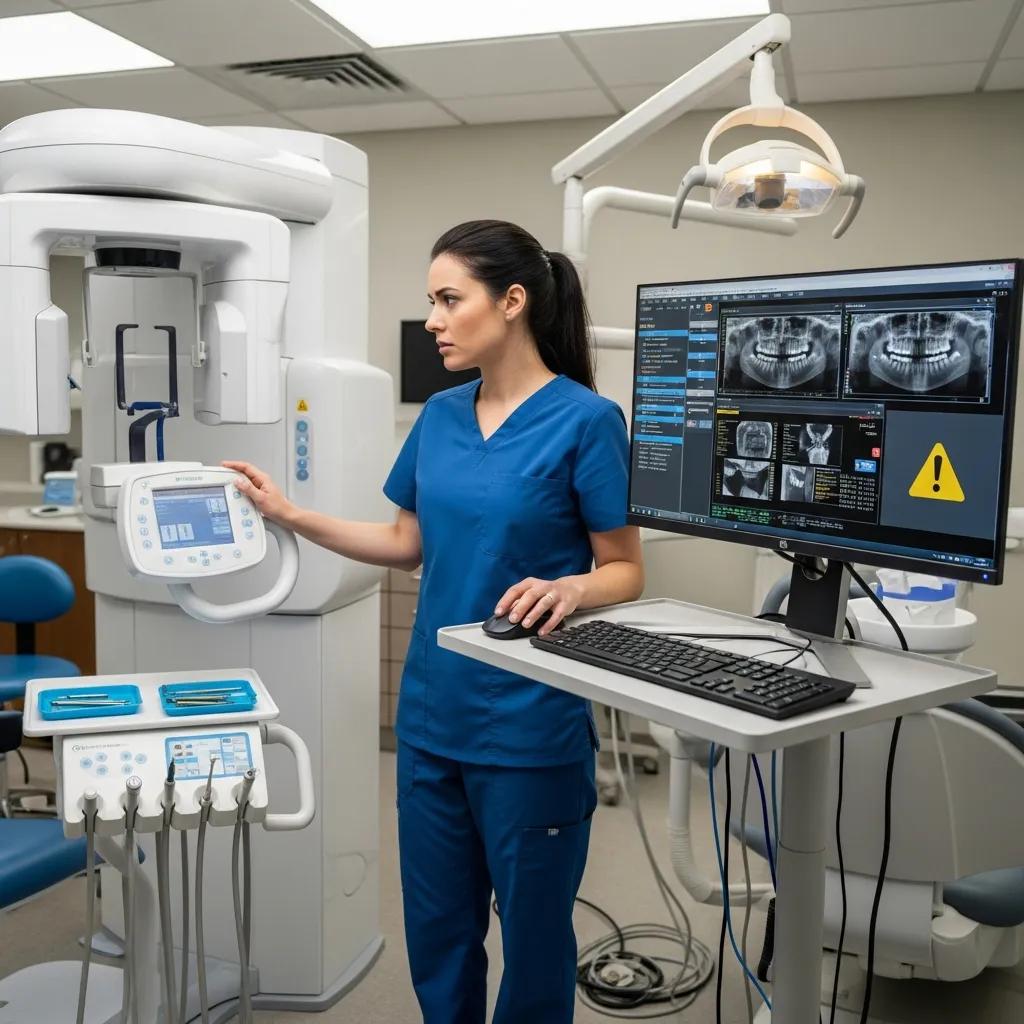
Dental clinics use specialized imaging hardware and practice management systems that aren’t common in standard office environments. Devices like digital X-ray sensors, intraoral cameras, and imaging consoles often require vendor-specific drivers and network configurations, so updates and compatibility checks must be coordinated. Smaller clinics frequently lack in-house IT expertise, so external providers must understand clinical priorities and appointment rhythms to avoid disruptive maintenance during patient hours. On top of that, regulations such as PIPEDA and provincial health privacy laws increase the need for secure configurations, audit logging, and disciplined backup strategies to protect patient records and diagnostic images.
Because of these device and regulatory pressures, support needs to be both technically deep and clinic-aware — which is why specialized IT improves patient care by reducing downtime and keeping workflows seamless.
How does specialized support improve patient care and clinic efficiency?
When scheduling, charting, and imaging systems are available at the point of care, delays and rescheduled procedures drop significantly. With proactive management of imaging consoles and EHR integrations, clinicians access diagnostic images without manual imports, enabling faster diagnosis and treatment planning during appointments. Preventive maintenance also protects billing and record accuracy by avoiding data-loss events that cause administrative backlogs and unhappy patients. By aligning IT priorities with clinic schedules and recovery goals, dental-focused support reduces front-desk friction and supports better patient experiences and higher productivity.
Research reinforces that integrated IT solutions help overcome common clinic barriers such as scheduling gaps and workflow breakdowns.
Improving dental clinic efficiency: IT integration & scheduling
The study identified three key themes affecting operational efficiency: workflow optimization, resource allocation, and technological integration. Participants highlighted ineffective patient scheduling, unclear delegation, and weak interdepartmental coordination as major obstacles to smooth workflows.
Improving Operational Efficiency in Multi-Specialty Dental Clinics, 2025
With uptime, integration, and data integrity as priorities, the next section describes the concrete services a dedicated dental IT help desk should provide.
Dedicated Canadian Dental IT Help Desk: Managed Services & Compliance
A dental-focused IT help desk pairs 24/7 remote triage with proactive monitoring, patch management, secure backup orchestration, and coordinated onsite escalation to keep clinical systems running and compliant. The help desk serves as the first line for ticket intake and remote remediation, using dental-specific runbooks and prioritized escalation paths to reduce disruption to patient care. Clear SLAs and communication protocols keep clinic staff informed while technicians resolve issues remotely or dispatch onsite when hardware repair or vendor service is required. This mix balances immediate response with long-term prevention through continuous monitoring, trend analysis, and maintenance windows scheduled around clinic hours.
The table below summarizes common help desk components, their defining attributes, and the service values clinics should expect when evaluating a dental IT partner.
Introductory paragraph: The table clarifies core help desk components, measurable attributes, and the practical value those attributes deliver to a dental clinic — designed to make SLAs and service elements easy to scan for procurement and clinical leadership.
| Component | Attribute | Typical Value |
|---|---|---|
| Help Desk Ticketing | Initial response SLA | 15 minutes for critical triage |
| Remote Access Tools | Secure remote session | Encrypted remote support for workstation fixes |
| Backup Orchestration | Backup verification | Daily snapshot verification and weekly restore tests |
This side-by-side view makes it easier to verify provider claims against clinic needs. Require these measurable attributes in any service agreement.
Proactive monitoring, patch management, and automated alerting are the core controls that stop issues before they affect patients.
- Continuous Monitoring
: Ongoing network and server checks that alert on anomalies. - Automated Patching
: Scheduled OS and application updates with staged rollouts to reduce risk. - Trend Analysis
: Pattern detection that drives targeted remediation.
Short summary: These proactive controls lower the mean time to detect and mean time to repair, protecting appointment workflows and reducing emergency onsite visits.
How does proactive monitoring and maintenance prevent IT issues?
Proactive monitoring relies on agent telemetry and centralized dashboards to spot resource exhaustion, failing services, and device errors before they cause clinic-facing outages. Alert thresholds and escalation rules are tuned to dental priorities — immediate alerts for imaging device failures and graded alerts for non-clinical workstation issues — so resources focus where patient care is affected. Scheduled maintenance and staged patch testing avoid surprise reboots during clinic hours, while trend data exposes latent problems like degrading storage arrays or intermittent packet loss. Together, these controls shift IT from reactive firefighting to predictable operations that protect appointments and clinic throughput.
That proactive posture feeds directly into rapid-response troubleshooting and escalation for clinical incidents.
What is the scope of rapid response and troubleshooting services?
Rapid response starts with immediate ticket triage — remote diagnosis via secure tools, prioritization based on clinical impact, and remote remediation when possible — followed by onsite dispatch when hardware replacement or vendor intervention is needed. Escalation tiers define the process: tier 1 remote triage, tier 2 specialist remediation for imaging/EHR integrations, and tier 3 vendor coordination for warranty or proprietary-device issues. Communication protocols keep clinic staff updated with status and expected timelines to reduce uncertainty during patient-facing incidents. Measurable SLAs for initial triage and escalation response help clinics hold providers accountable over time.
Concise summary: Clear escalation workflows and defined SLAs give clinics predictable timelines and reduce appointment interruptions.
How does DentalTek ensure HIPAA and PIPEDA compliance for dental practices?
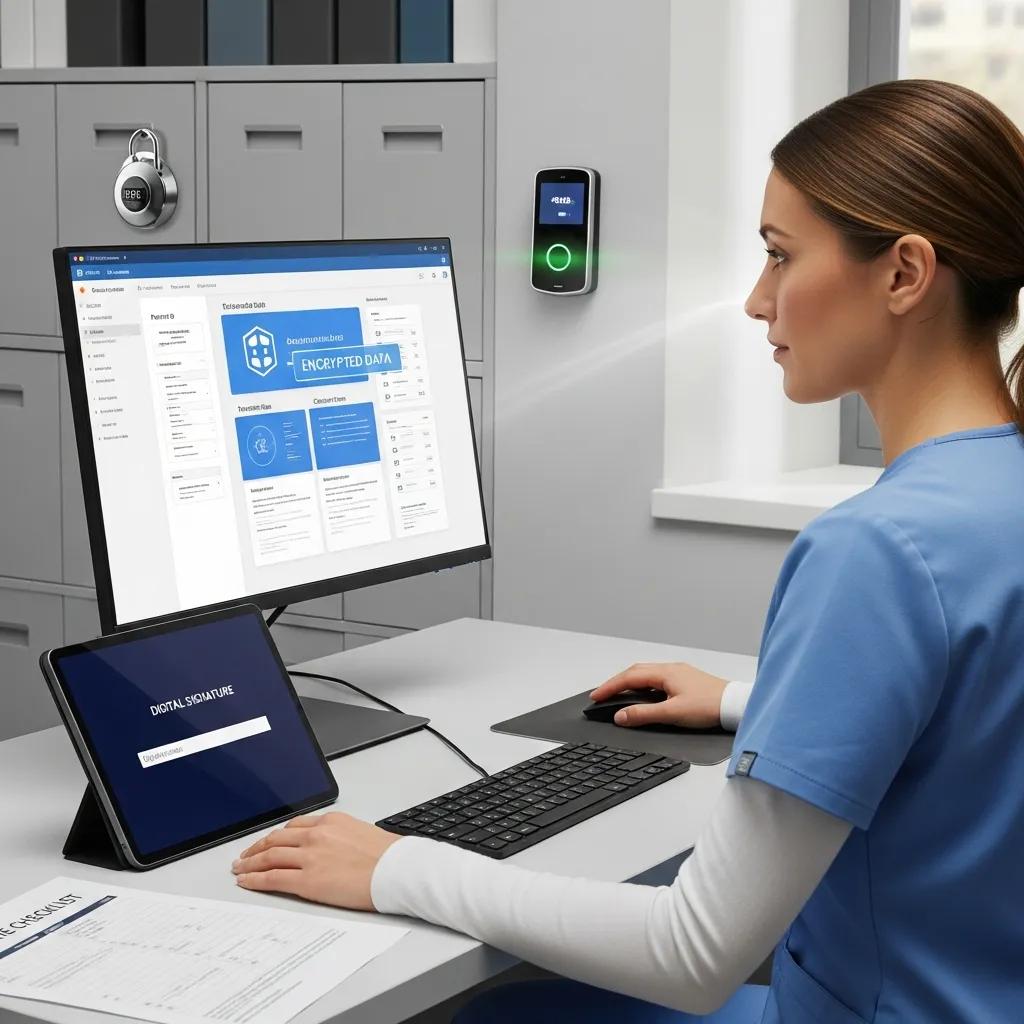
Dental-focused IT compliance blends technical safeguards, administrative controls, and regular risk assessments so clinics meet Canadian privacy obligations and any applicable US-derived standards for patient data handling. Key technical controls include encryption for data at rest and in transit, role-based access with multi-factor authentication, and comprehensive audit logging of PHI access. Administrative measures include written policies, staff training, and incident response plans that define containment and notification steps. Regular backup verification and immutable copies provide recovery assurances that align with regulatory expectations and reduce ransomware exposure.
Introductory paragraph: This compliance EAV table connects common IT controls to their security purpose and the practical value they deliver to dental practices, helping clinics prioritize investments in technology and processes.
| Control | Purpose | Value to Clinic |
|---|---|---|
| Data Encryption (AES-256) | Protect PHI at-rest and in-transit | Reduces exposure from intercepted or stolen storage |
| Access Controls & MFA | Enforce least-privilege access | Limits unauthorized viewing of patient records |
| Immutable Backups | Prevent backup tampering | Ensures recoverability after ransomware incidents |
Summary paragraph: Mapping controls to concrete clinic benefits helps decision-makers require specific technical and procedural safeguards in any managed service engagement to satisfy HIPAA, PIPEDA, and provincial privacy expectations.
What are the key features of HIPAA- and PIPEDA-compliant IT solutions?
Compliance-ready IT implements strong encryption, strict identity and access management, and auditable logs for access and changes to patient records to support incident investigations and reporting. Multi-factor authentication and role-based provisioning reduce credential misuse, while regular vulnerability assessments and patching shrink the attack surface. Backup policies should include daily snapshots, off-site replication, and immutable copies, plus documented restore tests to validate recovery procedures and RTO/RPO targets. Administrative controls — written policies, staff training, and vendor assessments — complete the compliance posture and lower regulatory and reputational risk.
In short: combining technical controls with administrative discipline turns generic IT into a compliance-ready service suitable for dental clinics.
How does compliance protect patient data and clinic reputation?
Strong compliance reduces the likelihood of data breaches, speeds incident response when breaches happen, and preserves patient trust by showing the clinic enforces reasonable safeguards. Faster recovery — enabled by tested backups and clear incident playbooks — minimizes disruption to clinical services and lowers potential financial and regulatory consequences. Written policies and staff training reduce human error, which remains a leading cause of healthcare data exposure. Maintaining compliance is both a privacy safeguard and a business continuity strategy that protects reputation and operational stability.
That risk-reduction focus leads naturally to which clinical applications and devices a dental IT help desk should explicitly support.
Which dental software and hardware does DentalTek support?
A dental IT help desk should cover core practice management software, imaging suites, clinical workstations, and networked storage that run daily operations and diagnostics. Typical software includes practice management systems for charting and billing; imaging software handles X-ray sensors and intraoral camera feeds. Hardware support spans imaging consoles, workstations, switches, firewalls, and on-prem servers when used. Support commonly includes installation, version compatibility checks, database integrity verification, and troubleshooting integrations between imaging and practice management systems to keep clinical workflows moving.
Introductory paragraph: The table below identifies common dental software and hardware categories, the support attributes clinics should expect, and the typical issues a specialized help desk resolves.
| System Category | Support Attribute | Typical Issues Resolved |
|---|---|---|
| Practice Management Software (Dentrix/Eaglesoft/Open Dental) | Database backups and patch management | Corrupt records, version incompatibility |
| Imaging Hardware (X-ray sensors, intraoral cameras) | Driver and integration troubleshooting | Missing images, capture failures |
| Network Infrastructure (firewalls, switches) | Network segmentation and QoS | Slow transfers, device isolation |
Summary paragraph: Having the help desk document supported versions and common remediation steps for each category reduces compatibility surprises and speeds recovery when clinical devices fail.
How is support provided for Dentrix, Eaglesoft, and Open Dental?
Support for major practice management systems centers on database integrity, scheduled and verified backups, and ensuring compatibility with third-party imaging and billing integrations. Typical tasks include validating nightly backups, repairing database inconsistencies, applying vetted patches during maintenance windows, and coordinating with software vendors for application-level issues. For integrations, specialists verify API or import/export settings and run end-to-end tests so imaging files reliably appear in patient charts. These focused activities help avoid lost records, billing errors, and clinical delays caused by software incompatibilities.
This application-level attention complements device-level support for imaging and workstation hardware.
What hardware devices are covered by DentalTek’s IT help desk?
Hardware coverage commonly includes clinical workstations, imaging consoles, digital X-ray sensors, intraoral cameras, networked servers, and network switches, supported by a mix of remote triage and onsite dispatch for physical repairs. Remote remediation handles configuration and software faults; onsite visits address hardware replacement, cabling, or vendor-authorized repairs when warranties require manufacturer intervention. The help desk documents coverage limits — such as vendor-managed warranties — and advises when clinics should contact manufacturers directly. This clarity helps clinics plan spares and reduce downtime when a physical component fails.
Practical outcome: clear device coverage and escalation rules reduce ambiguity during incidents and speed recovery for clinically critical equipment.
What are the benefits of choosing DentalTek as your Canadian dental IT partner?
DentalTek offers dental-focused managed services built around a clear lifecycle — Audit, Takeover, Upgrade, Maintain — paired with partner technologies for resilient backups and reliable hardware procurement. The Audit phase inventories systems, identifies clinical priorities and security gaps, and produces a prioritized remediation plan. Takeover secures management access and shifts monitoring and ticketing into a consistent support model aligned with clinic hours and escalation preferences. Upgrade executes prioritized remediation — patching, configuration changes, hardware refreshes — while validating interoperability. Maintain provides continuous monitoring, scheduled patching, backup verification, and periodic risk reassessments to keep environments stable and compliant.
To illustrate the practical benefits, consider these value points:
- Dental specialization that shortens mean time to resolution for imaging and EHR issues.
- A documented lifecycle that converts ad-hoc fixes into planned improvements.
- Technology partnerships that boost backup reliability and procurement flexibility.
If you’d like a demo or to discuss a support engagement, DentalTek welcomes outreach for demos and technical reviews; contact details for support and demos appear below so you can schedule an assessment and evaluate a tailored managed-service proposal.
How does DentalTek’s ‘Audit, Takeover, Upgrade, Maintain’ process work?
Audit inventories systems and assesses risk to create a prioritized remediation plan focused on clinical impact and compliance gaps. Takeover secures administrative access, implements ticketing and monitoring, and sets communication protocols so clinics get predictable support behavior. Upgrade performs prioritized remediation — patching, configuration changes, hardware refreshes — while validating interoperability with imaging and practice management systems. Maintain delivers continuous monitoring, scheduled patching, backup verification, and periodic risk reassessments to keep the environment stable and compliant over time.
This phased approach turns reactive support into a predictable, measured service that protects patient care and reduces long-term operational risk.
Which industry partnerships enhance DentalTek’s service quality?
DentalTek integrates partner technologies relevant to backups, hardware reliability, and cloud productivity to strengthen managed services for dental clinics. Enterprise-grade backup and recovery solutions provide verified snapshotting and replication, while hardware procurement through established manufacturers supports predictable replacements and warranty pathways. Cloud and productivity partnerships help clinics adopt secure, compliant cloud features for collaboration and off-site redundancy. These integrations translate into faster restores, validated backups, and supported hardware options that raise the reliability clinics can expect.
Short summary: Working with established technology vendors improves backup reliability, hardware lifecycle management, and cloud integration — all of which support better continuity of care for clinics.
Contact DentalTek for a demo or to arrange a technical review by phone at
+1 888-368-5835
or by email at
Support@dentaltek.ca
; request a demonstration focused on dental workflows and a review of your backup and monitoring practices. For in-person assessments, DentalTek operates from its Scarborough office for Canada-focused engagements and can coordinate onsite visits as part of the assessment.
What common questions do dental clinics have about dedicated IT help desk support?
Clinics routinely ask about availability, backup cadence, and ransomware protection because these directly affect patient care, scheduling, and regulatory exposure. Providers should clearly explain their 24/7 triage model, SLA commitments for critical clinical services, backup cadence with immutable copies, and a layered ransomware defense that includes patching, MFA, segmentation, and tested restore procedures. Clear answers let clinics compare providers on measurable attributes rather than marketing claims. The FAQ-style sections that follow give concise, actionable responses clinics can use when assessing a managed IT help desk.
Why is 24/7 dental IT help desk support important?
Around-the-clock coverage ensures clinic-critical systems are triaged without long waits — whether a problem occurs before opening, during an urgent case, or after hours when staff prepare for the next day. After-hours incidents such as failed backups, corrupted images, or schedule sync errors can delay morning clinics and create cascading disruptions. A 24/7 model provides immediate triage and remote remediation when possible, and it triggers escalation for onsite support when hardware replacement or vendor repairs are necessary. Require clear SLAs for initial triage and escalation timelines to set realistic expectations and limit operational impact.
This availability foundation supports backup strategies that protect data integrity and recovery objectives.
How often should dental data be backed up to ensure security?
Best practice is daily backups combined with continuous or frequent replication for critical systems, plus periodic immutable or air-gapped copies to mitigate ransomware and enable point-in-time recovery. A tiered approach sets Recovery Point Objectives (RPOs) and Recovery Time Objectives (RTOs) by clinical criticality — imaging repositories and EHR databases typically have stricter RPOs and faster RTOs. Regular restore testing (for example, monthly test restores) verifies recoverability and readiness under pressure. This layered cadence — daily snapshots, near-real-time replication for critical services, and immutable off-site copies — balances cost with practical recoverability.
The next defensive layer is active ransomware prevention and a tested incident response plan.
How can dental practices protect against ransomware and cyber threats?
A multi-layered defense includes disciplined patch management, strict identity and access controls with MFA, segmented network architecture to isolate clinical devices, and immutable backups to ensure reliable recovery. Employee security awareness and phishing simulations reduce human-risk exposure, while asset inventories and vulnerability scans flag devices needing urgent remediation. Incident response plans define containment, communication, and recovery steps that minimize downtime and preserve patient trust. Combining preventive controls with validated restore capabilities provides a balanced posture for both avoidance and recovery.
A brief closing note on outreach: when clinics are ready to evaluate managed services, DentalTek can provide a focused audit and a demonstration of monitoring and backup capabilities tailored to your environment; contact
Support@dentaltek.ca
or call
+1 888-368-5835
to arrange an assessment.
Frequently asked questions
What should dental clinics consider when choosing an IT help desk provider?
When choosing an IT help desk, evaluate a provider’s dental-specific experience, SLA commitments for response times and availability, and evidence of compliance with regulations like HIPAA and PIPEDA. Ask about backup and disaster recovery strategies and the provider’s ability to integrate with your existing software and hardware. Practical experience with imaging device integrations and clear escalation processes are also critical.
How can dental clinics ensure their IT systems are compliant with privacy regulations?
To meet HIPAA and PIPEDA obligations, combine technical safeguards (strong encryption, RBAC, MFA, auditing) with administrative controls (written policies, staff training, regular risk assessments). Conduct routine audits of systems and processes to find gaps and verify controls are current and effective in protecting patient information.
What role does training play in maintaining IT security in dental clinics?
Training is essential because human error is a top cause of breaches. Regular sessions should cover how to spot phishing, proper data handling, and strong password practices. Staff should also be familiar with your clinic’s IT policies and incident response steps. A practiced, security-aware team significantly reduces cyber risk.
What are the benefits of having a dedicated IT help desk for dental practices?
A dedicated IT help desk brings faster incident resolution, less downtime, and expertise with dental software and hardware that can quickly address issues disrupting patient care. Proactive monitoring and maintenance prevent many problems before they escalate. This focused support improves operational efficiency and helps ensure regulatory compliance, which supports patient trust and satisfaction.
How does proactive monitoring contribute to IT system reliability in dental clinics?
Proactive monitoring continuously checks network and device health so issues are detected and resolved before they affect clinical operations. It highlights resource exhaustion, device errors, and network anomalies. Scheduled maintenance and timely updates further stabilize systems. The result: reduced downtime, reliable access to critical systems, and uninterrupted patient care.
What should clinics do if they experience a data breach?
If a breach occurs, immediately activate your incident response plan: contain the incident, assess scope, and notify affected patients and authorities as required. Conduct a thorough investigation to identify root causes, remediate vulnerabilities, and strengthen policies and training to prevent recurrence. Document actions and lessons learned to improve future readiness.
Conclusion
Choosing a dedicated dental IT help desk gives your clinic the specialized knowledge needed to improve operational efficiency and protect patient care. With proactive monitoring and tailored services, clinics can minimize downtime and maintain compliance with privacy regulations. This partnership safeguards patient data and helps build lasting trust. Contact DentalTek today to see how our focused services can simplify and strengthen your clinic’s IT.

