
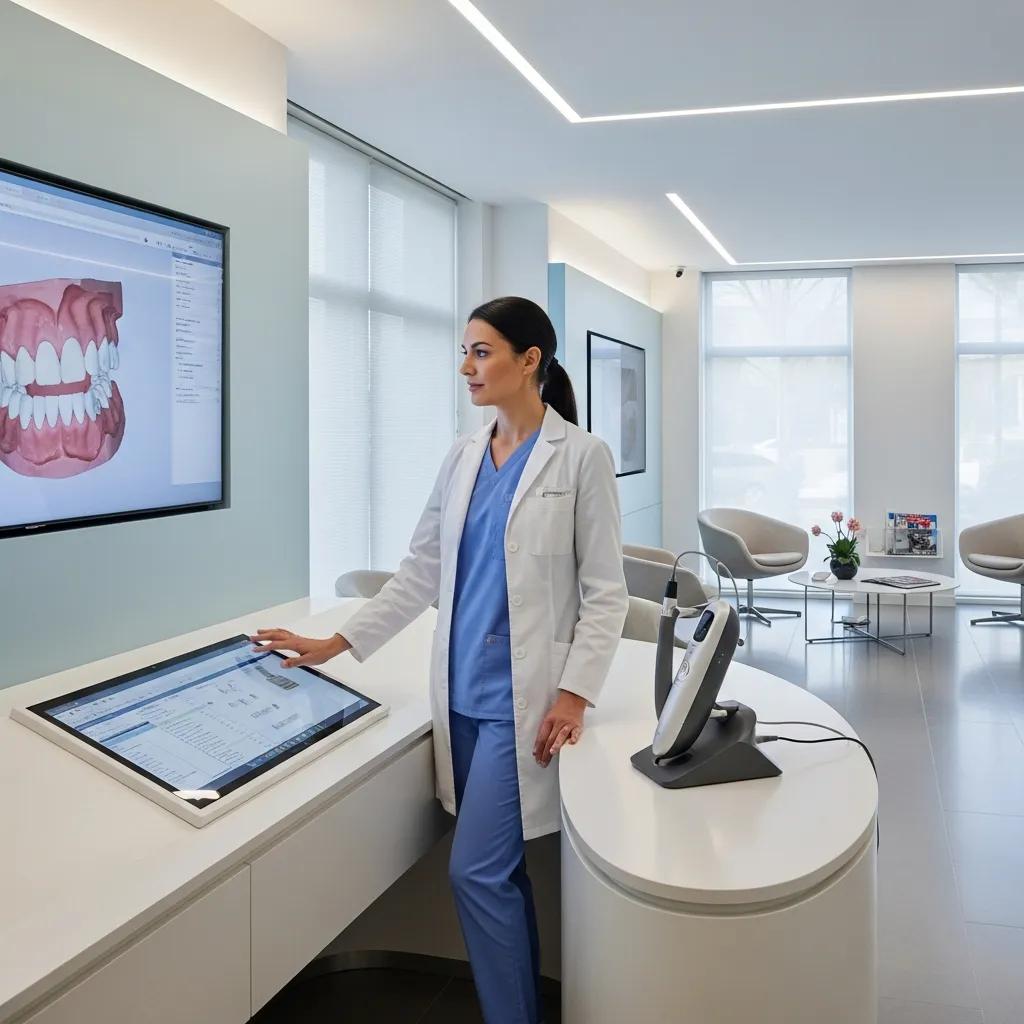
Managed IT for Vancouver Dental Practices — Secure, reliable IT that keeps your clinic running
Vancouver dental clinics need managed IT that protects patient records, simplifies scheduling, and keeps imaging and practice-management systems available when you need them. Dental-focused managed IT combines proactive monitoring, a responsive helpdesk, patch management, and encrypted backups to cut downtime, support PHIPA/PIPEDA requirements, and improve the patient experience. This guide walks Vancouver teams through what to expect from managed IT: core services, how cybersecurity and compliance are applied, backup and disaster recovery choices for imaging-heavy offices, and the network fundamentals that keep clinics productive. Along the way we share practical examples, vendor-aligned options, and relevant information about DentalTek’s services so you can compare providers with clarity and confidence.
What Are Managed IT Services for Dental Clinics in Vancouver?
Managed IT for dental clinics means outsourcing the day-to-day care, security, and support of your systems so your team can focus on patients. A managed provider monitors endpoints continuously, applies critical patches, manages backups, and runs a dedicated helpdesk to fix problems quickly — often before they affect appointments. The result is operational resilience: fewer cancelled visits, reliable access to imaging, and predictable software behaviour that protects revenue and patient trust. Practices that adopt dental-focused managed IT typically see measurable drops in downtime and faster resolution of incidents through remote assistance and planned maintenance.
When evaluating managed IT for your clinic, look for these core services:
- 24/7 proactive monitoring and alerting to spot issues before they impact patient care.
- A responsive helpdesk and remote support so chairside and admin problems are resolved quickly.
- Centralized patch management and endpoint protection to close security gaps and support compliance.
- Encrypted, regularly tested backups with verified restores to protect patient data and meet regulatory needs.
These elements form the backbone of dependable dental IT; the next section explains how they translate into measurable clinic improvements.
How Do Managed IT Services Enhance Dental Clinic Efficiency?
Managed IT improves clinic efficiency by reducing unplanned outages, speeding software updates, and smoothing appointment workflows through reliable infrastructure and expert support. With continuous monitoring, technicians can spot a slow imaging server or a failing backup and intervene before an appointment is affected — which means fewer reschedules and higher daily throughput. Typical, measurable gains include lower mean time to repair (MTTR), faster patient check-in, and fewer support tickets for software crashes or credential problems. Clinics that adopt proactive patching and endpoint protection often report a clear drop in repeat issues and an uptick in staff productivity.
Research shows that combining better technology with workflow optimization is a reliable way to improve operational efficiency in multi-specialty dental clinics.
Boosting clinic efficiency with targeted technology and workflow changes
This qualitative study used semi-structured interviews with 20 dental professionals across multi-specialty clinics to identify what drives operational efficiency. Three themes emerged: workflow optimization, better resource allocation, and thoughtful technological integration. Participants pointed to ineffective scheduling, poor delegation, and weak interdepartmental coordination as common barriers to smoother operations.
A Comparative Analysis of HIPAA Security Risk Assessments for Two Small Dental Clinics, 2018
Which IT Support Solutions Are Tailored for Vancouver Dental Practices?
Dental-specific IT support prioritizes compatibility with practice management software, digital imaging systems, secure patient portals, and integrations like tele-dentistry or third-party labs — all configured around clinic workflows. Tech teams experienced with dental environments ensure imaging devices and large file backups are handled without slowing systems. Typical tailored services include on-site visits scheduled outside peak clinic hours, rapid remote troubleshooting for chairside systems, and secure remote access for approved off-site clinicians. Confirm that any vendor offers both robust remote support and scheduled on-site visits so care delivery stays uninterrupted.
How Does DentalTek Ensure Cybersecurity and PHIPA Compliance for Dental Practices?
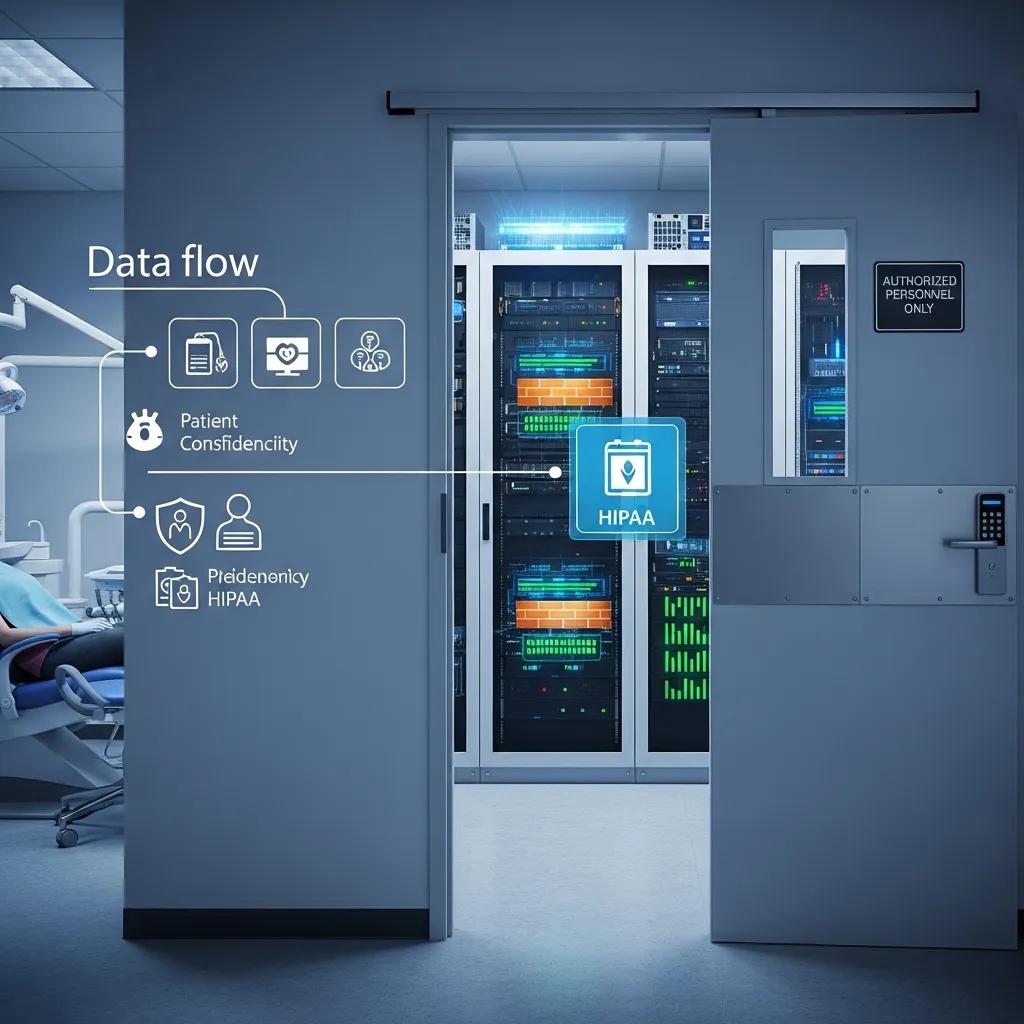
DentalTek approaches PHIPA/PIPEDA compliance with layered technical controls, clear policies, ongoing staff training, and continuous monitoring to protect patient health information. We combine endpoint protection, enterprise-grade firewalls, encrypted backups, and role-based access controls to shrink the attack surface and support regulatory duties. Our compliance services include risk assessments, policy documentation, and incident-response planning so your practice has both the technology and governance it needs.
Industry guidance highlights that cybersecurity risk assessments are a legal and practical necessity for healthcare providers, including dental clinics.
HIPAA-style security risk assessments applied to dental clinics
Security risk assessments in healthcare are ongoing obligations that require time and resources. Smaller clinics often lack formalized processes to meet these demands. This work presents two case studies using the free Security Risk Assessment (SRA) tool from the US Department of Health and Human Services: one clinic using a cloud provider and another using an on-premises server. The findings map each organization’s security posture against the HIPAA Security Rule and include suggested mitigations for identified gaps and vulnerabilities.
A Comparative Analysis of HIPAA Security Risk Assessments for Two Small Dental Clinics, 2018
A practical PHIPA compliance checklist for dental practices:
- Encrypt patient data at rest and in transit to prevent unauthorized disclosure.
- Use role-based access controls and audit logging to limit and record access to PHI.
- Maintain regular staff training and documented privacy policies to reduce insider risk.
- Keep tested backup and disaster recovery plans to ensure data integrity and availability.
These items are the foundation; the next subsection looks at the threat landscape that makes them necessary and how specific controls mitigate common attacks.
What Are the Key Cybersecurity Threats Facing Vancouver Dental Clinics?
Vancouver dental clinics commonly face ransomware, phishing, credential theft, accidental insider errors, and vulnerabilities from unmanaged remote access. Ransomware is especially damaging because clinics store sensitive patient records and large imaging files attackers can encrypt or steal. Phishing aimed at administrative staff can lead to compromised credentials and unauthorised access to scheduling or billing systems. Unsecured remote access and third-party integrations are additional risks when multifactor authentication or proper network segmentation are missing. Effective prevention includes staff phishing simulations, multifactor authentication, endpoint detection and response (EDR), and segmenting clinical devices from guest networks to limit lateral movement.
How Does DentalTek Implement PHIPA and PIPEDA Compliance Measures?
DentalTek implements PHIPA and PIPEDA compliance through a mix of technical safeguards, policy work, staff training, and periodic audits to build a defensible privacy posture. On the technical side we enforce encryption, centralized patching, strict access controls, and versioned backups that support breach response and forensic review. Administratively we help clinics create privacy policies, run employee awareness training, and schedule compliance reviews to demonstrate due diligence. Our four-step engagement model — Audit, Takeover, Upgrade, Maintain — maps the lifecycle from risk discovery to ongoing management so controls are implemented and continuously verified.
What Cloud Backup and Disaster Recovery Options Are Available for Vancouver Dental Offices?
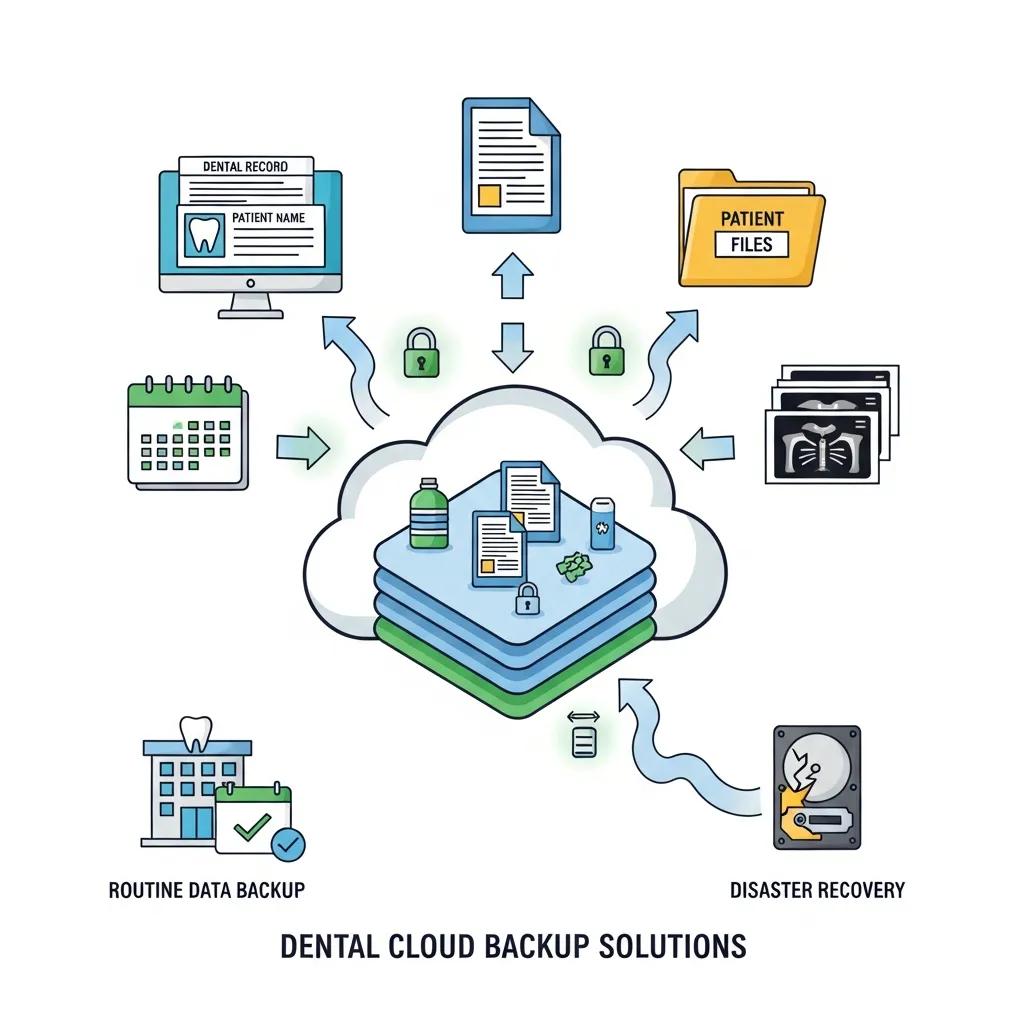
Cloud backup and disaster recovery choices range from fully cloud-hosted immutable backups to hybrid local-plus-cloud strategies that balance recovery speed, data sovereignty, and cost. When comparing options, focus on recovery time objective (RTO), recovery point objective (RPO), encryption standards, and retention policies so solutions match clinical needs and regulatory rules. A simple comparison helps clinics weigh trade-offs between providers and backup models for imaging-heavy environments.
Note: the table below compares common backup approaches and their key recovery attributes for dental clinics.
| Backup Model | Key Attribute | Typical Value |
|---|---|---|
| Cloud-native backup | Retention and immutability | 30–365 days with immutable restore points |
| Hybrid backup (local + cloud) | RTO/RPO balance | RTO: minutes–hours, RPO: minutes–hours |
| Local-only backup with replication | Fast local restores | RTO: minutes, RPO: minutes, dependent on on-site hardware |
In practice, hybrid approaches often provide the best balance for dental practices that need fast day-to-day restores and cloud resiliency for catastrophic events.
How Does Cloud Backup Protect Dental Patient Data?
Cloud backup keeps patient data safe by storing encrypted, redundant copies across geographically separated data centres so files remain available even after local failures. Encryption in transit and at rest stops unauthorised reading of backups, while versioning and immutability protect against accidental deletion and ransomware. Automated schedules eliminate human error in backup routines, and regular restore testing confirms images and databases recover within agreed timeframes. For clinics, this means appointment histories, imaging files, and practice-management databases can be restored predictably — supporting clinical continuity and compliance evidence.
Disaster recovery solutions further reduce downtime, protect revenue, and preserve patient trust by restoring systems and data quickly after incidents like hardware failure, ransomware, or natural disaster. A formal disaster recovery plan lays out recovery steps, assigned responsibilities, and clear RTOs and RPOs so staff can resume critical work with minimal confusion. The value is tangible: cutting downtime from 48 hours to under four hours can preserve days of appointments and avoid significant revenue loss and patient dissatisfaction. Regular testing and rehearsals also build readiness so staff know how to access temporary systems and validate recovered data.
Healthcare guidance consistently stresses the need for robust disaster recovery plans to maintain care delivery and protect sensitive health records.
Essential disaster recovery strategies for healthcare IT teams
In healthcare, effective disaster recovery is critical. Whether responding to cyberattacks, natural disasters, or system failures, IT teams must be prepared to restore operations quickly to ensure patient care continuity and protect sensitive data. This article outlines key steps to build a resilient disaster recovery plan: identify risks, prioritize systems, define recovery objectives, and set clear communication protocols. It emphasizes cloud backups, encryption, and regular testing to make recovery secure and reliable, and highlights the value of cross-functional collaboration and continuous improvement to foster organizational readiness and compliance.
Ready for Anything: Disaster Recovery Strategies Every Healthcare IT Team Should Know, VVR Boda, 2022
How Does Network Support and IT Infrastructure Improve Vancouver Dental Clinic Operations?
A well-designed network and solid IT infrastructure provide the performance, segmentation, and redundancy clinics need to run imaging systems, practice management software, and patient Wi‑Fi without interference. Good design ensures high-availability internet connections, reliable chairside Wi‑Fi, and network segmentation that isolates clinical devices from guest access — lowering risk. Proactive maintenance — firmware updates, monitoring, and regular reviews — prevents outages and improves throughput for large imaging transfers. Clinics that invest in enterprise-grade firewalls, managed switches, and redundant internet paths typically see fewer interruptions during busy clinic hours.
Note: the following table summarizes core network components, recommended specifications, and their operational impact for dental clinics.
| Component | Recommended Specification | Operational Impact |
|---|---|---|
| Router / Firewall | Enterprise-grade, TLS inspection, VLAN support | Secures traffic and enables segmentation |
| Switches | Managed gigabit switches with PoE | Reliable connectivity and power for access points |
| Wi-Fi Access Points | Dual-band units with enterprise controllers and coverage planning | Stable chairside connectivity for imaging and charting |
| Cabling & Patch Panels | Cat6 or better with structured cabling | Consistent throughput for large file transfers |
| Internet Redundancy | Secondary ISP or cellular failover | Keeps operations running during primary outages |
This breakdown shows that targeted infrastructure investments reduce latency, improve imaging reliability, and support secure separation of clinical systems.
What Network Components Are Essential for Dental Office IT Management?
Key components include an enterprise firewall, managed switches with VLANs, robust Wi‑Fi access points, structured cabling, and failover internet connectivity to keep clinics operational. Firewalls enforce segmentation between clinical devices, admin systems, and guest networks to limit lateral movement if a breach occurs. Managed switches provide PoE for access points and enable traffic shaping to prioritise clinical systems during peaks. Redundant internet links or cellular failover keep scheduling and cloud backups running when the primary link fails. Together, these elements deliver predictable performance and a platform for secure remote support and monitoring.
How Does Proactive Network Maintenance Reduce Downtime?
Proactive maintenance reduces downtime by spotting degradations and security gaps before they cause outages — using automated monitoring, scheduled patching, and firmware updates. A regular cadence (weekly alert reviews, monthly patches, quarterly architecture audits) keeps systems supported and resilient. Automated alerts speed detection, and remote remediation cuts repair time because technicians can fix many issues without an on-site visit. Consistent maintenance also creates audit logs and change records that support compliance and continuous improvement.
Why Choose DentalTek for Managed IT Services in Vancouver Dental Practices?
DentalTek focuses on dental clinics, offering managed services, cybersecurity, cloud backup, and ongoing maintenance aligned with PHIPA and PIPEDA. We follow a four-step onboarding approach — Audit, Takeover, Upgrade, Maintain — to reduce transition risk and deliver predictable outcomes. DentalTek partners with proven vendors such as Veeam, Dell, and Microsoft to provide backup, hardware, and cloud solutions that match clinic needs.
Note: the table below summarizes DentalTek’s offerings, core attributes, and the benefits clinics can expect.
| Offering | Core Attribute | Clinic Benefit |
|---|---|---|
| Managed Services | 24/7 monitoring and helpdesk | Fewer interruptions and faster ticket resolution |
| Cybersecurity | PHIPA/PIPEDA-aligned controls | Lower breach risk and stronger compliance readiness |
| Cloud Backup & DR | Partnered solutions with encrypted retention | Reliable restores and tested recovery plans |
This summary shows how DentalTek combines service design and vendor partnerships to deliver dental-focused IT support that addresses both operations and compliance.
What Specialized Expertise Does DentalTek Offer for Dental IT Support?
DentalTek brings domain-specific expertise that aligns IT operations with dental workflows — from practice management systems and imaging devices to secure patient portals. Our technicians are trained on dental integrations and understand how chairside imaging, networked radiography, and database backups interact, so we prioritise fixes that minimise appointment disruption. Vendor partnerships let us recommend hardware and recovery strategies tuned for imaging-heavy clinics. Dedicated account management and onboarding make sure each clinic’s workflow is documented and protected, giving you a single point of accountability for technical performance and upgrades.
How Does DentalTek’s 4-Step Process Ensure Reliable IT Management?
DentalTek’s four-step process — Audit, Takeover, Upgrade, Maintain — provides a predictable path from risk discovery to ongoing stability. The Audit phase identifies vulnerabilities, inventories assets, and maps recovery gaps into a prioritised plan. Takeover formalises responsibilities, service-level expectations, and escalation paths so everyone knows who handles incidents and how they’re resolved. Upgrade and Maintain implement recommended hardware and software improvements and then sustain them with monitoring, patching, and regular reviews. This lifecycle reduces surprises and helps busy clinics avoid ad hoc downtime.
How Can Vancouver Dental Practices Get Started with DentalTek’s IT Solutions?
Getting started is straightforward: request an initial audit, schedule a demo or consultation, then move into a phased onboarding that fits your clinic’s schedule and risk priorities. This approach clarifies outcomes at each step so you can budget time and costs effectively. DentalTek accepts inquiries by email or phone and follows with a short discovery call to scope the audit and demo. The numbered steps below outline what to expect when you initiate engagement.
- Request an initial audit to identify risks, inventory, and recovery gaps.
- Join a demo or consultation to review findings and receive a tailored remediation plan.
- Move into phased onboarding — Takeover, Upgrade, and ongoing Maintain — to implement controls and support.
These steps help clinics move from assessment to steady operational support with clear deliverables and timelines provided during the consultation.
What Is the Process to Request a Demo or Consultation?
To request a demo or consultation, have basic info ready about practice size, current software and imaging systems, and your main pain points, then contact DentalTek to schedule a discovery call and an on-site or remote audit. A typical demo covers an overview of managed IT services, a review of audit findings, sample restoration tests, and a proposed roadmap with timelines and SLAs. Preparing a short checklist — number of operatories, imaging modalities, primary practice management software, and current backup method — helps focus the audit and speeds the process. After the demo, DentalTek provides a clear proposal with recommended upgrades, expected RTO/RPOs, and next steps to reduce risk while preserving clinic workflows.
How Does Dedicated Account Management Support Dental Clinics?
Dedicated account management gives clinics a single point of contact for escalations, performance reviews, and strategic planning so IT aligns with changing clinical needs. Account managers coordinate routine reviews, monitor SLA performance, and prioritise projects like network upgrades or compliance audits so clinics don’t juggle multiple vendors. Regular meetings — quarterly or as agreed — let us offer proactive recommendations based on monitoring data and business goals, including equipment refresh schedules and training plans. That ongoing partnership reduces administrative burden and helps ensure technology investments deliver measurable results.
Frequently Asked Questions
What should dental clinics consider when choosing a managed IT service provider?
When choosing a managed IT provider, evaluate their dental industry experience, the services they offer, and their knowledge of PHIPA and PIPEDA. Check their support model — 24/7 helpdesk availability, proactive monitoring, and whether they provide tailored solutions for your practice management and imaging systems. Client testimonials and case studies are useful for assessing reliability and real-world impact on clinic operations.
How can dental practices ensure their patient data is secure during remote access?
Secure remote access requires multifactor authentication (MFA), encrypted VPNs or secure remote-access tools, and strict role-based access controls to limit who can see sensitive data. Regular staff training and ensuring remote devices run up-to-date security software further reduce risk. Combine these controls with logging and periodic reviews to maintain an auditable access posture.
What are the advantages of using cloud-based backup solutions for dental practices?
Cloud backups give dental practices encrypted, redundant storage across multiple data centres, automated schedules to limit human error, and faster recovery when incidents happen. They also remove much of the upfront cost and maintenance of on-site infrastructure. For imaging-heavy offices, cloud solutions that support efficient transfer and versioning are especially valuable.
How often should dental clinics conduct cybersecurity training for their staff?
Aim for at least annual cybersecurity training, with extra sessions when policies or systems change. Regular refreshers and simulated phishing exercises keep awareness high and reinforce secure habits. More frequent, short training modules are often more effective than a single long annual session.
What role does network segmentation play in dental clinic cybersecurity?
Network segmentation isolates clinical systems from less secure parts of the network, such as guest Wi‑Fi, reducing the risk of lateral movement if a breach occurs. Segmentation also supports tighter access controls and clearer monitoring, which makes it easier to detect and contain threats while protecting patient data.
What are the key components of a disaster recovery plan for dental clinics?
A strong disaster recovery plan defines recovery objectives (RTO/RPO), step-by-step data-restoration procedures, and assigned roles for staff during an incident. Regular testing is essential to confirm the plan works and to familiarise staff with their responsibilities. The plan should also include clear communication protocols to keep stakeholders informed and minimise disruption to patient care.
Conclusion
Expert managed IT can noticeably improve how dental practices operate in Vancouver — reducing downtime, protecting patient data, and keeping clinical systems available when you need them. By choosing solutions that prioritise cybersecurity and regulatory alignment, clinics can streamline IT, protect patient trust, and focus on delivering care. If you’re ready to see how this works in your clinic, schedule a consultation with DentalTek to start with a focused audit and a clear roadmap.

