
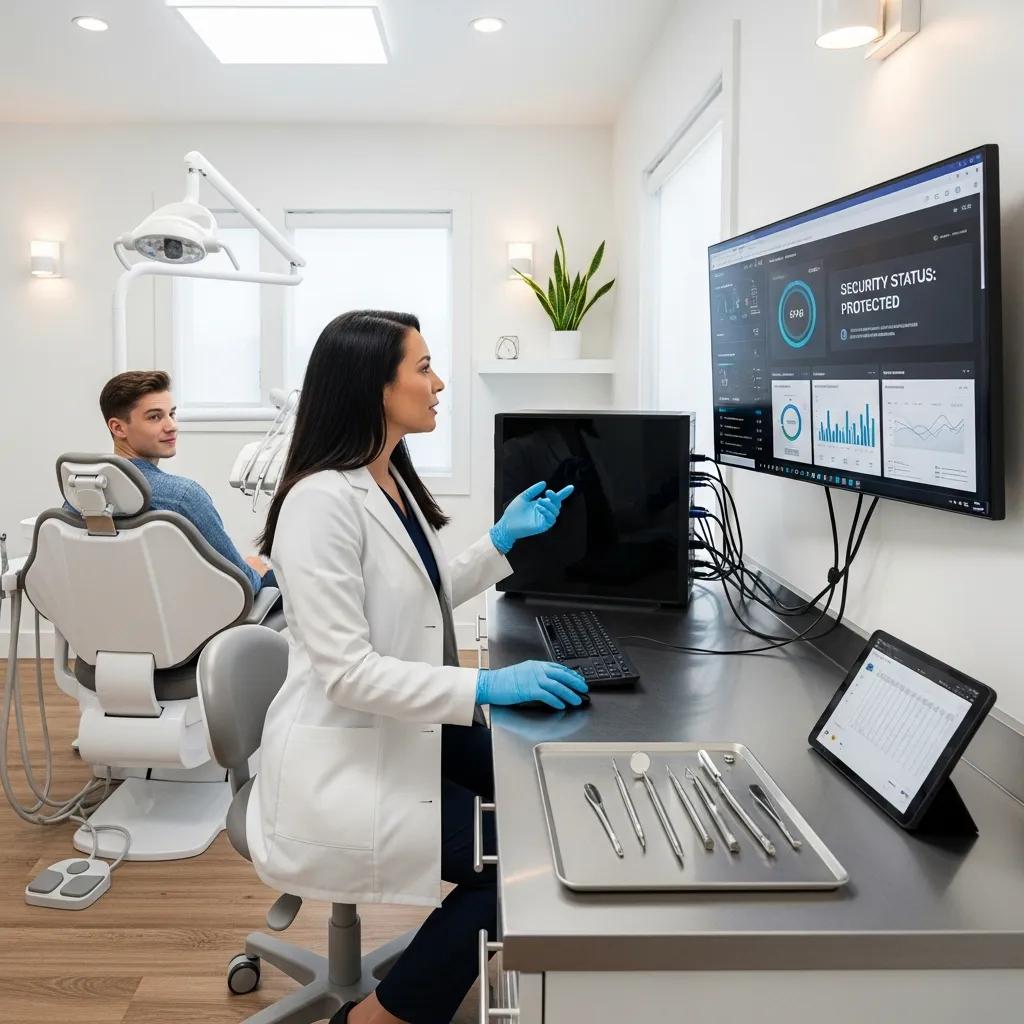
Protect Your Dental Clinic: Managed IT, Firewall & Cybersecurity
Dental practices hold concentrated stores of patient records, appointment schedules, and diagnostic images—data that makes clinics attractive targets for cyberattacks and ransomware. This guide describes how coordinated managed IT services, properly configured firewalls, and disciplined cybersecurity practices keep patient information safe, protect appointment continuity, and support HIPAA obligations. You’ll get a clear view of what managed IT for dental clinics includes, how proactive monitoring limits downtime, why firewalls and network segmentation matter, how to evaluate cloud backup and disaster recovery options, and which practical controls help IT teams stay audit-ready. DentalTek specializes in dental IT—proactive monitoring, managed services (including firewall management and cloud backup), and vendor partnerships—and offers a free demonstration for clinics that want to see these protections at work. Read on for practical, clinic-focused checks and comparisons you can use right away.
What Are Managed IT Services for Dental Practices and How Do They Protect Your Office?
Managed IT services for dental clinics are outsourced technical operations that keep systems running and secure every day. They cover endpoints, servers, networking, backups, and the integrations that dental workflows depend on. By combining continuous monitoring, patch management, endpoint protection, and an accessible help desk, managed services cut down technical incidents, speed incident response, and create audit trails that simplify HIPAA reviews. The bottom line for clinics is less unplanned downtime, faster recovery, and preserved revenue and patient confidence. Clinics often choose dental-specialist providers because those teams understand practice management software and clinical workflows.
Core managed services that reduce risk and operational disruption include:
- Continuous system monitoring to catch anomalies before they turn into outages or data loss.
- Regular patch management to close known vulnerabilities in operating systems and clinical applications.
- Managed, tested backups and recovery procedures so systems can be restored quickly after failure or ransomware.
- Endpoint protection and access controls to lower the chance of credential theft and malware spread.
These protections work together to keep appointments and treatment records available. The next section explains how 24/7 monitoring drives early detection and faster fixes to prevent downtime.
How Does Proactive IT Monitoring Prevent Dental Office Downtime?
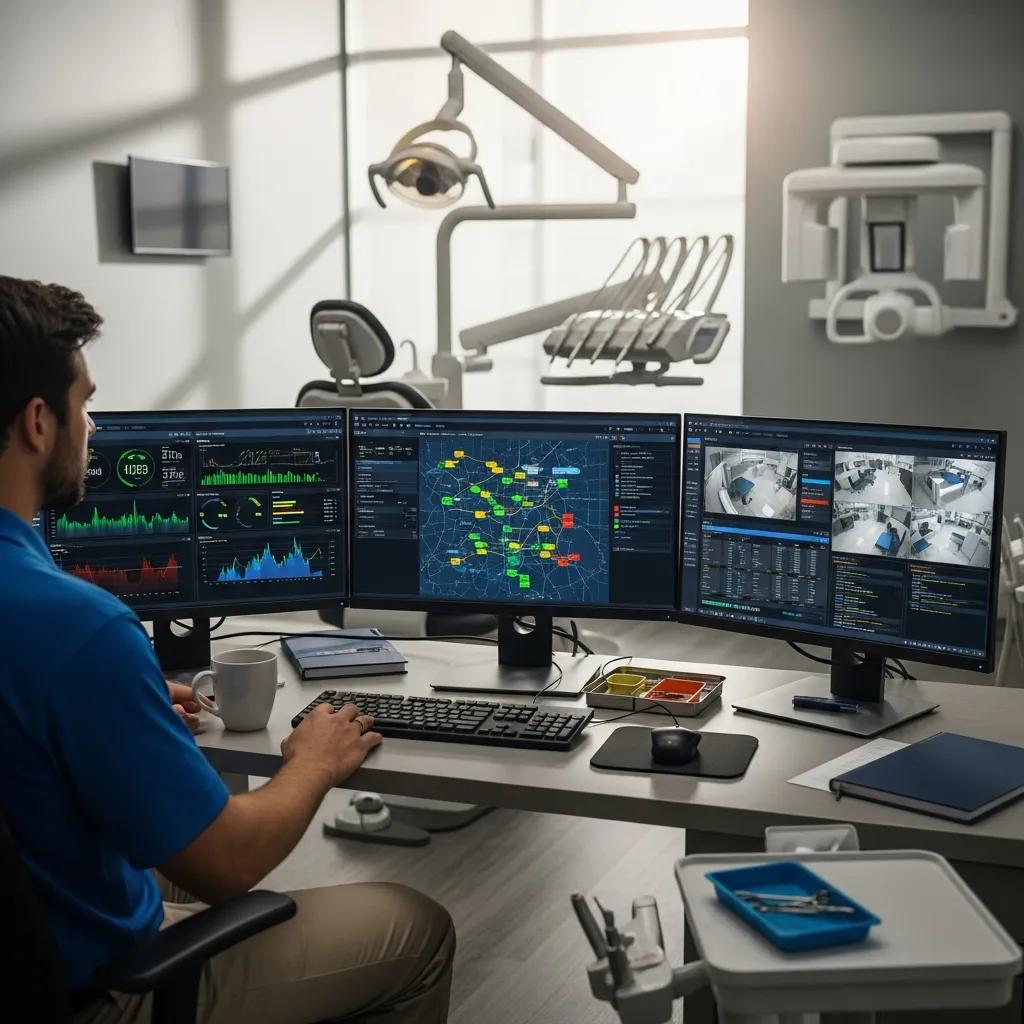
Proactive IT monitoring collects health and performance data from workstations, servers, network devices, and backups so problems are spotted before they cause outages. Monitoring tracks patch status, disk health, log anomalies, and network latency; when thresholds are crossed it triggers alerts and, where possible, automated remediation—restarting services, queuing hardware replacements, or escalating to technicians. That approach reduces emergency break/fix calls and fewer canceled appointments from system failures. Monitoring also produces records that support HIPAA audits and helps plan remediations that prevent repeat incidents. That leads into how support is actually delivered: remotely or onsite.
Common items we monitor in a dental environment include:
- Servers and backup job status to ensure data recoverability.
- Workstation health and antivirus posture to limit endpoint compromise.
- Network devices and Wi‑Fi controllers to keep practice management tools connected.
- Backup snapshots and replication to preserve recoverable points in time.
These monitored items form a detection-to-remediation workflow that helps dental teams maintain continuity and reduce reactive IT costs.
What Are the Differences Between Remote and Onsite IT Support for Dental Clinics?
Remote IT support uses secure tools to troubleshoot systems, apply patches, and resolve many software and configuration issues without travel—delivering faster response for routine incidents. Onsite support is required for physical tasks like hardware swaps, cabling, imaging, or complex integrations. Hybrid plans combine continuous remote monitoring with guaranteed onsite response windows for critical hardware issues, balancing lower monthly costs with dependable physical support. For many dental clinics the best fit is remote-first monitoring and patching, with defined onsite SLAs for hardware repairs and escalations—this lowers downtime while keeping costs predictable.
Which model you choose depends on practice size and complexity: a solo-location clinic may prefer remote-first with occasional onsite visits, while multi-chair or multi-site practices usually benefit from hybrid SLAs that guarantee faster physical response. That trade-off leads naturally into the network controls—starting with firewalls—that protect both remote and onsite access points.
How Do Firewall Solutions Secure Your Dental Office Network?
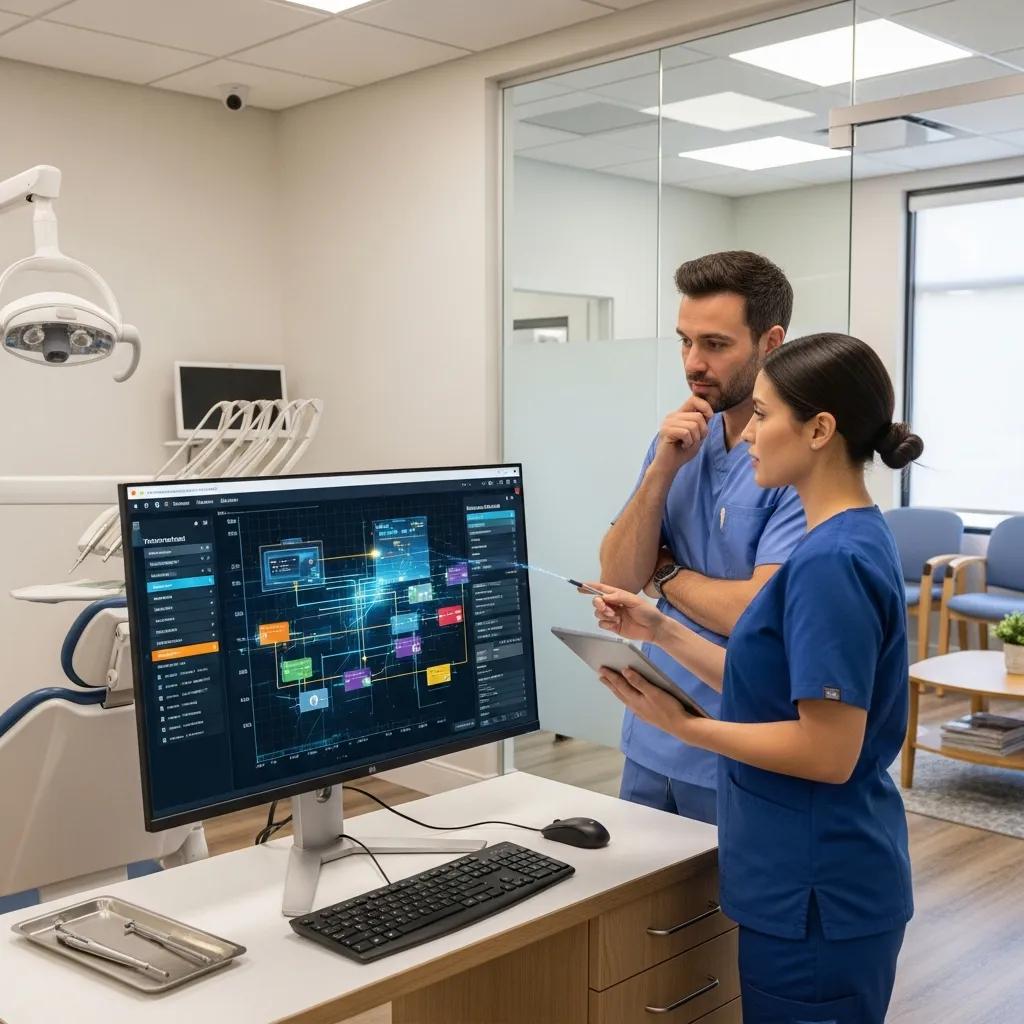
Firewalls act as gatekeepers, enforcing rules about which traffic may enter or leave your network. Sitting at the edge between internal systems and the internet, they block malicious traffic and reduce exposure. With access control lists, application-aware filtering, and integration with intrusion detection/prevention (IDS/IPS), a properly managed firewall shrinks your attack surface and enforces segmentation between clinical systems and guest networks. The practical advantage is containment: if a phishing link compromises a workstation, segmentation and rules limit lateral movement and lower the risk that PHI is exposed or encrypted by ransomware. Effective firewall management also includes logging, change control, and regular rule reviews to maintain HIPAA-appropriate defenses.
Key firewall protections that benefit dental offices include:
- Network segmentation so practice management servers are isolated from guest Wi‑Fi.
- Blocking known-malicious IPs and restricting unnecessary inbound services.
- Inspecting SSL/TLS traffic for risky payloads when policy allows.
- Integration with IDS/IPS and endpoint tools to correlate and contain threats.
With those protections in mind, the table below compares common firewall approaches by deployment, management, cost, and HIPAA suitability.
| Firewall Type | Deployment & Management | Typical Cost Range | HIPAA Suitability |
|---|---|---|---|
| On-premises hardware firewall | Deployed at the office gateway; requires hardware lifecycle and local IT management | Moderate to High | High when properly configured and maintained |
| Cloud/virtual firewall | Deployed in cloud or as a virtual appliance; managed remotely by a vendor | Lower to Moderate | High if configured for PHI protections and logging |
| Unified Threat Management (UTM) | Combines firewall, IDS/IPS, and content filtering in one appliance; managed locally or remotely | Moderate | High for small clinics when regularly updated |
What Is a Firewall and Why Is It Essential for Dental Clinics?
A firewall is a network device or service that inspects traffic against rules you set—allowing legitimate communication while blocking unauthorized access. For dental clinics it’s essential because it enforces separation between systems that handle PHI and less-trusted zones like guest Wi‑Fi or vendor remote access. Firewalls limit breach risk by controlling ports and services, preventing unsolicited inbound connections, and slowing horizontal spread if an endpoint is compromised. Combined with segmentation and robust access controls, a firewall is a primary technical safeguard that helps meet HIPAA expectations and protects practice operations.
Because rule sets can grow complex, clinics should practice change control and regular rule audits so policies match current business needs and don’t accidentally expose clinical systems. That maintenance is a core part of how a specialist provider implements and manages firewalls for dental customers.
How Does DentalTek Implement Firewall Protection to Prevent Cyber Threats?
DentalTek starts firewall projects with an assessment: we map your architecture, identify critical assets (practice management servers, backup appliances, imaging systems), and design segmentation and rule sets around those priorities. Implementation includes deploying appliances or virtual firewalls, hardening management interfaces, and integrating IDS/IPS and logging for continuous visibility. Our dental focus and vendor partnerships let us configure security that fits clinic workflows while following best practices. We offer free demos so clinics can watch monitoring dashboards and rule enforcement in a real environment. Ongoing maintenance covers managed policy updates, scheduled reviews, and coordination with endpoint and backup teams to keep defenses aligned as topology and software change.
This assessment-driven, vendor-aligned approach keeps firewall protections current and prepares clinics for the broader cybersecurity requirements that follow.
Why Is Cybersecurity Critical for Dental Clinics and Patient Data Protection?
Cybersecurity matters for dental clinics because breaches expose Protected Health Information (PHI), interrupt patient care, and create regulatory and financial liabilities. Targeted ransomware and phishing campaigns continue to hit smaller healthcare providers—often exploiting gaps in patching, segmentation, or immutable backups. A layered security approach—endpoint protection, strong authentication, network controls, and tested backups—lowers the chance of a successful breach and improves the clinic’s ability to respond. Below are the most common threats and short mitigations to help clinics prioritize defenses.
Common cyber threats to dental practices and quick mitigations:
- Ransomware: Maintain immutable backups and isolate infected systems quickly to reduce impact.
- Phishing and credential theft: Enforce multifactor authentication and provide regular user training.
- Unpatched systems: Use automated patch management to close known vulnerabilities.
- Insider risk: Apply role-based access and monitoring to detect and limit misuse.
What Are the Most Common Cyber Threats Targeting Dental Practices?
Dental practices face ransomware, phishing, stolen credentials, and risks from unpatched clinical software or misconfigured network devices. Ransomware often arrives through phishing or exposed remote services and can lock appointment data, X‑rays, and records. Phishing targets human error, so simulated exercises and training reduce click rates and credential theft. Unpatched systems and default settings let attackers exploit known flaws, and weak segmentation enables lateral movement. Addressing these vectors requires a blend of technical controls, continuous monitoring, and staff processes.
Identifying the main attack paths helps clinics prioritize investments—especially in backups and segmentation—which support recovery and HIPAA compliance, discussed next.
Recent research underscores the urgent need for dental practices to prepare for the most common cybersecurity threats they face.
Cybersecurity Threats and Preparedness in Dental Practices
Protecting patient data and keeping dental practices operational are top priorities. Cyber-attacks pose a serious threat to dental institutions, with potential consequences that include financial loss, reputational damage, and service interruption. It’s essential that dental practices adopt robust cybersecurity measures to protect systems and sensitive information.
Cybersecurity threats and preparedness: Implications for dental schools, RP Nalliah, 2025
How Does Cybersecurity Safeguard Patient Data and Ensure HIPAA Compliance?
Cybersecurity protects patient data by applying technical and administrative controls that align with the HIPAA Security Rule: encrypting data in transit and at rest, enforcing access controls and multifactor authentication, and keeping logs and monitoring for auditing and incident response. Strong vendor management and Business Associate Agreements (BAAs) ensure third-party services that handle PHI accept contractual security responsibilities. Together, these measures show reasonable and appropriate safeguards to regulators and materially reduce exposure during audits and breach investigations. Mapping technical measures to specific Security Rule areas clarifies what a practice must implement and document.
A short mapping of Security Rule areas to technical controls and typical managed IT services that help clinics meet those requirements:
| Security Area | Technical Control | How Managed IT Services Help |
|---|---|---|
| Access Controls | MFA, role-based accounts | Configure and manage MFA and enforce least privilege |
| Audit Controls | Centralized logging, retention | Collect logs and produce reports for audits |
| Integrity | Backup snapshots, checksums | Provide managed immutable backups and integrity checks |
| Transmission Security | TLS, VPN for remote access | Configure encrypted transport and secure remote access |
How Can Dental Offices Achieve and Maintain HIPAA Compliance with IT Support?
Maintaining HIPAA compliance requires a documented program that includes risk assessments, remediation plans, technical safeguards, administrative policies, and vendor oversight. From an IT perspective that means an initial risk assessment to find vulnerabilities, implementing access controls (including MFA and role-based permissions), encrypting PHI, maintaining detailed logging and monitoring, and keeping a tested incident response plan. Administrative elements—written policies, staff training, and scheduled audits—support technical controls and demonstrate organizational commitment. Continuous monitoring and periodic reassessment close the loop so identified risks don’t recur.
The table below maps Security Rule areas to example technical controls and common managed IT services that help clinics meet those controls:
| Security Area | Technical Control | How Managed IT Services Help |
|---|---|---|
| Access Controls | MFA, role-based accounts | Configure and manage MFA, enforce least privilege |
| Audit Controls | Centralized logging, retention | Collect logs, generate reports for audits |
| Integrity | Backup snapshots, checksums | Managed immutable backups and integrity checks |
| Transmission Security | TLS, VPN for remote access | Configure encrypted transport and secure remote access |
Understanding HIPAA risk assessments and how they apply to dental practices is essential for effective compliance.
HIPAA Security Risk Assessments for Dental Practices: Cloud-Based versus On-Premises Solutions
Security risk assessments are a regulatory requirement in healthcare and demand ongoing attention. Smaller facilities often lack streamlined processes to meet these expectations. This study examines two small dental clinics using the HHS Security Risk Assessment (SRA) tool—one using cloud services and the other an on-premises server—offering insights into each environment’s risk posture and recommendations to close gaps.
A Comparative Analysis of HIPAA Security Risk Assessments for Two Small Dental Clinics, 2018
What Are the Key HIPAA Security Rules Dental Practices Must Follow?
The HIPAA Security Rule focuses on administrative, physical, and technical safeguards to protect electronic PHI (ePHI). Administrative safeguards cover risk assessments, policies, training, and incident response planning; physical safeguards address facility and device protections; technical safeguards require access controls, audit controls, integrity measures, and transmission security. Dental practices should use MFA, unique user IDs, regular access reviews, encryption for data at rest and in transit, and documented contingency plans with tested backups. Ongoing training and records of remediation actions complete the compliance posture and support audits.
Complying with these controls lowers breach risk and improves recovery. The next section explains how BAAs formalize vendor responsibilities in that ecosystem.
How Do Business Associate Agreements Support Dental IT Compliance?
Business Associate Agreements (BAAs) are contracts that define how a vendor handling PHI must protect data, report breaches, and return or destroy information at the end of the relationship. Key BAA elements include permitted uses of PHI, required security controls, breach notification timelines, and data disposal terms. For IT providers, BAAs typically require encryption, logging, access controls, breach cooperation, and evidence of security processes. Having BAAs in place with managed service vendors shifts part of the accountability and documents that third-party systems used by the practice meet expected security standards.
BAAs, together with technical controls and monitoring, create the contractual and operational foundation for compliance and guide backup and disaster recovery choices described next.
What Are the Best Cloud Backup and Disaster Recovery Solutions for Dental Data?
The best cloud backup and disaster recovery solutions for dental data combine reliable local backups, secure offsite replication, strong encryption, and clear RTO (Recovery Time Objective) and RPO (Recovery Point Objective) targets. Architectures range from local snapshots with cloud replication to cloud-only backups or image-level replication; each balances recovery speed, storage cost, and complexity. Clinics should prioritize encrypted backups, immutability to resist ransomware tampering, periodic restore testing, and backup vendors willing to sign BAAs. A disaster recovery plan should document roles, test schedules, and acceptable downtime so expectations are clear when incidents occur.
Common backup types and their trade-offs include:
- File-level backups: Efficient for documents and records, but may require system rebuilds.
- Image-level backups: Capture the full system state for faster server restores.
- Continuous replication: Minimizes data loss but can be more expensive.
The table below compares backup approaches against RTO/RPO, encryption, and HIPAA features to help you choose.
| Backup Approach | RTO / RPO | Encryption & Security | HIPAA-Related Features |
|---|---|---|---|
| Local + Cloud Replication | RTO: hours; RPO: minutes–hours | At-rest and in-transit encryption; immutable snapshots possible | High if vendor provides a BAA and immutable storage |
| Cloud-only Backup | RTO: dependent on bandwidth; RPO: minutes–hours | Strong encryption common; region controls available | High if data residency and BAA are addressed |
| Image-based DR (replication) | RTO: minutes–hours; RPO: near-zero | Encrypted replication channels; snapshot immutability | High for mission-critical servers with regular testing |
Robust disaster recovery planning is central to preserving patient care and data security in healthcare.
Healthcare Disaster Recovery: Strategies for Cyberattacks and Data Protection
In healthcare, effective disaster recovery is essential. Whether the cause is a cyberattack, natural disaster, or system failure, IT teams must be ready to respond quickly to maintain patient care and protect sensitive data. This article outlines core disaster recovery strategies, including risk identification, system prioritization, and clear communications. It highlights the importance of cloud backups, encryption, and regular validation of recovery plans to keep processes secure and operationally effective.
Ready for Anything: Disaster Recovery Strategies Every Healthcare IT Team Should Know, VVR Boda, 2022
How Does Cloud Backup Ensure Business Continuity for Dental Offices?
Cloud backups support business continuity by preserving recoverable copies of appointment data, imaging, and clinical records offsite so clinics can restore systems after hardware failure, ransomware, or site loss. When backups are encrypted, immutable, and tested regularly, clinics can restore critical servers or user files within predictable RTO/RPO targets—reducing patient cancellations and financial impact. Regular restore testing and clear failover procedures—such as rebuilding a server from image backups or restoring critical databases—give teams confidence to act under pressure. Offsite replication and documented recovery playbooks create resilience and let clinics resume patient care faster, protecting revenue and reputation.
Testing cadence, recovery roles, and communication plans are part of DR planning and should be scheduled and rehearsed.
What Should Dental Clinics Consider When Choosing a Cloud Backup Provider?
When evaluating cloud backup providers, check for a BAA, strong encryption standards, immutability support, restore testing assistance, RTO/RPO guarantees, and healthcare experience. Red flags include no BAA, unclear encryption practices, lack of immutable snapshots, or minimal testing support. Positive signs are documented restore tests, enterprise vendor partnerships, and clear SLAs for recovery time. Ask about data residency, point-in-time restores, and how they support ransomware recovery. A provider with healthcare expertise and transparent policies reduces operational risk and simplifies audits.
Next, we cover software and network integration practices that help keep practice management systems secure and available.
How Does DentalTek Support Dental Software Integration and Network Security?
DentalTek helps integrate and secure dental software by focusing on compatibility with common practice management systems, implementing secure segmentation, and providing managed services that preserve both functionality and compliance. Our work includes coordinating updates and backups for practice management servers, configuring secure vendor connections, and isolating clinical systems from guest and administrative devices. By combining proactive monitoring with lifecycle management—assess, take over, upgrade, and maintain—we keep software current, patched, and recoverable while minimizing disruption. A short demo shows how integrations are handled with minimal downtime and secure settings.
Typical integration and security tasks for dental software include:
- Configuring secure backups and replication for practice management databases.
- Scheduling controlled updates to avoid downtime during peak appointment hours.
- Enforcing network segmentation so imaging and charting systems remain isolated.
These practices ensure updates and security controls don’t interrupt patient care. The next sections describe supported software types and secure Wi‑Fi implementation.
Which Dental Practice Management Software Does DentalTek Support?
DentalTek supports common practice management systems and secures their integrations—exact compatibility should be confirmed during onboarding. Typical tasks include secure database migration, configuring encrypted remote access when required, and maintaining backup and restore routines for appointment and clinical data. We test upgrades in controlled windows to reduce downtime and audit integrations for performance and security. Clinics should confirm software versions and integration details during an initial assessment to ensure a smooth, secure deployment.
Ensuring compatibility and secure connections for practice management software helps clinics maintain continuity and ties directly into secure networking practices described next.
How Is Secure Wi-Fi Implemented to Protect Dental Office Networks?
Secure Wi‑Fi separates guest networks from clinical networks, uses modern encryption standards, applies device onboarding controls, and logs access for auditing. Guest Wi‑Fi should be isolated with strict firewall rules that prevent access to internal servers, while staff networks should use WPA3 or enterprise authentication (certificate or RADIUS). Regular monitoring of wireless controllers, firmware updates, and scheduled rekeying reduce the risk of unauthorized access; VPNs or secure tunnels should protect remote administrative access. These practices keep wireless convenient for patients while safeguarding PHI behind the clinic firewall.
Proper Wi‑Fi configuration, combined with segmentation and monitoring, completes the network security picture and leads to practical next steps.
If you’d like to see these managed protections in action, DentalTek offers a free demonstration showcasing monitoring dashboards, firewall enforcement, and backup/DR workflows tailored to dental clinics. Request a demo to evaluate how these processes fit your practice operations and audit needs. Contact DentalTek to schedule a demonstration and discuss a tailored assessment of your network and compliance posture.
Frequently Asked Questions
What are the benefits of using cloud backup solutions for dental practices?
Cloud backups give dental practices offsite copies of appointment data, imaging, and records so clinics can recover after hardware failure, theft, or a ransomware event. When providers offer encryption, immutability, and regular restore testing, backups reduce downtime and protect patient trust. Cloud solutions also simplify disaster recovery planning and often include SLAs and tools that streamline restores—helpful during audits and incidents.
How can dental practices train staff to recognize phishing attempts?
Effective phishing training is ongoing and practical. Combine short, regular training sessions with simulated phishing exercises so staff learn to spot suspicious senders, unexpected attachments, and requests for sensitive information. Give clear reporting steps and celebrate timely reports—creating a culture where employees feel comfortable flagging potential threats makes a big difference in reducing successful attacks.
What role does employee access control play in dental cybersecurity?
Access control is a foundational control: by giving employees only the access they need (role-based access), you reduce accidental or malicious exposure of PHI. Regular permission reviews and enforcing multifactor authentication (MFA) add layers of protection. Together, these measures limit the blast radius of a compromised account and make audits and investigations simpler.
What should dental clinics include in their incident response plan?
An incident response plan should identify likely threats, assign clear roles and responsibilities, and define communication protocols for staff, patients, and regulators. It should outline detection, containment, eradication, and recovery steps and include procedures for evidence preservation and breach notification. Regular tabletop exercises and updates keep the plan practical and ensure teams know how to act under pressure.
How can dental practices ensure compliance with HIPAA regulations?
Compliance requires a program that blends administrative, physical, and technical safeguards: conduct regular risk assessments, keep documented policies and procedures, train staff, and use technical controls like MFA, encryption, and centralized logging. Establish BAAs with vendors and perform periodic audits and testing. Maintaining documented remediation work and review cycles shows a sustained commitment to protecting PHI.
What are the best practices for securing dental office Wi-Fi networks?
Secure Wi‑Fi separates guest and clinical traffic, uses current encryption (WPA3 or enterprise solutions), and authenticates devices with certificates or RADIUS where possible. Isolate guest access with firewall rules, update wireless firmware regularly, monitor for rogue devices, and use VPNs for remote admin access. These steps keep patient-facing connectivity convenient while protecting internal systems that handle PHI.
Conclusion
Managed IT services, properly managed firewalls, and disciplined cybersecurity practices are essential to protecting dental clinics from today’s threats. These measures protect patient data, support HIPAA compliance, and keep your practice running when incidents happen. Prioritizing layered defenses—monitoring, segmentation, backups, and strong access controls—reduces risk and improves recovery. Contact DentalTek to explore solutions tailored to your clinic and to schedule a free demonstration of our monitoring, firewall, and backup capabilities.

