
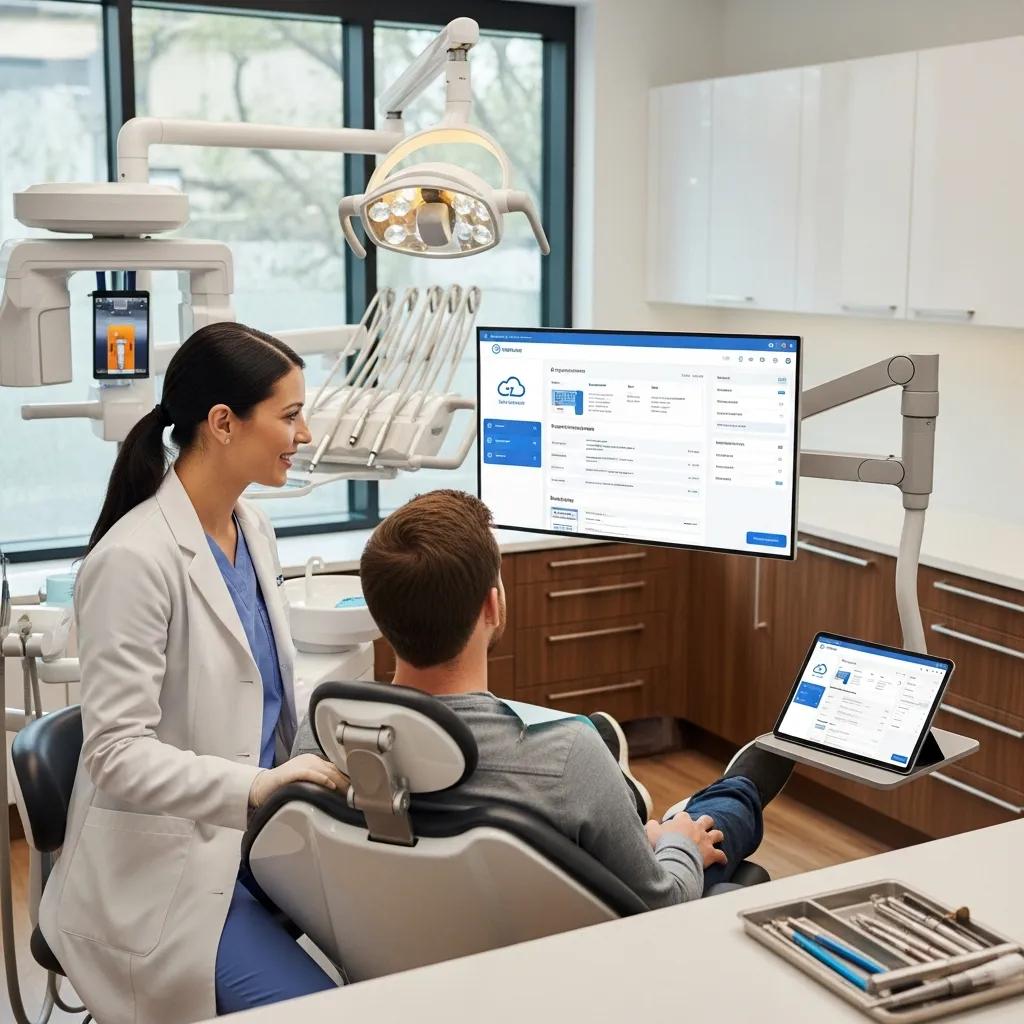
Cloud Computing for Dental Practices — Stronger Security, Smoother Operations, Smarter Growth
Moving your practice to the cloud centralizes clinical apps, patient records and office systems on professionally managed infrastructure — so your team can focus on patients, not servers. A cloud-first architecture delivers three immediate benefits: tighter data security and clearer HIPAA alignment, measurable day-to-day efficiency gains, and IT that scales as your practice grows. Many clinics still wrestle with inconsistent backups, surprise IT bills and limited remote access; cloud platforms solve these with automated backups, role-based access controls and subscription pricing that simplifies budgeting. This guide walks practice managers through how cloud computing safeguards ePHI, lowers capital and maintenance costs, enables secure remote work and telehealth, streamlines workflows, supports multi-site growth, and provides tested disaster recovery. Read on for practical security controls, cost comparisons, accessibility examples, workflow automation highlights, scalability scenarios and step-by-step disaster-recovery recommendations tailored to dental clinics.
Cloud Computing for Dental Practices: Boost Security & Efficiency
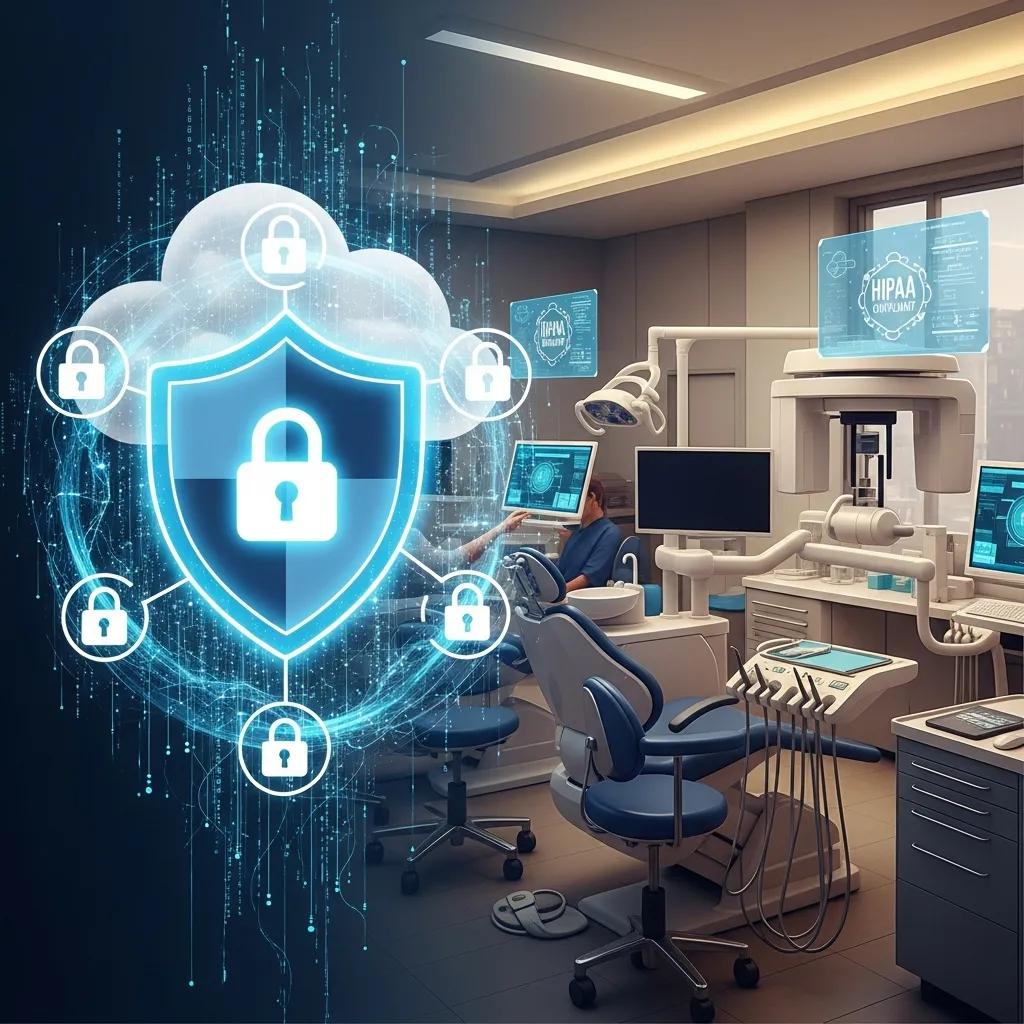
Cloud platforms provide layered protections — strong encryption, granular access controls, continuous auditing and hardened infrastructure — that typically reduce risk to electronic protected health information (ePHI) compared with ad‑hoc on‑prem setups. Those controls work together: encryption blocks unauthorized reading, multi‑factor authentication keeps access limited to authorized staff, and centralized audit logs record access and changes for HIPAA reporting. Many cloud vendors and managed-service partners also supply service-level agreements and compliance reports that help clinics document their administrative and technical safeguards during audits. In short, cloud security lowers breach likelihood, speeds incident response and simplifies compliance documentation — which is why many practices treat migration as the baseline for a defensible IT posture.
Research reinforces the need for layered security strategies when protecting patient data in cloud environments.
Cloud Security & HIPAA Compliance for Healthcare Data
This chapter examines practical strategies to secure cloud-based healthcare systems and protect patient data from unauthorized access and breaches. It covers common challenges — like insider risk, data migration, integration complexity and third‑party vendor management — and reviews controls such as encryption, access management and continuous monitoring. The chapter also discusses how regulatory frameworks like HIPAA and GDPR shape technical and administrative safeguards.
Securing the Cloud: Strategies for Protecting Sensitive Patient Data in Cloud-Based Healthcare Recommender Systems, TK Vashishth, 2025
When comparing cloud options, look for these security capabilities:
- Encryption at rest and in transit to protect stored and moving data.
- Multi-factor authentication and role-based access to control who sees ePHI.
- Immutable backups and tamper-evident logging to resist ransomware and tampering.
These core features build a defensible security posture and lead into how cloud backups and retention policies enforce HIPAA-compliant protection.
| Security Feature | Characteristic | How it Supports HIPAA |
|---|---|---|
| Encryption (At-rest & In-transit) | AES-256 / TLS-based transport | Prevents unauthorized disclosure of ePHI during storage and transmission |
| Access Controls | MFA, RBAC, least-privilege | Limits access to authorized personnel; documents user roles for audits |
| Audit & Reporting | Centralized logs, tamper-evidence | Provides chain-of-custody and activity records required for HIPAA investigations |
This comparison shows how each cloud security capability maps to HIPAA technical safeguards and supports audit-ready evidence.
How Does Cloud Backup Ensure HIPAA-Compliant Protection of Patient Data?
Cloud backup automates consistent snapshots of records and clinical systems, cutting human error and meeting retention expectations. Backups are encrypted in transit and at rest, and many providers offer immutable options so snapshots can’t be altered or deleted by ransomware. Providers run verification and integrity checks to ensure restorability and keep detailed restore logs that serve as chain‑of‑custody evidence for auditors. Retention windows are configurable to match your clinic’s policies, covering both short‑term recovery and longer legal or compliance requirements. Together, these practices make cloud backups a practical, verifiable way to protect ePHI and minimize downtime after an incident.
What Encryption and Cybersecurity Measures Safeguard Dental Practice Information?
Industry-standard encryption (AES‑256 for stored data and TLS 1.2+ for network traffic) prevents unauthorized reading of ePHI, while disciplined key management ensures only authorized systems can decrypt records. Multi‑factor authentication plus role‑based access enforces least privilege — front‑desk staff see scheduling while clinicians access treatment charts. Network segmentation, endpoint protection and managed patching add defensive layers to reduce attack surface and limit lateral movement. Continuous monitoring and centralized logging surface anomalous activity quickly and produce compliance-ready reports. These components — encryption, MFA, logging and replication — combine to give measurable protection and clearer operational visibility.
How Can Cloud Computing Deliver Significant Cost Savings and Predictable IT Expenses for Dental Practices?
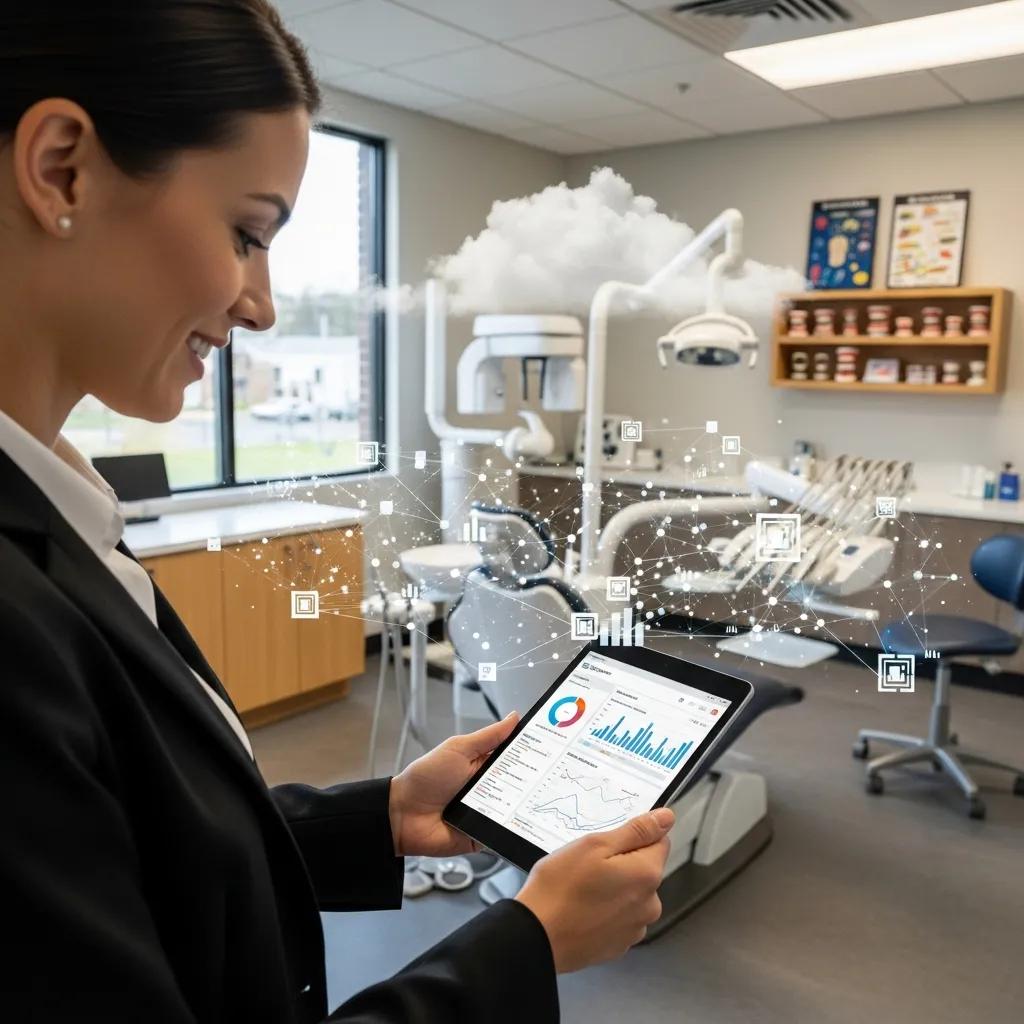
Cloud computing shifts large upfront capital purchases for servers and storage into predictable operating expenses via subscriptions and managed services. That Opex model reduces the need for in‑house server maintenance, hardware refresh cycles and specialist staff while bundling backups, patching and monitoring into a monthly fee that’s easier to forecast. Subscriptions also include software updates and security patches automatically, cutting hidden maintenance costs and downtime tied to aging on‑prem systems. For small clinics and multi‑site groups alike, cloud adoption often delivers faster ROI by avoiding hardware procurement, consolidating vendors and reducing revenue loss from outages. Put simply, cloud converts IT from an unpredictable cost center into a manageable operating line that supports clinical priorities and growth.
When planning migration, consider these financial advantages of cloud software and managed support:
- Predictable monthly fees that simplify budgeting and cash flow planning.
- Bundled maintenance and updates that reduce ad‑hoc support spending.
- Lower capital outlay and deferred hardware refresh cycles.
| System | Cost Type | Typical Impact on Practice |
|---|---|---|
| On-premise server | CapEx + maintenance | High upfront cost, ongoing patching and replacement cycles |
| Cloud subscription | Opex predictable monthly | Lower initial cost, bundled updates and support |
| Managed services | Subscription + support fees | Outsourced expertise, reduced internal staffing needs |
The table clarifies how cloud and managed services reshape cost categories and where practices typically save in day‑to‑day operations.
What Are the Financial Advantages of Subscription-Based Cloud Dental Software?
Subscription dental software replaces unpredictable upgrade and maintenance bills with a recurring fee that usually includes hosting, security updates and vendor support — simplifying total cost of ownership. SaaS reduces reliance on local servers and eliminates many capital purchases, freeing budget for clinical investments rather than IT refreshes. Many vendors bundle integrations, backups and compliance tools into subscriptions, lowering the incremental cost of achieving HIPAA‑ready operations. Subscription models also let smaller clinics access enterprise features that would otherwise be out of reach, leveling the technology playing field. These financial benefits support steadier cash flow and clearer forecasting for practice managers.
How Does Cloud IT Reduce On-Premise Hardware and Maintenance Costs?
Shifting core systems to the cloud removes the need for on‑site servers, UPS maintenance and the labor of physical replacements — lowering both direct and indirect costs. Cloud platforms take responsibility for underlying infrastructure, security patching and hardware refresh cycles as part of their service, freeing clinic staff and local IT vendors to focus on higher‑value work. Less on‑prem hardware also cuts energy, cooling and space needs while reducing risks from single‑point failures. Consolidating vendors through cloud and managed services can further simplify procurement and administrative overhead. Together, these efficiencies shrink IT budgets and let practices reallocate resources to patient care.
In What Ways Does Cloud Computing Improve Accessibility and Support Remote Work in Dental Practices?
Cloud architectures enable secure, role‑based access to patient records and practice tools from any authorized device, supporting clinicians, front‑desk teams and remote billing staff. That makes multi‑site operations smoother by synchronizing records and appointments in real time, cutting duplication and manual reconciliation common with isolated on‑prem systems. Cloud telehealth and secure messaging extend care to remote or post‑op patients, while emergency access policies let authorized staff quickly retrieve critical clinical information outside the office. These accessibility features strengthen operational resilience and support modern workflows where parts of the revenue cycle or administrative work are handled remotely.
Key accessibility examples for dental cloud solutions include:
- Multi‑location record synchronization for group practices and satellite clinics.
- Remote administrative and revenue‑cycle management (RCM) support to speed billing and collections.
- Secure telehealth access for consults, follow‑ups and emergency triage.
These scenarios lead naturally into the technical controls that enable secure remote connections and emergency workflows.
How Does Cloud Enable Secure Remote Access to Patient Records Across Multiple Locations?
Cloud systems use centralized identity and access management with multi‑factor authentication to provide secure remote access while enforcing least‑privilege rules across staff and sites. Replicated databases and real‑time sync ensure updates at one location appear immediately elsewhere, reducing clinical errors from outdated charts or duplicate entries. Conditional access policies, device compliance checks and modern VPN alternatives block unapproved devices from accessing ePHI, while audit logs record who accessed what and when. Together, these controls let clinicians and administrative teams collaborate across sites without sacrificing security or compliance, supporting efficient multi‑site operations.
What Are the Benefits of Cloud Solutions for Emergency Access and Telehealth in Dentistry?
Cloud platforms give clinicians rapid access to treatment plans, radiographs and medication histories during emergencies, enabling quicker triage and continuity of care from any authorized device. Cloud‑hosted telehealth reduces friction for scheduling virtual consults, documenting encounters and integrating remote notes into the master patient record. Immutable backups and high‑availability architectures lower downtime risk during local outages, and granular access controls let emergency roles be elevated temporarily with full audit trails. These capabilities boost patient safety and expand care options — especially useful for practices that offer remote follow‑ups or have limited in‑office capacity.
How Does Cloud Computing Enhance Operational Efficiency and Streamline Dental Practice Workflows?
Cloud-based practice management centralizes scheduling, charting, imaging and billing to reduce handoffs and eliminate data silos that slow daily work. Automation — appointment reminders, eligibility checks, electronic claims and integrated billing — accelerates revenue‑cycle tasks and cuts no‑shows and claim rework. Centralized records with clinical templates and structured data capture shorten charting time and let clinicians spend more time with patients. These efficiencies also improve analytics and reporting, enabling smarter staffing and patient outreach decisions. The result: less friction, better patient experience and higher throughput.
Adopting cloud-based tools and automation is increasingly shown to transform dental clinic operations and patient care.
Cloud-Based Automation for Dental Clinic Efficiency
This review describes how automation — including AI, IoT and cloud storage — is being adopted in dental clinics to streamline workflows, support diagnostics and improve overall clinical efficiency. It highlights current applications, practical challenges and likely future developments as clinics modernize.
Digital Transformation and Automation in Dental Clinics: Current Applications, Challenges, and Future Perspectives, 2025
Common cloud-driven workflow improvements include:
- Automated appointment reminders that lower no‑shows and free administrative time.
- Integrated billing and electronic claims that shorten days in A/R.
- Centralized imaging and charting that speed clinical documentation.
These automation gains point to the cloud features that deliver the most value in practice management.
Which Cloud-Based Practice Management Features Automate Scheduling, Billing, and Records?
Modern cloud practice suites offer automated scheduling with calendar sync, SMS and email reminders, digital intake forms and eligibility checks to streamline front‑desk work. Billing automation includes electronic claims submission, denial tracking and reconciliation tools that reduce manual posting and accelerate payments. Charting modules tied to imaging and perio tools let clinicians complete notes faster, and structured data capture fuels analytics for quality improvement. These features reduce administrative load, improve patient communication and make revenue cycles more predictable, so your team can focus on patient care.
How Does Workflow Optimization Through Cloud IT Improve Patient Care and Staff Productivity?
Workflow improvements remove redundant tasks and shorten the path from intake to treatment to billing, directly improving throughput and patient satisfaction. Staff are more productive when routine tasks are automated and everyone works from the same up‑to‑date records, cutting phone tag and chart reconciliation. Clinicians gain faster charting and easier access to historical images and notes, which supports quicker diagnosis and treatment planning. Operational gains translate into measurable outcomes: shorter wait times, better utilization of clinical time and clearer financial performance that funds reinvestment in patient services.
Why Is Scalability a Critical Benefit of Cloud Solutions for Growing Dental Clinics?
Cloud scalability lets clinics add users, storage and services quickly without the capital expense and lead time of on‑prem hardware. When you add an operatory or open a satellite location, cloud infrastructure can provision compute and storage on demand to keep performance consistent across sites. Elastic scaling also handles seasonal demand or growth in imaging without costly overprovisioning. For multi‑site groups and DSOs, centralized IT, consistent policies and fast rollouts are strategic advantages that simplify growth and maintain standards.
| Scale Level | Bandwidth / Concurrency | Storage / Monthly Cost |
|---|---|---|
| Single site | Low–moderate | Small storage footprint; low monthly cost |
| Multi-site | Moderate–high | Increased storage and replication; moderate monthly cost |
| Enterprise / DSO | High | Large storage, high redundancy; higher monthly cost but efficient per-user scaling |
The table shows how resource needs and costs change with scale and why cloud elasticity smooths expansion compared with on‑prem approaches.
How Do Cloud Services Adapt to Multi-Site Expansion and Increased IT Demands?
Cloud services provide centralized management consoles, automated provisioning and policy templates to onboard new sites quickly while enforcing consistent security and workflow settings. Data replication and content delivery networks preserve performance across regions, and identity federation lets staff use a single set of credentials across locations. Managed services can handle day‑to‑day IT — patching, monitoring and compliance reporting — at scale. These tools help practice groups keep patient experiences consistent and reduce local IT complexity.
What Cost Savings Are Achieved by Scaling Cloud Infrastructure Versus On-Premise Systems?
Scaling in the cloud avoids repeated capital purchases for servers, storage and network hardware — purchases that can leave you with stranded capacity or underutilized assets. Cloud providers spread costs across many customers, which typically lowers per‑user rates as you grow. Centralized management and vendor support also reduce the incremental staffing and maintenance overhead per site. Over time, these operational savings and deferred capital expenditure improve cash flow and lower total cost of ownership compared with equivalent on‑prem deployments.
What Are the Advantages of Cloud-Based Disaster Recovery and Business Continuity for Dental Practices?
Cloud disaster recovery offers automated backups, geographically distributed replicas and fast restore capabilities that minimize downtime and data loss after ransomware, hardware failure or site disasters. Providers define recovery time objectives (RTOs) and recovery point objectives (RPOs) that are often better than ad‑hoc on‑prem backups because cloud vendors run high‑availability architectures and tested failover procedures. Built‑in redundancy and orchestration let clinics resume critical services — scheduling, charting and billing — quickly, reducing disruption to care and revenue. For dental practices, reliable business continuity preserves patient trust and keeps the clinic running.
Real-world examples show how cloud disaster recovery keeps data safe and businesses running during incidents.
Dental Cloud Disaster Recovery & HIPAA Compliance
ClearDATA and similar vendors deliver disaster recovery and HIPAA‑compliant cloud solutions used by hundreds of thousands of medical and dental providers, supporting practice-management systems and ensuring data protection and continuity.
Can you recover? Is your practice in need of a cloud-based data recovery service?, 2015
Emergency recovery is often condensed into a short procedure list your response team can follow:
- Verify backup integrity and locate the most recent clean snapshot.
- Fail over to a secondary cloud instance or designated recovery environment.
- Restore critical services first (scheduling, charting, billing) so you can resume operations.
- Document all actions and preserve logs for post‑incident review and compliance.
| Recovery Capability | What it Provides | Benefit |
|---|---|---|
| Automatic cloud backups | Frequent snapshots, off-site storage | Faster restore and limited data loss |
| Geographic replication | Data copies in separate regions | Protection against site-level disasters |
| Orchestrated failover | Automated service restores | Shorter RTO and predictable recovery steps |
The table summarizes how cloud disaster‑recovery features translate into operational resilience and reduced business interruption.
How Do Automatic Cloud Backups Protect Against Data Loss and Downtime?
Automatic cloud backups create frequent, verified snapshots that shrink the window for potential data loss and store copies in separate regions to guard against local disasters. Integrity checks and immutable storage options prevent tampering, ensuring reliable restores even after ransomware or malicious deletion. Automated orchestration can bring up recovery environments or restore specific databases quickly, shortening RTOs and limiting clinical disruption. Detailed logs of backup and restore activity support compliance reporting and provide clear audit trails. These attributes make automatic cloud backups a practical, auditable insurance policy for patient data.
What Are Best Practices for Implementing a Cloud Disaster Recovery Plan in Dentistry?
Start by setting clear RTOs and RPOs for each critical system — charting, imaging, scheduling and billing — and map dependencies so restores happen in the right order. Test restores regularly with runbooks and tabletop exercises to validate procedures and staff readiness. Keep immutable backup copies, enforce encryption and strict access controls on recovery artifacts, and log every recovery action for post‑incident review. Tie disaster recovery into your broader business‑continuity plan to cover communications, temporary locations and patient notifications. These practices deliver a dependable, auditable recovery posture aligned with clinical needs and regulatory expectations.
For clinics that prefer a hands‑off approach, specialist providers can audit your environment, perform migrations and then manage the system with predictable monthly support. DentalTek offers managed migration and steady monthly support, partnering with vendors like Veeam, Microsoft and Dell to deliver cloud backup and disaster recovery designed for dental clinics. A vendor‑managed route can speed implementation and ensure DR best practices, letting clinicians focus on patients.
If you’d like a demo or tailored consultation for managed cloud backup, secure migration or predictable support, contact DentalTek. We assess clinic needs, propose migration paths and outline managed monthly support options. Request a demo or support by phone at +1 (888) 368-5835 or by email at Support@dentaltek.ca.
Frequently Asked Questions
What are the potential challenges of migrating to cloud computing for dental practices?
Migration brings clear benefits but can include short‑term challenges: moving data, scheduling cutovers to limit downtime and training staff on new workflows. Clinics must also verify their chosen provider meets HIPAA and security requirements. A clear migration plan with backup safeguards, a realistic timeline and vendor support will reduce disruption. Working with experienced partners helps smooth the transition and manage risk.
How can dental practices ensure their cloud provider is HIPAA compliant?
Do thorough due diligence: review encryption standards, access controls and logging capabilities, and ask for compliance reports. Confirm the provider will sign a Business Associate Agreement (BAA) that details responsibilities for protecting ePHI. Regular vendor audits and transparent compliance documentation provide ongoing assurance that your data is managed to HIPAA standards.
What role does training play in the successful implementation of cloud solutions?
Training is essential. Staff need to know how to access records securely, use cloud tools for scheduling and billing, and follow updated security protocols. A structured onboarding program and periodic refresher sessions reduce errors and increase adoption. Ongoing vendor support and clear help resources make the change easier for clinical and administrative teams.
How does cloud computing support telehealth services in dental practices?
Cloud platforms simplify telehealth by providing secure remote access to patient records and integrated communication tools. Dentists can conduct virtual consults, follow‑ups and emergency triage from any authorized device, document encounters in the main record and streamline scheduling and billing. The result is improved access, better continuity of care and easier administration of virtual visits.
What are the best practices for maintaining data security in cloud environments?
Follow established best practices: use strong encryption for data at rest and in transit, enforce multi‑factor authentication, apply least‑privilege access, and keep systems patched. Monitor access with centralized logging and run regular audits to detect anomalies. Maintain an incident response plan so breaches are handled quickly and in line with HIPAA reporting requirements.
How can cloud solutions improve patient engagement in dental practices?
Cloud tools boost engagement through patient portals, appointment reminders and two‑way messaging, letting patients view records, book visits and receive follow‑ups. Automated communications and personalized outreach increase appointment adherence and satisfaction. By making information and scheduling simple, clinics strengthen relationships and encourage regular care.
Conclusion
Cloud computing gives dental practices improved security, clearer compliance, operational efficiency and cost predictability — so teams can spend more time on care and less on IT. With scalable infrastructure, automated workflows and secure remote access, clinics can improve patient experience, staff productivity and business resilience. To learn how cloud solutions can fit your practice, contact DentalTek for a personalized consultation and demo.

