
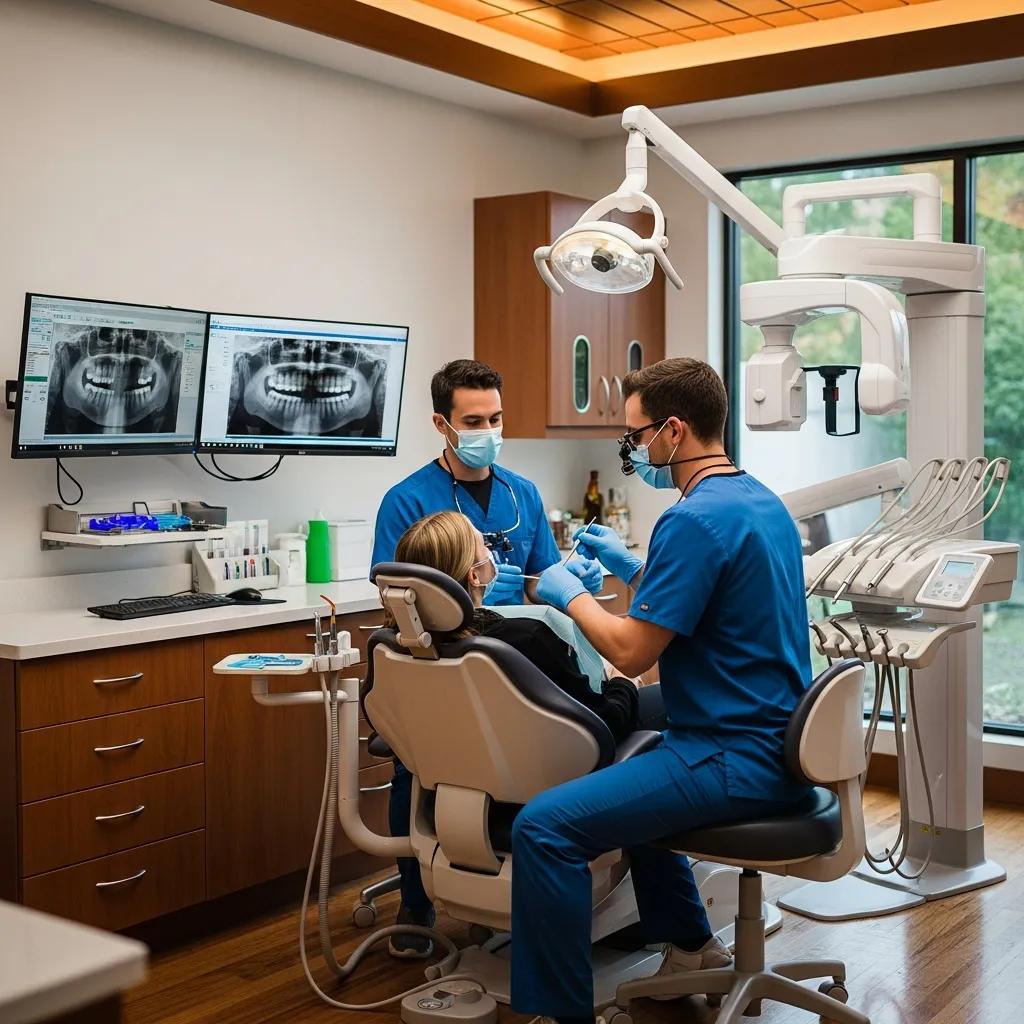
Managed IT Support for Dental Practices: Secure, Compliant, and Efficient IT Tailored to Your Office
Managed IT for dental practices packages outsourced IT management and proactive services around the workflows, imaging systems, and regulatory demands unique to dental care. This guide explains what managed IT looks like in a dental setting, how it enforces HIPAA-ready controls, why cloud options reshape practice operations, and how continuous monitoring cuts costly downtime. You’ll find practical checklists for imaging and AI readiness, step-by-step cloud migration guidance, and a clear view of vCIO and vCISO roles for DSOs and multi-location groups. Technical controls — endpoint protection, encryption, MFA, network segmentation — are mapped to deployment patterns for Dentrix, Eaglesoft, Open Dental, and common digital radiography systems. By the end, you’ll have an operational roadmap to lower risk, boost uptime, and evaluate managed IT providers — plus where to request a free demo of dental-focused IT and cloud solutions.
What Is Managed IT Support for Dental Practices and Why Is It Essential?
Managed IT for dental practices is a defined set of services — monitoring, maintenance, security, and application support — built specifically for dental software, imaging stacks, and clinical workflows. It combines remote monitoring, routine maintenance, and on-call helpdesk support to reduce interruptions and protect PHI, which in turn improves appointment flow and the patient experience. The benefits are measurable: fewer imaging failures, faster chart access, and documented compliance controls that lower revenue loss and regulatory exposure. Understanding these operational improvements makes it clear how managed IT supports daily practice reliability and the specialized services dental teams rely on.
How Does Managed IT Support Improve Dental Practice Operations?
Managed IT improves operations by keeping practice management systems and imaging devices available, responsive, and secure — reducing appointment delays and administrative burden. Routine performance tuning and prioritized vendor escalation for Dentrix, Eaglesoft, and Open Dental cut the time staff spend troubleshooting, so teams can focus on patients instead of tech issues. Tangible outcomes include faster patient check-in, fewer retakes from connection problems, and planned maintenance windows that avoid peak clinic hours. Those gains drive better patient satisfaction and clearer financial forecasting, and they create the foundation for the specialized services practices need to sustain improvements.
What Specialized IT Services Do Dental Practices Require?
Dental practices need a focused mix of services that address software compatibility, imaging hardware, and healthcare-specific regulatory controls. The services below reflect priority areas that protect uptime, security, and compliance in everyday dental workflows.
- Practice Management Software Support: Dedicated support for Dentrix, Eaglesoft, and Open Dental to keep integrations, updates, and performance consistent.
- Digital Imaging & Sensor Support: Driver maintenance, DICOM/PACS connectivity, and image storage optimization so clinical images are ready when needed.
- Compliance and Cybersecurity: Risk assessments, policy management, backups, encryption, and BAAs to keep PHI secure and auditable.
When these services are implemented consistently, they align with clinical priorities and patient-facing systems — enabling growth while minimizing technical disruptions and liability.
How Does Managed IT Support Ensure HIPAA Compliant Dental IT?
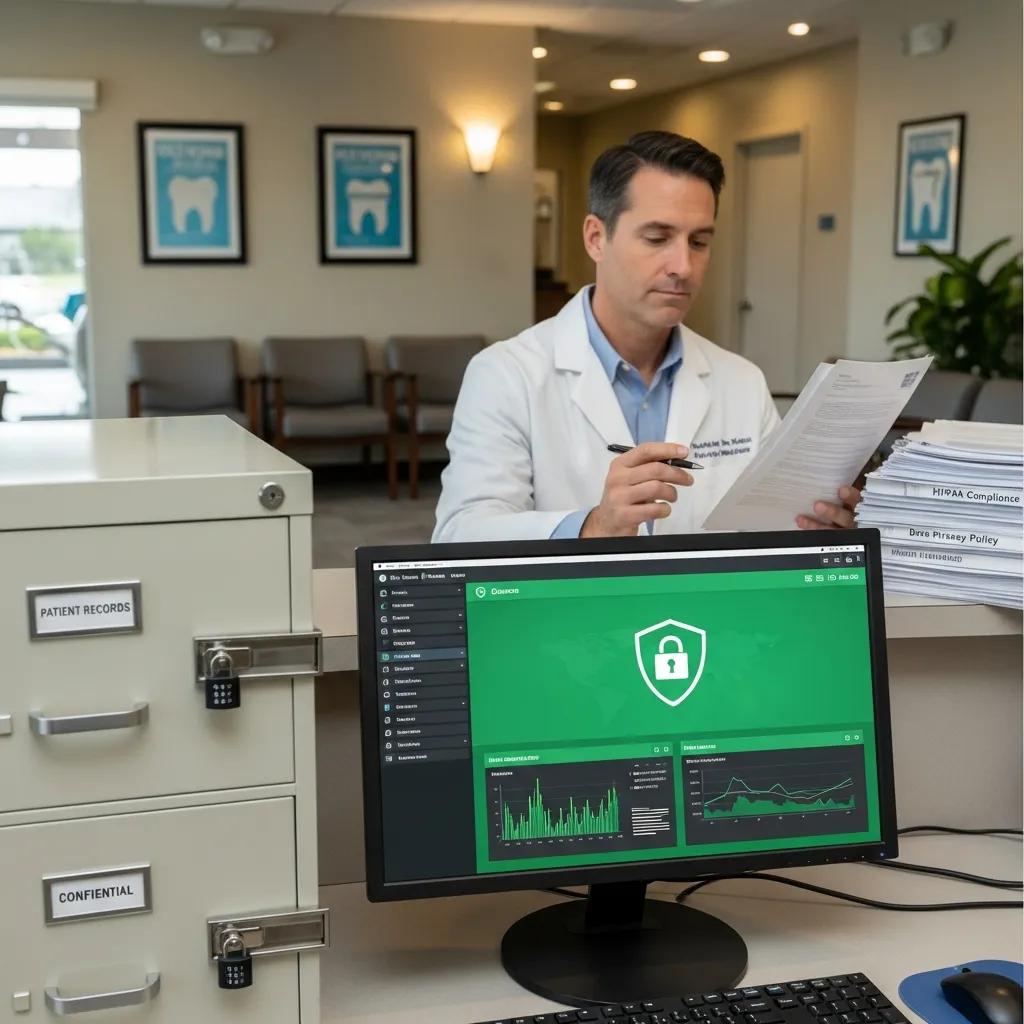
Managed IT helps practices meet HIPAA by applying administrative, physical, and technical safeguards to real technologies and processes. The work starts with a documented risk assessment and continues through access controls, encryption, centralized logging, and staff training to create an auditable compliance posture that satisfies typical dental auditors. Below is a practical mapping of common compliance controls to the technical implementations a managed IT team provides, followed by how those pieces form a repeatable compliance program.
This study underscores the importance of HIPAA security risk assessments and compares cloud versus on-premises approaches in small dental clinics.
HIPAA Security Risk Assessments: Cloud versus On-Premises Solutions for Dental Practices
Security risk assessments are a legal and operational necessity in healthcare, but smaller clinics often lack internal processes to complete them thoroughly. This paper describes two qualitative HIPAA security risk assessments performed at small dental clinics using the HHS Security Risk Assessment (SRA) tool. One clinic relied on a cloud provider for PHI protection; the other used an on-premises server. The study captures the cybersecurity posture for each clinic under the HIPAA Security Rule, recommends mitigations for observed gaps, and compares cloud and on-premises trade-offs for protecting PHI in small dental settings.
| Control | Typical Implementation | Frequency / Ownership |
|---|---|---|
| Risk Assessment | Documented inventory and vulnerability scan | Annual review / IT provider + Practice leader |
| Encryption | AES-256 at rest and TLS 1.2+ in transit | Continuous / IT provider |
| Access Controls | MFA, role-based accounts, unique user IDs | Ongoing / Practice admin + IT provider |
| Audit Logging | Centralized logs and SIEM alerts | Continuous / IT provider |
| Backup & Recovery | Encrypted backups with tested restores | Daily backups; quarterly restore tests / IT provider |
This control mapping shows how technical measures pair with administrative responsibilities to create a repeatable compliance cycle that lowers exposure. The next step is a concise checklist of HIPAA requirements with recommended ownership to operationalize the table above.
What Are the Key HIPAA Compliance Requirements for Dental IT?
Core HIPAA requirements for dental IT include performing a security risk assessment, enforcing least-privilege access, implementing encryption, maintaining audit logs, and signing business associate agreements with vendors who touch PHI. Managed IT providers usually handle the technical work — deploying MFA, configuring encryption, and managing logs — while the practice retains responsibility for approving policies and training staff. Regular risk assessments and documented remediation plans close the loop and demonstrate due diligence during audits. Clear task ownership between provider and practice prevents gaps and supports ongoing compliance readiness.
How Do Cybersecurity Services Protect Patient Data in Dental Offices?
Cybersecurity services protect patient data through layered defenses: endpoint detection and response (EDR), network segmentation, phishing-resistant authentication, and tested incident response plans that limit breach impact. EDR spots and isolates suspicious activity on workstations and imaging stations, while segmentation separates imaging devices and practice servers from guest Wi‑Fi and admin networks. Regular phishing simulations reduce credential risk, and immutable backups enable recovery from ransomware without paying a ransom. A clear incident response playbook with assigned roles helps practices restore operations quickly and preserve patient trust — a practical lead-in to the advantages of moving suitable workloads to secure cloud platforms.
What Are the Benefits of Cloud Solutions for Dental Practices?
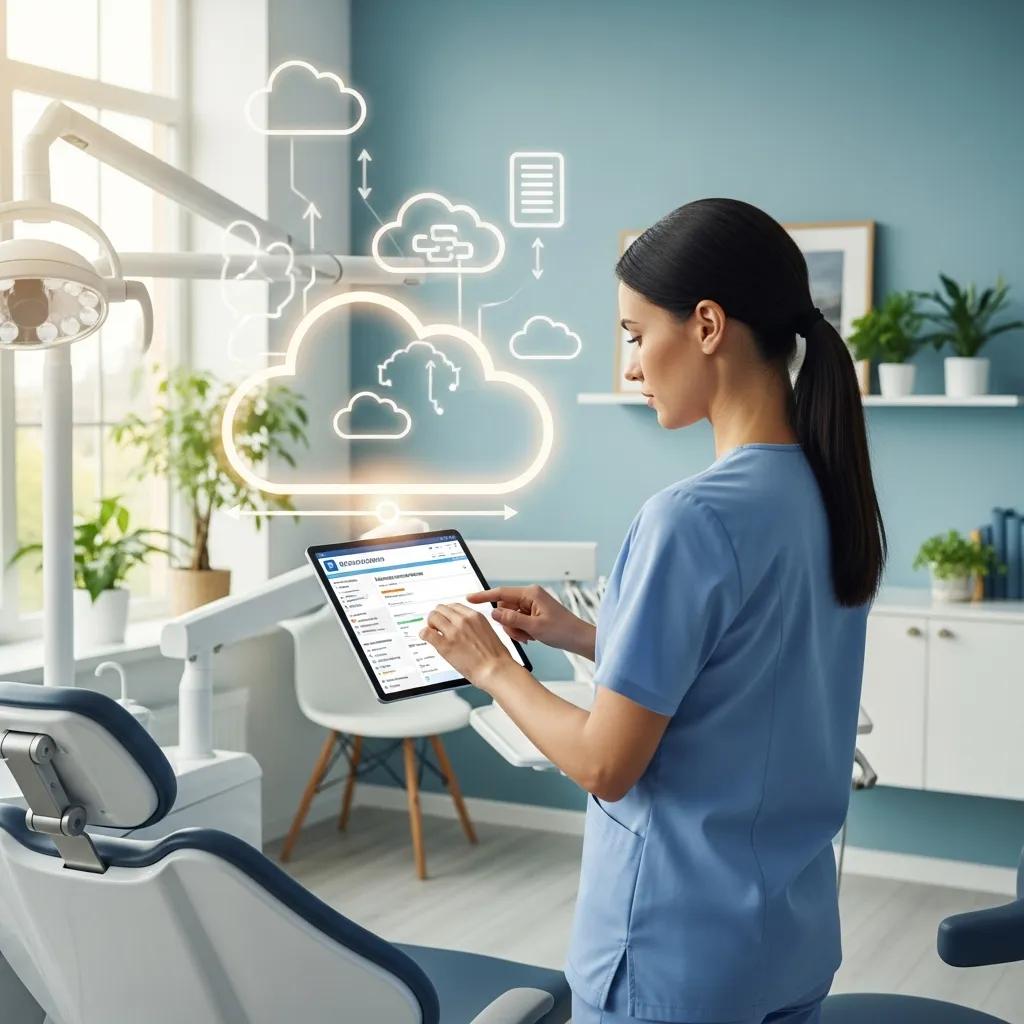
Cloud solutions offer centralized access, elastic scalability, and built-in continuity that fit both single offices and multi-site DSOs, particularly for practice management and imaging archives. By shifting compute and storage to managed infrastructure, redundancy, patching, and secure access are handled at scale, reducing local maintenance and strengthening disaster recovery. In practice, cloud adoption eases remote clinician access, simplifies updates for Dentrix/Eaglesoft/Open Dental, and enables centralized image repositories for cross-site review. Below are the primary benefits practices see after migrating appropriate workloads to the cloud.
- Improved Accessibility: Centralized patient records and images available across locations with role-based controls.
- Scalability: Storage and compute grow with demand — ideal for DSOs and seasonal imaging peaks.
- Reduced Local Maintenance: Less on-prem hardware and fewer disruptive local updates.
- Enhanced Continuity: Built-in redundancy and managed backups lower recovery time objectives.
- Security Controls at Scale: Managed encryption, patching, and hardened infrastructure reduce baseline risk.
Those benefits translate to operational resilience and easier standardization across sites, which naturally leads to practical migration steps and a short invitation to see cloud solutions in action.
If you’re evaluating cloud migration, request a free demo of dental-specific cloud solutions to observe how practice management and imaging behave after migration. A live demo can show centralized image access, role-based security, and performance for Dentrix, Eaglesoft, or Open Dental in a hosted environment — helping you validate bandwidth, latency, and integration before committing to a migration plan.
How Does Cloud-Based Dental Software Enhance Practice Management?
Cloud-based dental software centralizes patient records, automates updates, and provides secure remote access to support multi-site scheduling and billing. Centralized data reduces sync errors between locations and enables consolidated reporting for DSOs, while vendor-managed updates remove disruptive local patch cycles. Role-based controls and centralized audit logs improve compliance visibility, and API-based integrations simplify connecting imaging systems to EHRs and practice management modules. These operational gains form the basis for a staged migration that minimizes clinical disruption and preserves image integrity.
What Are the Steps for Secure Cloud Migration in Dental Offices?
A secure cloud migration follows a checkpoint-driven workflow to limit risk and keep imaging available. Typical steps include assessment and inventory, mapping integrations (imaging/PACS and PM), pilot migrations with validation, bandwidth testing, cutover planning with rollback options, and post-migration support and monitoring. Each phase has checkpoints for data integrity — especially DICOM images — and for performance under realistic clinical loads to avoid appointment impact. Clear cutover windows and phased user training reduce errors and prepare practices for the proactive monitoring managed IT provides afterward.
How Does Proactive IT Management Reduce Downtime in Dental Practices?
Proactive IT reduces downtime with continuous monitoring, scheduled preventative maintenance, and fast remediation workflows that catch issues before they affect clinical work. Remote monitoring captures telemetry from endpoints, servers, and network devices to trigger alerts for degrading performance, while scheduled patching and hardware lifecycle programs keep systems supported and replace failing components before outages occur. The result: fewer imaging interruptions, quicker helpdesk resolution, and measurable drops in appointment cancellations. Effective programs tie monitoring to SLAs and escalation paths so critical failures receive immediate attention — a natural segue to 24/7 services tailored to dental settings.
What 24/7 Support and Remote Monitoring Services Are Available for Dentists?
Common 24/7 offerings include NOC monitoring, after-hours helpdesk support, remote remediation for urgent imaging or PM outages, and escalation to on-call engineers for hardware replacement. SLAs usually define response tiers — immediate alerts for production-impacting incidents and next-business-day resolution for low-priority tasks — balancing cost and clinical risk. Remote remediation resolves many imaging and connectivity problems without onsite visits, and hardware replacement programs ensure spares and logistics reduce physical downtime. These services form the backbone of predictable availability and set clear expectations for recovery times.
How Does Proactive IT Prevent Common Dental Office Technology Failures?
Proactive IT prevents common failures — sensor connectivity faults, local server corruption, and application incompatibilities — through routine health checks, driver and firmware management, and automated backups with tested restores. Device validation catches degrading sensor performance before it delays appointments, while patch-testing in staging prevents broad compatibility issues. Hardware lifecycle programs replace devices based on telemetry, not arbitrary dates, avoiding sudden failures during clinic hours. These preventive steps lower incident frequency and support consistent, resilient operations — and they make it simple to arrange a demonstration of 24/7 monitoring and support.
If you’d like to see operational reliability in action, request a free demo or consultation to review 24/7 remote monitoring, escalation procedures, and how after-hours support handles imaging outages in a dental environment. A short demo can show live alerting, response timelines, and recovery steps without revealing provider contracts.
How Does Managed IT Support Integrate Digital Imaging and AI Technologies in Dentistry?
Managed IT integrates imaging and AI by aligning storage, network, and compute with clinician workflows so images and model outputs are available where they’re needed. Typical patterns include local PACS for low-latency reads, cloud object storage for archival and AI training sets, and secure pipelines that send de-identified images to validated AI services. These architectures require careful bandwidth planning for intraoral sensors, DICOM compatibility, and governance controls to protect PHI while enabling AI-assisted diagnostics. The table below compares imaging components and AI requirements to help practices assess readiness and plan infrastructure.
| Component | Key Attribute | Typical Requirement |
|---|---|---|
| Digital X-ray / DICOM | Bandwidth & latency | Moderate bandwidth; local caching for low-latency reads |
| Intraoral Sensors | Driver compatibility | Supported drivers and periodic firmware updates |
| PACS / Archive | Storage & retrieval | Tiered storage with redundancy and DICOM indexing |
| AI Diagnostic Software | Compute & pipeline | GPU or cloud-hosted inference; secure data pipeline |
That component mapping clarifies the compute, storage, and integration work required to support imaging and clinical AI while maintaining performance and regulatory controls. With infrastructure assessed, targeted deployment steps keep sensors and AI models working smoothly inside clinician workflows.
What IT Support Is Needed for Digital Radiography and Intraoral Sensors?
Supporting radiography and intraoral sensors means validating drivers and software, applying QoS on the network for imaging traffic, and maintaining backups that meet clinical and compliance needs. IT should test vendor drivers on representative workstations, segment imaging traffic from guest networks, and use local caching or edge storage to reduce latency at acquisition points. Routine firmware updates and standardized imaging workstation builds prevent many sensor failures. These practices create a stable baseline for adding AI tools and for keeping images available during busy clinic hours.
How Does Managed IT Enable AI Diagnostics and Imaging Software?
Managed IT enables AI diagnostics by provisioning secure data flows for labeled images, hosting or connecting to validated inference services, and integrating AI outputs into clinician screens and EHR/PM interfaces with governance controls. This includes secure storage for training datasets, orchestration for model updates, and validation steps to confirm AI outputs meet clinical expectations before deployment. Comprehensive logging and audit trails for model inference preserve traceability for governance and compliance. Together, these measures support safe, practical AI adoption that augments clinician decisions without disrupting workflows.
What Strategic IT Consulting Services Support Dental Practice Growth and DSOs?
Strategic IT consulting for dental growth delivers vCIO and vCISO capabilities, IT roadmaps for multi-site standardization, and M&A integration playbooks that reduce technology friction during expansion. These advisory services translate business goals — growth targets, acquisition timelines, standardization objectives — into prioritized IT investments and budgets covering security posture, vendor consolidation, and operational SLAs. A strategic roadmap includes timelines and KPIs (uptime, incident reduction, audit readiness) to measure progress and guide decisions. Those deliverables set the stage for vCIO and vCISO engagement and the specific tasks they perform for dental organizations.
How Do vCIO and vCISO Services Align IT with Dental Business Goals?
vCIO and vCISO services align IT to business objectives by turning strategy into technical priorities: the vCIO focuses on roadmaps, cost control, and sequencing technology adoption; the vCISO targets risk reduction, compliance, and incident readiness. Deliverables often include multi-year roadmaps, budget models, vendor rationalization, and security scorecards tied to clinical KPIs like imaging uptime and audit outcomes. Regular governance reviews and KPI dashboards keep leadership informed so acquisition and standardization decisions are data-driven. These practices enable predictable IT scaling while maintaining security and continuity.
What IT Solutions Facilitate Mergers, Acquisitions, and Multi-Location Expansion?
M&A and multi-site expansion require an inventory-driven checklist: asset mapping, systems standardization, consolidation of imaging and PM instances, data migration, and alignment of security policies and BAAs. Typical steps include IT due diligence, prioritized remediation of critical gaps, staged migration plans with rollback options, and post-merger consolidation of backups and monitoring. Vendor contract and licensing reviews avoid hidden costs during integration. Implementing these steps reduces integration risk and accelerates value realization from acquisitions while keeping clinical operations running.
If your practice or DSO is evaluating strategic IT support, request a free consultation or demo to review vCIO/vCISO roadmaps, M&A playbooks, and how managed IT can standardize systems across locations. A short consultation helps leadership quantify ROI and prioritize technology investments for scalable growth.
Frequently Asked Questions
What are the costs associated with managed IT support for dental practices?
Costs vary by practice size, IT complexity, and the services you choose. Common pricing models are monthly subscriptions, hourly support, or hybrids of both. When comparing providers, consider user count, support levels, and extras like cybersecurity or cloud hosting. Request multiple quotes and compare SLAs and deliverables to find the best fit for your budget and risk tolerance.
How can dental practices assess their current IT infrastructure?
Start with a comprehensive audit of hardware, software, network performance, and security controls. The review should check compatibility with practice management software, flag vulnerabilities, and evaluate HIPAA compliance. Engaging a managed IT provider for a formal assessment provides prioritized recommendations and a remediation plan so your infrastructure reliably supports patients and staff.
What role does training play in managed IT support for dental practices?
Training is essential. Regular, role-based training helps staff use systems correctly and recognize security threats. Topics typically include software workflows, cybersecurity basics, and HIPAA-safe handling of PHI. Investing in training reduces human error, improves efficiency, and helps your team adopt new tools with confidence.
What should dental practices look for in a managed IT provider?
Look for providers with dental industry experience who understand your software and regulatory needs. Evaluate their services (24/7 support, security, compliance), SLAs, and client case studies. Ask about imaging and PM experience, escalation paths, and scalability. A reliable provider will offer clear deliverables, predictable pricing, and references from dental clients.
How can dental practices ensure data security with managed IT support?
Adopt a layered security approach: encryption, access controls, endpoint protection, network segmentation, and regular audits. Your managed IT partner should provide continuous monitoring, patch management, and incident response planning. Combine technical safeguards with clear data-handling policies and regular staff training to significantly reduce breach risk and maintain HIPAA compliance.
What are the common challenges dental practices face with IT management?
Common challenges include software compatibility, aging equipment, data security, and meeting HIPAA requirements. Limited internal IT resources and inconsistent training can increase downtime and errors. Working with a managed IT provider helps address these issues through proactive monitoring, standardized procedures, and targeted staff education.
Conclusion
Managed IT support tailored to dental practices improves operational reliability, enforces HIPAA-compliant controls, and protects patient data — freeing your team to focus on care. With the right combination of specialized services, proactive monitoring, and strategic advisory (vCIO/vCISO), practices can reduce downtime, simplify compliance, and scale safely. Learn how our dental-focused IT and cloud solutions can streamline your operations — request a free demo to see them in action.

