
Canadian Dental IT in 2025: AI, Cybersecurity & Digital Solutions
Emerging technology is changing how dental teams work — from diagnostics to patient experience. This guide walks through the trends we expect to shape 2025, explains why infrastructure and security matter for Canadian practices, and shows how connected IT can deliver measurable time and care improvements. You’ll find practical notes on teledentistry bandwidth, backup strategy, security controls, and software integrations so practice managers and IT leads can plan next steps. Where relevant, we call out managed-service approaches and vendor models built around Canadian compliance and clinic realities.
Key dental technology trends to watch in 2025
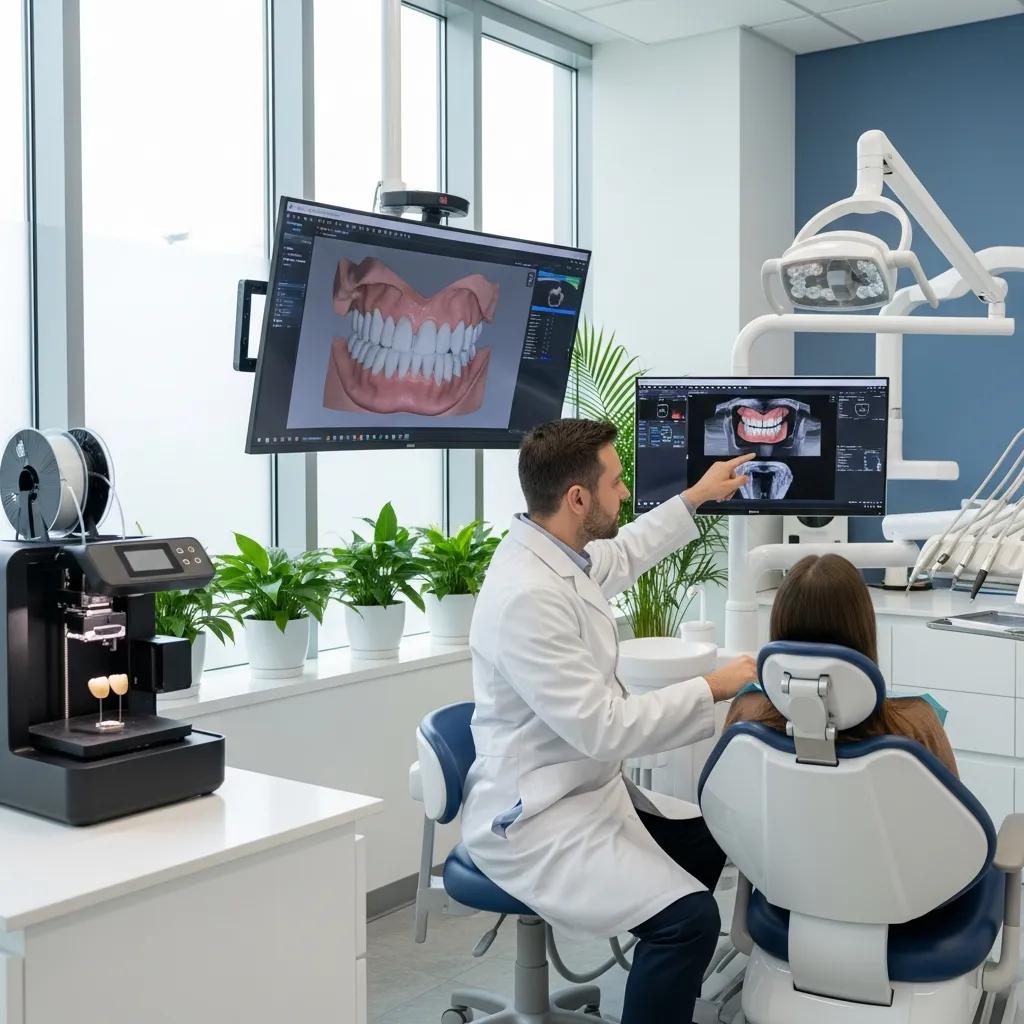
The biggest shifts stem from AI, 3D printing, teledentistry, digital impressions and workflow automation. Together they raise data volume and integration needs while improving diagnosis speed, custom appliances, and access to specialist care. Understanding these trends helps clinics prioritize investments in network capacity, storage, and secure APIs for practice-management systems. The short list below highlights the highest-impact trends and the immediate clinical effect to help guide planning and procurement.
Top trends and their immediate clinical impact:
- AI-powered imaging and decision support: speeds detection and triage on radiographs.
- 3D printing of appliances and guides: shortens lab turnaround and improves fit.
- Teledentistry platforms: expand access and simplify triage and follow-up.
- Digital impressions and CAD/CAM workflows: reduce remakes and improve prosthetic accuracy.
- Automated practice-management analytics: optimizes scheduling and resource use.
This quick overview points to the IT implications that follow — from storage and compute to integrations and governance.
Trends comparison: the table below summarizes each trend, its primary clinical use case and the IT considerations clinics should plan for.
| Trend | Primary Use Case | IT Implication |
|---|---|---|
| AI-powered diagnostic software | Radiograph and CBCT image analysis | GPU or cloud compute, secure data pipelines, model validation |
| 3D printing workflows | Appliances, surgical guides, models | Large STL file storage, versioning, lab integrations |
| Teledentistry platforms | Remote consultations and follow-ups | End-to-end encryption, scalable bandwidth, device compatibility |
| Digital impressions (CAD/CAM) | Chairside restorations and prosthetics | High-fidelity file formats, rapid backup, PMS integration |
This comparison makes it clear how each trend maps to technical needs and clinical benefit, helping clinics make informed procurement and architecture choices.
How AI is changing practice management and diagnostics
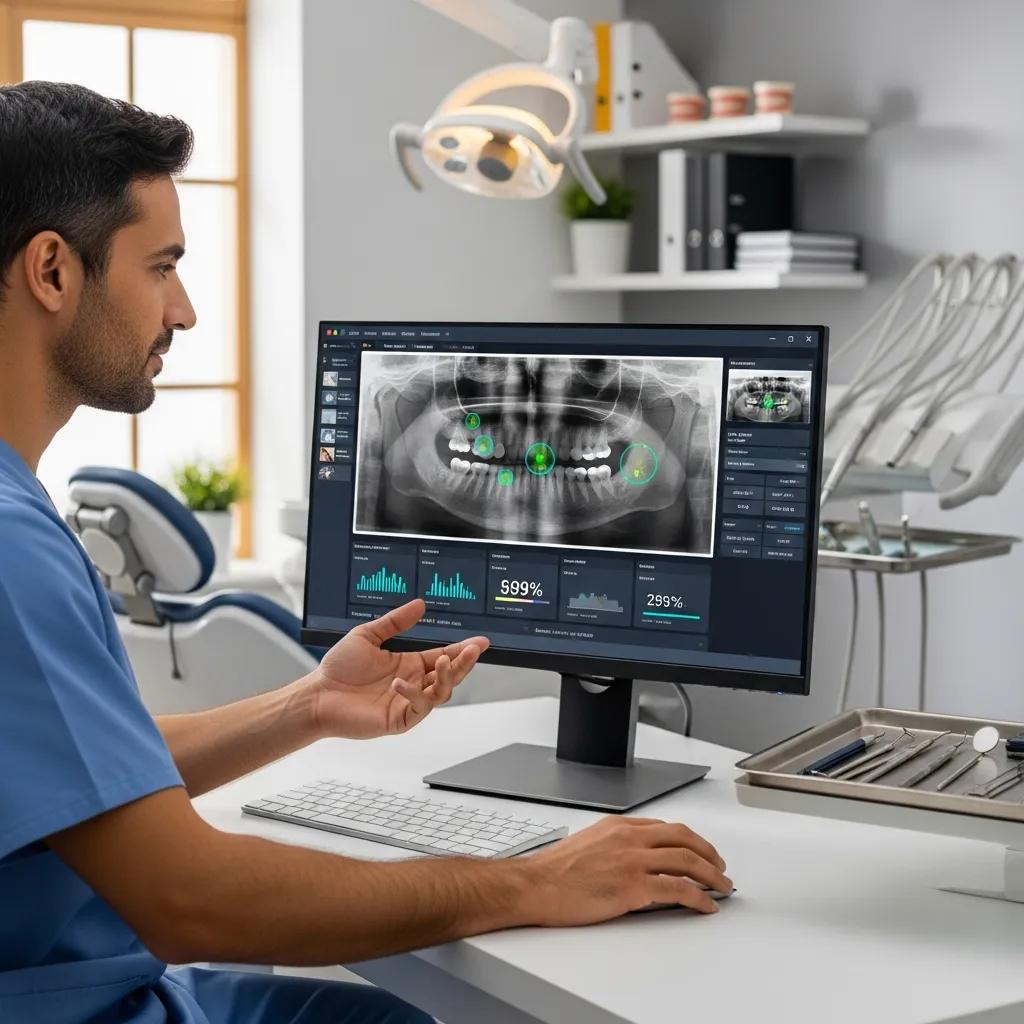
AI is being applied to imaging, scheduling and administrative workflows to cut diagnostic time and improve resource use. In imaging, models can flag caries, bone loss and other findings on radiographs or CBCT, helping clinicians focus on verification and treatment. For practice management, predictive analytics reduce no-shows and optimize recall scheduling, increasing productive chair time. Successful AI adoption needs secure data pipelines, compliant model hosting (on-prem or cloud) and integrations so results appear inside clinician workflows. Strong data governance, model validation and clinician oversight keep the solution safe and useful.
Evidence continues to show AI’s potential to increase the precision and speed of radiographic analysis.
AI-powered dental radiography for more accurate diagnostics
Medical imaging is central to diagnosis and treatment planning, but human factors — training, fatigue and interpretation variance — can affect consistency. Convolutional neural networks (CNNs) show promise for analyzing dental images, improving tasks like tooth numbering and cavity detection, and supporting clinicians with faster, more consistent reads.
Putting AI in place helps clinics address the same data and compute needs that support other workflows, like 3D printing.
The role of 3D printing in digital dentistry
In-office 3D printing now supports surgical guides, splints and provisional crowns, shortening lab cycles and improving fit. Workflows move from intraoral scan to CAD, STL export, then print and post-process — each step creates files and metadata that need versioning and backups. IT must handle standardized formats, secure transfers to external labs, storage quotas for high-resolution models and calibration monitoring to keep print quality consistent. Vendor-agnostic APIs between scanners, CAD tools and print queues reduce lock-in and simplify maintenance. Clinics should define file lifecycles and validation steps so printed appliances meet clinical tolerances.
With digital fabrication in place, managed IT services and cloud backup keep systems available and data intact.
How IT improves efficiency and patient care in dental clinics
The right IT stack delivers reliable systems, smooth integrations and automation that cut administrative overhead and speed clinical decisions. Managed IT gives continuous monitoring, patching and device support so practice-management systems and imaging are available during business hours. Connecting records, images and billing removes duplicate entry and shortens check-in. Secure patient portals and automated reminders boost engagement and reduce late arrivals. By focusing on uptime, streamlined workflows and encrypted exchanges, IT turns operations into a coordinated, patient-centered system.
Research supports that thoughtful tech integration is a major driver of operational efficiency in dental settings.
Improving clinic efficiency through technology integration
A qualitative study interviewing dental professionals across multi-specialty clinics found that workflow optimization, resource allocation and technology integration are key to operational efficiency. Common barriers included ineffective scheduling, unclear delegation, and poor interdepartmental coordination; the study highlights how targeted tech and process changes can address these issues.
Key IT benefits mapped to outcomes:
- Better uptime and availability: fewer disrupted appointments and less revenue loss.
- Integrated records and imaging: faster clinician access and fewer charting errors.
- Automated backups and recovery: quicker restoration after incidents and preserved patient trust.
- Patient-facing automation: higher satisfaction through secure portals and automatic reminders.
Together, these improvements show that technical investment yields measurable returns: less admin time, higher chair utilization and a smoother patient experience.
Essential managed IT services for modern dental offices
Core managed services include 24/7 monitoring, patch management, helpdesk device support, vendor liaison for dental software updates, and proactive security scanning to stop issues before they affect operations. Monitoring spots hardware or network issues early and triggers remediation; patches reduce exposure on imaging workstations and servers. Helpdesk support resolves chairside device issues quickly to limit clinician downtime. When evaluating providers, ask about SLAs, escalation paths and dental-specific experience to ensure a good fit with clinical workflows.
With managed services handling day-to-day reliability, cloud backup becomes the safety net for recoverability and compliance.
How cloud backup supports security and compliance
Cloud backup preserves patient records, imaging and practice data with encrypted, versioned snapshots that enable rapid recovery and demonstrate preservation for regulators. Best practice is a hybrid approach: local snapshots for fast restores plus offsite encrypted backups for disaster recovery, coupled with routine restore testing to validate RTOs and RPOs. For clinics under provincial privacy laws, backups must encrypt data at rest and in transit, use retention aligned with PHIPA/PIPA, and keep auditable logs. Regular recovery drills and documented procedures round out a defensible compliance posture and reduce the operational impact of data loss.
While backups protect data at rest, proactive defenses are required to counter active threats — which leads us to cybersecurity for Canadian dental practices.
Clinics that want hands-on implementation and ongoing support often evaluate specialized providers. DentalTek is a Canadian IT firm focused on dental clinics, offering managed services, network support, cybersecurity and cloud backup. Clinics can contact DentalTek to request a demo or assessment to explore tailored onboarding and managed options.
Why cybersecurity is essential for dental offices in Canada
Dental clinics hold sensitive health information and face high-impact threats like ransomware, phishing and insider error. A breach can halt operations, expose patient data and create regulatory liability, so layered technical and administrative controls are critical. Clinics should prioritize multi-factor authentication, least-privilege access, timely patching, regular staff training and monitored backups with immutable snapshots. The table below links common threats to their likely impact and concrete mitigations so clinics can focus their investments by risk.
Regular cybersecurity risk assessments for dental clinics — especially for compliance and data protection — are widely recommended.
Cybersecurity risk assessments for dental clinics
Security risk assessments in healthcare are typically required and need continuous attention. Small clinics often lack mature processes; case studies comparing cloud-based and on-premises approaches show how assessments reveal gaps and inform mitigation steps to meet regulatory expectations.
Threats, impact and recommended actions: the table below helps prioritize security work.
| Threat | Impact | Mitigation & Concrete Action |
|---|---|---|
| Ransomware | High operational downtime, potential data loss | Immutable offsite backups, network segmentation, EDR monitoring |
| Phishing | Credential compromise, data access | MFA, phishing-resistant training, email filtering and DMARC |
| Insider Error | Accidental data exposure | Role-based access, audit logging, supervised change workflows |
This mapping shows that combining technical controls (backups, segmentation, EDR) with administrative controls (training, audits) builds a balanced defence that lowers both likelihood and impact of incidents.
Cybersecurity best practices for PHIPA/PIPA:
- Require multi-factor authentication for all remote and privileged access.
- Encrypt data at-rest and in-transit and keep auditable access logs.
- Maintain immutable offsite backups and run regular restore tests.
- Deploy continuous endpoint detection and response (EDR) and network monitoring.
- Keep documented policies and records of staff training for audits.
These steps form a prioritized checklist clinics can use to align security spending with regulatory duty and operational resilience.
Best practices for protecting patient data and meeting PHIPA
Protecting patient records requires both technical safeguards — encryption, MFA and secure configurations — and administrative practices like privacy policies, staff training and incident response plans. Encryption should cover databases, backups and communications; role-based access limits who can see sensitive data. Regular training reduces phishing success and human mistakes, and a documented incident-response playbook speeds recovery and reporting. Audit logs and regular access reviews provide evidence for PHIPA/PIPA compliance and support investigations. Together, these measures create an auditable security posture that protects patients and reduces organizational risk.
Many clinics turn to specialist partners to implement and maintain these controls without adding internal burden.
How DentalTek’s cybersecurity services help mitigate threats
DentalTek provides security services tailored for dental clinics: continuous threat monitoring, incident-response readiness and compliance advisory aligned to Canadian privacy rules. We focus on proactive audits, replacing or upgrading insecure systems and continuous monitoring to catch anomalies early, shortening time to detect and contain incidents. For clinics wanting an outside assessment, DentalTek performs security audits and delivers prioritized remediation plans and ongoing managed protection. Working with a specialist reduces internal overhead while ensuring controls map directly to PHIPA/PIPA requirements.
With security in place, many clinics are expanding care via remote services — which means clear infrastructure standards for teledentistry are required.
IT requirements for teledentistry and remote dental care

Reliable teledentistry needs predictable bandwidth, secure platforms, device compatibility and solid support so video exams and image transfers are high quality and private. Minimum requirements include consistent upload/download throughput for video, strong encryption for communications and endpoints (tablets, desktops) configured for imaging capture and secure storage. Network optimizations like QoS, VLAN segmentation for clinical gear, and redundant internet connections keep consultations stable and private. The table below outlines platform requirements, recommended values and device compatibility to guide deployments.
Platform requirements at a glance: recommended technical values and attributes for teledentistry platforms and networks.
| Component | Attribute | Recommended Value |
|---|---|---|
| Bandwidth | Video quality per consult | 3–5 Mbps upload per HD stream |
| Encryption | Transport security | TLS 1.2+ with end-to-end options |
| Device compatibility | Supported endpoints | Modern desktops, tablets, iOS/Android devices |
| Redundancy | Failover capability | Secondary ISP or cellular backup |
Use these values to size networks and choose platforms that meet both quality and privacy needs while reducing session interruptions.
Quick teledentistry readiness checklist:
- Verify at least 3–5 Mbps upload per concurrent HD stream and target latency <100 ms.
- Require end-to-end encryption and strong TLS standards for platform communication and file transfer.
- Implement QoS, VLAN segmentation for clinical devices, and a failover connection to preserve continuity.
Following this checklist reduces common teledentistry quality issues and helps ensure clinician and patient experiences are secure and consistent.
Many clinics partner with specialists for setup and ongoing support. DentalTek helps with platform selection, network tuning and managed support — contact us to arrange implementation assistance or a demonstration tailored to Canadian practices.
How secure teledentistry platforms support remote care
Secure platforms combine encrypted video, safe file transfer, appointment integration and session controls to enable compliant remote consultations. Integration with practice-management systems keeps appointment data and consultation notes synchronized, reducing manual entry and keeping charts complete. Security features should include end-to-end encryption or TLS-secured streams, authenticated patient intake and protected image/document exchange. UX elements — one-click joins, mobile-friendly interfaces and clear consent flows — help adoption by patients and staff. Properly configured platforms protect privacy while enabling efficient remote triage and follow-up.
Reliable sessions depend on network design that prioritizes latency, bandwidth and redundancy.
Network optimizations for dependable teledentistry
Optimize networks for teledentistry by prioritizing video traffic with QoS, reserving bandwidth for concurrent sessions and segmenting clinical devices from guest Wi-Fi. Aim for 3–5 Mbps upload per HD stream and latency under 100 ms; multiply this baseline for multiple simultaneous consultations. VLANs and firewall rules reduce lateral movement from guest networks while enabling secure access for clinical systems. Redundancy — secondary ISPs or cellular failover — keeps consultations running during outages. These measures reduce interruptions and preserve the quality of remote clinical interactions.
With connectivity and teledentistry in place, embedding AI into dental software adds workflow gains that require governance and monitoring.
AI integration in dental software and practice management
AI is being added to imaging viewers, practice-management systems and analytics tools to reduce manual work and surface clinically relevant insights at the point of care. Vendors offer AI modules for image triage, charting suggestions and billing categorization that save clinician time and improve accuracy. Supporting these features needs reliable APIs, secure storage for training and inference data, and monitoring that validates outputs and captures clinician feedback for continuous improvement. Governance frameworks keep AI outputs explainable, auditable and subject to clinician oversight so safety and standards are preserved.
The sections below look at clinical benefits and operational automation that AI can enable.
Benefits of AI-powered diagnostic software
Diagnostic AI improves sensitivity and speed by highlighting findings and suggesting likely diagnoses so clinicians can focus on confirmation and patient discussion. Benefits include earlier caries and periapical detection, lower interpretation variability and faster report generation for records or referrals. From an IT view, diagnostic AI needs high-quality labeled datasets, secure model hosting and integration that shows findings inside the clinician’s imaging viewer. Ongoing validation, feedback capture and periodic retraining keep accuracy steady as equipment or patient populations change.
Beyond diagnostics, AI also automates routine administrative work to free staff for higher-value tasks.
How AI automates office tasks and improves workflow
AI can automate reminders, triage messaging, coding suggestions and billing categorization to reduce manual effort and errors. Examples include NLP to pre-fill notes, predictive scheduling for optimal appointment lengths, and automated outreach that lowers no-shows. These systems integrate with practice-management software and communication channels to save time and increase chair throughput. Establish monitoring and fallback procedures so automated actions remain accurate and human review is available for exceptions.
To scale these changes responsibly, clinics need a clear adoption roadmap and change-management plan.
Preparing for future digital dentistry innovations
A practical roadmap helps clinics adopt digital dentistry: audit current systems, pilot new tools, validate clinical and IT outcomes, then scale while documenting processes and training staff. Audits reveal legacy constraints — network bottlenecks, unsupported OSes or unversioned imaging archives — that block modernization. Pilots should use clear success metrics (reduced appointment time, improved diagnostic concordance or faster lab turnaround). Scaling requires standardized interfaces, role-based training and vendor management to limit lock-in while keeping clinical control. A phased, measurable approach reduces risk and makes returns predictable.
Common implementation challenges and practical mitigations:
- Cost and capital planning: stage investments and prioritise high-ROI pilots.
- Staff training and workflow disruption: use role-based training and phased rollouts.
- Integration and vendor lock-in: insist on open APIs and clear migration paths.
Addressing these issues early — with audits, pilot governance and training — smooths adoption, reduces disruption and preserves clinical quality.
Implementation challenges to expect
Typical barriers include upfront costs, staff change management, integration complexity between devices and PMS platforms, and ensuring compliance across data flows. Mitigate cost by prioritizing modular investments with clear ROI and using managed services to spread operational expense. Role-focused training shortens the time staff need to reach proficiency. Integration requires technical audits and vendor negotiation for APIs, while compliance needs documented policies and evidence of controls for privacy audits. Anticipating these hurdles helps avoid surprises during rollout.
Many clinics find that a dental-focused IT partner simplifies adoption and keeps operations running through the transition.
How DentalTek helps clinics adopt new IT solutions
DentalTek supports clinics through audits, legacy takeovers, prioritized upgrades and ongoing maintenance tailored to dental workflows. Our approach includes proactive assessments to find gaps, managed migrations for imaging and practice-management integrations, and 24/7 support to protect clinical uptime. We also provide network optimization and cloud backup services built for Canadian privacy rules, helping clinics meet PHIPA/PIPA while adopting new technology. Clinics interested in a staged adoption plan or a hands-on demo can contact DentalTek in Scarborough or by phone to arrange an audit and implementation discussion.
With a specialist handling technical detail, clinics can focus on patient care while technology accelerates delivery.
Frequently asked questions
What are the benefits of integrating AI into dental practice management?
AI reduces repetitive work — scheduling, billing and patient messaging — and surfaces insights that help staff make better decisions. It can predict no-shows, suggest optimal appointment lengths and automate routine charting, freeing your team for patient-facing tasks. Used correctly, AI improves efficiency, patient experience and revenue without replacing clinician judgement.
How can dental clinics ensure compliance with data protection regulations?
To meet PHIPA and PIPA, implement strong technical controls (encryption, access controls, MFA) and administrative measures (policies, training, risk assessments). Keep clear documentation of data handling and incident-response plans. Regular audits and working with legal or IT specialists help translate regulatory obligations into practical controls.
What role does cybersecurity play in protecting dental practices?
Cybersecurity protects patient data and keeps the clinic running. Multi-layered controls — firewalls, encryption, EDR, patching and staff training — reduce risk from ransomware, phishing and insider incidents. A proactive security posture preserves trust, limits downtime and supports regulatory compliance.
How can dental clinics prepare for the adoption of teledentistry?
Start by reviewing your network and devices, confirm sufficient bandwidth, and pick a secure, integrated platform. Define patient intake and consent workflows and train staff on tools and privacy practices. Run a pilot to surface issues before full rollout.
What are the key considerations for selecting a managed IT service provider?
Look for dental-specific experience, clear SLAs, 24/7 support, proactive monitoring and a proven security approach aligned to PHIPA/PIPA. Ask for references, examples of past migrations and evidence of regulatory knowledge. A good partner scales with your practice and integrates with your clinical tools.
What challenges do clinics face when implementing new dental technologies?
Common problems include cost, staff resistance, integration gaps and compliance needs. Address them by prioritizing high-impact pilots, using role-based training, insisting on open APIs and documenting policies for audits. Planning and the right partner reduce friction.
How does DentalTek assist clinics in adopting new technologies?
DentalTek provides audits, legacy transitions, integrations and 24/7 support focused on dental workflows. We help clinics modernize imaging and PMS setups, optimize networks and implement backups and security that meet Canadian privacy standards so practices can adopt new tech confidently.
Conclusion
Embracing dental IT — from AI to 3D printing and teledentistry — brings measurable benefits: better patient care, smoother operations and stronger data protection. A phased, governed approach and the right managed partner make the transition practical and low-risk. If you want help assessing needs or seeing these solutions in action, contact DentalTek to explore tailored options that help your practice thrive in a digital-first world.

