
Managed IT, Cybersecurity & Integrations for Dental Clinics
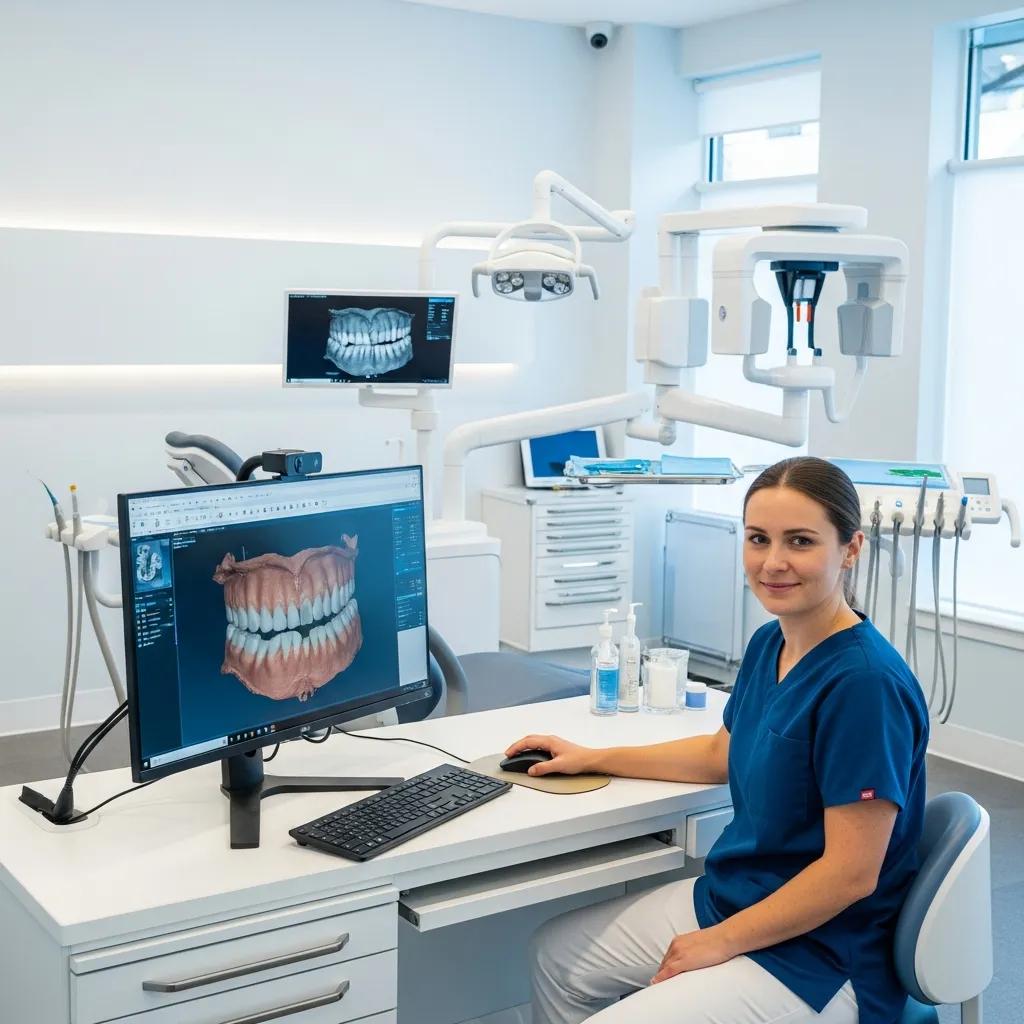
Dental IT covers the systems, processes, and managed services that keep your clinical software secure, available, and connected — so your team can focus on patients, not troubleshooting. This guide walks practice leaders through managed services, clinical cybersecurity, software integrations, cloud backup strategies, network design, and staff training — showing how these pieces reduce downtime, support HIPAA compliance, and streamline daily workflows. You’ll get practical descriptions of managed service models, ransomware-focused protections, integration best practices for common practice management and imaging tools, and concrete network and backup architectures that support modern dentistry. Each section links technical choices to measurable outcomes — fewer cancelled appointments, predictable IT spending, and faster recovery after incidents — plus checklists and decision points to help office managers and owners evaluate vendors and solutions.
What Are Managed IT Services for Dental Practices and How Do They Enhance Clinic Efficiency?

Managed IT for dental practices means outsourcing day-to-day technical operations to a team that proactively monitors systems, manages backups and patches, runs a healthcare-aware helpdesk, and handles onsite work when needed. Instead of relying on break‑fix calls, a managed approach uses continuous monitoring, scheduled maintenance, and service-level agreements (SLAs) focused on clinical systems like your practice management software and imaging workstations. The outcome is less downtime, faster incident response, and steadier IT costs — all of which improve chair utilization and the patient experience. Deciding which model fits your practice — remote-first, hybrid, or retained onsite support — depends on your size, imaging needs, and response-time targets.
Typical managed service components and the operational benefits they deliver include:
- Continuous monitoring and alerting to catch failing disks, missed backups, or service outages before they affect patient care.
- Managed backups and validated recovery processes to protect data and shorten restore times after hardware failures or ransomware events.
- Patch management and vulnerability remediation to shrink exposure windows and help meet compliance requirements.
These elements directly reduce appointment cancellations and staff downtime, creating a clear economic case for managed services over ad‑hoc support.
Common delivery approaches balance cost and response capability:
- Remote-first managed services: Cost-effective monitoring and remediation for most software and configuration issues.
- Hybrid managed services: Remote oversight with scheduled onsite visits for hardware checks and imaging equipment maintenance.
- Fully retained onsite support: A dedicated local resource for larger or multi-site groups that need immediate physical presence and strict SLAs.
Selecting the right model lets practices match service design to clinical priorities and budget.
Different service components map to specific operational values; the table below summarizes typical monitoring, backup, patching, and onsite support outcomes for dental clinics.
This comparison shows how targeted managed services translate into measurable operational improvements.
| Service Component | Operational Metric | Typical Outcome |
|---|---|---|
| Monitoring & Alerting | Mean time to detection: hours | Reduces major incidents by 40–60% |
| Managed Backups | Recovery point objective (RPO): hours | Enables rapid restores with minimal data loss |
| Patch Management | Vulnerability window: days → hours | Lowers breach risk and supports compliance |
| Onsite Support | Response time SLA: same‑day to 48 hrs | Resolves hardware and imaging failures quickly |
Practices that adopt a structured managed service model gain predictable IT costs and more reliable systems, which supports smoother patient flow. When evaluating providers, review SLAs, backup verification procedures, and documented onboarding plans to ensure a seamless transition.
How Does Proactive IT Monitoring and Support Reduce Downtime in Dental Clinics?
Proactive monitoring reduces downtime by tracking system health — disk space, service availability, backup success, workstation status — and triggering alerts that start remediation before issues escalate. By pairing 24/7 alerting with automated scripts, remote troubleshooting, and scheduled maintenance, many incidents are resolved outside clinic hours and don’t interrupt appointments. Predictive maintenance, driven by historical telemetry, surfaces components that need replacement before they fail, avoiding emergency repairs and rush shipping. Regular reporting and trend analysis also uncover recurring problems so teams can fix root causes and reduce incident frequency over time.
A short decision workflow explains how monitoring becomes outcomes:
- Detect: Sensors flag anomalies or failed backups and create alerts.
- Triage: Automated checks and the helpdesk assess severity and choose a remediation path.
- Resolve: Remote fixes or scheduled onsite visits restore functionality with minimal patient impact.
This loop shortens the time from fault detection to resolution and builds confidence for clinicians who rely on digital records and imaging.
What Are the Benefits of Remote and Onsite IT Support for Dental Offices?
Remote support delivers fast, cost-efficient troubleshooting: technicians can securely connect to servers and workstations, apply updates, and fix configuration issues without travel. Remote work is especially effective for software errors, account lockouts, and backup verification during off-hours, reducing appointment disruptions and support costs. Onsite support complements remote work by handling tasks that require physical access — replacing failing workstations, calibrating imaging devices, or upgrading network wiring. A combined remote-plus-onsite approach usually offers the best balance for single-site practices; larger groups may need retained onsite coverage.
Typical scenarios where each approach shines:
- After‑hours remote remediation to avoid cancelling appointments.
- Scheduled onsite replacement of aging imaging stations to maintain diagnostic quality.
- Emergency onsite response for network outages that affect multiple operatories.
A hybrid model often gives single-site clinics the most practical mix of speed and capability.
How Do Dental Cybersecurity Solutions Ensure HIPAA Compliance and Protect Patient Data?
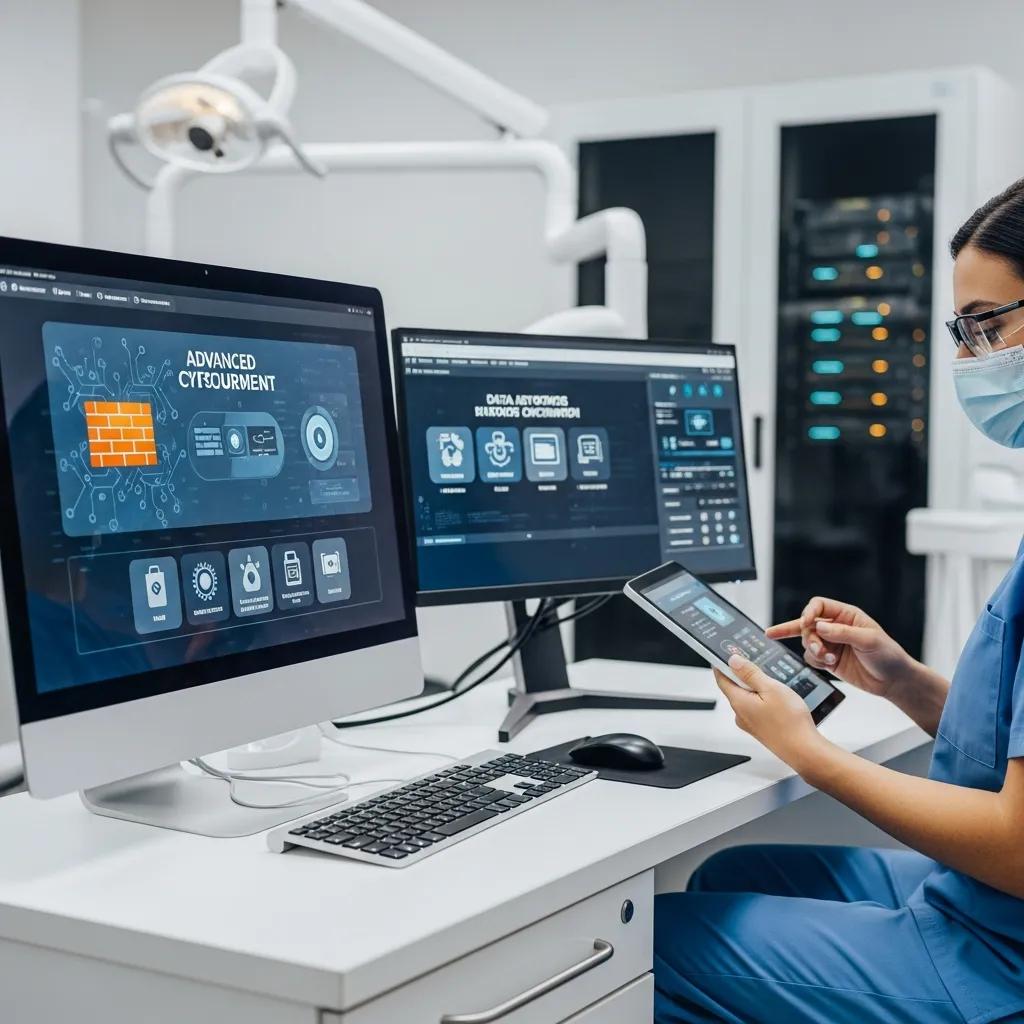
Dental cybersecurity ensures HIPAA compliance and patient-data protection by applying technical, administrative, and physical safeguards aligned to the HIPAA Security Rule — access controls, encryption, audit logging, and incident response. A strong program starts with a documented risk assessment and written policies, then adds technical controls such as multi‑factor authentication (MFA), endpoint detection and response (EDR), and encrypted, immutable backups. Regular audits and backup verification demonstrate control effectiveness and support timely breach notification if needed. Embedding these controls into daily operations reduces the chance of reportable incidents and provides evidence of due diligence during audits.
As healthcare becomes more digital, practices must adopt stronger cybersecurity and backup strategies to defend against threats like ransomware.
Ransomware Defense & Cybersecurity for Digital Systems
As systems digitalize, protecting them from sophisticated attacks is a growing challenge. Ransomware is a leading threat: attackers encrypt data to deny access and often demand payment (frequently via cryptocurrency). Advanced threat groups may also steal data and use double‑ or even triple‑extortion tactics — threatening public release or directly contacting affected customers — to force payment. These tactics increase the operational and reputational impact on organizations of all sizes.
Operational Resilience: Backup Strategies for Crisis Management in the Age of Ransomware, 2023
Common cybersecurity controls for dental offices include:
- Encryption for data at rest and in transit to prevent readable data leaks.
- Multi‑factor authentication and role‑based access to limit who can see PHI.
- Endpoint Detection & Response (EDR) plus managed detection to spot and contain advanced attacks.
- Immutable, tested backups so you can recover quickly after ransomware without paying ransom.
Together these controls reduce exposure, detect intrusions, and enable recovery paths that avoid ransom payments.
The table below maps common cybersecurity controls to HIPAA safeguards and the protection outcomes clinics should expect.
This mapping explains how specific technical controls address HIPAA requirements and what results to expect.
| Control | HIPAA Safeguard Mapped | Expected Protection Outcome |
|---|---|---|
| Encryption (disk & TLS) | Technical safeguards: integrity & transmission security | Prevents readable data exfiltration |
| Multi-factor Authentication | Technical safeguards: access control | Reduces credential-based breaches |
| Endpoint Detection & Response | Technical safeguards: audit controls | Detects and contains malware and ransomware |
| Immutable Offsite Backups | Administrative/technical safeguards | Enables recovery with minimal downtime |
When evaluating vendors, ask about continuous monitoring, backup immutability and test cadence, and documented incident response playbooks. DentalTek provides cybersecurity services that include proactive monitoring, structured backups, and vendor partnerships to help practices meet compliance; clinics can request a security audit or demo to assess exposure and remediation options.
What Are the Key Components of HIPAA Compliance for Dental IT Systems?
HIPAA compliance for dental IT requires administrative safeguards (written policies, workforce training, and risk assessments), technical safeguards (access controls, audit logs, and encryption), and physical safeguards for servers, backups, and workstations. In practice, that means unique role‑based accounts with least‑privilege access, strong authentication, detailed logging of access and changes, and secure handling of backup media both onsite and offsite. Regular risk assessments prioritize remediation, while policies and training reduce human error — a common source of breaches. Together these steps build an auditable record showing the practice is actively protecting patient data.
A simple compliance checklist for dental offices includes:
- Maintain and review a written security risk assessment and remediation plan.
- Enable MFA and unique user accounts for EHR and imaging systems.
- Encrypt PHI in transit and at rest and verify backups regularly.
Completing these items supports HIPAA compliance and lowers operational and regulatory risk.
Which Cybersecurity Measures Prevent Ransomware and Data Breaches in Dental Practices?
Stopping ransomware and data breaches requires layered defenses: behavioral endpoint protection, timely patching, secure email gateways, network segmentation to limit lateral movement, and immutable offsite backups for recovery without paying ransom. Staff training is essential because phishing is a top entry vector — role‑based training reduces click rates and builds a security‑aware culture. Regular backup verification and tabletop incident exercises ensure the clinic can meet its RTO and RPO targets and follow breach‑notification procedures if required.
Recommended operational cadence:
- Weekly backup verification and monthly restore tests to confirm recoverability.
- Patch cycles that prioritize critical security updates within days.
- Quarterly phishing simulations and annual tabletop incident response rehearsals.
These practices reduce the risk of successful attacks and shorten recovery times, preserving clinic operations.
What Are the Best Dental Practice Software Integration Solutions for Streamlined Operations?
Integration solutions connect scheduling, charting, billing, imaging, and tele‑dentistry systems so data is entered once and appears where teams need it. Good integrations cut double‑entry, prevent scheduling and billing mismatches, and speed chart access during visits. Key evaluation points include API availability, support for common practice management systems, consistent patient identifiers across systems, and secure data exchange that keeps audit trails intact. Planning migrations and integrations with data mapping, reconciliation checks, and phased cutovers reduces downtime and avoids billing disruptions.
Integration benefits typically include:
- Less administrative work through single‑entry data flows.
- Faster chair‑to‑chart access that improves patient throughput.
- Fewer billing errors and quicker claims processing when interfaces are reliable.
When choosing integrations, prioritize standard interfaces, DICOM support for imaging, and reliable synchronization between scheduling and billing systems.
DentalTek helps clinics with migrations and integrations, including Dentrix, Eaglesoft, Open Dental, imaging systems, and tele‑dentistry platforms. Contact DentalTek to discuss your environment and schedule a demo or migration assessment.
How Does Integration of Dentrix, Eaglesoft, and Open Dental Improve Workflow?
Connecting Dentrix, Eaglesoft, or Open Dental to imaging and billing systems eliminates redundant entry and synchronizes patient records so reception, clinicians, and billers work from the same data. Integrations simplify appointment confirmations, treatment plan updates, and claim generation, reducing scheduling conflicts and speeding patient check‑out. In practice, chart access can drop from minutes to seconds and reconciliation work can shrink substantially with well‑configured interfaces. Successful integrations include validation routines to catch mismatches and prevent revenue loss.
Common pitfalls and how to avoid them:
- Identifier mismatches — use strong patient‑matching rules during migration.
- Image linking problems — standardize DICOM identifiers and test across modalities.
- Billing code mapping errors — run parallel validation before going live.
Those steps help ensure integrations improve daily operations rather than disrupt them.
What Role Does Digital Imaging and Tele-dentistry Integration Play in Modern Dental Clinics?
Digital imaging and tele‑dentistry integration give clinicians instant access to intraoral and radiographic images inside the chart and enable remote consultations that extend care options. Imaging requires storage planning because files are large; balance on‑premises performance for reading recent images with cloud archiving for redundancy and multi‑site access. Tele‑dentistry needs secure, low‑latency links and tight EHR integration so consult notes and images are stored with the patient’s record. Proper bandwidth, storage tiering, and secure interfaces prevent delays and preserve diagnostic image quality.
Recommended architecture patterns:
- Hybrid storage: keep recent images local for speed and archive older images to encrypted cloud storage.
- Integration middleware to synchronize imaging metadata with the practice management system.
These patterns improve diagnostic workflows and enable reliable remote care.
How Can Cloud Solutions and Data Backup Services Secure Dental Clinic Information?
Cloud and backup services protect dental data with offsite redundancy, automated snapshots, and geographically dispersed storage that guard against local disasters and hardware failures. Cloud hosting simplifies multi‑site access and reduces on‑prem maintenance, while managed backup services add verification, immutable copies, and scheduled restore testing to ensure recoverability. Choosing between full cloud EHRs, hybrid setups, and on‑prem servers depends on imaging latency needs, regulatory concerns, and your tolerance for operational complexity. A solid disaster recovery plan defines RTO and RPO targets for critical systems so recovery priorities are clear.
Cloud and backup strategies typically provide three practical advantages:
- Offsite protection from local disasters and theft.
- Scalability for multi‑site growth without large capital outlays.
- Faster recovery when backups are immutable and regularly tested.
When selecting a cloud partner, confirm encryption, compliance attestations, and documented backup verification to ensure secure, practical recoverability.
What Are the Advantages of Cloud Hosting and Offsite Backup for Dental Data?
Cloud hosting and offsite backup give geographic redundancy to protect patient data from single‑point failures like fire or theft, and they make access easier for multi‑location practices and remote clinicians. Scalability lets clinics grow storage and compute without new local servers — important for imaging‑heavy workflows. Immutable offsite backups prevent ransomware from altering backup copies, giving a reliable recovery path. When evaluating providers, verify encryption standards, retention policies, and restore testing frequency to ensure backup services meet your RTO and RPO needs.
A short provider‑evaluation checklist:
- Does the provider offer immutable backups and regular restore testing?
- Is data encrypted at rest and in transit with robust key management?
- Are SLAs and retention policies clearly documented for regulatory needs?
Using this checklist increases confidence that your cloud and backup choices will support continuity and compliance.
How Do Disaster Recovery and Business Continuity Plans Support Dental Practices?
Disaster recovery and business continuity plans list prioritized recovery steps, set RTO and RPO targets for each critical system, and provide clear playbooks for staff during an outage so patient care can continue. Tabletop exercises and restore tests validate the plan and reveal gaps in communication, access, or third‑party dependencies. Defined roles and escalation paths reduce confusion and speed recovery, while alternate workflows — like offline scheduling or temporary paper records — let visits continue when digital systems are degraded. Regularly update the plan as systems and vendors change to keep it effective.
Recommended testing cadence:
- Semi‑annual backup restore verification.
- Annual full DR exercises simulating common failure scenarios.
Regular tests keep teams prepared and reduce real recovery times.
What Network Infrastructure Solutions Optimize Connectivity and Communication in Dental Clinics?
A resilient dental network focuses on secure segmentation, enough throughput for imaging and tele‑dentistry, and reliable VoIP for appointment handling. Design networks to separate clinical and PHI systems from guest and admin traffic using VLANs and firewall rules to limit lateral movement during incidents. Use Quality of Service (QoS) to prioritize imaging transfers and VoIP so calls stay clear and images load quickly during busy hours. Choose enterprise switches, access points sized for operatory density, and redundant internet links where appropriate to get predictable performance for modern digital workflows.
Key recommendations for robust dental networks include:
- Segment clinical devices and servers from guest Wi‑Fi and administrative networks.
- Apply QoS for imaging and VoIP traffic to prevent congestion impacts.
- Deploy enterprise‑grade access points with careful placement for reliable operatory coverage.
These practices reduce slowdowns, preserve call quality, and protect patient data by restricting unnecessary access to PHI systems.
| Network Component | Throughput / Feature | Recommended Use Case |
|---|---|---|
| Wired LAN Switches | High throughput, VLAN support | Server and imaging workstation connectivity |
| Enterprise Wi-Fi APs | Band steering, WPA3 | Operatory coverage and staff device access |
| VoIP Gateways/Phone Systems | QoS, redundancy | Appointment handling and front-desk calls |
| Firewalls/IDS | Port control, intrusion detection | Network segmentation and threat prevention |
How Is Dental Office Network Design Tailored for Security and Performance?
Dental office network design balances security and performance by using VLAN segmentation to isolate imaging stations and EHR servers from guest and admin networks, enforcing strict firewall rules, and deploying intrusion detection to monitor lateral traffic. QoS keeps large imaging uploads from degrading VoIP, and capacity planning accounts for peak concurrent imaging and tele‑dentistry sessions. A simple logical layout places core switches and servers in a locked closet, wireless access points over operatories, and a perimeter firewall that routes remote management through secure VPNs. Regular network audits and firmware updates close known vulnerabilities and maintain steady performance.
Practical steps clinics can take:
- Map device types to VLANs.
- Apply least‑privilege firewall rules.
- Schedule firmware updates during low‑usage windows to avoid patient‑impacting downtime.
What Are Effective Wi-Fi and VoIP Phone System Solutions for Dental Practices?
Effective Wi‑Fi and VoIP solutions use enterprise access points with band steering and careful channel planning, plus a separate guest SSID to protect clinical networks while giving reliable coverage across operatories. VoIP needs QoS on switches and routers, handset redundancy, and failover internet links to keep appointment handling working if the primary link fails. Recommended hardware includes dual‑band APs that support WPA3, managed PoE switches to power APs and phones, and SIP‑aware firewalls that allow secure voice traffic. Compare managed Wi‑Fi and cloud VoIP against on‑prem PBX options based on clinic size and multi‑site needs.
A short procurement checklist for Wi‑Fi / VoIP:
- Confirm AP density for number of operatories and expected devices.
- Ensure switches provide PoE and QoS capability.
- Validate the VoIP provider offers redundancy and emergency‑calling support.
Putting these elements in place improves patient communication and staff efficiency during busy clinic hours.
How Does Staff Training and Support Enhance Adoption of Dental IT Solutions?
Staff training and ongoing support improve adoption by giving front‑desk, clinical, and billing teams role‑based skills that reduce user errors, speed workflows, and strengthen compliance. Effective programs mix hands‑on sessions, quick‑reference guides, and periodic refreshers to lower ticket volume and help staff use practice management, imaging, and tele‑dentistry tools confidently. A searchable knowledge base and prompt helpdesk responses close the loop by resolving issues before they become workarounds. Together, onboarding plus continuous education deliver measurable gains like faster check‑ins and fewer system-related appointment delays.
Typical training program elements:
- Role‑based onboarding for reception, clinical, and billing staff.
- Hands‑on simulations for tasks like image capture and claim submission.
- Short refresher modules and easy‑to‑access quick‑reference resources.
These elements speed adoption and reduce dependence on external support for routine tasks.
What Training Programs Help Dental Office Staff Use New Technologies Effectively?
Successful training includes role‑based onboarding, scenario‑driven hands‑on workshops, and short refresher modules delivered over time to reinforce best practices. Tailor curricula to receptionists, clinicians, and billers so each group practices the daily tasks they’ll perform — scheduling, charting, imaging capture, and claims processing. Use sandbox environments for safe hands‑on practice, and provide one‑page references and short video clips for just‑in‑time help during busy hours. Track outcomes like reduced ticket volume and faster task completion to refine training content.
Appointing local “super users” as first‑line support encourages peer teaching and embeds new workflows into daily routines.
How Does Ongoing IT Support Improve Dental Clinic Operational Efficiency?
Ongoing IT support improves efficiency with clear SLAs, consistent ticket triage and escalation, and continuous improvement practices that fix root causes. SLAs set expectations for response times and prioritize incidents that impact patient care. Effective triage gets routine requests handled quickly while escalating complex issues to specialists. Monthly reviews of incident trends identify systemic problems to address, reducing repeat disruptions and improving staff productivity. A well‑maintained knowledge base lets staff self‑serve on common tasks and cuts repeat tickets.
Sample SLA metrics practices can expect include guaranteed initial response windows for critical incidents and regular reporting on resolution times — metrics that align IT performance with clinical goals.
When you’re ready to improve reliability, security, and workflow integration, DentalTek provides managed IT services built for dental workflows — from audit and takeover to upgrade and ongoing maintenance. We can arrange demos, security audits, or support assessments to evaluate fit and readiness for migration or managed support. Contact DentalTek to schedule a demo or security review and explore how these solutions apply to your practice.
Frequently Asked Questions
What should dental clinics consider when selecting a managed IT service provider?
Look for providers with dental industry experience and a clear understanding of HIPAA and other regulatory needs. Review SLAs that specify response times and support hours, and evaluate the provider’s cybersecurity posture, backup strategy, and disaster recovery approach. Ask for case studies or references from other dental practices to confirm reliability and service quality.
How can dental clinics ensure their staff is adequately trained on new IT systems?
Use structured, role‑based training that combines hands‑on workshops, online modules, and quick‑reference guides. Appoint internal super users for first‑line help and run periodic refreshers. Track training outcomes through reduced ticket volume and faster task completion to refine the program.
What are the common cybersecurity threats faced by dental clinics?
Common threats include ransomware, phishing, and unauthorized access to patient records. Ransomware can encrypt or exfiltrate data; phishing often targets staff credentials. To mitigate these risks, implement layered defenses — MFA, endpoint protection, secure email gateways, network segmentation, and immutable backups — and maintain ongoing staff training.
How do cloud solutions enhance data security for dental practices?
Cloud solutions provide offsite backups, automated snapshotting, and strong encryption, protecting data from local disasters and hardware failures. Reputable cloud providers also offer compliance attestations and built‑in redundancy. Immutable backups and regular restore testing further strengthen recovery options after an incident.
What role does network design play in protecting patient data in dental clinics?
Network design protects patient data by segmenting clinical systems from guest and administrative traffic, enforcing firewall rules, and deploying intrusion detection. Good design also ensures sufficient bandwidth for imaging and tele‑dentistry while using QoS to prioritize critical traffic, keeping systems both secure and performant.
How can dental clinics prepare for potential IT disruptions?
Prepare by maintaining a disaster recovery and business continuity plan that lists critical systems, sets RTO and RPO goals, and outlines staff roles during outages. Test the plan with tabletop exercises and restore simulations, keep documentation current, and verify backups regularly to ensure a swift return to normal operations.
Conclusion
Strong IT — from managed services and cybersecurity to integrations and backups — makes dental practices more efficient, resilient, and secure. When systems are reliable and connected, staff spend less time on IT problems, patient flow improves, and sensitive data stays protected. If you’d like tailored guidance, DentalTek can assess your environment, run a security review, or demo integration and backup options for your practice. Contact us to start the conversation.

