
Secure, Compliant & Reliable IT Audits for Canadian Dental Clinics
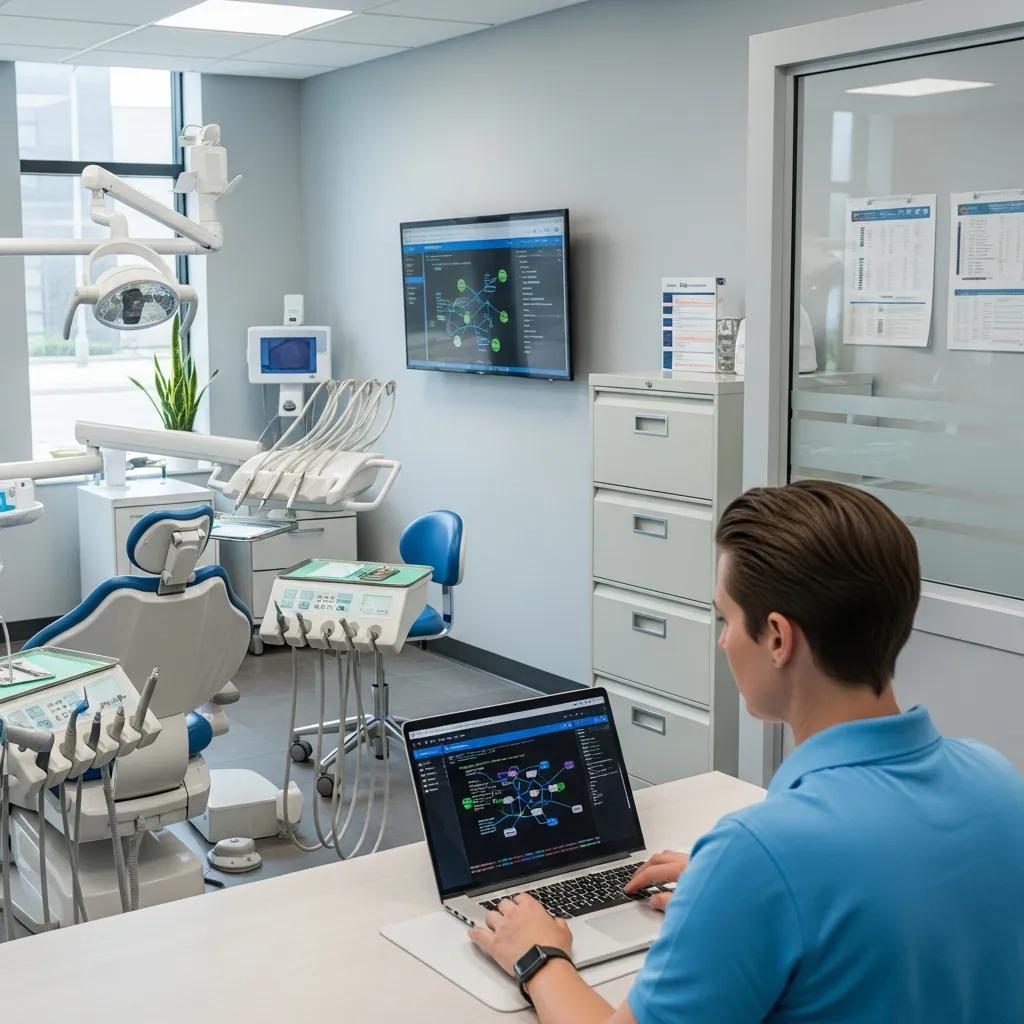
A dental IT audit is a focused, practical review of a clinic’s network, workstations, EHR access, backup systems, and IT policies. The goal is to find risks, confirm controls, and keep clinical systems online. By checking configurations, scanning for vulnerabilities, and reviewing who can access patient records, an audit uncovers gaps that could lead to data breaches or downtime. Below we explain what a dental IT audit covers, why it matters for regulatory compliance (PHIPA, PIPEDA) and patient confidence, and how audits improve daily clinic workflows and continuity. You’ll get a clear scope and component list, a step‑by‑step assessment process, guidance on Canadian regulatory safeguards, and how managed IT and disaster recovery services extend audit value. Practical readiness tips and a checklist help clinics get the most from their audit. The recommendations here reflect field‑tested security assessment practices and the remediation and managed service options DentalTek provides to keep clinics protected.
What is a Dental IT Audit and Why is it Essential for Your Clinic?
A dental IT audit reviews both technical controls and administrative processes to ensure the confidentiality, integrity, and availability of patient records and clinical systems. It combines technical scans (network vulnerability checks, endpoint protection reviews) with policy and access audits to find misconfigurations, missing patches, and backup shortfalls that risk patient data or clinical uptime. The main benefits are lower breach risk, a clearer compliance stance under PHIPA/PIPEDA, and stronger clinical continuity—so scheduling, imaging, and billing stay available. We recommend clinics run audits at least yearly and after major system changes to keep a defensible security posture and focus remediation where it matters most.
DentalTek helps practices bridge audit findings to practical remediation and ongoing maintenance while preserving clinic workflows. Our core offerings—Audit, Takeover, Upgrade, and Maintain—lean on partnerships with vendors such as Veeam, Dell, Dentalcorp, and Microsoft to validate backup and platform setups. Treating an audit as the starting point for a continuous security lifecycle moves clinics from one‑off fixes to managed IT and backup strategies that reduce repeat incidents and restore patient trust.
Audits also map where sensitive data lives and who has access—so the next section breaks down the typical components auditors review.
Defining Dental IT Audits: Scope and Key Components
A dental IT audit commonly inspects network infrastructure, workstation endpoints, EHR/patient record systems, server backups, and administrative policies to understand risk exposure. Assessors run network scans to spot open ports and outdated services, review firewall and router rules for proper segmentation, and check endpoint protection and patch status. They validate backup and disaster recovery by confirming backup frequency, encryption, and restore testing, and they review EHR access controls for least‑privilege and logging. Typical findings include unsecured remote access, lack of multi‑factor authentication on admin accounts, gaps in backup verification, and limited documentation of custodial responsibilities.
These component checks form the basis of a prioritized remediation plan that reduces exploitability and supports compliance—points we expand on next when covering security and efficiency improvements.
How IT Audits Enhance Dental Clinic Security and Efficiency

An audit turns technical observations into a clear set of prioritized actions that lower risk and boost operational efficiency. For instance, fixing backup configurations and validating restores reduces mean time to recovery after ransomware, while timely patching and tightened EHR permissions shrink the attack surface for credential theft. Audits also reveal workflow slowdowns—like network segments that delay imaging or patient check‑in—that, once addressed, speed clinic operations and cut appointment delays. Regular auditing delivers measurable gains: fewer unplanned outages, faster recovery from incidents, and documented compliance evidence to reassure patients and regulators.
Those efficiency and security gains set the stage for a repeatable program of assessment and maintenance—exactly what a dedicated provider implements end‑to‑end, as described next.
How Does DentalTek Conduct Comprehensive IT Audits for Dental Practices?
Our audit methodology follows a simple, repeatable lifecycle: discovery, technical assessment, policy review, reporting, remediation planning, and follow‑up validation to confirm recommendations are applied. We blend remote scanning with on‑site inspection when needed, review network and EHR configurations, and deliver a prioritized remediation roadmap that fits clinic schedules. Typical deliverables include an executive findings summary, a technical risk register, recommended remediation timelines, and managed IT support options. You can expect clear timelines and minimal clinical disruption while achieving measurable security improvements.
The audit process usually follows defined steps so staff and stakeholders know what to expect:
- Discovery and scoping: identify systems, users, EHR integrations, and custodial responsibilities; set assessment windows to limit clinic impact.
- Technical scanning: run network vulnerability scans, endpoint protection reviews, and backup verification to gather evidence.
- Configuration and policy review: evaluate firewall/router rules, EHR access controls, password policies, and incident response readiness.
- Analysis and risk scoring: map findings to likelihood and impact to prioritize remediation and align with compliance needs.
- Reporting and remediation planning: deliver a clear, prioritized action plan with timelines and estimated effort for each item.
- Follow‑up and validation: re‑scan and confirm remediation, with options for ongoing monitoring and managed support.
After the audit, most clinics request help implementing fixes and maintaining controls. Book a demo or contact DentalTek to review sample findings, remediation roadmaps, and managed monitoring options that work with your clinical workflows.
Step-by-Step Dental IT Audit Process Overview
The audit timeline starts with a short discovery phase to inventory systems and confirm access, then moves to scheduled scans and manual configuration checks. Initial technical testing often takes one to several days depending on clinic size; reporting provides a prioritized list of fixes and suggested timelines. Clinics should expect a remediation planning session that aligns fixes to business risk and scheduling limits, followed by a verification step to validate completed work. This stepwise approach delivers actionable guidance without vague recommendations and sets clinics up for long‑term monitoring or managed services.
A clear handoff from findings to remediation planning reduces implementation friction—next we cover the tools and techniques used during assessments.
Tools and Techniques Used in Dental Clinic Security Assessments
Assessors combine automated vulnerability scanners, configuration checks, backup validation scripts, and log reviews to evaluate security posture. Vulnerability scans reveal outdated software, missing patches, and exposed services; configuration audits review firewall rules, segmentation, and VPN settings for secure remote access. Backup validation confirms that server backups and EHR exports are encrypted, test‑restored, and meet recovery objectives. Policy and access control reviews inspect EHR permissions and administrative accounts for least‑privilege. Together these techniques provide the technical and administrative evidence needed to remediate issues and show compliance.
Those methods produce a prioritized remediation plan clinics can apply in‑house or through managed services to keep protections continuous—now let’s look at the regulatory requirements clinics must meet.
What Are the Canadian Compliance Requirements for Dental Clinics?
Canadian dental clinics must align technical and administrative safeguards with PHIPA in Ontario and, where applicable, PIPEDA at the federal level. That means protecting patient consent, storing records securely, and reporting breaches promptly. PHIPA applies to health information custodians in Ontario and defines custodial responsibilities, safeguards, and breach notification processes. PIPEDA governs private‑sector handling of personal information in federally regulated contexts or where provincial laws don’t apply. Audits help clinics map gaps by documenting access controls, encryption practices, and incident response capabilities needed to meet these legal duties. Knowing the differences and overlaps between PHIPA and PIPEDA lets clinics prioritize controls that protect patients and reduce legal exposure.
Below is a practical comparison of core regulations and the obligations audits usually verify for Canadian dental clinics.
| Regulation | Applies To | Key Requirements |
|---|---|---|
| PHIPA (Ontario) | Health information custodians in Ontario (e.g., dental clinics) | Secure patient records, clear custodial responsibilities, documented safeguards, breach notification to affected individuals and the Information and Privacy Commissioner of Ontario |
| PIPEDA (Federal) | Private sector activities across Canada where provincial law does not apply | Accountability, consent, appropriate safeguards for personal data, and breach reporting where required |
| Provincial privacy laws | Varies by province (may replace PIPEDA) | Local rules on health data handling, consent nuances, and specific breach or retention obligations |
This comparison clarifies which obligations an audit should document and where clinics should invest in controls to satisfy auditors and regulators.
Understanding PHIPA Compliance for Ontario Dental Practices
PHIPA requires custodians to put reasonable safeguards in place for personal health information, keep appropriate policies, and notify affected individuals after a privacy breach. An audit checks custodial designations for records, reviews written information‑handling policies, and tests technical safeguards like encryption and access logging. Auditors also review breach detection and notification procedures to confirm timelines and assigned responsibilities. Meeting PHIPA requirements lowers regulatory risk and helps patients feel confident about how their health information is handled.
These PHIPA checks complement federal considerations under PIPEDA, which apply in certain situations.
Navigating PIPEDA Regulations Across Canadian Dental Clinics
PIPEDA sets broad principles—accountability, consent, limiting collection, and safeguarding personal information—that apply when provincial law does not. Audits check whether consent practices are documented, whether retention policies limit exposure, and whether technical safeguards like encryption and access controls meet expectations. Compared with PHIPA, PIPEDA emphasizes organizational accountability and transparency; an audit helps reconcile the two by documenting controls that satisfy overlapping obligations. Clinics should use audit findings to update privacy notices, formalize agreements, and add procedural controls that demonstrate compliance during reviews.
With the compliance picture clear, here are the direct benefits clinics get from recurring security assessments.
How Can Dental Clinics Benefit from Regular IT Security Assessments?
Regular security assessments protect patient data, reduce downtime, and provide evidence of due diligence to support compliance and patient trust. By finding vulnerabilities early—unpatched endpoints or misconfigured backups—assessments lower the risk of breaches and shorten recovery time when incidents occur. Ongoing assessments also help clinics measure the ROI of remediation through fewer incidents and better uptime. Together these benefits protect revenue, smooth patient care, and reinforce the clinic’s reputation for responsible data stewardship.
Top benefits clinics can expect from consistent security assessments:
- Data protection: Finds weaknesses in encryption, access controls, and backup integrity to better secure PHI.
- Operational continuity: Validates backups and DR plans so core systems recover faster, reducing appointment cancellations and lost revenue.
- Regulatory readiness: Documents controls and remediation to demonstrate compliance under PHIPA and PIPEDA.
- Patient trust: Visible security practices reassure patients that their records are handled responsibly.
These outcomes move clinics from reactive fixes to proactive, continuous security management, and often lead to investments in managed services and disaster recovery.
Protecting Patient Data with Advanced Cybersecurity Measures
Effective patient data protection relies on concrete controls: encryption for data at rest and in transit, multi‑factor authentication for admin and EHR access, endpoint protection, and disciplined patch management. Audits confirm backup encryption and transmission security, validate MFA on privileged accounts, and check endpoint detection coverage to spot anomalous activity. Putting these controls in place reduces unauthorized access risk and maintains confidentiality and integrity of patient information. After controls are implemented, the next essential step is regular backup validation and recovery testing to ensure business continuity.
Backup validation and disaster readiness complement these controls and form the core of risk reduction strategies.
Reducing Risks: Preventing Data Breaches and Ensuring Business Continuity
Risk reduction depends on regular backup checks, tested disaster recovery plans, and an exercised incident response program that includes staff training and clear escalation paths. Audits measure recovery time objectives (RTO) and recovery point objectives (RPO) against business needs and confirm restoration tests are documented. An incident response plan assigns roles, communication protocols, and notification steps for breaches so clinics can act quickly and limit regulatory exposure. Together, these practices shrink the window of vulnerability and reduce clinical disruption when incidents happen.
Many clinics get these ongoing protections through managed services and backup platforms designed for dental environments—described next.
What Specialized IT Services Support Dental Clinics Beyond Audits?
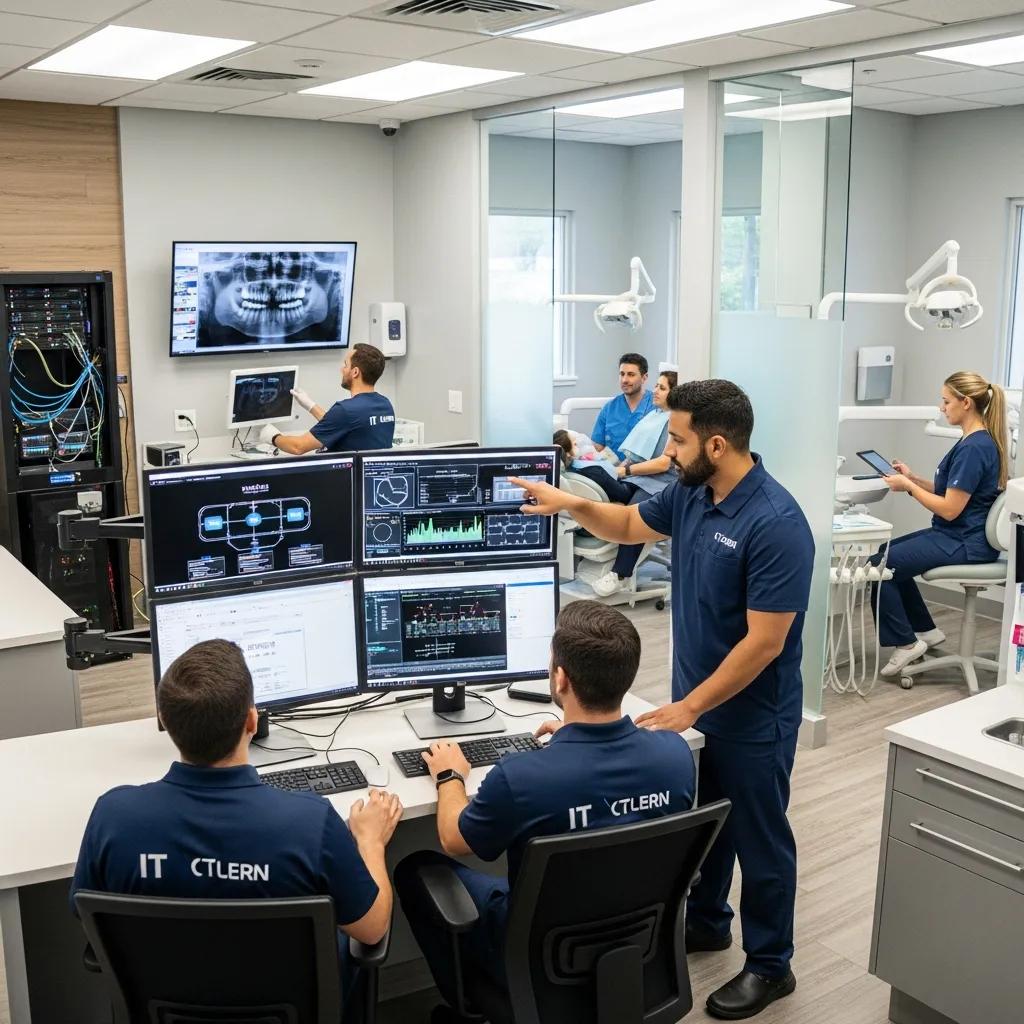
Beyond audits, clinics benefit from managed IT, cloud backup and disaster recovery, and targeted monitoring that preserve audit gains and keep protections in place. Managed IT services offer 24/7 monitoring, patch management, user support, and clinical software integration to maintain staff productivity. Disaster recovery and cloud backup provide encrypted offsite copies of EHR and imaging data with tested restoration procedures. Ongoing monitoring and remediation close the loop on audit findings and sustain the posture needed for compliance and continuity.
The table below summarizes common specialized services for dental clinics and their typical attributes.
| Service | Attribute | Value |
|---|---|---|
| Managed IT Services | SLA & Scope | 24/7 monitoring, patching, user support, and proactive security management |
| Cloud Backup & Restoration | Encryption & Testing | Encrypted offsite backups with scheduled restoration testing and validation |
| Disaster Recovery Planning | RTO/RPO & Testing | Business‑aligned recovery objectives with regular DR tests and documentation |
This comparison shows how service choices map to operational guarantees and why many clinics combine managed IT with backup/DR to sustain audit improvements.
Managed IT Services Tailored for Dental Practices
Managed services for dental practices mix remote monitoring, patching, and helpdesk support with knowledge of dental workflows and clinical software. Core elements often include scheduled patching, endpoint protection, helpdesk support for clinicians and front‑desk staff, and routine health checks of networks and imaging systems. SLAs focus on response times and proactive remediation to prevent issues from becoming clinical downtime. Moving from reactive break/fix to proactive managed services typically boosts staff productivity and keeps systems aligned with audit recommendations.
A practical readiness step is to establish clear contact points and service expectations with your provider—this reduces friction during remediation and ongoing maintenance.
Disaster Recovery and Cloud Backup Solutions for Dental Data
Effective disaster recovery uses a mix of local snapshots and encrypted offsite/cloud backups with RTO and RPO targets matched to clinic needs. Recommended RTOs for core systems often aim for sub‑day recovery for scheduling and billing, while imaging repositories may tolerate longer RTOs depending on clinical priorities. Regular restore testing ensures backups are usable when needed. A backup validation checklist—confirming encryption, retention, and successful restores—reduces the chance a backup fails when it matters most.
Clinics that validate backups and test DR plans limit revenue loss and patient care disruption during outages—these capabilities are commonly offered by specialist managed providers.
How Can Dental Clinics Prepare for and Maximize the Value of IT Audits?
Preparation speeds audits and shortens remediation cycles by giving auditors inventories, documentation, and named stakeholders. Pre‑audit readiness reduces discovery time and assessment costs while producing sharper remediation timelines. Clinics that prepare get clearer, prioritized recommendations and can move quickly from findings to fixes that protect patients and support compliance. Use the concise readiness checklist below before an audit.
- Inventory of devices and software: provide a current list of workstations, servers, switches, and clinical software versions.
- Admin access and documentation ready: share details of admin accounts, privileged users, and any third‑party access.
- Designated point of contact and schedule windows: identify a clinic IT contact and agree scan windows that minimize day‑to‑day impact.
Completing these items accelerates the audit and increases the practical value of findings—next are common FAQs about logistics and deliverables.
Dental IT Audit Readiness Checklist for Clinics
A focused pre‑audit checklist removes ambiguity and targets high‑risk areas. Include an up‑to‑date device/software inventory, documented EHR integrations, backup locations and retention details, a list of privileged accounts, and a designated contact for coordination. Supplying this information before scans reduces the discovery phase and lets auditors tailor tests to your technology stack and business needs. Preparing staff for short maintenance windows during scans also limits disruption and enables more complete validation of controls.
Having these assets ready makes remediation planning more precise and speeds verification after fixes are applied.
Frequently Asked Questions
1. How often should dental clinics conduct IT audits?
We recommend at least one audit per year, and more often after major changes like software upgrades, new integrations, or significant staff or vendor changes. Regular audits help catch vulnerabilities early and keep your clinic aligned with PHIPA and PIPEDA expectations—helping protect patient data and reduce unexpected downtime.
2. What are the common findings in a dental IT audit?
Frequent findings include unsecured remote access, missing multi‑factor authentication on admin accounts, incomplete backup verification, outdated software, misconfigured network settings, and incomplete documentation of custodial responsibilities. These are fixable issues that, once addressed, materially improve security and compliance.
3. What is the role of staff training in maintaining IT security?
Staff training is essential. Regular, practical training helps team members recognize phishing, follow password and data‑handling practices, and use EHR systems securely. A culture of security awareness greatly reduces the risk of human error leading to breaches or compliance gaps.
4. How can clinics ensure compliance with PHIPA and PIPEDA?
Ensure clear data protection policies, run regular audits, keep documentation of data handling and consent, and set up breach notification procedures. Ongoing staff training and periodic policy reviews help keep practices current. When needed, consult legal or compliance experts to confirm your approach.
5. What are the benefits of using managed IT services after an audit?
Managed IT provides continuous monitoring, proactive security management, and timely updates—closing the loop on audit findings. These services reduce the likelihood of repeat incidents, shorten recovery times, and free clinic staff to focus on patients while IT experts maintain systems and compliance.
6. What should clinics include in their pre-audit checklist?
Provide an updated inventory of devices and software, documentation of admin and privileged accounts, EHR integration details, and backup locations. Designate a single clinic contact and agree on scan windows to minimize disruption. These items let auditors focus on high‑risk areas and shorten the discovery phase.
7. How can clinics measure the ROI of their IT audit investments?
Measure ROI with KPIs such as reduced incident frequency, shorter recovery times, fewer downtime hours, and improvements in patient satisfaction. Financial metrics include avoided breach costs and reduced revenue loss from outages. Over time, improvements in these areas show the tangible value of audits and ongoing security work.
Conclusion
Regular dental IT audits are a practical, essential step to protect patient data, meet regulatory obligations, and keep your clinic running smoothly. By identifying vulnerabilities and following a prioritized remediation plan, clinics reduce breach risk and improve patient confidence. A proactive approach to IT security streamlines workflows and lays the foundation for reliable managed services and disaster recovery. Contact DentalTek to learn how our specialized audit and managed services help clinics achieve lasting security and compliance.

