
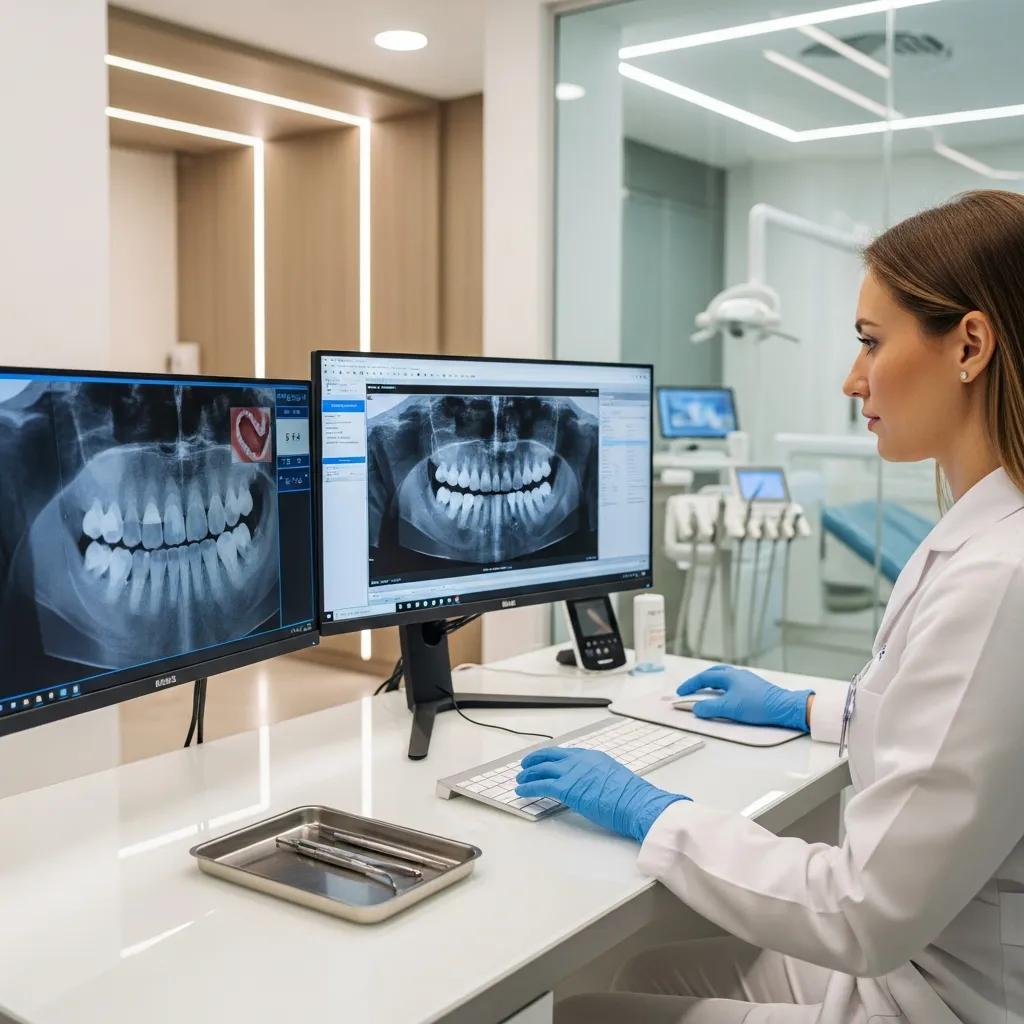
Proactive, Secure Managed IT Services for Dental Clinics
Managed IT services for dental clinics pair proactive system management, network engineering, cybersecurity, and data protection with workflows and devices common to dental care settings.
This guide shows how dental-focused managed IT resolves everyday pain points—protecting patient data, making imaging and practice-management systems work together, and ensuring dependable uptime—so your clinic runs securely and efficiently. You’ll see the specific IT challenges dental practices face, the technical services that address them, compliance considerations under PHIPA (and HIPAA where applicable), practical software-integration steps, measurable benefits, and a clear onboarding path for working with a specialist provider. We emphasize concrete actions—proactive monitoring, encrypted cloud backup, endpoint protection, and tested recovery procedures—that reduce downtime and safeguard patient records. Targeted terms used throughout (network support, dental IT support, managed IT services dental clinic, dental cybersecurity, cloud backup dental) help clinic owners and IT decision‑makers find the right operational model. By the end, you’ll know which services matter most, how they fit together, and how to start an audit-to-maintenance relationship with a dental-focused provider.
Why Do Dental Clinics Need Specialized Managed IT Services?
Dental-focused managed IT is built around clinical workflows, regulated health data, and imaging-heavy networks. That focus delivers predictable uptime and secure handling of protected health information. Typical dental environments run practice-management systems, digital X‑ray and CBCT imaging, and payment terminals—so they need careful network segmentation, tuned bandwidth, and reliable backups. Generalist IT often misses imaging bottlenecks, driver quirks, and audit‑logging requirements, which can cause appointment delays and raise breach risk. Recognizing these clinic‑specific needs explains why services like dental software integration, endpoint protection, and encrypted cloud backups are essential to keep your practice operating smoothly. The next section outlines concrete challenges and simple mitigations.
What Unique Challenges Do Dental Practices Face in IT Management?
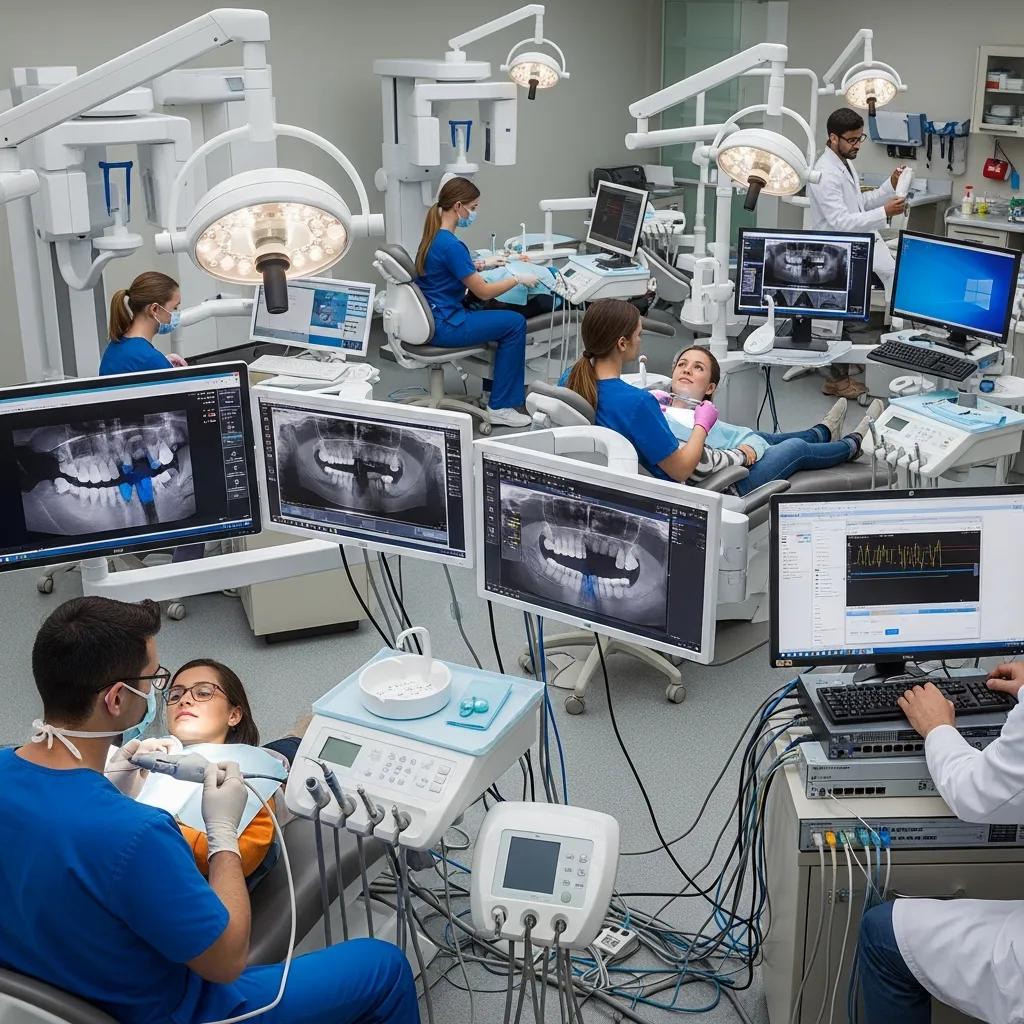
Dental clinics manage high‑bandwidth imaging, older equipment in operatories, and specialized peripherals like intraoral scanners and digital sensors. These require stable local networks and proper QoS to avoid latency. When imaging workstations lag, appointments slow down and throughput drops; common fixes include VLAN segmentation and traffic prioritization for imaging and VoIP. Many practices don’t have full‑time IT staff, so they rely on external providers who understand dental software and device drivers. Mixed device environments and legacy servers also increase attack surface, making regular patching and asset inventories essential to reduce vulnerability.
How Does Specialized IT Support Improve Patient Care and Compliance?
Specialized IT support speeds clinical decisions by making records and images available during consults, which reduces wait times and prevents appointment disruptions. Secure, auditable access to records helps with compliance and simplifies incident investigations, while automated, encrypted backups protect continuity of care after hardware failure or ransomware. Technicians familiar with dental workflows prioritize fixes for patient‑facing systems, restoring imaging and scheduling first. The result: stronger patient data protection, fewer cancellations, faster recovery, and preserved clinic reputation and revenue.
What Comprehensive Managed IT Services Does DentalTek Offer for Dental Practices?
DentalTek’s managed services combine proactive monitoring, network support, cybersecurity, cloud backup, software integration, and a responsive helpdesk to protect clinical uptime and patient data. Monitoring watches servers, endpoints, and networking gear for early failure signs, while network optimization keeps imaging and telephony traffic flowing. Cybersecurity typically includes endpoint protection, threat detection, firewalls, and encrypted backups with validated restores to meet recovery goals. These coordinated services lower operational risk, support compliance, and give staff predictable support pathways. Below is a concise reference linking common services to clinic benefits.
This table summarizes managed services, their core features, and direct benefits to a dental clinic.
| Service | Key Features | Benefit to Clinic |
|---|---|---|
| Proactive monitoring | 24/7 device and service alerts, dashboarding | Fewer unexpected outages and faster issue detection |
| Network support | VLANs, QoS for imaging/VoIP, on-site troubleshooting | Smooth imaging performance and reliable patient communications |
| Cybersecurity & EDR | Endpoint Detection and Response, firewalls, MFA support | Quicker threat containment and lower breach impact |
| Cloud backup & recovery | Encrypted backups, RTO/RPO testing, offsite vaults | Fast recovery from data loss or ransomware |
| Software integration | Practice DB configuration, backup of practice data | Consistent access to patient records and scheduling |
This summary shows how each managed service maps to tangible outcomes and greater operational reliability. The following sections expand on monitoring and cybersecurity practices.
How Does Proactive Monitoring and Network Support Optimize Dental Clinic Operations?
Proactive monitoring tracks servers, endpoints, and network devices to spot issues before they affect the clinic, combining automated alerts with technician escalation for quick resolution. Key metrics include uptime, latency, packet loss, and service availability for imaging servers—SLAs prioritize clinical systems to reduce mean time to repair and avoid day‑of‑surgery interruptions. Network support adds QoS, VLANs for clinical systems and guest Wi‑Fi separation, and VoIP tuning so calls stay clear during patient intake. Together, these measures keep appointment workflows and imaging responsive, supporting patient throughput and staff productivity.
What Advanced Cybersecurity and Cloud Backup Solutions Protect Dental Data?
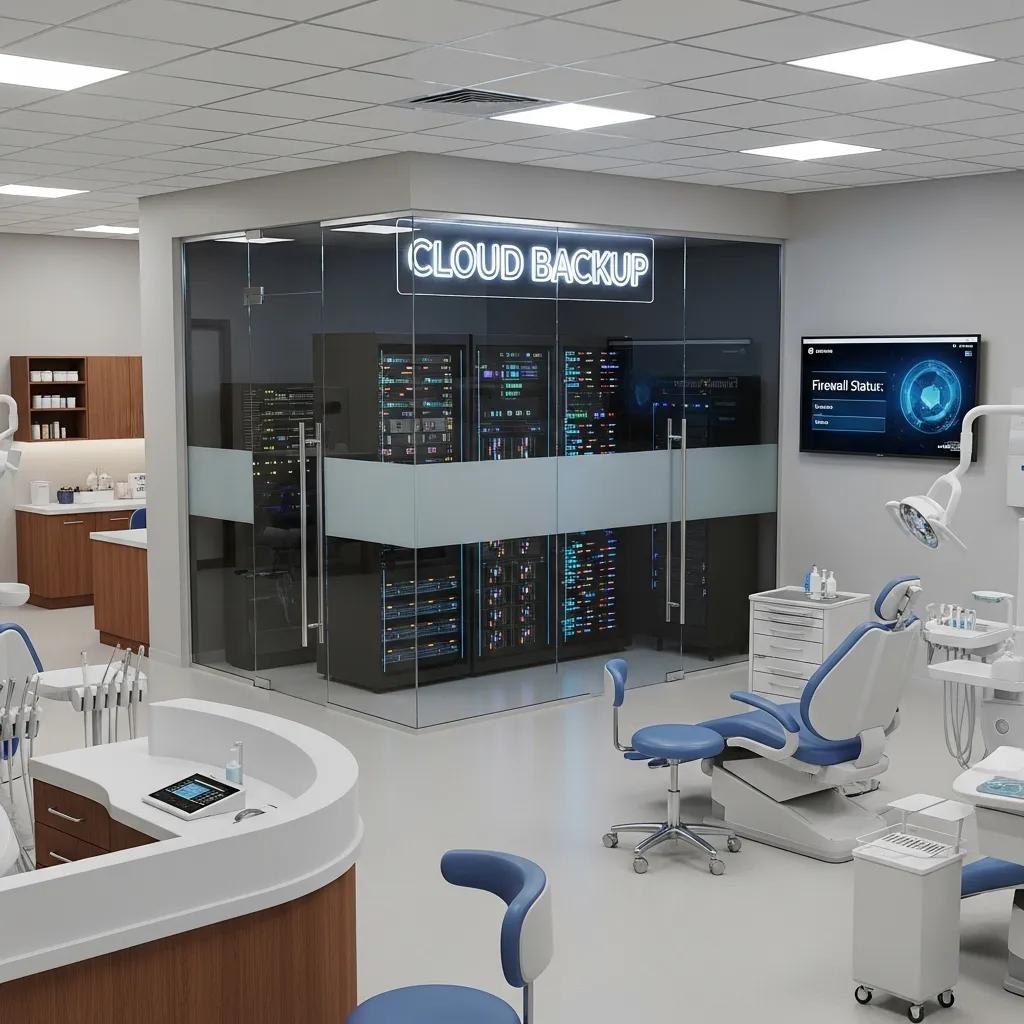
A layered cybersecurity program for dental clinics includes endpoint protection (EDR), network firewalls, multi‑factor authentication, and continuous security monitoring to detect and contain threats. Regular encrypted cloud backups with documented restore tests set clear recovery time (RTO) and point (RPO) objectives so clinics can resume operations after failures or ransomware. Practical controls include device hardening, role‑based permissions, and centralized logging for audit trails that support incident response and regulatory reporting. These controls lower the chance of data loss and shorten recovery times when incidents occur.
How Does DentalTek Ensure HIPAA and PHIPA Compliance for Dental Clinics?
Meeting PHIPA (and HIPAA where relevant) combines administrative policies, technical controls, and auditable processes. Managed IT services translate those obligations into practical actions: encryption at rest and in transit, access controls, logging, and secure backups address core technical requirements; documented policies, role assignments, and staff training address administrative duties. Regular security assessments and remediation roadmaps highlight gaps and produce evidence for audits. The table below maps common regulatory needs to technical controls and the actions a dental provider takes to help clinics comply.
| Compliance Requirement | Technical Controls | DentalTek Action |
|---|---|---|
| Secure storage/transmission of PHI | Encryption, TLS, secure backup vaults | Deploy encrypted backups and secure transport for records |
| Access controls & permissions | RBAC, MFA, unique user accounts | Implement role‑based access and multifactor authentication |
| Audit logging & breach notification | Centralized logs, SIEM, incident playbooks | Maintain logs, supply incident evidence, and support notifications |
| Regular risk assessments | Vulnerability scans, policy reviews | Run baseline assessments and deliver remediation plans |
This mapping turns regulatory obligations into concrete deployments and ongoing tasks that keep your clinic audit‑ready. The next section lays out key requirements in checklist form.
What Are the Key Compliance Requirements for Dental IT Services in Canada?
Under PHIPA, clinics must protect personal health information in storage, use, and disclosure with appropriate safeguards and clear documentation. Technically, that means encryption of sensitive data, retained access logs, unique user accounts with role‑based permissions, and tested recovery plans to maintain care continuity after an incident. Administratively, you need written policies, staff training, and retention schedules to demonstrate governance. Applying these controls reduces regulatory risk and supports prompt, evidence‑based responses to inquiries or breaches.
How Does DentalTek’s Cybersecurity Support Help Achieve Regulatory Compliance?
DentalTek provides baseline security assessments, remediation roadmaps, and the technical implementations needed for compliance—encryption, centralized logging, and access control configuration. Ongoing monitoring produces audit‑ready logs and incident reports, while periodic reviews and staff awareness training cover administrative requirements. These deliverables make audits simpler and streamline breach response by combining technical controls with documented processes, so clinics can focus on patient care with confidence.
Which Dental Practice Software and Technologies Does DentalTek Support?
Our support covers dental practice software and related technologies with an emphasis on database integrity, secure backups, and network setups that preserve imaging performance and remote access. Practice management systems and imaging suites need careful server configuration, routine backups, and network QoS to avoid delays when retrieving images and charts. We also support peripherals—printers, intraoral scanners, sensors, and VoIP phones—ensuring low latency and secure operation. The table below links common software categories to integration challenges and practical support actions.
| Software | Typical Integration Issue | DentalTek Solution/Support |
|---|---|---|
| Practice management systems | Database corruption risk during migrations | Set up backups, test restores, and validate database integrity |
| Digital imaging suites | Slow image retrieval over general networks | Use VLANs and QoS to prioritize imaging traffic |
| VoIP/Phone systems | Call quality affected by bandwidth contention | Apply network prioritization and targeted troubleshooting |
| Peripheral devices | Driver/version conflicts across operatories | Standardize drivers and stage updates carefully |
This mapping highlights typical issues and the targeted actions that keep workflows reliable. The following subsections describe integration practices and the user benefits clinics see day‑to‑day.
How Does DentalTek Integrate with Popular Dental Management Software?
Integration begins with a discovery inventory, then configuring servers and hosts for practice databases, validating backups, and ensuring network settings support fast, secure record and image access. Best practices include exporting and verifying database backups before migrations and scheduling updates during off‑hours to minimize disruption. Network steps—dedicated VLANs for clinical systems and QoS for imaging—reduce latency and preserve appointment flow. Careful planning and testing limit downtime and protect data integrity during transitions.
What Benefits Does Specialized IT Support Provide for Dental Software Users?
Specialized IT support reduces appointment delays by ensuring quick access to charts and radiographs, resolves driver and peripheral conflicts efficiently, and performs proactive maintenance to prevent compatibility problems after updates. Clinics see fewer emergency outages, faster mean time to repair, and predictable maintenance windows that fit clinical schedules. Staff benefit from a helpdesk that knows dental workflows, freeing clinicians to focus on patients instead of troubleshooting. Those operational gains translate directly into better patient experience and smoother clinic operations.
What Are the Benefits of Managed IT Services for Dental Clinics?
Managed IT services lower downtime, strengthen security, stabilize operating costs, and remove IT administration from clinicians’ plates so they can focus on patient care. Outsourcing monitoring, patching, backup management, and incident response turns unpredictable capital expenses into predictable operating costs while improving resilience. Strong security controls reduce breach risk and impact, and routine maintenance extends the life of imaging hardware and peripherals. The next sections explain how these services cut downtime and let clinical teams concentrate on patients.
How Do Managed IT Services Reduce Downtime and Enhance Security?
Managed services reduce downtime with continuous monitoring, scheduled patching, automated backups, and fast incident response that contains threats and restores services. Monitoring can trigger automated remediation for common issues and notify technicians for escalation, shortening mean time to repair. Security measures like EDR and network segmentation limit lateral movement during an attack and reduce recovery scope. Regular restore tests confirm backups are reliable and that recovery procedures meet clinical RTOs.
In What Ways Do These Services Allow Dentists to Focus More on Patient Care?
By handling routine IT tasks—updates, backups, helpdesk tickets, and security monitoring—managed services free clinic staff from technical distractions so they can prioritize patients. Reliable systems cut appointment delays and ensure clinicians can access necessary information during consults. Delegating compliance documentation and patch management also reduces the administrative load on practice managers. In short, teams get back time previously spent on IT issues, boosting productivity and patient satisfaction.
How Can Dental Clinics Get Started with DentalTek’s Managed IT Services?
Getting started usually follows an audit → takeover → upgrade → maintain sequence that sets a baseline, remediates urgent risks, implements prioritized improvements, and moves the clinic into ongoing monitoring and support. The audit inventories assets, assesses risks, and flags urgent items; takeover secures access and resolves critical vulnerabilities; upgrades deliver planned enhancements for network, backup, and security; maintenance provides continuous monitoring, patching, and support. DentalTek follows this approach and can coordinate an initial discovery and remediation plan. The steps below outline the standard onboarding path.
The onboarding process includes these four core steps:
- Audit & Discovery: Inventory assets, map software and peripherals, and deliver a risk assessment with prioritized findings.
- Takeover & Remediation: Secure administrative access, address critical vulnerabilities, and stabilize clinical systems.
- Upgrade & Optimization: Implement network segmentation, backup strategies, and security controls tailored to dental workflows.
- Ongoing Maintenance: Continuous monitoring, helpdesk support, scheduled reviews, and periodic compliance checks.
This staged approach moves clinics from an uncertain IT state to a stable, monitored environment while preserving clinical continuity. Below are typical deliverables and how to request a demo or support.
What Is the Process for Audit, Takeover, Upgrade, and Maintenance?
The audit produces an asset inventory, risk assessment, and a remediation roadmap with recommended priorities and timelines. During takeover, technicians secure admin access, apply urgent patches, and fix critical backup or exposure issues to stabilize operations. The upgrade phase implements prioritized changes—network QoS, encrypted cloud backup, EDR deployment—and validates them with testing. Maintenance defines SLAs, monitoring cadence, and regular reviews to sustain performance and compliance support.
How Can Clinics Request a Demo or Support from DentalTek?
To request a consultation or demo, share a brief summary of practice size, core systems in use, and primary concerns. A DentalTek representative will schedule an audit and discovery call, clarify scope, arrange secure access for assessment, and propose remediation priorities and timelines. You can also check DentalTek’s public business listings for service descriptions and contact options. Having a list of servers, practice‑management software, and imaging devices ready will speed the onboarding conversation and the audit phase.
- Prepare basic practice information: systems used, imaging hardware, and current backup strategy.
- Request an audit: send a short scope description to schedule discovery.
- Review remediation plan: approve priorities and timelines before technical work begins.
Following these steps makes it straightforward to improve security, uptime, and compliance with a dental‑specialized managed services approach.
Frequently Asked Questions
What are the costs associated with managed IT services for dental clinics?
Costs vary with practice size, infrastructure complexity, and the services you choose. Most clinics pay a monthly fee that covers monitoring, security, and helpdesk support; some providers use tiered plans, others charge per device or user. We recommend getting multiple quotes and matching offerings to your clinic’s systems and risk tolerance to find the best fit.
How can dental clinics ensure their data is secure during software migrations?
Secure migrations start with full, validated backups taken before any change. Use encryption for data in transit and at rest, work with IT specialists who know dental software, and validate data integrity after migration. Testing migrations in a controlled environment and scheduling cutovers during off‑hours reduces risk and clinical disruption.
What role does staff training play in maintaining IT security in dental clinics?
Staff training is essential—human error is often the weakest link. Regular sessions on phishing recognition, password hygiene, and secure handling of patient information build a security‑aware culture. Ongoing updates keep staff informed about new threats and reduce accidental exposures.
How often should dental clinics conduct IT audits?
At minimum, conduct a full IT audit annually. More frequent checks are wise after major technology changes, staff turnover, or regulatory updates. Audits identify vulnerabilities, verify compliance with PHIPA/HIPAA, and help you tune your IT strategy. Perform an audit after any significant incident to improve defenses.
What are the benefits of cloud backup solutions for dental practices?
Cloud backups protect patient records from local hardware failure, disasters, and ransomware. They offer scalability, automation that reduces human error, and faster recovery times, which minimizes downtime and keeps patient care on track. Regular restore testing is critical to ensure those backups will work when you need them.
How can dental clinics choose the right managed IT service provider?
Look for providers with dental‑specific experience, transparent SLAs, and a clear approach to PHIPA/HIPAA compliance. Review client testimonials, response times, and whether they handle imaging, practice‑management software, and peripherals common in dental clinics. A provider who understands dental workflows will reduce downtime and keep your focus on patient care.
Conclusion
Specialized managed IT brings stronger security, more reliable uptime, and clearer compliance for dental clinics—so your team can concentrate on patient care. Addressing imaging performance, data management, and regulatory needs with a dental‑focused provider like DentalTek streamlines IT tasks and reduces downtime. When you’re ready to tighten security and improve operational reliability, schedule a consultation to explore a tailored plan for your practice.

