
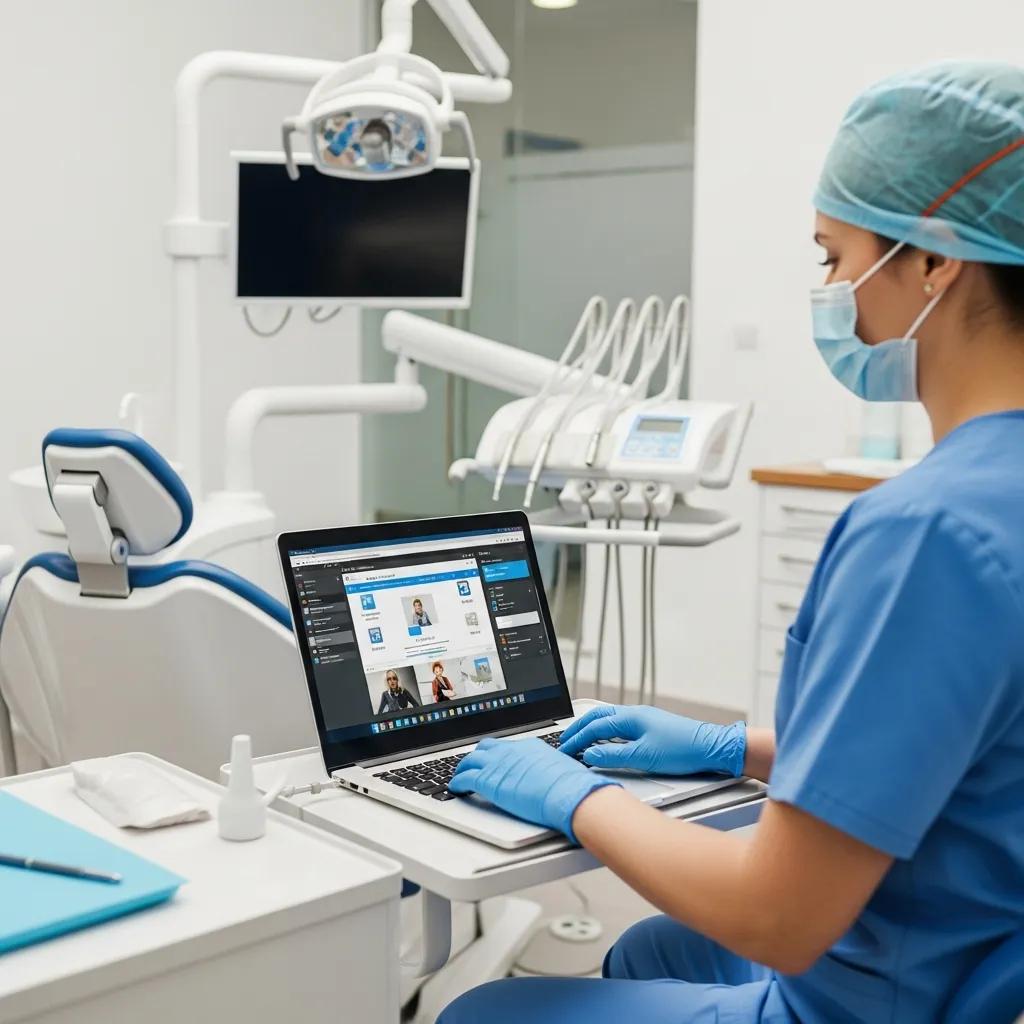
Secure Virtual Desktops for Remote Dental Care — Practical Solutions for Dental Practices
Secure virtual desktops give dental clinicians and office staff a hosted desktop they can use from anywhere — practice management software, imaging viewers and patient records remain centralized and protected while teams work remotely.
Instead of copying files to a user’s laptop or tablet, virtual desktop infrastructure (VDI) and Desktop as a Service (DaaS) stream a controlled desktop from a secure data centre or cloud host. That approach reduces exposure at endpoints and makes regulatory compliance simpler to manage.
In this guide we cover how secure virtual desktops fit into dental workflows, the benefits for clinics, implementation and support patterns, HIPAA and Canadian privacy considerations, and a practical migration checklist to keep clinical disruption to a minimum. You’ll find real-use examples for charting and image review, criteria for choosing a provider, and a step-by-step process for a successful pilot and rollout. We use terms like DaaS, VDI and managed virtual desktops to map common options to practice needs.
What Are Secure Virtual Desktops and How Do They Support Remote Dental Work?
Secure virtual desktops run a consistent desktop image on centrally managed servers and stream the interface to remote devices, so patient health information (PHI) stays on controlled infrastructure rather than on local machines.
That centralized environment groups operating systems, clinical applications and records behind enforced encryption, access controls and backups. Clinicians can chart, manage schedules and review imaging securely from outside the clinic without moving PHI onto a laptop or tablet.
For dental practices this reduces the chance of data loss from misplaced devices and preserves the exact software configuration that practice management systems and imaging viewers require.
The architecture also speeds up provisioning for new users and provides predictable performance controls — a key advantage for multi-location practices and clinicians who need reliable mobile access.
DentalTek is a Canadian IT provider focused on dental clinics; we build managed services and secure infrastructure designed specifically for VDI and DaaS deployments that fit dental workflows.
Defining Virtual Desktop Infrastructure and Desktop as a Service for Dentistry
VDI usually means desktops hosted on infrastructure controlled by the clinic or a dedicated host, while DaaS refers to cloud-hosted, subscription-based desktop instances managed by a third party. In both cases users interact with a remote desktop image that runs practice management software and imaging viewers; the difference is control versus convenience.
VDI gives more control over data residency and custom hardware integration, while DaaS lowers upfront costs and shifts maintenance to the provider. For dental teams the choice often hinges on imaging needs — CBCT and high‑resolution radiographs can require GPU acceleration, low latency and clear backup jurisdiction — so clinics should evaluate latency, imaging performance and residency requirements when deciding between VDI and DaaS.
How Centralized Management Enhances Dental Clinic IT Operations
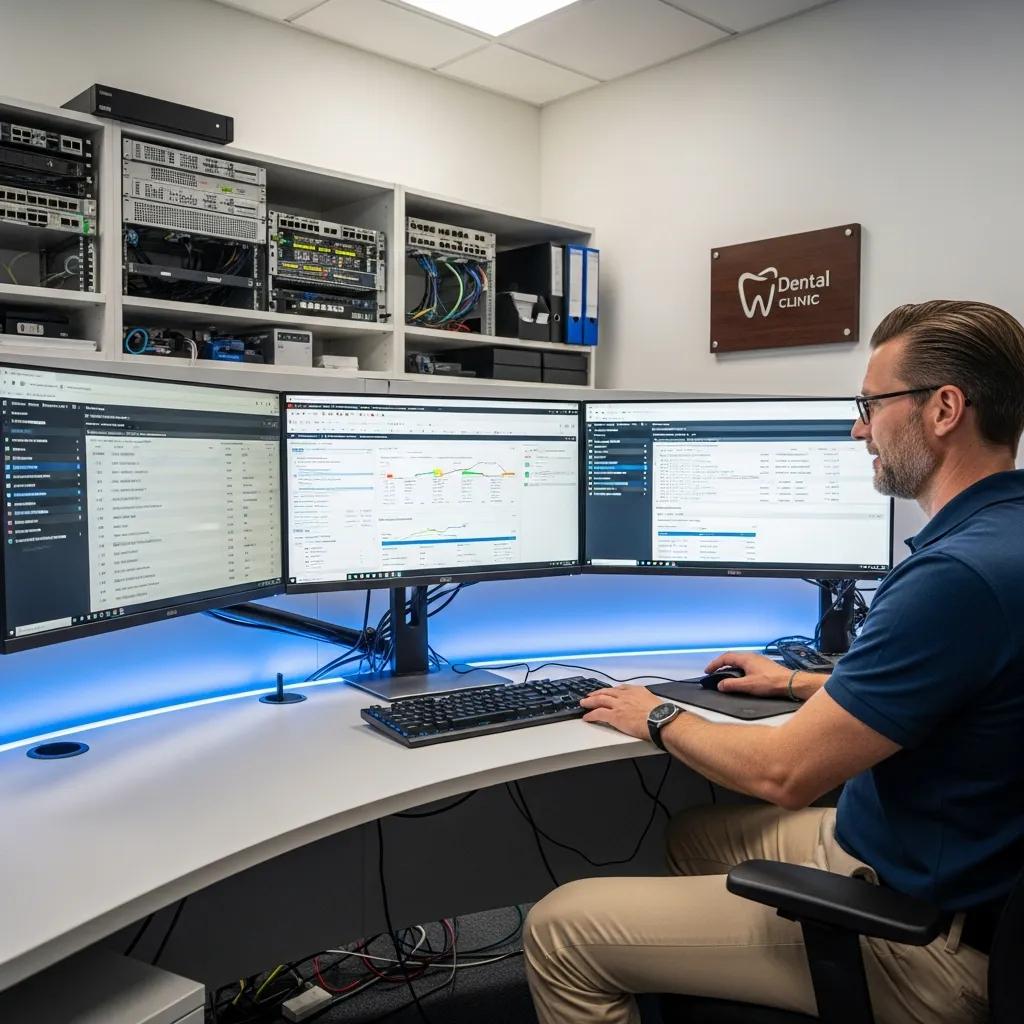
Centralized management in virtual desktop environments makes patching, software deployment and role-based access control consistent across every user session, so administrators enforce the same security rules clinic-wide.
This reduces time spent troubleshooting individual workstations, ensures practice management updates roll out uniformly, and shortens onboarding by delivering pre-configured user profiles to new clinicians.
Central logging and audit trails also simplify investigations and compliance reporting, because access to PHI and imaging is recorded at the infrastructure level instead of being scattered across devices.
Faster remediation and scheduled update windows mean less downtime and smoother patient care — letting your team focus on clinical work, not endpoint upkeep.
What Are the Key Benefits of Secure Virtual Desktops for Dental Clinics?
Secure virtual desktops combine centralized data control with mobility and managed security. They reduce endpoint risk to PHI, simplify IT for multi-site practices, and support business continuity with integrated cloud backups and rapid recovery. Clinicians get consistent access to applications whether they’re in the operatory, at home, or covering another location, which improves collaboration and scheduling flexibility. Administrators benefit from predictable costs and simpler licensing, while IT can enforce compliance uniformly across sessions.
Primary benefits at a glance:
- Stronger security & compliance: Centralized storage and infrastructure-level encryption cut endpoint PHI risks.
- Greater flexibility: Clinicians access the same desktop and tools on tablets, laptops or clinic PCs.
- Easier management: Central patching, provisioning and role-based profiles lower IT overhead.
- Improved continuity: Cloud backups and snapshot recovery reduce downtime after outages.
These advantages translate into measurable operational resilience and a lower risk profile for patient data. They also point to specific security checks clinics should confirm with any provider.
How specific mechanisms map to dental outcomes:
| Benefit | Mechanism | Dental Impact |
|---|---|---|
| Security & Compliance | Encryption in transit and at rest, centralized access controls | Less risk from lost or stolen devices |
| Mobility | Device-agnostic desktop streaming | Clinicians can review charts and images remotely |
| Manageability | Centralized patching and profile management | Faster onboarding and fewer workstation issues |
| Continuity | Automated cloud backups and restore testing | Quicker recovery after hardware or network failures |
This comparison shows how technical controls produce operational improvements clinics can measure through fewer incidents and faster recovery times.
How Do Virtual Desktops Ensure Enhanced Data Security and HIPAA Compliance?
Virtual desktops keep PHI inside a controlled environment where encryption, access control and audit logging are applied at scale instead of relying solely on endpoint protections.
Encryption in transit (TLS) and at rest protects records and streams, while centralized audit logs create an immutable record of who accessed what and when — essential for compliance requests. Role-based access limits privileges to what users need, and session controls reduce the chance of data leaving the session via copy/paste or local saves. Clinics should confirm vendor practices for data residency, backup cadence and compliance support to align with HIPAA and Canadian privacy rules.
A clear understanding of HIPAA, HITECH and related regulations is essential when adopting new clinical technologies.
HIPAA & HITECH: Regulatory Context for Dental Technology
The source examines the current regulatory landscape and the medicolegal implications of new technologies — from electronic health records to privacy and security concerns tied to software, hardware and connected devices. It highlights how clinicians and IT teams must balance clinical needs with compliance obligations.
Medicolegal and ethical considerations in oral surgery by the general dentist, 2019
In What Ways Do Virtual Desktops Provide Flexibility and Mobility for Dental Staff?
Virtual desktops deliver the same user environment across multiple devices, so clinicians can chart, coordinate schedules and review images from home or another clinic without changing workstation setups.
Device-agnostic streaming supports tablets and laptops for administrative staff and lets clinicians reference charts between operatories without copying files.
This mobility improves collaboration across multi-site practices and lets part-time clinicians use the same secure desktop image as full-time staff.
When specialist input is needed for synchronous image review, a consistent desktop environment reduces compatibility headaches and speeds case collaboration.
How Does DentalTek Implement and Support Secure Virtual Desktop Solutions?
We implement secure virtual desktops for dental practices by combining managed services, network engineering, cybersecurity controls and cloud backup into a single solution tuned for dental workflows.
Implementation starts with an audit of practice management software, imaging needs and bandwidth, followed by a design that chooses VDI or DaaS based on residency and performance requirements.
Operationally we provide monitoring, patch management, endpoint protection and backup orchestration to help maintain uptime and compliance.
Clinics working with DentalTek receive project-based onboarding and ongoing managed services focused on minimizing downtime and secure remote access to PHI. If you’d like to see a tailored demo, we can evaluate performance using your practice’s software.
Our service pillars:
- Managed Services: Continuous monitoring, patching and user provisioning to keep operations predictable.
- Cybersecurity: Multi-factor authentication, endpoint protection and network controls to safeguard PHI and imaging assets.
- Cloud Backup & Recovery: Automated backups and restore testing to support business continuity.
Integration of Managed Services, Cybersecurity, and Cloud Backup for Dental Practices
A dental-focused virtual desktop deployment pairs continuous monitoring with layered security and automated backups so PHI protection and recovery are built into routine operations. We handle capacity planning and performance tuning, implement MFA and endpoint controls, and ensure regular snapshots and tested restores. Typically the provider manages infrastructure, monitoring and backups while the clinic maintains user policies and clinical governance. That split simplifies accountability and keeps encryption, logging and restore procedures consistent.
Features Tailored for Dental Software Compatibility and High-Performance Imaging
Compatibility with practice management systems and imaging viewers requires targeted testing for GPU acceleration, bandwidth optimisation and latency tolerance so diagnostic review remains clinically useful.
Providers will tune streaming protocols and use GPU-backed instances for image-heavy workflows to preserve fidelity and responsiveness.
We recommend proof-of-concept testing with your core dental software and representative imaging studies before a full rollout to confirm clinical usability.
Request demonstration sessions that include CBCT and large radiograph files so clinicians can verify performance against their expectations.
What Are the Best Practices for Ensuring HIPAA-Compliant Remote Access in Dental Clinics?
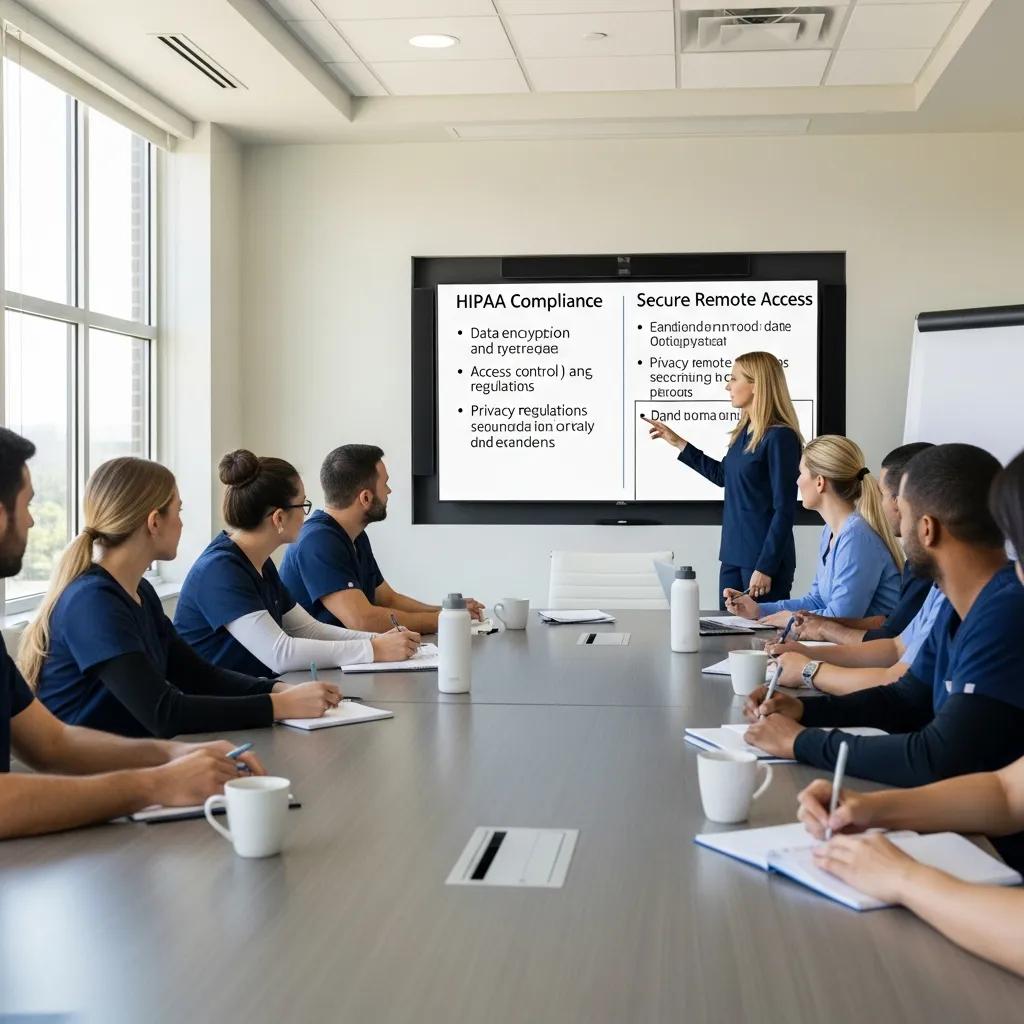
HIPAA-compliant remote access relies on a mix of technical controls, clear policies and regular staff training to reduce risk while keeping workflows practical.
Technical measures include strong authentication, encrypted sessions, centralized logging and endpoint management so all PHI access is recorded and controlled.
Policy controls should cover acceptable use, remote device guidelines, incident response steps and vendor SLAs that define backup, restore testing and data residency.
Ongoing staff training on secure remote workflows and phishing awareness complements technical safeguards and reduces human risk factors.
Together these layers form a defensible approach that supports regulatory compliance and everyday clinical needs.
Key technical and organizational best practices:
- Require strong authentication: Enforce multi-factor authentication for all remote desktop access.
- Encrypt everything: Ensure TLS (or equivalent) for data in transit and robust encryption for data at rest.
- Keep central logs and monitor: Capture audit trails and review them for anomalies on a regular schedule.
- Define vendor SLAs and residency: Contracts should specify backup cadence, restore testing and the legal jurisdiction for PHI.
Adopting these measures lowers the chance of unauthorized access and provides the documentation clinics need for audits.
What Security Protocols Protect Patient Health Information in Virtual Desktop Environments?
Security protocols include encrypted transport (TLS), strong key management for stored data and network segmentation that keeps clinical systems separate from general-purpose networks.
Secure gateways, role-based access and session timeouts limit exposure from unattended devices, and infrastructure-level logging creates a reliable audit trail for investigations. Clinics should ask providers for penetration testing reports and regular compliance reviews, and ensure backups are encrypted and, where possible, immutable.
Combined, these protocols shrink the attack surface and create verifiable protections around patient data.
How Does Multi-Factor Authentication Enhance Remote Dental Work Security?
MFA cuts credential-based attacks by requiring a second factor — an app code or hardware token — so stolen passwords alone can’t grant access.
Adaptive MFA can step up verification for higher-risk tasks, such as exporting records or accessing large imaging archives, by asking for stronger proof when access looks unusual.
Design MFA with sensible fallback and recovery processes to reduce lockouts, and train staff on token handling to keep workflows smooth for clinicians.
In short, MFA gives a strong balance of security and usability for remote dental workflows.
How Can Dental Clinics Transition to Secure Virtual Desktops Effectively?
A phased transition minimises clinical disruption and proves performance for dental apps before a full rollout. Start with an assessment that inventories practice management software, imaging workflows and bandwidth. Run a pilot using real imaging studies and typical charting tasks, then expand gradually after you’ve validated performance. Pair the rollout with staff training and change management, and keep regular restore testing, security reviews and SLA-based support in place to protect continuity.
Recommended migration steps:
- Audit & scope: Inventory apps, imaging needs and network capacity to define requirements.
- Pilot & POC: Validate VDI/DaaS performance with representative imaging and practice tasks.
- Network optimisation: Prioritise QoS for imaging and deploy secure gateways for remote sessions.
- Phased rollout: Migrate small user groups, collect feedback and refine settings.
- Training & policies: Deliver role-based training and clear access procedures to staff.
- Ongoing support: Put managed services and backup testing in place for long-term reliability.
This stepwise plan lowers risk and provides measurable performance data before a full migration.
Migration checklist with ownership and timelines:
| Step | Owner / Timeframe | Deliverable / Tip |
|---|---|---|
| Audit & Requirements | Clinic IT / 1–2 weeks | Complete inventory of apps, imaging types and bandwidth |
| Pilot Deployment | Provider & Pilot Users / 2–4 weeks | Performance validation using clinical images |
| Network Tuning | Network Specialist / 1 week | QoS and gateway settings tuned for low latency |
| User Training | Practice Manager / 1 week | Training materials and role-based quick guides |
| Phased Cutover | IT & Clinical Leads / 2–6 weeks | Staggered migration by user group with rollback plan |
| Backup & Testing | Provider / Ongoing quarterly | Restore drills and backup verification reports |
Steps to Set Up and Manage Virtual Desktops for Dental Practices
Setup begins with an audit and proceeds through pilot testing, configuration tuning and phased onboarding to ensure clinical usability. The audit identifies critical apps, typical imaging file sizes and network constraints to decide between VDI and DaaS. A successful pilot validates practice management and imaging viewer performance, after which network QoS and streaming settings are applied to preserve image fidelity. A phased rollout reduces disruption while training reinforces new access policies. Finally, ongoing managed services and regular backup testing keep the environment secure, performant and compliant over time.
What Support Does DentalTek Offer During and After Implementation?
DentalTek provides project onboarding, migration assistance and ongoing managed services tailored to dental clinics — monitoring, patching, endpoint protection and cloud backups are included in our supported packages.
During implementation we help with pilot validation and performance tuning; after cutover we support helpdesk operations and regular restore testing to protect business continuity.
Our service model prioritises minimal downtime and compliance support tailored to dental workflows, with options for regular performance reviews. Clinics can request a demo or consultation to see a proof-of-concept using their specific practice software.
What Are Common Questions About Secure Virtual Desktops for Remote Dental Work?
Clinics often ask how virtual desktops compare to VPNs, what the real cost differences are, and whether imaging performance will be adequate. Virtual desktops centralise sessions and logging, which simplifies compliance compared with VPNs that can leave local copies of data. Cost varies between per-seat DaaS subscriptions and capital expenses for on‑prem VDI; include bandwidth, migration effort and ongoing maintenance in any total cost of ownership model. The right choice depends on practice size, multi-site needs and imaging performance requirements.
Quick answers to common questions:
- How do virtual desktops improve security compared with VPNs? Virtual desktops keep data and sessions centralised; VPNs extend network access to endpoints that may still store PHI.
- Will imaging tools work over virtual desktops? Yes — when sessions are correctly provisioned with GPU support or streaming optimisations, diagnostic fidelity is preserved.
- What should clinics ask vendors? Ask about backup cadence, audit logging, data residency and proof-of-concept imaging tests.
How Do Virtual Desktops Compare to Traditional VPN Remote Access for Dental Clinics?
The core difference is where PHI is processed and stored. VDI/DaaS centralises sessions in controlled infrastructure; VPNs simply extend network access to an endpoint that may cache or store PHI locally.
Centralisation reduces the risk of data leakage from lost devices and lowers the administrative burden of maintaining uniform workstation configurations.
From the user’s perspective, virtual desktops provide a consistent environment across devices, while VPNs can surface local compatibility issues with imaging viewers.
For clinics focused on compliance and straightforward auditability, virtual desktops generally offer stronger controls and simpler reporting.
What Are the Cost and Scalability Considerations for Dental DaaS Solutions?
Cost and scalability depend on deployment model, user count and performance needs. DaaS typically offers predictable per-seat pricing and fast scale-up for multi-site practices, but it carries ongoing subscription costs. On-prem VDI has higher upfront infrastructure costs with potentially lower variable costs over time.
Model total cost of ownership to include bandwidth, migration effort, training and backup testing. Cloud DaaS scales quickly and simplifies provisioning, while on-prem VDI gives more control over residency. Consider licensing, expected growth and the expense of ensuring imaging performance when weighing options.
Deployment comparison:
| Deployment Type | Cost / Scale | Maintenance / Typical Outcome |
|---|---|---|
| VPN to On-prem Servers | Lower startup cost, limited scalability | Higher endpoint risk and more local maintenance |
| On-prem VDI | Higher capital cost, controlled scale | Greater control over data residency; needs IT operations |
| Cloud DaaS | Predictable per-seat cost, elastic scale | Fast provisioning; provider-managed maintenance |
This concise comparison helps clinics weigh trade-offs when choosing a secure remote access approach.
If your practice is ready to evaluate options, DentalTek offers audits, pilot testing and ongoing managed services built for dental workflows. A consultation or demo will clarify performance expectations using your clinic’s software and imaging needs so you can choose the right balance of security, usability and cost.
Frequently Asked Questions
What are the main differences between VDI and DaaS for dental practices?
VDI and DaaS meet different needs. VDI runs on infrastructure the clinic or a dedicated partner controls and offers tighter control over data residency and hardware integration. DaaS is cloud-based and managed by a third party, lowering capital outlay and shifting maintenance to the provider. Consider your clinic’s requirements for data control, performance (especially imaging) and budget when choosing between them.
How can dental clinics ensure a smooth transition to virtual desktops?
Plan the move in stages. Begin with an audit of software and imaging needs, run a pilot with real clinical tasks, and perform a phased rollout to limit disruption. Provide focused training and maintain close monitoring after migration so issues are caught early and adoption is smooth.
What role does training play in the successful adoption of virtual desktops?
Training is essential. It helps staff adopt new workflows, understand security steps and use the virtual environment confidently. Regular refreshers reduce resistance to change and support HIPAA compliance. Investing in training speeds adoption and improves day‑to‑day efficiency.
What should dental clinics look for in a virtual desktop provider?
Look for providers with dental experience so they understand specific software and imaging workflows. Verify security measures like encryption and compliance support, and evaluate support services — monitoring, backups and responsiveness. A provider that tailors solutions to your clinic’s needs will make migration and ongoing operations much easier.
How do virtual desktops impact patient care in dental practices?
Virtual desktops make patient information and imaging available from any approved location, enabling faster decision-making and better team collaboration. Centralised management reduces breach risk and helps keep PHI secure. Overall, these solutions support more responsive, coordinated patient care.
What are the potential challenges of implementing virtual desktops in dental clinics?
Challenges include initial setup costs, the need for reliable internet, and potential staff resistance to change. Compatibility with existing dental software and imaging tools can be complex. Address these with careful planning, representative pilot testing and thorough training to ensure a stable, supported transition.
Conclusion
Secure virtual desktops give dental practices stronger data protection, simpler IT operations and the flexibility clinicians need to work securely from anywhere. By centralising patient records and standardising desktop environments, clinics reduce risk and improve collaboration across locations. If you want to streamline workflows and meet compliance requirements, consider a tailored virtual desktop solution — and contact us to explore how DentalTek can support your practice.

