
Managed IT for Canadian Dental Clinics — Secure, Compliant, and Designed for Your Practice | DentalTek
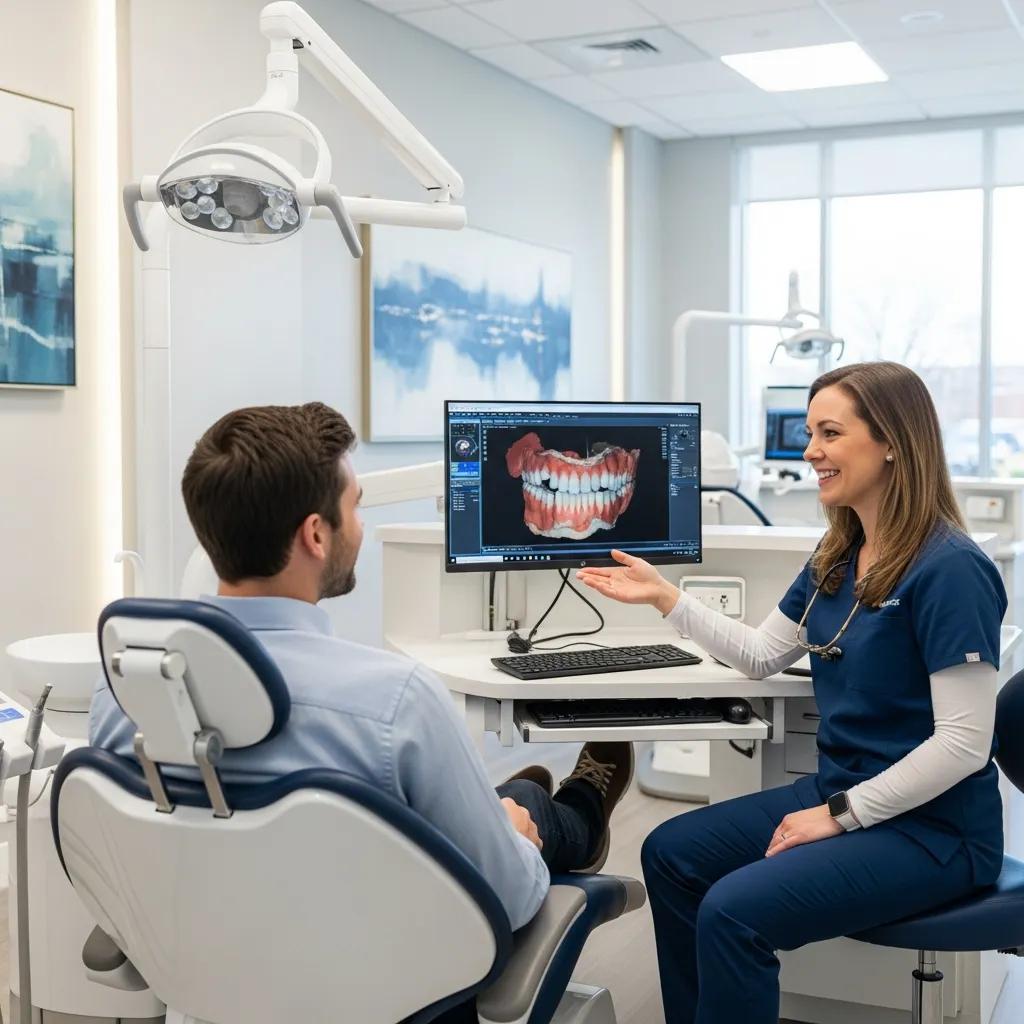
Dental clinics need IT that understands clinical workflows, imaging demands, and patient privacy laws. Our managed IT services combine 24/7 monitoring, cybersecurity, reliable backups, and software integrations so clinical systems, digital x-rays, and patient records stay available, secure, and compliant with Canadian regulations. Below we explain why dental practices benefit from industry-focused IT, how layered security and backup strategies reduce cyber risk, and how network and software integration speed imaging and practice-management tasks. You’ll find practical recommendations for cybersecurity controls, cloud backup features tied to PIPEDA/PHIPA, network design for imaging throughput, and an operational framework to keep your IT healthy over time. We also show how DentalTek supports clinics with audits, migrations, ongoing maintenance, and demo options.
Why Do Canadian Dental Practices Need Specialized Managed IT Services?
General IT providers often miss the specific needs of dental clinics. You run practice-management systems and digital imaging that demand high throughput, low latency, and vendor-aware configuration—any lapse can delay care and affect revenue. Clinics also handle PHI/PII subject to PIPEDA and, in Ontario and other provinces, PHIPA, which means technical controls and documented policies are required. Ransomware and everyday human errors make proactive monitoring and staff training essential: a single successful attack or misconfiguration can stop scheduling, block access to images, and interrupt billing. The sections that follow lay out common IT pain points and how managed services improve reliability, security, and staff efficiency.
If your practice sees repeated outages or fragmented IT support, a focused audit and managed transition will serve you better than band-aid fixes. For clinics that want a practical plan, DentalTek offers assessments and demo conversations centered on dental workflows and recovery expectations—contact us to see how our Audit→Takeover→Upgrade→Maintain approach reduces downtime and protects patient data.
What IT Challenges Do Dental Clinics Face Today?
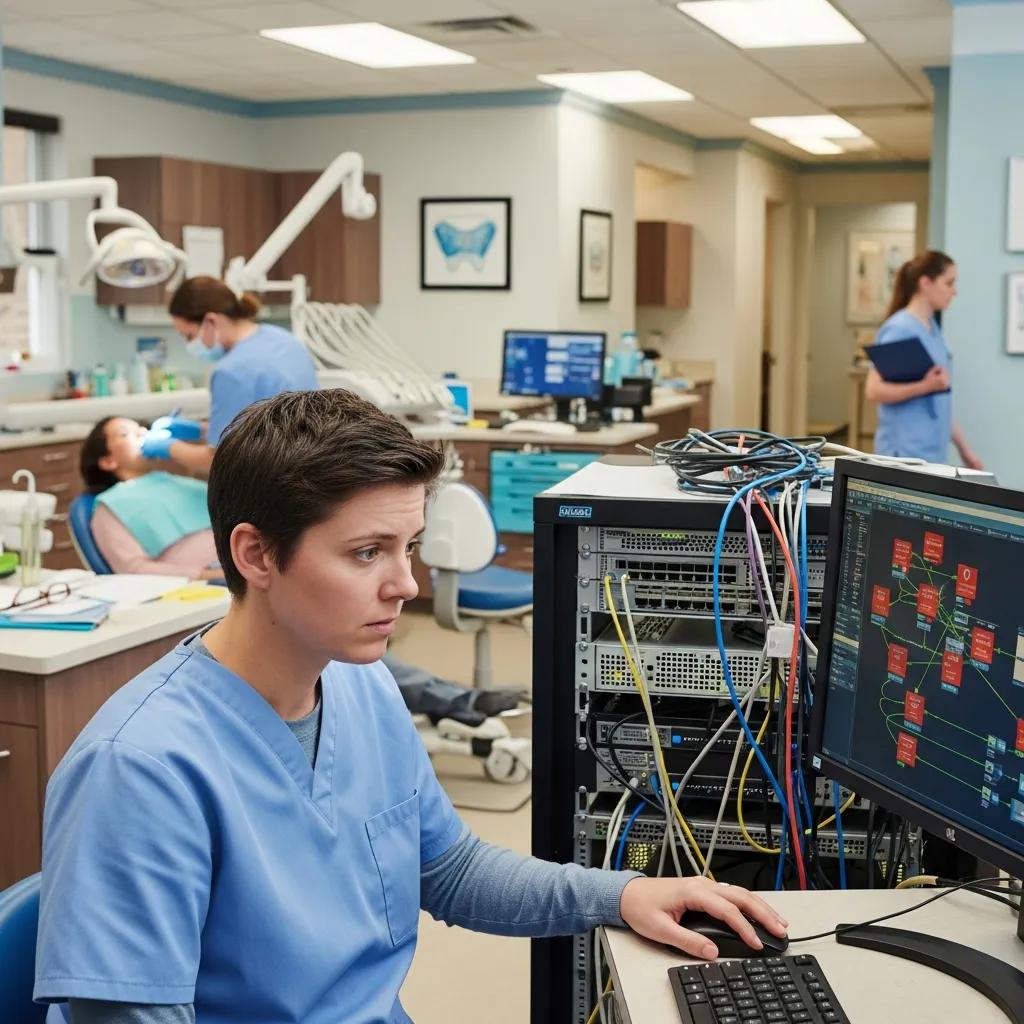
Dental offices face a mix of technical and operational problems that compound risk and slow staff down. Legacy practice-management systems and older imaging software often don’t play well with modern networks or cloud tools, producing slow image loads or failed integrations that delay appointments. Backups are commonly incomplete or untested, leaving clinics uncertain about recovery times during ransomware events—healthcare remains a prime target for attackers, so this is urgent. Human factors—phishing, weak passwords, and missed patches—also increase exposure and require ongoing training plus automated patch management. Start with a full assessment to identify legacy dependencies, backup gaps, and training needs so you can prioritize fixes and lower operational risk.
How Can Managed IT Services Improve Dental Practice Efficiency?
Managed IT raises efficiency by preventing incidents, speeding repairs, and tuning systems for dental workflows and imaging loads. Proactive monitoring (RMM) spots performance drops before systems fail, reducing cancelled appointments and lost revenue; automated responses and a 24/7 helpdesk cut mean time to repair and keep clinic schedules on track. Standardized imaging and network setups reduce operator variability, so staff spend less time troubleshooting and more time with patients. The ROI shows up as fewer rescheduled visits, faster image capture and retrieval, and lower vendor call-out costs—better for your bottom line and patient experience.
Research underscores how a well-designed IT platform supports a more efficient “smart” dental clinic.
Smart Dental Clinic Efficiency & IT Platforms
The “smart” dental clinic focuses on improving the efficiency of business and clinical processes through a cohesive IT platform.
Information Technology Platform of “Smart” Dental Clinic, N. Kunanets, 2020
Secure, Compliant Managed IT Services for Canadian Dental Clinics
Dental-focused managed IT is a process-driven mix of assessment, migration, upgrades, and continuous maintenance shaped around clinical workflows and compliance needs. We start with a technical audit that maps your PMS, imaging systems, network layout, and backup posture to find single points of failure and compliance gaps. From there we securely take over management, prioritize upgrades, and keep systems patched and monitored. This approach reduces downtime, shortens recovery windows, and simplifies vendor coordination for imaging and PMS integrations. Strategic vendor partnerships—like Veeam for backups and Microsoft and Dell for infrastructure—help us deliver end-to-end solutions that align with clinic operations.
The table below pairs each service phase with the concrete outcomes clinics can expect.
| Phase | Activity | Clinic Outcome |
|---|---|---|
| Audit | System inventory, PMS and imaging mapping, risk assessment | Clear remediation roadmap and prioritized risks |
| Takeover | Secure migration and configuration of RMM and support tools | Centralized monitoring and faster incident response |
| Upgrade | Hardware/firmware updates, backup integration, security hardening | Improved performance, modernized backups, reduced vulnerabilities |
| Maintain | 24/7 support, patch management, reporting | Sustained uptime, documented SLAs, compliance evidence |
This Audit→Takeover→Upgrade→Maintain model reduces unplanned outages and produces audit-ready documentation, helping clinics plan investments with predictable improvements.
What Are the Features of DentalTek’s Proactive Managed Services and 24/7 Support?
Our proactive services combine continuous monitoring, regular patching, and fast support to keep clinical systems available and secure. Remote monitoring identifies device health issues, disk or memory problems, and unusual activity that could signal a breach, letting our technicians intervene before care is affected. Routine patching and vulnerability scans shrink exposure windows, and our 24/7 helpdesk offers remote troubleshooting with on-site escalation when hardware replacement or vendor coordination is needed. Monthly and quarterly reports let practice managers track uptime, ticket times, and trends—providing measurable SLAs and predictable performance.
Clinics appreciate defined response windows and escalation paths that match clinical priorities—imaging or billing outages get immediate attention and higher-severity escalation so appointments aren’t disrupted. Those operational guarantees boost staff confidence, reduce cancellations, and lower per-incident costs.
How Does DentalTek Ensure Seamless Integration with Dental Practice Management Software?
Seamless integration starts with compatibility testing and a staged onboarding plan that protects production systems during transitions. We assess PMS dependencies, map imaging workflows, and design network segments that prioritize PMS and imaging traffic—often running test migrations outside clinic hours to avoid downtime. DentalTek works with common PMS and imaging vendors to validate settings, apply updates, and test backup/restore scenarios so go-live is predictable. Ongoing change control and vendor coordination minimize surprises during software updates and keep appointment scheduling, imaging retrieval, and billing in sync for clinical staff.
These steps reduce the risk of interrupted workflows and help clinics adopt cloud-hosted PMS or improved imaging storage while preserving clinical continuity.
What Cybersecurity Solutions Protect Canadian Dental Practices?

Good cybersecurity uses layered controls—prevention, detection, response, and people—to protect patient data and keep the clinic running. Prevention includes firewalls and network segmentation to separate clinical systems and PCI/PHI-sensitive assets, while endpoint tools like EDR detect and contain malware on workstations and imaging stations. Detection relies on centralized logging and alerting to catch suspicious activity early; response depends on tested incident playbooks and immutable backups so you can restore systems without paying a ransom. Staff-focused controls—MFA and phishing simulations—reduce human risk, and regular vulnerability scans and penetration tests verify that technical defenses are effective. Together these measures lower breach likelihood and shorten recovery time when incidents occur.
Below is a quick mapping of common security controls to the technical role they play and the benefit to clinics and patients.
| Control | Technical Role | Clinic & Patient Benefit |
|---|---|---|
| Firewall & Segmentation | Limits lateral movement and isolates imaging/PMS traffic | Reduces breach scope and protects PHI |
| EDR (Endpoint Detection & Response) | Detects and contains endpoint threats | Limits spread and speeds containment |
| MFA (Multi-Factor Authentication) | Adds identity verification for access | Prevents credential-based breaches |
| Staff Training & Phishing Tests | Reduces successful social engineering | Lowers human-error-driven incidents |
These controls serve both security and compliance goals; together they form a defensive stack that meets regulatory expectations and practical recovery needs.
How Does DentalTek Safeguard Patient Data Against Cyber Threats?
Protecting patient data requires encryption, endpoint protection, logging, and tested backups—combined with clear procedures. Data at rest and in transit must use modern encryption standards, while EDR monitors for abnormal behavior that can signal credential theft or lateral movement. Continuous logging and retention policies support forensic review, and incident-response playbooks define roles and recovery steps to minimize downtime and meet notification timelines. Immutable backups provide a reliable recovery layer against ransomware, allowing you to restore systems without negotiating with attackers while preserving evidence. Our layered approach ties technical safeguards to documented processes so clinics can meet regulatory scrutiny and recover quickly.
Why Is Cybersecurity Training Essential for Dental Clinic Staff?
Because human error is a common cause of breaches, regular staff training and simulated phishing are essential. Training reduces risky actions—clicking suspicious links or mishandling patient records—and a mix of annual sessions plus quarterly micro-learning and phishing tests keeps awareness high. Training records and completion metrics also serve as compliance evidence during audits or incident reviews, showing the clinic has reasonable administrative safeguards. Paired with technical controls, ongoing education turns staff into a line of defence rather than a vulnerability.
Practical, ongoing cybersecurity education is a key part of lowering human-driven risk in dental practices.
Cybersecurity Training for Dental Practices
Regular training for faculty, staff, and students strengthens cybersecurity awareness and supports safer dental practice operations.
Cybersecurity threats and preparedness: Implications for dental schools, R.P. Nalliah, 2025
How Do Cloud Backup Services Ensure Compliance and Data Recovery for Dental Clinics?
Cloud backups bring data residency controls, encryption, and tested recovery procedures that align with PIPEDA/PHIPA and operational needs. A compliant backup stores data in the required jurisdiction when needed, encrypts data at rest and in transit, and enforces strict access controls with full audit logs. Clearly defined RTOs and RPOs—paired with scheduled restore tests and documented DR drills—make recovery timelines realistic. Immutable snapshots prevent tampering during ransomware events. Together, these features support legal compliance and let clinics restore operations quickly after system failures.
Knowing the relevant privacy frameworks—like PHIPA—helps healthcare providers design compliant data practices.
Healthcare Data Privacy & PHIPA Compliance Framework
Healthcare organizations require access to sensitive health data to deliver care. Legislation such as PHIPA sets privacy obligations and clinics must design processes that support compliance and protect patient information.
Towards a framework for tracking legal compliance in healthcare, S. Ghanavati, 2007
The table below lists key backup attributes clinics should verify when choosing a cloud backup service to meet legal and operational requirements.
| Backup Attribute | What to Verify | Why It Matters |
|---|---|---|
| Data Residency | Location of storage and residency guarantees | Ensures compliance with provincial/data sovereignty rules |
| Encryption | AES-level encryption at rest and TLS in transit | Protects PHI during storage and transfer |
| RTO/RPO | Stated recovery and acceptable data-loss windows | Sets realistic expectations for downtime and data loss |
| Testing Frequency | Regular restore drills and documented results | Validates backups are recoverable under real conditions |
These attributes help clinics choose backup partners that meet both compliance and business-continuity needs.
What Makes DentalTek’s Cloud Backup Solutions PIPEDA and PHIPA Compliant?
Compliance-ready backups combine data residency options, strong encryption, access logging, and integration with incident response workflows. Ensuring Canadian data residency where required and enforcing robust encryption protects patient records, while detailed access logs and role-based controls build audit trails for regulators. Retention and deletion policies support data minimization, and backup workflows tie into incident response so recovery and notifications are faster. DentalTek maps these technical features to regulatory requirements so clinics have documented controls and tested recovery procedures to present during audits.
How Does Cloud Backup Facilitate Disaster Recovery in Dental Practices?
Cloud backups speed disaster recovery through immutable snapshots, failover options, and documented procedures for restoring critical services like PMS and imaging. In a server failure or ransomware event, immutable backups let you restore servers and databases to a known good state; cloud-hosted failovers can temporarily host PMS systems so scheduling and billing continue. Recovery speeds depend on RTO/RPO commitments and previous testing, which is why regular DR drills reduce real-world recovery time and expose gaps. Clear runbooks and practiced scenarios ensure staff know roles during an incident, minimizing patient disruption and financial impact.
What Network Support Services Optimize Dental Clinic Operations?
Network support focuses on capacity planning, segmentation, QoS, and monitoring so imaging and practice software perform predictably. A solid design uses wired backbones for imaging storage, reliable Wi‑Fi for tablets and guest access, and segmentation to separate patient Wi‑Fi from clinical and PCI/PHI-sensitive zones. QoS policies prioritize imaging and PMS traffic to prevent congestion, and proactive monitoring watches latency, packet loss, and throughput to catch degradation early. Together, these practices reduce image load times, prevent appointment delays, and keep the clinic running smoothly.
How Does DentalTek Design and Maintain Reliable Dental Network Infrastructure?
Network design starts with a site survey and capacity planning based on expected imaging throughput and concurrent devices, then we select switches, firewalls, and access points to match that demand. We document network diagrams that show segmentation for clinical, imaging, and guest traffic. Ongoing maintenance includes firmware updates, scheduled patching, and monitoring thresholds for latency and packet loss that trigger fixes before patients are affected. Metrics like average latency, packet loss percentage, and throughput utilization give objective signals for scaling or tuning the network.
How Does Network Support Enhance Performance of Dental Imaging and Software?
Targeted network work improves imaging performance using QoS to prioritize DICOM traffic, segmentation to isolate imaging storage, and caching strategies to cut repeated transfers over constrained links. Local caches and storage speed retrieval of commonly used images, while separating imaging storage reduces competition for bandwidth. Clinics generally see measurable drops in image load times and waiting-room delays after these optimizations, which improves staff efficiency and patient throughput.
How Does DentalTek Help Dental Practices Stay Compliant with Canadian IT Regulations?
Compliance requires technical controls, administrative policies, records, and proof of staff training that align with PIPEDA and, where applicable, PHIPA. Core obligations include data minimization, secure storage, strict access controls, breach notification, and vendor management—each maps to specific technical and process controls like logging, least-privilege access, encryption, and documented vendor agreements. DentalTek supports clinics with policy templates, compliance dashboards, training programs, and technical controls that show due diligence and audit readiness. These services reduce the burden on office staff while keeping documentation ready for regulators.
What Are the Key IT Compliance Requirements for Canadian Dental Clinics?
Key requirements include collecting only necessary patient data, protecting stored data with encryption and access controls, keeping logs and audit trails, and meeting breach-notification timelines. Vendor due diligence is also required to prove third parties protect patient data. Administrative controls—privacy policies, privacy impact assessments, and training completion records—complement technical measures and create an audit-ready posture. Clinics should apply least-privilege access, enforce retention and deletion policies, and keep records that show consistent control enforcement.
The practical steps to meet these obligations include:
- Limit data collection and retention: Keep only what’s needed for care and billing.
- Apply access controls: Use role-based permissions and MFA for sensitive systems.
- Maintain logs and audits: Retain access and change logs to show control.
- Document breach response: Keep an incident playbook with notification timelines.
How Does DentalTek Support Ongoing Compliance and Security Awareness Training?
Long-term compliance needs policy templates, structured training, phishing simulations, and clear reporting to demonstrate reasonable safeguards. DentalTek recommends an annual policy review, quarterly micro-training and phishing tests, and regular dashboard reporting that links training outcomes to audit evidence. We provide policy templates, training-tracking tools, and periodic review meetings to update controls as regulations and threats evolve. Maintaining these administrative and technical controls lowers compliance risk and shows comprehensive oversight of IT and data protection.
If you’re ready to evaluate your posture or schedule a demo, DentalTek in Scarborough, ON offers tailored audit and maintenance packages—contact us by phone to arrange a conversation about assessments, demos, and support options. We’ll help you align technical controls to regulatory requirements without disrupting dental workflows.
Frequently Asked Questions
What are the benefits of using cloud backup services for dental clinics?
Cloud backup brings stronger data protection, regulatory alignment with PIPEDA and PHIPA, and faster disaster recovery. A good service encrypts data at rest and in transit, keeps clear audit logs, and automates recovery so clinics can restore operations quickly after data loss. Regular restore testing verifies recoverability, reducing downtime and protecting patient trust.
How can dental clinics assess their current IT infrastructure?
Start with a comprehensive audit that reviews systems, software, network configuration, and backup processes. Identify single points of failure, compatibility gaps, and compliance shortfalls. A managed IT provider can run the assessment and deliver prioritized recommendations tailored to dental workflows and regulatory needs.
What role does staff training play in maintaining cybersecurity in dental practices?
Staff training is essential because human error drives many incidents. Regular sessions teach employees to spot phishing, handle patient data securely, and follow safe practices. Simulated phishing and ongoing micro-learning keep awareness high, and documented completion helps with audits and incident reviews.
What should dental clinics look for in a managed IT service provider?
Choose a provider experienced with healthcare and dental workflows. Key factors: knowledge of PIPEDA/PHIPA, proven integration with PMS and imaging vendors, proactive monitoring, 24/7 support, and clear incident-response procedures. Client references and case studies help confirm reliability.
How can dental clinics ensure their data is compliant with Canadian regulations?
Implement encryption, access controls, and regular audits. Keep clear documentation of data collection, storage, and retention policies, and train staff on compliance and incident response. Working with a managed IT provider helps align processes and maintain audit-ready records.
What are the common cybersecurity threats faced by dental clinics?
Common threats include ransomware, phishing, and data breaches. Ransomware can lock critical records, while phishing targets staff to steal credentials. Insider mistakes also pose risks. Regular vulnerability scans, staff training, and layered technical controls reduce these threats.
Conclusion
Specialized managed IT is a must for Canadian dental practices that want secure, compliant, and dependable operations. With the right mix of assessments, tailored upgrades, and continuous maintenance, clinics can protect patient data, reduce downtime, and improve staff productivity. DentalTek offers focused audits and managed services designed for dental workflows—contact us to learn how our solutions can strengthen your practice’s IT and keep care uninterrupted.

