
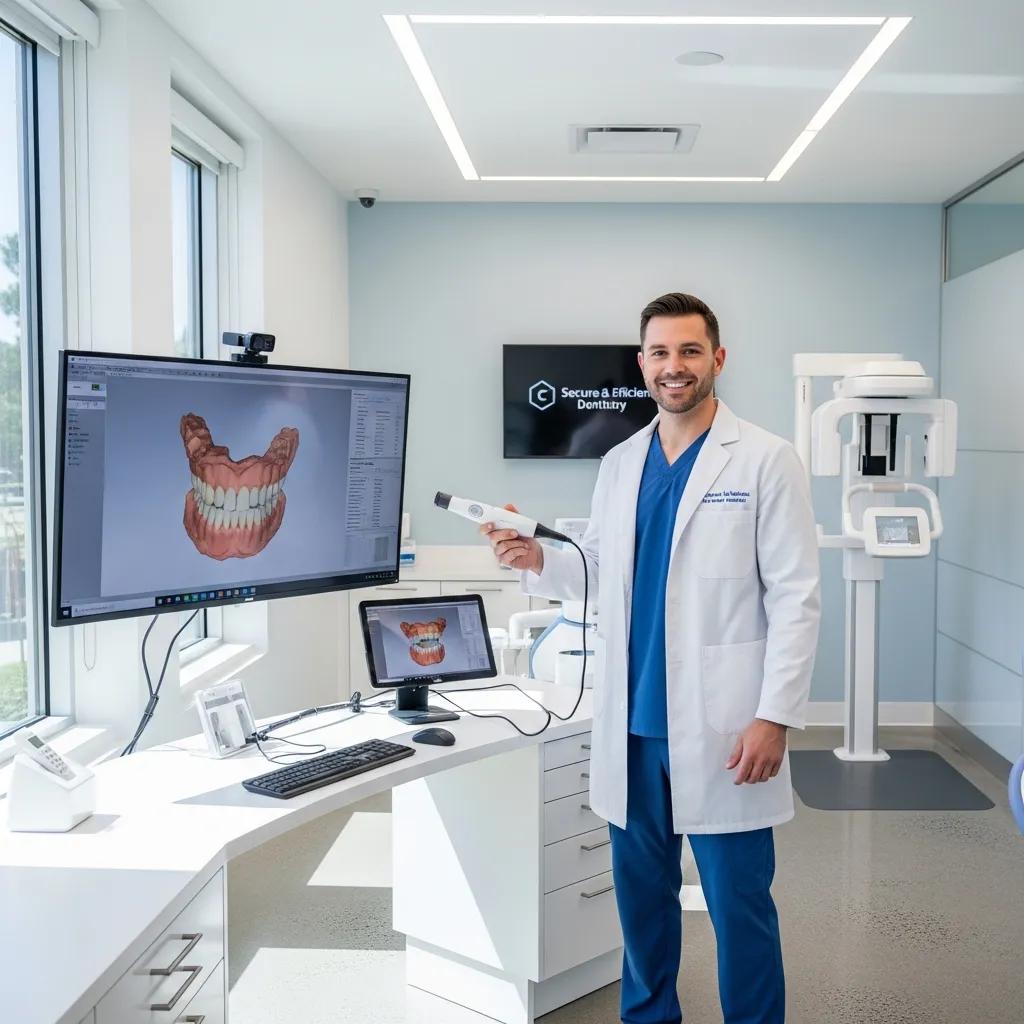
Dental IT Support Services to Boost Your Practice Efficiency and Security
Dental IT support refers to a set of managed services, security controls, and consulting practices tailored to dental clinics that improve clinical workflows, protect patient data, and reduce operational friction. This article explains how dental-focused managed IT services, cybersecurity, cloud backup, practice-management optimization, network design, and strategic consulting combine to increase uptime and streamline patient care. Many dental practices struggle with slow practice management systems, insecure backups, and network issues that interrupt appointments and risk PHI compliance, and targeted IT support solves those pain points through monitoring, backups, and vendor coordination. You will learn what managed IT does day-to-day, which cybersecurity controls are essential for HIPAA alignment, how cloud backup architectures map to recovery objectives (RTO/RPO), and practical steps to optimize Dentrix, Abeldent and Eaglesoft environments. The article includes comparison tables and implementation checklists intended for clinic managers and IT decision-makers aiming to reduce downtime, accelerate patient throughput, and meet audit readiness. Throughout we reference dental-specific services and the Audit → Takeover → Upgrade → Maintain lifecycle used by specialized providers working with Canadian dental practices.
How Do Managed IT Services Improve Efficiency in Dental Practices?
Managed IT services for dental practices provide continuous monitoring, remote and onsite support, and proactive maintenance to keep clinical systems available and performant. By automating monitoring, patch management, and helpdesk workflows, these services reduce unplanned downtime and speed problem resolution, which directly translates into fewer delayed appointments and smoother patient check-ins. The mechanism is straightforward: automated alerts plus rapid remediation shorten mean time to repair and free administrative staff to focus on scheduling and billing rather than troubleshooting. The practical benefit is measurable — improved uptime and predictable monthly costs instead of episodic break/fix expenses — and this advantage supports higher patient throughput and more reliable digital imaging workflows, leading into specific managed features below.
What Are the Key Features of Managed IT for Dental Clinics?
Managed IT for dental clinics bundles several dental-focused features that align with practice management software and imaging systems to keep operations steady and secure. Remote monitoring continuously checks servers, workstations, and network devices and triggers alerts when thresholds are exceeded, enabling fast remediation before patient care is affected. Automated backups, patch management, and a dental-aware helpdesk ensure software updates and database integrity tasks occur in scheduled windows to avoid appointment disruptions. Vendor coordination and lifecycle planning reduce the administrative burden on clinic managers by ensuring imaging, lab integrations, and third-party plugins remain compatible with the practice management stack, which prepares clinics for the proactive maintenance discussion that follows.
How Does Proactive IT Maintenance Prevent Downtime in Dental Offices?
Proactive IT maintenance prevents downtime by combining scheduled health checks, patching, firmware updates, and component replacement planning to stop failures before they occur. Monitoring tools detect early signs of degradation — for example, rising disk latency or memory errors — and trigger remediation steps such as patch deployment or hardware swaps during off-hours to avoid clinic interruptions. Routine database maintenance and integrity checks for Dentrix, Abeldent, or Eaglesoft ensure the patient record systems remain responsive and consistent, reducing slowdowns that affect appointment pace. Understanding this monitoring → alert → remediation workflow leads naturally into how to compare core managed services and the benefits they map to in everyday practice.
Different managed services map to distinct benefits for clinics:
| Service | Key Attribute | Practice Benefit |
|---|---|---|
| Remote Monitoring | 24/7 system and device telemetry | Reduced unplanned downtime and faster incident detection |
| Helpdesk & Remote Support | Dental-aware technicians and ticketing | Quicker resolution for user issues and fewer appointment delays |
| Patch & Update Management | Scheduled OS and application updates | Lower security risk and improved software stability |
| Proactive Maintenance | Hardware checks and vendor coordination | Predictable performance and longer equipment life |
This table clarifies how discrete managed activities produce operational value and supports decision-making when selecting service tiers.
For clinics interested in a demonstration of a managed IT approach that maps to these benefits, DentalTek offers a dental-specific managed IT model that follows an Audit → Takeover → Upgrade → Maintain lifecycle and can provide a free demonstration of monitoring, backup workflows, and helpdesk case handling. That demonstration shows how continuous monitoring and proactive maintenance translate into measurable uptime and smoother patient operations.
Why Is Cybersecurity Essential for Dental Office Data Protection?
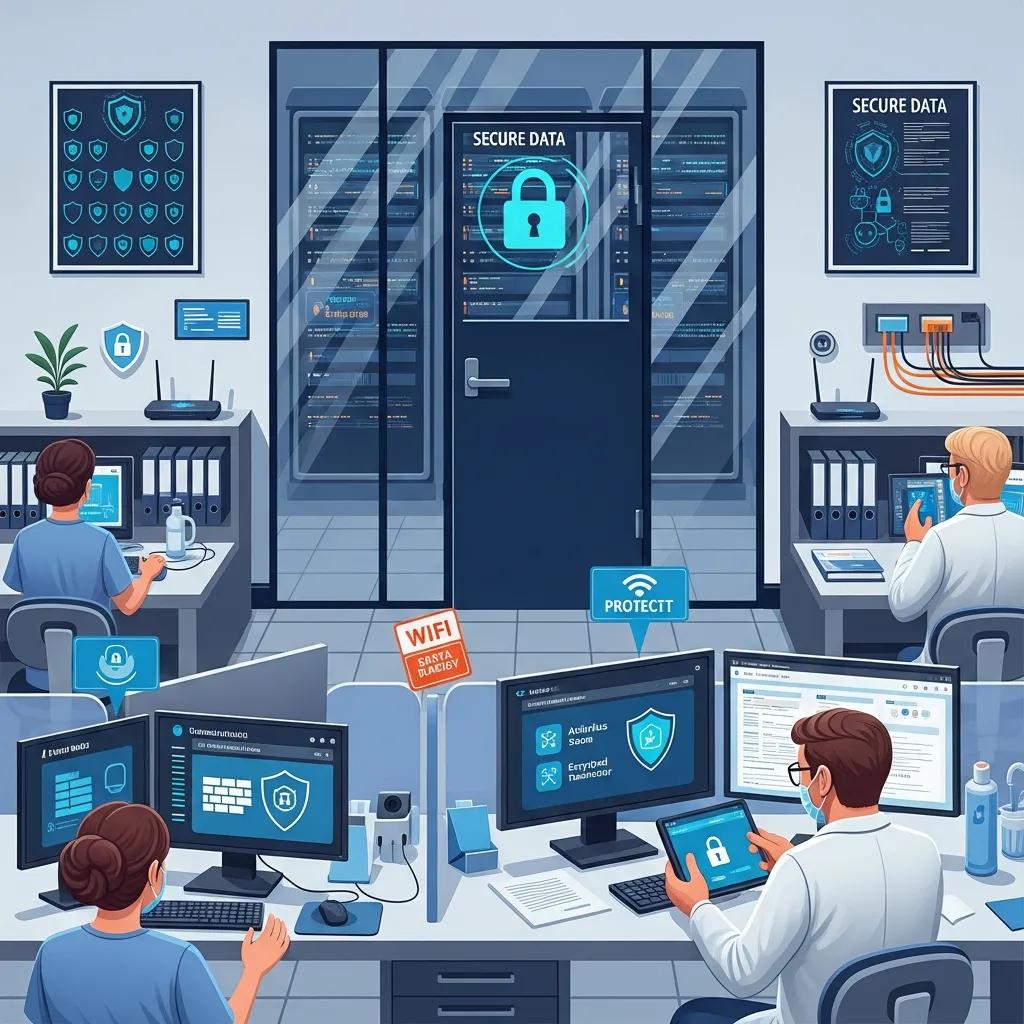
Cybersecurity for dental offices secures patient health information by defending against ransomware, phishing, insider misuse, and other threats that compromise confidentiality, integrity, or availability of records. The mechanism of effective cybersecurity combines technical controls (encryption, endpoint protection, multi-factor authentication) with process controls (access reviews, logging, and incident response) to meet regulatory expectations such as HIPAA alignment. The specific benefit is both reduced risk of data breaches and improved audit readiness, which protects the clinic’s reputation and financial stability. With these protections in place, staff can rely on consistent access to patient charts and imaging, which preserves appointment schedules and billing workflows while preparing the practice for compliance assessments.
Dental practices should address common threats and mitigations with practical steps before moving into vendor-enabled solutions.
- Dental data is threatened by ransomware and encrypted attacks that can lock clinical files and imaging, disrupting care.
- Phishing and credential theft remain primary vectors for unauthorized access.
- Insider risk and misconfigured backups can create exposure during vendor changes or audits.
These core risks point directly to the three most impactful mitigations for a dental clinic.
- Encryption and Access Controls: Encrypt data at rest and in transit and enforce least-privilege access for staff.
- Automated, Immutable Backups: Maintain immutable off-site backups with tested restore procedures.
- Employee Training and MFA: Run regular phishing simulations and require multi-factor authentication for remote access.
These mitigations form a layered defense that reduces both breach likelihood and impact, and transitioning from threat detection to incident response is the next critical step.
This research highlights the critical need for dental practices to understand and implement HIPAA privacy and security rules effectively.
HIPAA Compliance in Dental Practice Security
A qualitative case study on the enforcement of HIPAA privacy and security rules in dental private practices, 2016
How Does DentalTek Ensure HIPAA Compliance in Dental Cybersecurity?
DentalTek aligns cybersecurity services with HIPAA by implementing access control, encryption, logging, and incident response processes that map to HIPAA safeguards and audit-readiness tasks. Concretely, this means enforcing least-privilege accounts, using encryption for stored and transmitted patient data, and maintaining comprehensive logs and monitoring to detect unusual access patterns. DentalTek’s approach includes coordinating Business Associate Agreement considerations and retention policies that support regulatory documentation and breach notification workflows. These controls build a defensible compliance posture that helps practices meet audit expectations and move into ransomware prevention strategies.
What Are Effective Ransomware and Data Breach Prevention Strategies for Dental Practices?
Preventing ransomware and data breaches in dental practices relies on layered technical controls plus tested operational processes to contain and recover from incidents quickly. Regularly tested, off-site backups provide the ability to restore patient records and imaging without paying ransom, while network segmentation limits lateral movement if a device becomes compromised. Endpoint protection, timely patching, and phishing-resistant multi-factor authentication further reduce attack surface and credential abuse. Preparing an incident response playbook with clear 24-72 hour steps for containment, forensic analysis, and patient notification ensures the clinic can respond decisively and resume care with minimal disruption.
Understanding the nuances of HIPAA security risk assessments is crucial for dental practices, especially when considering different data storage solutions.
HIPAA Security Risk Assessments for Dental Practices: A Comparative Analysis of Cloud versus On-Premises Deployments
Cybersecurity risk assessments are a legal mandate within the healthcare sector, necessitating continuous investment in time and resources. Smaller healthcare facilities often lack the streamlined processes required to meet these obligations. This study presents two case studies involving qualitative Health Insurance Portability and Accountability Act (HIPAA) security risk assessments conducted on small dental practices. The assessments utilized the free Security Risk Assessment (SRA) tool provided by the U.S. Department of Health and Human Services. One practice employed a cloud service provider for the protection of protected health information (PHI), while the other utilized an on-premises server. The collected data provided granular insights into the cybersecurity risk posture of each organization concerning the HIPAA Security Rule. The analysis included recommendations for mitigating identified compliance gaps and vulnerabilities. A Comparative Analysis of HIPAA Security Risk Assessments for Two Small Dental Clinics, 2018
For security-conscious readers considering specialized support, DentalTek provides cybersecurity assessments and can conduct a security-focused demonstration or consultation to show how these controls are operationalized within a dental environment.
What Are the Benefits of Cloud Backup Solutions for Dental Clinics?
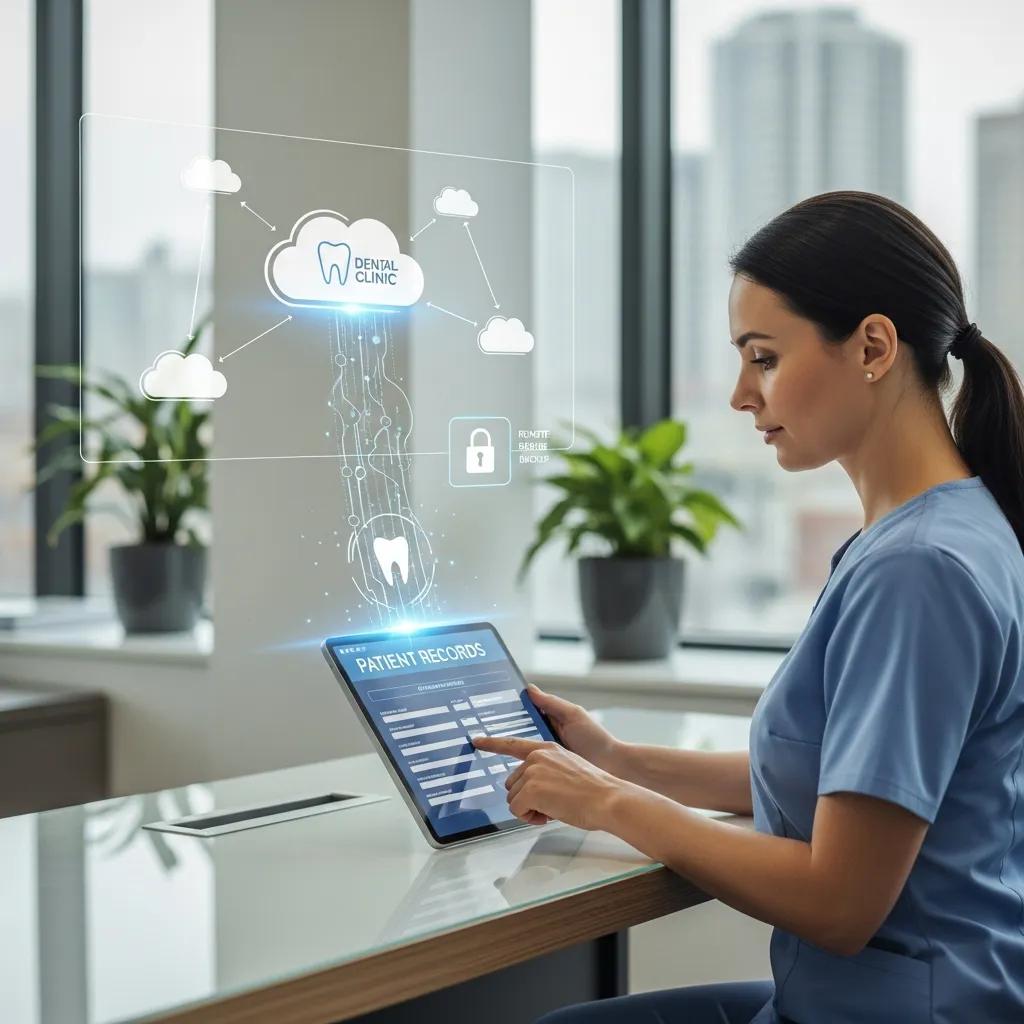
Cloud backup for dental clinics stores encrypted copies of patient records, imaging, and server snapshots off-site to enable disaster recovery and business continuity when local systems fail. The mechanism combines scheduled, versioned backups with encryption and retention policies that meet HIPAA expectations while enabling rapid restores to minimize appointment disruption. The primary benefits are disaster recovery capability, remote accessibility for urgent restores, and compliance support through immutable retention and logging. Understanding how different backup architectures map to Recovery Time Objective (RTO) and Recovery Point Objective (RPO) helps clinics choose an approach that matches their tolerance for downtime and data loss.
Below is a compact comparison of common backup types and their typical RTO/RPO characteristics for dental workflows.
| Backup Type | Recovery Time Objective (RTO) | Recovery Point Objective (RPO) |
|---|---|---|
| Cloud-only (encrypted, off-site) | Several hours, depending on bandwidth and service | Minutes to an hour with frequent snapshots |
| Local-only (on-site NAS) | Minutes to an hour for local restores | Minutes if snapshotting is frequent |
| Hybrid (local + cloud) | Minutes locally, hours for full site failover | Minutes locally, minutes-to-hours for cloud sync |
This table helps clinics weigh speed of recovery versus resilience and compliance needs, and it summarizes why hybrid approaches often balance quick restores with off-site resilience.
How Does Cloud Backup Support Disaster Recovery and Business Continuity?
Cloud backups enable recovery from server failures, hardware loss, and ransomware by providing accessible, versioned copies of critical data that can be restored to alternate hardware or cloud-hosted instances. RTO and RPO decisions determine whether the clinic can resume partial operations quickly (for example, using a cloud-hosted front-desk server) or needs full hardware replacement, and those choices shape backup frequency and retention policies. Regular DR drills and restore testing verify that backups are usable and staff know the restoration steps, reducing recovery time during real incidents. Establishing and testing these processes turns backup technology into an operational safety net for patient care continuity.
What Makes HIPAA-Compliant Cloud Backup Critical for Dental Data Security?
HIPAA-compliant cloud backup requires technical safeguards like encryption in transit and at rest, administrative safeguards such as documented policies, and contractual safeguards like Business Associate Agreements for providers managing PHI. These elements ensure that backups are not just copies, but auditable, protected artifacts that support breach response and regulatory documentation. Immutability and versioning protect against ransomware-encrypted backup corruption and support forensic timelines for investigations. Maintaining these controls helps practices meet regulator expectations and preserves trust with patients when incidents occur.
Comprehensive Dental IT Support for Efficient & Secure Practices
Optimizing Dentrix, Abeldent, and Eaglesoft involves tuning the network, database maintenance, and backup strategies so systems remain responsive during busy clinic hours and imaging transfers do not block front-desk workflows. The mechanism includes reducing latency through proper network segmentation, ensuring database integrity with regular maintenance, and coordinating vendor-specific updates during off-hours to avoid disruptions. The benefit is faster appointment processing, fewer chart errors, and reliable imaging access that improves patient throughput and clinician productivity. The following table provides quick-reference troubleshooting and optimization actions for common software issues in dental environments.
| Software | Common Issue | IT Optimization / Resolution |
|---|---|---|
| Dentrix | Slow patient lookup and chart loading | Database integrity checks, indexing, and LAN latency reduction |
| Abeldent | Imaging plugin disconnects during chart saves | Vendor coordination, plugin updates, and dedicated imaging VLAN |
| Eaglesoft | Occasional database corruption on improper shutdowns | Scheduled backups, journaling, and UPS-protected servers |
What Are Best Practices for Dentrix IT Support and System Optimization?
Best practices for Dentrix include maintaining a robust backup regimen, performing regular database integrity and index maintenance, and ensuring the server and client workstations meet recommended network and hardware specifications. Network latency minimization is critical: using wired connections for imaging stations and segmenting traffic by VLAN ensures large imaging files do not disrupt front-desk operations. Scheduled maintenance windows for updates and index rebuilds prevent interruptions during peak clinic hours, and UPS systems protect databases from corruption during power events. Implementing these practices reduces slowdowns and supports predictable appointment flow, which naturally leads into handling integrations like Abeldent and Eaglesoft.
How Does DentalTek Support Abeldent and Eaglesoft Integration?
DentalTek supports Abeldent and Eaglesoft integration by performing integration readiness checks, coordinating plugin versions, and ensuring backup and synchronization strategies are in place for imaging and lab data. The typical steps include verifying network segmentation so imaging traffic is prioritized, confirming compatible plugin versions with the software vendor, and testing backups and restores for synchronized datasets. DentalTek’s approach follows the Audit → Takeover → Upgrade → Maintain lifecycle, which means an initial audit documents current integration points, takeover standardizes configurations, upgrades align versions, and maintenance keeps systems updated and backed up. Clinics interested in a practical walkthrough can request a free demonstration to see these integration steps applied to live dental environments.
What Network Infrastructure Solutions Enhance Dental Practice Performance?
Network infrastructure for dental practices focuses on secure segmentation, reliable Wi-Fi, sufficient Quality of Service for VoIP and imaging, and managed switching to ensure predictable performance. The mechanism uses VLANs to separate clinical systems and guest Wi-Fi, QoS to prioritize telephony and imaging traffic, and redundancy to prevent single points of failure. The outcome is smoother chairside access to imaging, crisp VoIP calls for referrals, and a better patient experience with stable guest networks that do not compromise clinical systems. The following list outlines core network design principles for dental clinics.
- Network segmentation keeps clinical systems isolated from guest and administrative traffic to reduce attack surface.
- Quality of Service (QoS) ensures imaging transfers and VoIP traffic receive priority during busy periods.
- Redundancy and monitoring provide failover paths and alerting before minor faults become outages.
Applying these principles reduces interruptions and sets up the clinic for reliable daily operations, which leads into how secure network design is implemented.
How Does DentalTek Design Secure and Efficient Dental Office Networks?
DentalTek applies design principles such as segmentation of clinical devices, dedicated VLANs for imaging and practice management servers, and centralized monitoring to detect anomalies and traffic congestion. The implementation includes site surveys to determine optimal Wi-Fi access point placement, switch configuration for PoE devices like phones, and failover arrangements for Internet links where needed. Ongoing monitoring and alerting allow technicians to identify throughput bottlenecks or failing hardware before appointments are affected. These measures support better VoIP quality and predictable imaging performance, which naturally connects to the operational benefits of Wi-Fi and VoIP solutions.
What Are the Benefits of Wi-Fi and VoIP Solutions for Dental Clinics?
Wi-Fi and VoIP solutions improve staff mobility, enable efficient chairside charting and digital imaging uploads, and provide call-tracking features that enhance administrative workflows. Site surveys and channel planning reduce interference and provide consistent coverage so clinicians can access patient charts from operatories without delay. VoIP with QoS configurations delivers clearer calls and supports features like voicemail-to-email and call routing, which streamlines appointment confirmations and referrals. These technologies together improve both clinical productivity and the patient experience, creating the conditions for practice growth addressed next.
How Do IT Consulting and Technology Upgrades Drive Dental Practice Growth?
IT consulting and targeted technology upgrades help dental practices modernize workflows, automate repetitive tasks, and scale operations across single or multiple locations to increase revenue per chair and improve patient satisfaction. Consulting identifies bottlenecks in scheduling, imaging, and billing processes, then prescribes hardware and software upgrades, network redesigns, or integration projects that reduce administrative time and enable more appointments. The ROI comes from reduced downtime, faster patient throughput, and improved digital engagement that fosters retention and referrals. To evaluate providers and plan upgrades, clinics should use a structured checklist to compare experience, SLAs, and compliance capabilities.
Here is a buyer’s checklist to guide selection of a dental IT provider.
- Dental-specific expertise and references: Verify the provider’s experience with Dentrix, Abeldent, and Eaglesoft integrations.
- Service-level agreements and response times: Confirm guaranteed response windows and escalation paths.
- Compliance and security practices: Ensure the provider implements HIPAA-aligned controls and backup immutability.
This checklist helps prioritize providers that can deliver measurable operational improvements and leads into the audit process that typically begins a transformation.
What Should Dental Practices Consider When Choosing an IT Provider?
When choosing an IT provider, practices should prioritize dental-specific expertise, a clear service lifecycle, and a track record of implementing HIPAA-aligned security and backup solutions. Evaluating a provider’s partnerships with technology vendors — for example, platform and backup vendors — helps ensure compatibility with practice management systems and long-term supportability. Service contracts should specify response times, scope, and reporting frequency so clinics can measure the provider’s impact on uptime and efficiency. These selection criteria naturally point to the role of a technology audit in creating a prioritized upgrade roadmap.
How Does a Technology Audit Improve Dental Clinic IT Efficiency?
A technology audit inventories hardware, software, configurations, and risks, producing a prioritized remediation plan that turns ambiguous IT chores into a concrete upgrade roadmap. The audit identifies obsolete hardware, misconfigured backups, missing patches, and network bottlenecks and estimates impact on downtime and operational cost, enabling clinic leaders to weigh ROI for each remediation. Deliverables typically include an asset inventory, risk scoring, recommended upgrades, and estimated timelines and costs, which make budgeting and scheduling predictable. A well-executed audit sets the stage for the Audit → Takeover → Upgrade → Maintain lifecycle and helps clinics measure the efficiency gains that follow.
For clinics ready to see a practical, clinic-specific plan, DentalTek conducts audits and can provide a free demonstration of an audit’s findings and an upgrade roadmap tailored to Canadian dental practices following the Audit → Takeover → Upgrade → Maintain process. Requesting this demonstration or contacting DentalTek begins the path toward reduced downtime, improved compliance, and measurable practice efficiency gains.

