
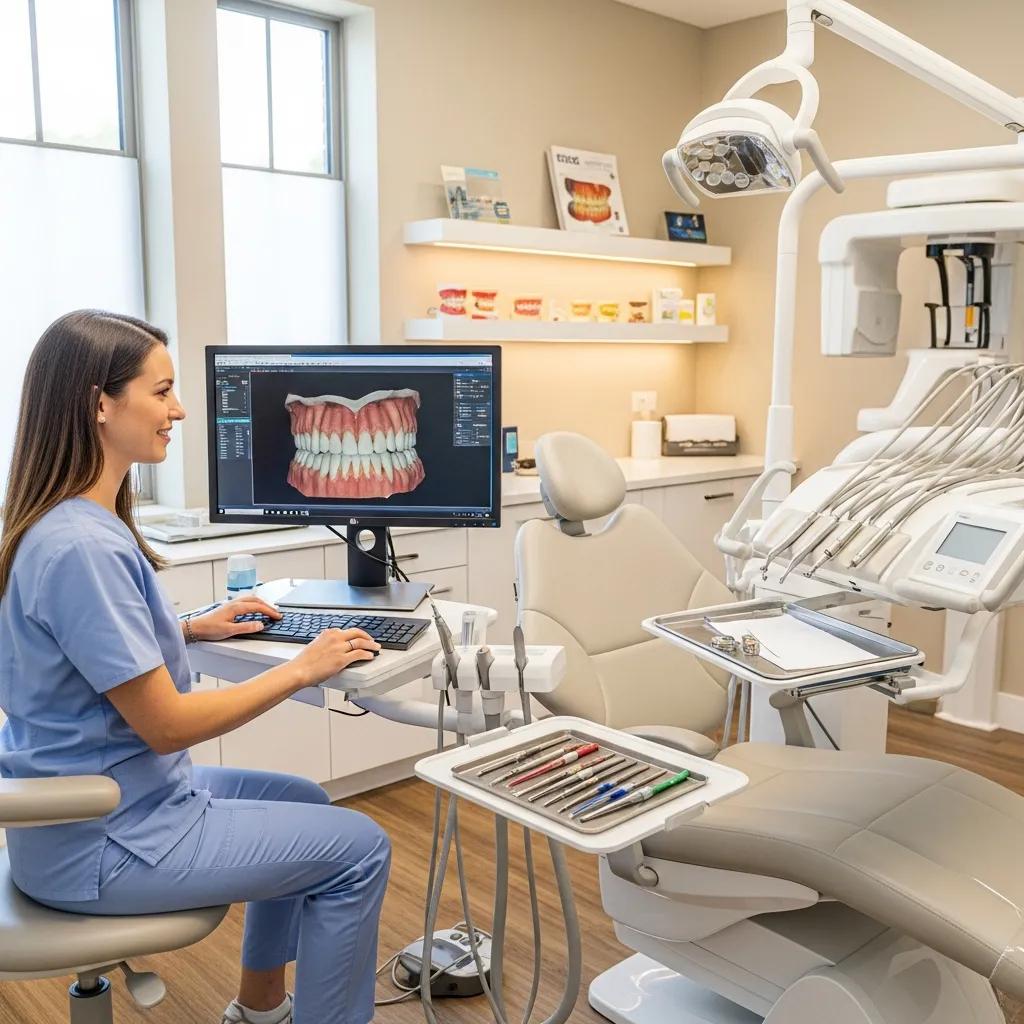
Optimize Your Canadian Dental Practice with Tailored IT Support
Dental-focused IT aligns technology with clinical workflows to cut downtime, speed patient flow, and safeguard private records. This guide shows how managed IT, targeted cybersecurity, resilient networks, and cloud backup work together to boost efficiency for dental practices across Canada. Practice managers and clinicians will find clear definitions, practical mechanisms, and measurable benefits for each IT area—plus implementation checklists and tips for integrating practice-management and imaging systems. We explain how proactive monitoring, timely patching, and vendor coordination reduce staff time spent on IT and prevent productivity losses from outages. Finally, we map key regulatory obligations and show how technology choices support PIPEDA and provincial privacy rules without slowing clinical operations. Read on for concise feature lists, comparison tables, and actionable steps to evaluate IT support for your office.
What are managed IT services for dental practices — and how do they improve efficiency?
Managed IT for dental practices means outsourcing day-to-day IT operations: 24/7 monitoring, helpdesk support, patching, and lifecycle management that keep clinical systems running. These services automate routine maintenance, apply timely security updates, and provide a single escalation path for hardware and software issues. The result: less downtime, fewer cancelled appointments, and staff freed to focus on care. Below we match core managed-service components to the direct efficiency or security benefits so practice managers can prioritize the highest-impact areas.
Most managed engagements start with an audit and takeover phase to uncover legacy issues, then settle into steady-state maintenance that prevents recurring disruptions. That steady-state work is what keeps practice-management and imaging systems reliable day to day.
Individual managed-service elements deliver predictable operational gains for dental clinics.
| Service Component | Attribute | Benefit / Metric |
|---|---|---|
| 24/7 Proactive Monitoring | Real-time alerts and automated health checks | Fewer unplanned outages; faster mean time to resolution (MTTR) |
| Patch & Update Management | Scheduled OS and dental software updates | Fewer compatibility failures and security incidents |
| Helpdesk & Remote Support | Tiered troubleshooting and remote remediation | Less staff interruption and lower call volume |
| Vendor Coordination | Single point of contact for third-party vendors | Faster fixes for imaging and practice-management issues |
Use this table to prioritize the service elements that deliver the biggest operational return.
The core focus of managed IT for dental clinics is continuous availability and tight integration with clinical systems—next we detail those features and show how monitoring prevents costly downtime.
Core features of dental-focused managed IT
Managed IT for dental offices includes tasks that matter to clinics: practice-management patching, imaging-driver upkeep, and vendor coordination for dental equipment. Packages commonly bundle 24/7 monitoring, scheduled maintenance windows, and a helpdesk trained on dental workflows so technicians can resolve issues without disrupting appointments. Updates and fixes are validated against the practice’s management and imaging stack before deployment to avoid surprises during patient care. The next section explains how continuous monitoring spots faults before they become outages.
How proactive IT monitoring prevents downtime in dental clinics
Proactive monitoring relies on agents and network telemetry to track server performance, backup completion, and device health, firing alerts and automated remediation when anomalies appear. Spotting slow backups, failing disks, or driver conflicts early stops those issues from turning into appointment-cancelling outages. Good monitoring also includes escalation workflows with clear SLAs and on-call rotations so human intervention is timely when automation can’t fully resolve a problem. Clinics that invest in proactive monitoring typically see fewer incidents and faster fixes, directly improving patient throughput. That leads into why cybersecurity must sit alongside uptime strategies.
Why is cybersecurity essential for Canadian dental clinics?
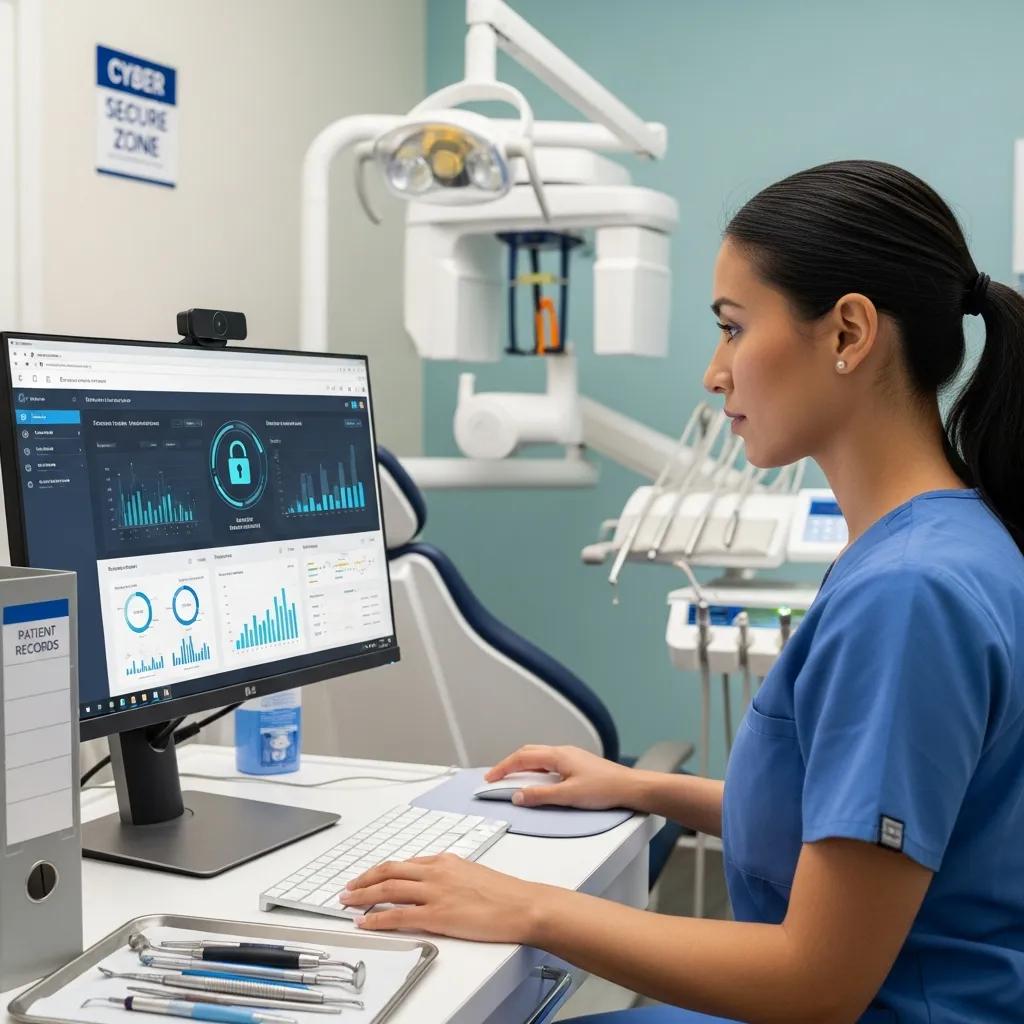
Cybersecurity matters because patient health information is highly sensitive and a frequent target for threats like ransomware and phishing—and because privacy laws place clear obligations on data custodians. Effective security is layered: email filtering, endpoint protection, access controls, encryption, and tested backups all work together to prevent breaches and limit impact when incidents occur. The operational benefits include maintained clinic availability, preserved patient trust, and avoidance of regulatory penalties—outcomes that protect revenue and reputation. The table below maps common threats to practical controls so clinics can prioritize mitigations by operational impact.
Understanding these threats—especially ransomware—is essential for planning effective defenses.
Cybersecurity and ransomware risks in modern systems
As systems become more digital, protecting them from sophisticated attackers is increasingly critical. Ransomware remains one of the top threats: attackers encrypt data to disrupt operations and often demand payment, while some actors also steal data for double or triple extortion. Robust backup and response strategies are central to limiting ransomware’s operational and financial impact.
Operational Resilience: Backup Strategies for Crisis Management in the Age of Ransomware, 2023
Clinics that pair technical safeguards with staff training and incident-response plans make compliance and continuity mutually reinforcing objectives. The specific controls that follow reflect that combined approach.
| Threat / Control | Description | Impact on Clinic (Risk Reduction) |
|---|---|---|
| Ransomware / Immutable Backups | Air-gapped or immutable cloud backups with tested restores | Recover without paying ransom; lower downtime exposure |
| Phishing / Email Filtering & Training | Advanced filtering plus simulated phishing and staff education | Fewer credential compromises and lateral intrusions |
| Unpatched Systems / Patch Management | Centralized, scheduled patching for OS and dental software | Shorter exploit windows and reduced incident probability |
This mapping helps practice managers direct security budgets toward controls with the largest operational payoff.
To meet privacy obligations, clinics must convert these technical controls into clear policies and staff processes—details follow.
How clinic cybersecurity protects patient data and supports PIPEDA obligations
Cybersecurity protects patient records through technical safeguards—encryption in transit and at rest, role-based access controls, and audit logs that record access to personal health information. These measures align with PIPEDA’s expectation of reasonable safeguards and with provincial rules such as PHIPA. Encryption guards data on lost or stolen devices, while logs provide evidence during audits or investigations. Regular reviews and a tested incident-response plan help meet notification timelines and fix vulnerabilities quickly. Paired with policies and training, these practices create an auditable compliance posture.
Practical ransomware protection strategies for dental practices
Effective ransomware protection mixes prevention and recovery: strong endpoint protection, timely patching, email filtering, least-privilege access, and multiple backup layers that include immutable cloud copies. Preventive controls lower the chance of an initial breach; immutable backups and tested disaster-recovery playbooks enable restoration without paying extortion demands. Regular phishing simulations and staff education reduce human risk, and a defined incident-response plan keeps teams coordinated if an event occurs. Regular testing validates a clinic’s ability to recover quickly.
Reliable, tested backups are the foundation of rapid recovery and limit the damage of ransomware incidents.
Ransomware protection and reliable backup practices
Verifying backup speed and resilience—using techniques like immutability or air-gapped copies—is central to defending against ransomware and ensuring rapid recovery when needed.
Evaluating modern ransomware and effective data backup and recovery solutions, S Patel, 2024
After reviewing security controls, clinics should evaluate vendors who implement the technical measures and document compliance readiness—topics covered next when we describe vendor capabilities and services.
DentalTek provides cybersecurity services aligned with Canadian privacy requirements and partners with leading vendors to deliver managed security controls. Our approach emphasizes proactive monitoring and evidence collection to support PIPEDA/PHIPA obligations, integrating endpoint protection and backup workflows with recognized platforms. Practices interested in a security audit or a demo of our security stack can request an assessment to identify gaps and remediation priorities.
How does network support optimize dental office infrastructure?
Network support improves clinic infrastructure by designing segmented, resilient networks that prioritize clinical and imaging traffic while isolating guest Wi‑Fi. A well-architected network uses VLANs, QoS, and edge firewall controls to protect medical devices and ensure consistent imaging throughput so radiographs are available during appointments. Lifecycle management of network hardware and firmware, combined with remote and on-site troubleshooting, reduces disruptions and shortens repair cycles. The checklist below highlights design elements and practices that build a reliable clinical network.
A dependable network is the foundation for secure backups, effective monitoring, and smooth integration with practice-management systems—we explore these elements in the sections that follow.
Network design and operations checklist for dental clinics:
- Segmentation and VLANs to separate clinical systems from guest networks.
- QoS prioritization for imaging and practice-management traffic.
- Redundancy and hardware lifecycle management to avoid single points of failure.
Next, we outline architecture best practices that balance security and performance for clinic networks.
Designing secure, reliable networks for dental clinics
Network design starts with segmentation: place imaging systems, practice-management servers, and workstations on separate VLANs and enforce firewall rules to limit lateral movement. Edge firewalls should use application-aware rules, and VPNs should be provisioned for secure remote vendor access—avoiding broad remote-desktop exposure. Redundancy options—dual WAN and power-protected switches—help maintain essential services during ISP outages or hardware faults. Clear network diagrams and documentation speed troubleshooting and vendor coordination when intraoral scanners or digital x‑ray units need attention. Applying these principles reduces downtime and supports secure remote work for updates and vendor support.
Wi‑Fi and hardware support for dental technology
Enterprise-grade Wi‑Fi, correctly placed access points, and controller-based management deliver consistent performance for admin tasks and guest access while minimizing interference in imaging rooms. A site survey identifies optimal AP placement to remove dead zones and confirm capacity for many simultaneous devices common in busy clinics. Hardware support plans should include warranty and replacement strategies for APs and switches, plus firmware-management practices to maintain security posture. Combined with proactive monitoring, planned hardware lifecycle work prevents unexpected wireless degradation during clinical hours—keeping digital tools responsive and improving patient experience.
What are the benefits of cloud backup and data recovery for dental practices?
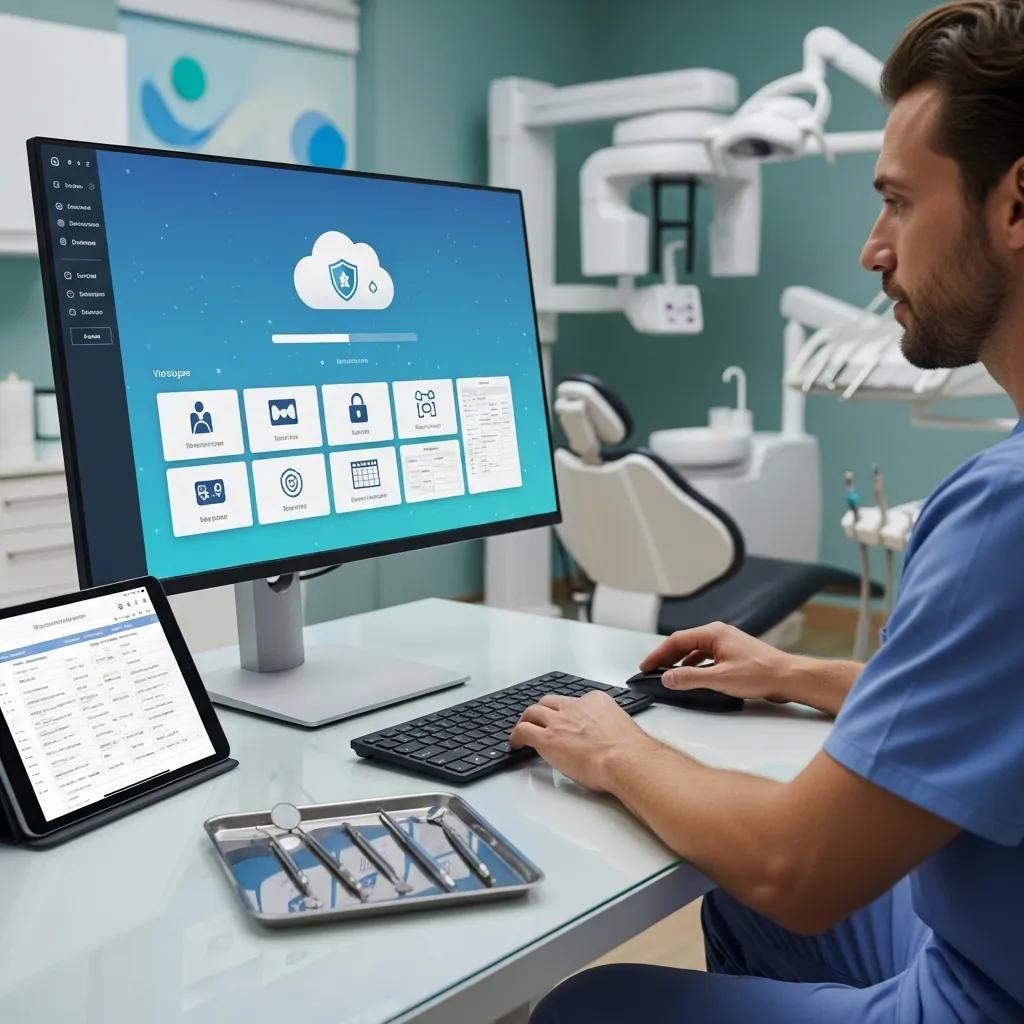
Cloud backup and recovery protect clinics from data loss, speed restoration after incidents, and support regulatory recordkeeping with encrypted, versioned storage. Cloud backups add geographic redundancy and immutable snapshots that help defend against ransomware and local failures. Operational benefits include shorter recovery time objectives (RTOs), less manual restoration work, and documented recovery tests that satisfy audits. The table below highlights key backup approaches so clinics can choose the protection level that matches their recovery needs.
The chosen backup architecture also informs disaster-recovery planning and test frequency, which we cover in the following sections.
| Backup Approach | Characteristic | Typical Recovery Outcome |
|---|---|---|
| File-level Cloud Backup | Regular file and database backups to encrypted cloud storage | Fast file restores; moderate RTO |
| Image-based Replication | Full system images replicated to cloud or DR site | Faster full-system recovery; reduced downtime |
| Immutable Object Storage | Write-once retention for backup immutability | Protects backups from tampering and ransomware |
Use this comparison to balance cost against recovery speed when choosing a backup strategy.
How secure cloud storage prevents data loss in dental clinics
Secure cloud storage prevents data loss through encryption, strict access controls, and retention policies that preserve historical copies of practice data. Encryption keeps backups unreadable if storage is compromised, while role-based access limits who can initiate restores or change retention. Immutable snapshots and versioning stop attackers from altering backup sets, and geographic redundancy keeps data available if a single data center is affected. Together, these controls lower the chance of permanent data loss and support compliance with retention and audit requirements. Proper storage design supports both routine restores and full disaster-recovery exercises.
Disaster-recovery planning tailored for dental offices
Disaster-recovery (DR) planning starts with an inventory of critical systems—practice-management software, imaging repositories, phones, and billing—and assigns recovery priorities that reflect clinical workflows. A strong DR plan defines RTOs and RPOs for each system, assigns communication roles for staff, and schedules regular DR tests to validate assumptions. Testing can range from quarterly backup restores to annual full failover drills so the team knows how to resume patient care under degraded conditions. Documented DR procedures and evidence of successful tests strengthen compliance posture and reduce time-to-recovery during real incidents.
DentalTek’s cloud backup and DR services use established industry partners to deliver encrypted, tested solutions aligned to clinic recovery goals. Our offerings integrate with common dental systems, emphasize immutable backups and recovery testing, and rely on trusted vendors for resilient storage and replication. Practices can request a customized backup quote or a demo of recovery procedures to validate RTO/RPO alignment.
How does DentalTek support HIPAA and Canadian privacy compliance in dental IT?
DentalTek helps practices map technical controls and policies to Canadian privacy laws like PIPEDA and provincial PHIPA, and we acknowledge overlaps with HIPAA when U.S. data or vendors are involved. Compliance work includes administrative safeguards, technical measures such as encryption and logging, and operational procedures for breach notification and evidence retention. Our approach includes audits, remediation plans, and retained monitoring evidence auditors can review. This compliance framework helps practices maintain patient trust and reduces legal and financial exposure from privacy incidents.
With that overview, the next section defines core legal obligations and practical steps clinics can take.
Understanding PIPEDA and PHIPA requirements for dental practices
PIPEDA requires meaningful consent, reasonable safeguards for personal data, and timely breach notification; PHIPA prescribes specific protections for health information in provinces like Ontario. Practical steps include documented consent processes, access controls, encryption for stored and transmitted records, and rapid breach-reporting procedures that notify affected individuals and regulators when required. Administrative measures—staff training, retention policies, and vendor due diligence—complement technical controls to create an auditable compliance posture. These combined actions reduce regulatory risk and reinforce patient confidence in the practice’s data stewardship.
DentalTek’s role in maintaining regulatory readiness through IT
DentalTek delivers compliance-focused services: audit-ready logging, evidence collection for investigations, and recommendations for policies and procedures that support PIPEDA/PHIPA. Our full-cycle IT model—audit, takeover, upgrade, maintain—gives clinics initial remediation and ongoing monitoring to preserve compliance. We partner with established vendors to provide encryption, immutable backups, and endpoint protection that align with legal obligations. Clinics that adopt these managed services gain documented controls and operational processes designed to pass regulatory review and simplify future audits.
Which dental practice management software does DentalTek support?
DentalTek supports widely used practice-management and imaging platforms across Canadian clinics, offering installation, configuration, backup, and troubleshooting tailored to each product’s integration needs. Proper support requires attention to version compatibility, plugin dependencies, and database integrity—areas DentalTek addresses with compatibility checks and tested upgrade paths. The quick-reference table below lists representative software, common integration issues, and our support approach so managers can evaluate compatibility risks before migrating or upgrading.
Reliable practice-management software is a cornerstone of operational efficiency and high-quality patient care.
Practice-management software and clinic efficiency
Practice-management systems help dental teams organize care, streamline workflows, and improve service quality. Understanding each system’s strengths and integration needs makes IT support more effective.
Analyzing and evaluating existing dental practice management software: A comprehensive study to identify gaps and opportunities for improvement, 2023
Knowing common integration pitfalls and a provider’s approach to them helps clinics avoid costly disruptions during software changes.
| Software | Typical Integration Issues | DentalTek Support Approach |
|---|---|---|
| Dentrix | Version and plugin compatibility; database backup integrity | Compatibility checks, staged upgrades, and validated backups |
| Eaglesoft | Imaging driver conflicts and network image storage | Driver management, network optimization, and restore testing |
| Open Dental | Custom plugins and SQL dependency issues | Configuration reviews, scheduled backups, and plugin validation |
This matrix is a practical starting point for clinics assessing support needs and next steps for migration or upgrades.
Integration and support for Dentrix, Eaglesoft, and other dental systems
Integration support covers installation, configuration, patching, and regular database backups, plus troubleshooting for imaging and plugin issues that disrupt workflows. DentalTek’s process includes pre-upgrade compatibility assessments, staged testing of updates, and scheduled restore tests to confirm data integrity. For imaging systems, we manage driver versions and network storage access to minimize radiograph delays during appointments. These targeted activities reduce interruptions and keep critical clinical software available and performant. Clinics that adopt these practices typically see time savings and fewer aborted procedures caused by software errors.
Improve efficiency with aligned software and IT infrastructure
Aligning IT infrastructure with practice-management and imaging systems speeds check-in, chart access, and image transfers by reducing latency and manual reconciliation. For example, validated network QoS and prioritized database access can cut imaging transfer times and improve chair-side efficiency. Consolidating backups and automating routine maintenance frees administrative staff from technical tasks so they can focus on scheduling and billing. Streamlined vendor coordination for updates and hardware maintenance reduces ad-hoc interruptions and creates more predictable clinic operations. Those improvements translate into better patient flow, fewer appointment delays, and measurable reductions in staff time spent troubleshooting.
DentalTek invites clinics to request compatibility checks or demos for supported practice-management software to validate integration plans and align recovery objectives with operational needs.
Frequently Asked Questions
What should dental practices consider when choosing an IT support provider?
Choose a provider with demonstrable dental experience and knowledge of clinic workflows and compliance requirements. Look for tailored services—proactive monitoring, cybersecurity, and tested backup and DR—plus clear response times and availability. Ask for client references, case studies, and examples of successful software integrations to confirm reliability and real-world impact on efficiency.
How can dental clinics ensure their staff are trained in cybersecurity best practices?
Schedule regular training that covers phishing awareness, strong password practices, device handling, and data-protection protocols. Use simulated phishing campaigns to reinforce learning and measure improvement. Make security part of daily culture by providing simple guides, quick-reference checklists, and clear reporting steps for suspected incidents.
What are the key components of a disaster-recovery plan for dental practices?
A DR plan should inventory critical systems, define RTOs and RPOs for each, outline communication protocols, assign staff roles, and schedule routine tests. Include backup strategies—cloud and immutable copies—and verify restores regularly. Review and update the plan as systems and workflows change.
How does cloud backup enhance data security for dental practices?
Cloud backup provides encrypted, versioned storage with geographic redundancy and immutable options to protect against tampering. Automated schedules and versioning make it fast to recover prior states, and documented restore tests support regulatory compliance and reduce downtime after incidents.
What role does network design play in the efficiency of dental practices?
Network design directly affects clinical performance: segmentation protects sensitive systems, QoS ensures imaging and practice-management traffic get priority, and redundancy prevents single points of failure. A thoughtful network reduces latency, speeds image access, and lowers the risk of interruptions during appointments.
How can dental practices measure the effectiveness of their IT support services?
Track KPIs such as system uptime, ticket response and resolution times, frequency of incidents, and the success rate of backup restores. Combine quantitative metrics with staff feedback on daily IT experience and periodic compliance audits to assess the overall impact on patient throughput and operational efficiency.
Conclusion
Tailored dental IT support improves clinic efficiency by aligning technology with clinical workflows. Prioritizing cybersecurity, proactive monitoring, and tested backup strategies protects patient data while reducing downtime. Those measures boost patient throughput and help clinics meet regulatory requirements. Learn how our managed IT services can streamline your practice—contact us today to discuss a tailored plan.

